
We may earn a commission if you buy through links on this page. It never changes a score or a ranking. How we make money
The bottom line
Flinto is capable for animated prototypes, but its per-member pricing and reported support issues give small teams pause.
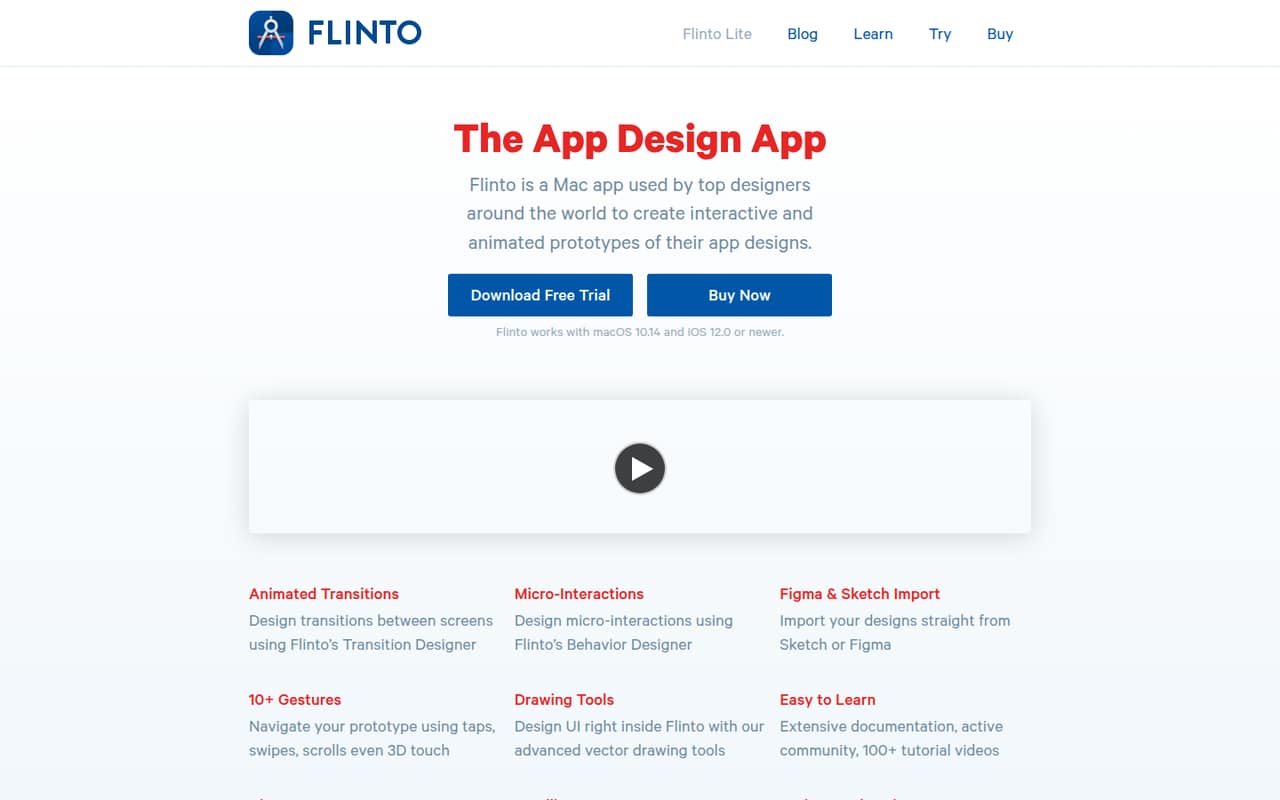
Flinto is a Mac app for interactive app prototypes, with animated transitions, micro-interactions, and Figma and Sketch imports. A 30-day trial gives you a way to try it, but there is no free plan.
The individual plan starts at $20 per month, and team members cost $20 each per month. That can work for a solo designer, but a three- or five-person team should weigh the recurring seat cost and reports of bugs and poor support.
Good fit if
- Solo designers prototyping app flows
- Teams focused on animated interactions
- Designers importing Figma or Sketch files
Skip it if
- Teams that need a free plan
- Budget-conscious groups with many seats
- Teams needing reliable support assurances
ScoresHow it rates
What works
- Design screen-to-screen animated transitions
- Build buttons, switches, and looping animations
- Import editable text and vector shapes
- Preview prototypes on an iOS device
- Export recordings as video or GIF
What doesn't
- No free plan
- Team members add $20 each monthly
- Annual pricing for added seats is unclear
- A Reddit user reports behavior-group bugs
- A Reddit user describes an unsatisfactory support response
01Who Flinto is for
Flinto fits a solo designer or a small product team that needs to show how an app should move and respond, rather than just how screens look. It is a Mac app for making interactive, animated app prototypes. Designers can create screen-to-screen transitions, add buttons and switches, and build looping or scroll-based animations.
For a team of one, the $20 monthly starting price may make sense when prototypes are a regular part of design work. Teams of three to five should budget for added member fees before choosing it; the seats are $20 per member per month. Flinto imports designs from Figma and Sketch, including editable text and vector shapes, which can help teams start from existing design files. It is less compelling for a team that only needs a free way to share static screens or has to keep every seat inexpensive.
02Flinto free plan and trial
Flinto has no free plan. The pricing page lists a 30-day free trial, so the cheapest way to try the app is to start there; after the trial, Flinto Lite starts at $20 per month or $18 per month with annual billing. The pricing page does not publish whether the trial limits features, prototypes, or sharing, so check those details before relying on it for a project.
Flinto Lite lists unlimited prototypes and sharing with anyone. That means the paid individual plan covers making and sharing prototypes without a stated prototype cap. Team collaboration is priced separately at $20 per member per month. If you need to invite colleagues during a trial, ask Flinto whether the trial includes those added seats and how they are billed.
03What a small team pays for Flinto
The pricing page lists Flinto Lite at $20 per month for one person, or $18 per month when billed annually, a stated 10% saving. For a three-person team, the listed math is $20 for the plan plus $40 for two added members: $60 per month. For five people, it is $20 plus $80 for four added members: $100 per month.
With annual billing, the plan’s $18 monthly equivalent plus the listed $20 monthly rate for each added member works out to $58 per month for three people or $98 for five, if those member fees remain monthly. The pricing page does not clarify whether annual billing discounts collaboration seats too, so confirm the actual annual total before buying. The main extra cost for a small team is collaboration: seats are not included in the individual starting price. For one person, the annual plan is the lowest listed rate; for a group, check the complete seat quote rather than budgeting from the $18 headline price.
04Getting started with Flinto
Getting started means installing the Mac app, bringing in a design, and building interactions and transitions. Flinto imports designs from Figma and Sketch, including vector shapes and editable text. You can then add gestures such as taps, swipes, and scrolling, and preview the prototype with Flinto’s iOS viewer app. Video and GIF export offer ways to share a recording.
Those steps give a small design team a practical starting path, but the vendor does not publish a setup-time estimate or a learning-curve rating. The Transition Designer and micro-interaction tools also mean there is more to learn than simply linking screens. One Reddit user said they enjoyed creating micro-transitions within a screen, while another reported confusing behavior-group bugs. If your team depends on those interactions, build time to learn the workflow into your trial and ask the vendor about support before committing.
05When small teams outgrow Flinto
The clearest pressure point is the seat bill. At the listed $20 per added member per month, a team that grows from one designer to five pays $100 monthly at the listed monthly rates. Confirm annual seat pricing with Flinto before assuming the 10% annual saving applies to every member. The published pricing details for Flinto Lite emphasize individual use and do not publish broader team-plan tiers or seat discounts.
Reliability and support may also become concerns if the team relies on behavior groups for production work. In one Reddit thread, a Flinto user reported major behavior-group bugs and said support responded with “well that sucks, good luck”. Another commenter said their team had replaced Flinto with ProtoPie. These are individual user accounts, not a measure of how often problems happen, but they are worth weighing alongside the price. If your team needs dependable complex interactions or wants clearer support commitments, ask Flinto about those needs before scaling up.
From the threadsWhat users say
The Reddit discussion is mixed about Flinto’s interaction tools but leans negative on bugs and support. One user praised its micro-transitions, while others described problems and a decision to move on.
I do really enjoy being able to create micro transitions within a screen in Flinto
There are major bugs with behavior groups that make no sense
they basically replied with "well that sucks, good luck
We replaced Flinto with it as well
Questions people ask
Does Flinto have a free plan?
No. Flinto does not list a free plan. The pricing page lists a 30-day free trial, followed by Flinto Lite at $20 per month or $18 per month with annual billing. The vendor does not publish trial feature limits in the pricing details, so confirm what the trial includes before planning a team project.
How much does Flinto cost for a team?
Flinto Lite starts at $20 per month for one person, or $18 per month with annual billing. Team members are listed at $20 per member per month. At the listed monthly rates, three people cost $60 per month and five cost $100. Confirm with Flinto whether annual billing discounts added seats.
Can I import Figma or Sketch designs into Flinto?
Yes. Flinto supports importing designs from Figma and Sketch, including vector shapes and editable text. That lets a designer start with an existing design and then create transitions, gestures, and other prototype interactions in Flinto. Check with the vendor if your workflow depends on a particular file type or import detail.
Can I preview a Flinto prototype on an iPhone?
Flinto lists on-device preview through its iOS viewer app, allowing you to preview work on an iOS device. It also supports sharing prototypes and exporting recordings as video or GIF. The vendor does not publish device compatibility details in the pricing information, so confirm supported iOS versions and devices before a team rollout.
Is Flinto good for team collaboration?
Flinto lists team collaboration as an added cost of $20 per member per month, while the individual plan includes unlimited prototypes and sharing with anyone. That can suit a small team that needs paid seats, but the added fees can grow quickly. Confirm seat billing and annual pricing with Flinto before purchasing.