
We may earn a commission if you buy through links on this page. It never changes a score or a ranking. How we make money
The bottom line
Good for polished digital publications; watch the account limits before budgeting for a team.
Small teams that need interactive catalogs, brochures or magazines may find FlipHTML5 useful; teams that only need to share PDFs may not need a flipbook tool. The free plan covers one account and five flipbooks a day, with limits on storage, pages and AI points.
Professional costs $15 monthly for up to two accounts, while a three-account Platinum plan costs $35 monthly. A five-person team would need to look at Enterprise, which includes ten accounts and starts at $99 monthly.
Good fit if
- Small teams publishing catalogs
- Marketing teams making interactive brochures
- Solo creators testing flipbooks
Skip it if
- Teams that only share static PDFs
- Five-person teams on a tight budget
- Readers who need dependable PDF downloads
ScoresHow it rates
What works
- Free plan includes five flipbooks per day
- Converts PDFs, presentations, Word files and images
- Adds video, audio, links and animations
- Supports sharing, embedding and HTML downloads
- Includes AI writing tools and analytics
What doesn't
- Free plan is limited to one account
- Professional only includes two accounts
- Five accounts require the ten-account Enterprise tier
- Annual monthly-equivalent rates and yearly totals do not match
- AI Plus pricing is not published
01Who FlipHTML5 is for
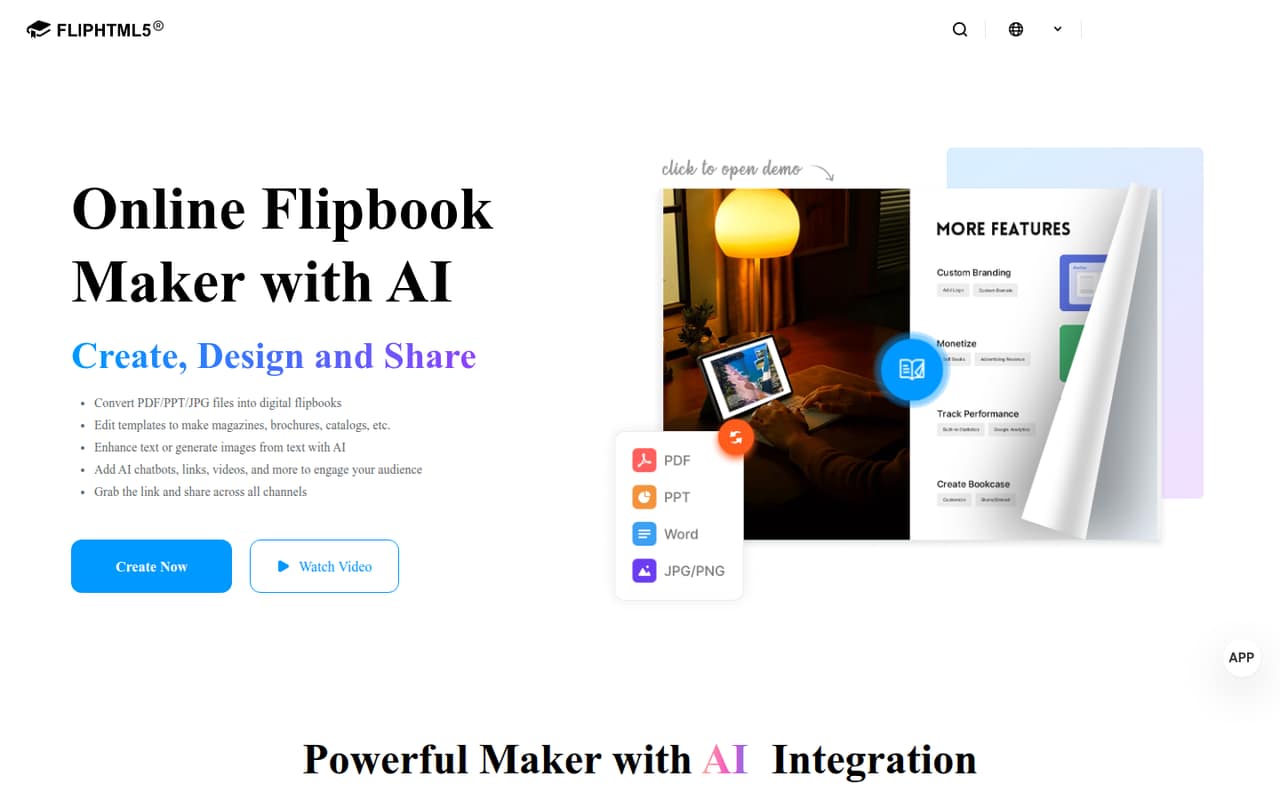
FlipHTML5 is for small teams that need to turn existing files into digital publications, not just send around a PDF. It converts PDFs, presentations, Word files and images into flipbooks, then lets you customize them with templates and add links, video, audio, widgets and animations.
That fits a one-to-ten-person marketing or sales team making catalogs, brochures, magazines or other shareable content. A solo user can start free; a team of two can consider Professional, while three accounts fit Platinum. Five people are a harder budget fit: Enterprise is the listed plan with enough accounts, but it includes ten.
The tool also offers AI writing, sharing by link, website embedding, statistics, Google Analytics integration, book sales and AdSense ads. If your team only needs to distribute files, a conventional PDF workflow may be enough. FlipHTML5 makes more sense when the interactive format and publication tools are part of the job.
02FlipHTML5 free plan and trial
The Free plan includes one account, up to five flipbooks per day, 20G of storage, 500 pages per book and 500 AI points per month. That is a meaningful way for a solo creator to try the publishing workflow or produce a small number of publications without a subscription.
The main constraints are the one-account limit and the daily publishing cap. The listed paid plans raise storage, page or account allowances, depending on the tier. The pricing information lists a three-to-five-day free trial on request through customer support; it does not say which paid plan the trial covers. If you need a second account, Professional is the cheapest listed upgrade, at $15 per month billed monthly or a listed $12 per month with annual billing.
03What a small team pays for FlipHTML5
A solo user can pay $0 on Free. Professional is the lowest paid option: it includes one account plus one extra seat, so two people pay $15 per month billed monthly, or a listed $12 per month with annual billing. That works out to $7.50 per person monthly, or $6 per person using the listed annual monthly rate. The pricing information also gives a $149 yearly total, which does not match $12 multiplied by 12.
For three accounts, Platinum costs $35 monthly or a listed $25 per month billed yearly at $299. That is about $11.67 per person monthly, or $8.33 using the listed annual rate. For five people, the smallest listed plan with enough accounts is Enterprise: ten accounts for $99 monthly, or a listed $83 monthly billed yearly at $999. Divided across five users, that is $19.80 per person monthly, or $16.60 using the listed annual rate. The yearly total does not match $83 multiplied by 12. Add-on prices are not listed, and AI Plus has no published price.
04Getting started with FlipHTML5
The basic workflow should be straightforward for a small team: upload a PDF, presentation, Word file or image, customize the resulting flipbook, then share it by link or embed it on a website. You can also download HTML flipbooks to host on your own server. That gives teams a few publishing choices without describing a technical setup process as necessary.
The editing step is where teams may need to spend time. Templates, multimedia, widgets, animations and AI writing tools offer more options than a simple file conversion, so agree on a basic publication style before several people start editing. The product description lists Google Analytics integration, but does not specify setup steps or other integrations. Ask the vendor about your specific analytics or publishing workflow before choosing a paid plan. The trial is available on request through customer support, per the pricing information.
05When small teams outgrow FlipHTML5
The first reason to upgrade is account capacity: Free has one account, Professional has two, and Platinum has three. A fourth or fifth teammate would need a higher tier or an arrangement the pricing page does not list. Enterprise includes ten accounts, unlimited pages per book, three custom domains, SSO and API access, but it is a substantial jump from Platinum for teams that do not need those extras.
Publishing limits can also prompt an upgrade. Free allows 500 pages per book and 20G of storage; Professional lists 1,000 pages per book and 50G, while Platinum lists 3,000 pages and unlimited storage. Reddit users seeking PDF downloads report mixed results with third-party converters: some commenters say a tool worked, while others say it failed or stopped partway through. Those discussions are about downloading flipbooks, not a review of FlipHTML5’s own support. If readers need reliable offline PDFs, confirm the intended download workflow with the vendor before committing.
From the threadsWhat users say
The Reddit discussions we found focus on people trying to save FlipHTML5 publications as PDFs, rather than on the product’s editing or publishing features. Comments report both successful workarounds and repeated failures, so sentiment on that use case is mixed.
Wow. This worked perfectly. Thank you so much!!
It doesn't work on fliphtml5
It still works perfectly fine! Thanks
Questions people ask
What is FlipHTML5?
FlipHTML5 is an online tool for turning PDFs, presentations, Word files and images into interactive digital flipbooks. You can customize publications with templates and multimedia, share or embed them, and download HTML flipbooks to host on your own server.
Can I use FlipHTML5 for free?
Yes. The Free plan includes one account, five flipbooks per day, 20G of storage, 500 pages per book and 500 AI points per month. Paid plans offer higher listed account, storage or page limits. A three-to-five-day trial is available on request through customer support.
Can FlipHTML5 convert a PDF into a flipbook?
Yes. FlipHTML5 converts PDFs into digital flipbooks. It also supports presentations, Word files and images. You can then customize the publication, add multimedia and share it by link or embed it on a website.
Can I download a FlipHTML5 publication?
FlipHTML5 offers downloads of HTML flipbooks for hosting on your own server. Reddit discussions about saving publications as PDFs describe mixed results with third-party tools; those workarounds are separate from the product’s listed HTML download option.
Is FlipHTML5 suitable for a five-person team?
The listed Enterprise plan includes ten accounts, which covers five people, but it costs $99 per month or a listed $83 per month with annual billing. Platinum includes three accounts, so it does not cover five. Ask the vendor whether another seat arrangement is available.