
We may earn a commission if you buy through links on this page. It never changes a score or a ranking. How we make money
The bottom line
A generous free starting point for team chat, with firm limits on messages, channels, and storage.
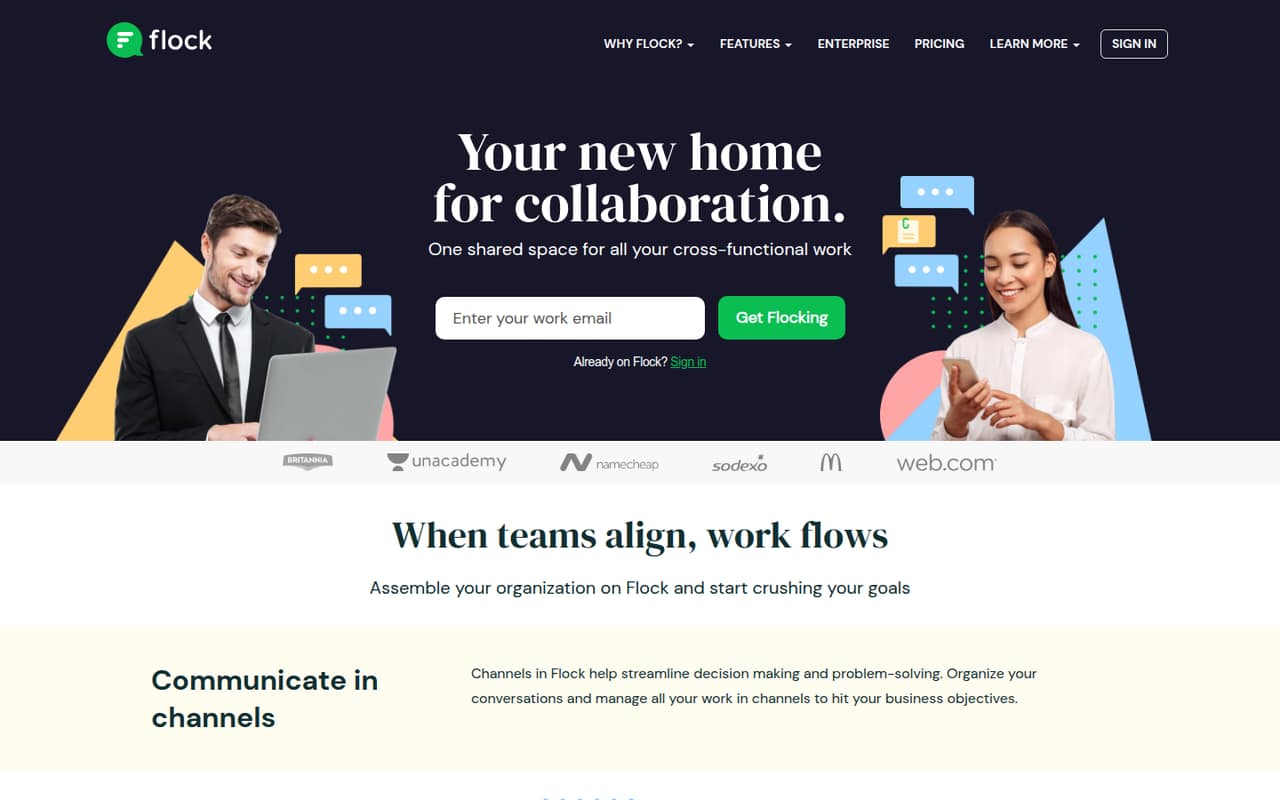
Flock brings team conversations, calls, screen sharing, file sharing, notes, to-dos, reminders, and app connections into one collaboration space. Starter is free for teams of 1–20, but caps searchable messages, public channels, and shared storage.
For a small team, start with Starter and check whether its limits fit your workflow. PRO lists more capacity and costs $6 per user monthly or $4.50 per user monthly with annual billing; its listed team range starts at 20 members.
Good fit if
- Small teams starting on free chat
- Teams organizing work in channels
- Teams using Asana, Trello, or Jira
Skip it if
- Teams needing unlimited message history free
- Teams requiring more than 10 public channels
- Teams wanting published setup guidance
ScoresHow it rates
What works
- Starter is free for teams of 1–20
- Includes 10,000 searchable messages
- Built-in one-to-one video calls
- Shared notes, to-dos, and reminders
- Connects with Asana, Trello, and Jira
What doesn't
- Starter limits teams to 10 public channels
- Starter storage is 5 GB per team
- Starter includes only one team admin
- PRO pricing is listed for teams of 20–100
- Trial details do not specify which features are included
01Who Flock is for
Flock is team collaboration software for workplace conversations and coordination. It suits a small team that wants a shared place for project, department, and company-wide discussions, plus calls and basic work tracking. Channels organize conversations; the tool also includes file sharing, screen sharing, shared notes, to-dos, and reminders.
For a team of 1–20, the free Starter plan is the obvious place to begin if 10 public channels, 10,000 searchable messages, and 5 GB of team storage are enough. It includes one team admin and one-to-one video calls. Teams that need unlimited searchable messages, private channels, or group video calls will need to look at PRO, whose listed range is 20–100 members. The feature list also names connections to Asana, Trello, and Jira, which may suit teams already coordinating work in those apps.
02Flock free plan and trial
Starter is free for teams with 1–20 members. The pricing page lists 10,000 searchable messages, 10 public channels, 5 GB of storage per team, one team admin, and one-to-one video calls. That is a meaningful starting kit for a small group, but the caps matter if your team relies on long message history, several project channels, or shared files.
Starter does not list private channels or group video calls. PRO adds unlimited searchable messages and public and private channels, plus group calls for up to 20 participants. Flock also lists a 30-day free trial, but its pricing details do not say which plan or features the trial covers. Confirm that with the vendor before planning around paid features.
03What a small team pays for Flock
For 1–10 people, Starter is the plan clearly listed for your team size, and it costs $0. It comes with the message, channel, storage, and admin limits above. PRO is listed for teams of 20–100 members, so its per-seat figures are useful for budgeting but do not establish that a smaller team can buy it.
The pricing page lists PRO at $6 per user per month with monthly billing, or $4.50 per user per month with annual billing. At those rates, one seat works out to $6 monthly or $4.50 per month on annual billing; three seats to $18 or $13.50; and five seats to $30 or $22.50. Those are seat-math examples, not confirmation of eligibility for a smaller team.
PRO and Enterprise guests are free for 90 days, then charged at the regular member rate. Nonprofit special pricing is available by quote. The page does not publish an Enterprise price.
04Getting started with Flock
Flock’s feature list points to a straightforward starting shape: create channels around projects or teams, then use calls, file sharing, notes, to-dos, and reminders to coordinate work. The vendor does not publish a setup-time estimate in its pricing details, so we would not promise a same-day rollout or a particular learning curve.
For a small team, decide which conversations belong in channels and which existing work apps need to connect before inviting everyone. Flock lists integrations with Asana, Trello, and Jira. If your team uses one of those, check that the connection supports the specific handoffs you need. The published feature list describes the available tools but does not explain integration setup steps or administrative requirements, so allow time to confirm those details with Flock before making the tool central to a process.
05When small teams outgrow Flock
The first signs to watch for on Starter are practical limits: 10,000 searchable messages, 10 public channels, 5 GB of team storage, and one team admin. If your team needs more message history, private channels, or calls with groups, the listed PRO features address those gaps.
The catch for a growing team is the plan range. Starter is listed for 1–20 members, while PRO is listed for 20–100. The pricing page does not clarify the overlap at 20 members, so ask Flock which plan applies at that point. PRO costs $6 per user monthly or $4.50 per user monthly with annual billing. At 100+ members, Flock lists Enterprise with custom pricing. Teams should also account for guests: they are free for 90 days on PRO and Enterprise, then charged at the regular member rate.
Questions people ask
Is Flock free for a small team?
Yes. Flock’s Starter plan is free for teams with 1–20 members. It includes 10,000 searchable messages, 10 public channels, 5 GB of storage per team, one team admin, and one-to-one video calls.
How much does Flock PRO cost?
The pricing page lists PRO at $6 per user per month with monthly billing or $4.50 per user per month with annual billing. PRO is listed for teams with 20–100 members, so smaller teams should confirm eligibility with Flock.
Does Flock include video calls?
Yes. Starter includes one-to-one video calls. PRO and Enterprise list group video calls for up to 20 participants. Flock also lists screen sharing as a feature for explaining details visually during calls.
Can Flock connect to Asana, Trello, or Jira?
Flock lists app integrations that include Asana, Trello, and Jira. The feature information does not detail setup steps or the exact data each connection shares, so check those specifics with Flock before relying on an integration.
What happens when Flock guests pass 90 days?
On PRO and Enterprise, guests are free for 90 days. After that, Flock says guests are charged at the regular member rate. The pricing details do not list a separate guest price.