
We may earn a commission if you buy through links on this page. It never changes a score or a ranking. How we make money
The bottom line
Start free for straightforward SQL migrations; get a quote when your team needs governance controls.
Flyway gives small teams a way to version SQL migration scripts and run database changes through deployment pipelines. Community is free and includes the core migration tools, while Enterprise adds governance features at quote-based, per-user pricing.
For a team with straightforward needs, Community is a sensible place to start. Reddit users generally describe it as workable, though some raise concerns about paid features and the open-core model; local database changes across branches can also create friction.
Good fit if
- Small teams using SQL migrations
- Teams deploying through CI/CD
- Developers who value a free core
Skip it if
- Teams needing built-in governance controls
- Buyers who require published seat pricing
- Teams expecting easy branch switching
ScoresHow it rates
What works
- Community is free
- Supports more than 60 database platforms
- Works with plain SQL migration scripts
- Offers CLI, Java API, and desktop GUI
- Can integrate migrations into CI/CD pipelines
What doesn't
- Enterprise pricing is quote-based
- Enterprise is licensed per user
- Some governance features require Enterprise
- Add-on and overage costs are not published
- Branch switching can complicate local database state
01Who Flyway is for
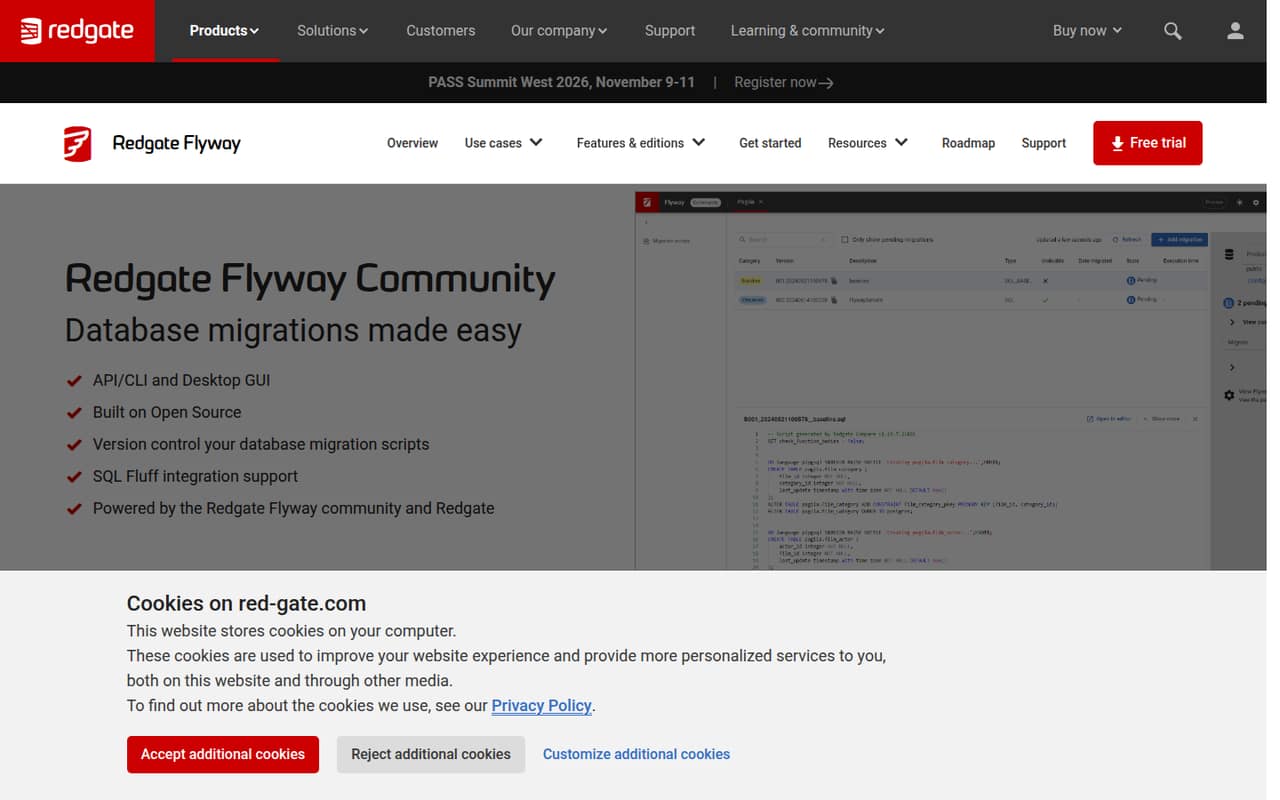
Flyway fits small development teams that need a clear record of database changes without buying a large platform on day one. It versions migration scripts—plain SQL files, rather than proprietary XML formats—and can run them as part of an application deployment pipeline. The pricing page lists Community as free, with support for more than 60 database platforms, a CLI, API, desktop GUI, and plain SQL migrations.
For a team of one to ten, that can cover the basic job: keep schema changes in version control and apply them in order across environments. Teams with policy requirements, drift detection, or audit-ready change control may need Enterprise. That plan is quote-based and licensed per user, so the budget case depends on a vendor quote. Flyway is less compelling if you mainly need a visual governance layer or expect extensive control over how migrations are organized; one Reddit commenter preferred Liquibase for custom conditions and large, complex teams.
02Flyway free plan and trial
Flyway Community is listed at $0, with a free foundation for individual developers and education. It includes support for more than 60 database platforms, plain SQL migrations, and the API/CLI and desktop GUI. The product overview also lists CI/CD deployments and automatic discovery of SQL and Java migrations as Flyway capabilities.
Community is the practical starting point if your team needs versioned migrations but not Enterprise governance. The listed Enterprise additions include policy-as-code, drift detection, and audit-ready change control. Enterprise also comes with a 28-day free trial, according to the pricing details. The pricing page does not publish a dollar limit or feature-by-feature comparison beyond the listed inclusions, so confirm with Flyway whether a particular control you need is in Community or requires a paid plan.
03What a small team pays for Flyway
Community is listed at $0 per month and $0 annually. For one person, three people, or five people, the listed Community price stays $0; that assumes the free plan fits your needs. The pricing page describes Community for individual developers and education, so a business team should confirm its intended use with Flyway.
Enterprise is licensed per user, but the vendor does not publish a per-user price or annual price. That means we can’t calculate a reliable monthly or yearly bill for one, three, or five seats: ask for a quote that spells out both billing term and seat count. Flyway Teams (Legacy) is also quote-based per user, but is available only to existing customers renewing or expanding, and has a maximum of 100 production schemas.
Database cloning is licensed per terabyte. The pricing page does not publish its rate, or the cost of other add-ons and overages. Ask the vendor whether your deployment needs cloning or incurs any additional charges before budgeting.
04Getting started with Flyway
The basic workflow is familiar to teams comfortable with SQL: create migration files, keep them with your code, then run them as part of deployment. Flyway offers a CLI, Java API, and desktop GUI, and automatic discovery can find SQL and Java migrations on the filesystem or classpath. The product overview also describes CI/CD integration, so the initial work is choosing a migration convention and connecting Flyway to the environments where changes run.
The learning curve is likely to depend more on your team’s database workflow than on the interface choice. A Reddit discussion of Spring Boot describes migrations running on application startup and notes that keeping a persistent local database in sync while switching branches can be awkward. Commenters mention in-memory or containerized databases as workarounds, but those approaches add setup choices. We’d plan time to agree on branch and test database practices before several developers start making schema changes.
05When small teams outgrow Flyway
A team may outgrow Community when it needs centralized governance rather than basic migration versioning. Flyway lists policy-as-code, drift detection, and audit-ready change control as Enterprise features. Enterprise pricing is quote-based per user, so adding seats may change the bill, but the vendor does not publish the per-seat rate or minimum seat count. Get a quote before making it part of a growing team’s budget.
Reddit feedback is mixed. Some commenters say Community covers their needs; others object to the open-core model or say rollback and dry-run features are paid. Those comments are user reports, not a complete plan comparison, so confirm current feature access with Flyway. There is also a practical scaling snag before a paid upgrade: a Reddit user describes local databases getting out of sync when switching branches. Larger teams with many concurrent branches should plan how they handle local and test databases, or compare tools if that workflow becomes a recurring burden.
From the threadsWhat users say
Reddit users often say Community handles their migration needs, but views differ on the open-core approach and paid features. Some also flag local database synchronization across branches as a real workflow annoyance.
We use the community edition in all our applications and don't miss a feature (yet)
critical feature (e.g. dry-run, rollback) were deliberately patched out
The product works very well
Biggest problem I’ve seen on teams is keeping a persistent local database in sync while switching branches
Questions people ask
Is Flyway free to use?
Flyway Community is listed as free, with support for more than 60 database platforms, plain SQL migrations, and the API/CLI and desktop GUI. The pricing page describes it for individual developers and education. If you plan to use it for a business team, confirm the applicable terms with Flyway.
What does Flyway Enterprise add?
The listed Enterprise features include policy-as-code, drift detection, and audit-ready change control. It also includes support for more than 60 DBMS platforms and bespoke or unlimited schema agreements. Pricing is quote-based and licensed per user, so ask the vendor which controls your team needs and what they cost.
Does Flyway work with CI/CD pipelines?
Yes. Flyway is described as supporting database migrations through application deployment pipelines. It offers a CLI and Java API as well as a desktop GUI. Your team will still need to decide where migrations run in its deployment process and configure that workflow for its environments.
Can Flyway roll back a database migration?
Reddit commenters describe rollback as a paid feature, but the listed plan details do not specify which current plan includes it. Since rollback requirements and plan entitlements matter in production, ask Flyway to confirm availability and any related conditions before choosing a plan.
Which databases does Flyway support?
The pricing details list support for more than 60 database platforms on both Community and Enterprise. The product overview also describes support for more than 60 databases. Check Flyway’s current database compatibility information for your specific platform and version before committing.