
We may earn a commission if you buy through links on this page. It never changes a score or a ranking. How we make money
The bottom line
A capable desktop Git client with a $59.99 one-time price per user and no free plan.
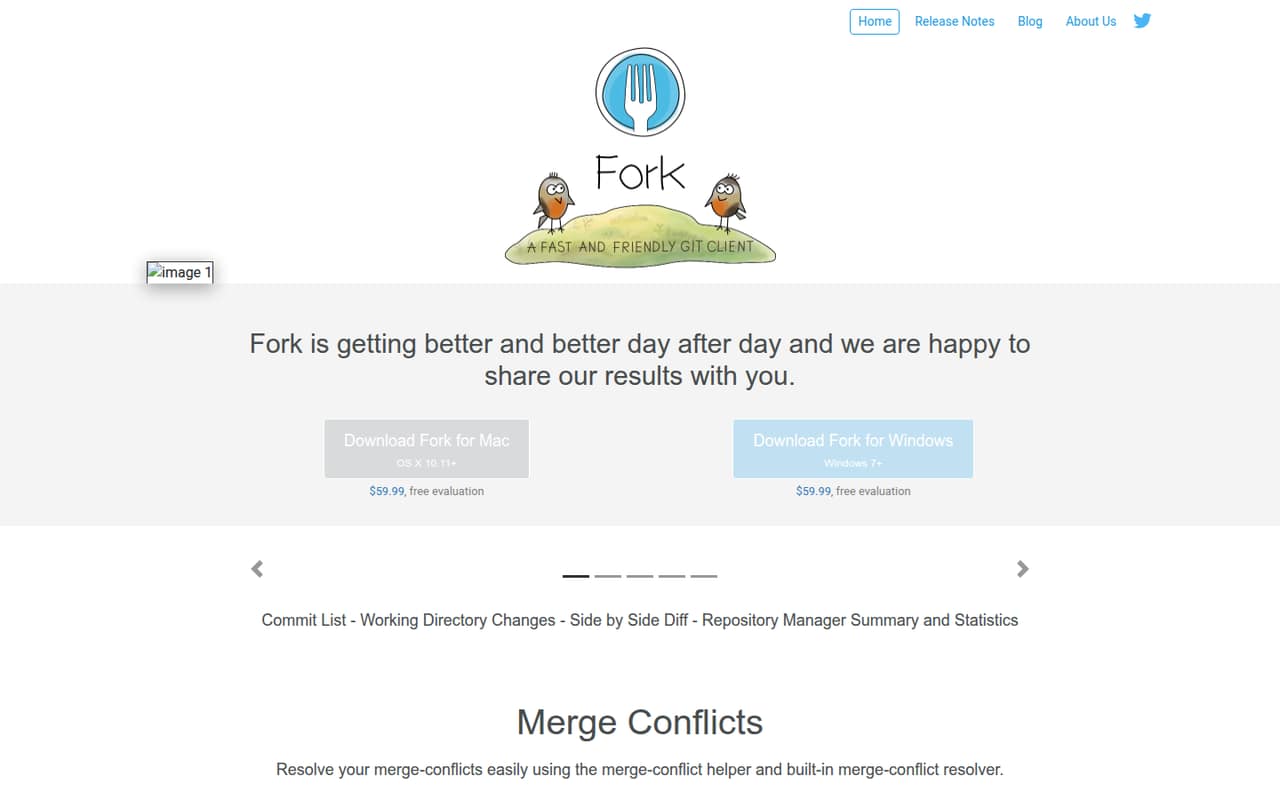
Fork is a Mac and Windows Git client for commits, branches, diffs, merge conflicts, and repository history. Its feature set covers much of the hands-on work a developer does in Git, including interactive rebase and line-by-line staging.
The pricing page lists a $59.99 one-time license per user, with personal and commercial use and up to three machines per license. There’s no free plan, though Fork offers a free evaluation; its duration isn’t published.
Good fit if
- Developers who prefer desktop Git tools
- Small teams budgeting per developer
- People editing branches and commit history
Skip it if
- Teams needing a free ongoing plan
- Teams seeking a shared team license
- Teams needing published integration details
ScoresHow it rates
What works
- One-time $59.99 price per user
- Personal and commercial use included
- Up to three machines per license
- Interactive rebase and conflict-resolution tools
- Available for Mac and Windows
What doesn't
- No free plan
- Each user needs a license
- Evaluation duration isn’t published
- Monthly and annual prices aren’t published
- Specific integrations aren’t listed in the feature details
01Who Fork is for
Fork fits a solo developer or a small team of one to ten people that wants a desktop interface for everyday Git work. It helps you create or clone repositories, stage and commit changes, manage branches, inspect diffs, and resolve merge conflicts. You can also edit commit history with interactive rebase.
The pricing page lists a $59.99 one-time license for one user, so a team pays for each person who needs the app. That can work for a small team watching recurring subscriptions: there’s no monthly fee listed. The license covers personal and commercial use and up to three machines at a time. Fork is a good fit when each developer wants their own Git client. It’s less suitable if your team needs an ongoing free plan or a shared license.
02Fork free plan and trial
Fork has no free plan, so there isn’t a permanently free tier with published limits to compare. The pricing page lists a free evaluation, but it doesn’t publish how long the evaluation lasts or what happens when it ends. Ask Fork to confirm the evaluation terms before relying on it for a project.
The cheapest way in after evaluation is the License: $59.99 one time for one user. It includes personal and commercial use and allows that user to run Fork on up to three machines at a time. A small team should budget for a separate license per user rather than assuming one purchase covers everyone.
03What a small team pays for Fork
Fork’s License costs $59.99 one time per user. One person pays $59.99; three people pay $179.97; five pay $299.95. Those team totals assume one license for each person who needs Fork. The license includes personal and commercial use and up to three machines at a time for that user.
The pricing page doesn’t list monthly or annual billing, so there’s no published monthly-versus-annual option to compare. It also doesn’t list add-ons. The purchase is a one-time cost rather than a recurring subscription, but the team’s initial outlay grows with each licensed user. Fork offers a free evaluation, though the duration isn’t published. For a team of three or five, confirm the evaluation terms and how licenses are assigned before buying.
04Getting started with Fork
Fork is a desktop Git client for Mac and Windows. Its repository tools let you create, clone, or add a repository, then open recent repositories again. From there, the core workflow is to stage changes, commit them, and use the branch, diff, and history views as needed.
The feature set includes familiar Git operations such as merge, rebase, cherry-pick, and revert, as well as an interactive rebase editor and a merge-conflict helper. That gives developers a range of controls in one client, but someone new to Git may still need to learn what those operations do. The available feature details don’t identify specific hosting integrations. If your team relies on a particular remote-hosting service or workflow, check compatibility with Fork before purchasing.
05When small teams outgrow Fork
Fork’s listed license covers one user and up to three machines at a time. As a team adds developers, the license cost rises by $59.99 for each additional person: three licenses total $179.97, and five total $299.95. There’s no team-wide price or free plan listed to soften that per-user increase.
A growing team may also need to check whether Fork fits its broader workflow. The feature details focus on repository management, commits, branches, diffs, history, and conflict resolution; they don’t describe team administration or specific integrations. If shared controls, a particular integration, or a centrally managed license is a requirement, ask Fork whether it supports that before scaling up. The pricing page lists no monthly or annual option, so teams should also confirm the purchase and license terms they need.
Questions people ask
What does Fork do?
Fork is a desktop Git client for Mac and Windows. It helps you manage repositories, stage and commit changes, work with branches, inspect diffs and history, and resolve merge conflicts. It also includes interactive rebase tools for editing commit history.
How much does one Fork license cost?
The pricing page lists one License for $59.99 as a one-time purchase. It covers one user and up to three machines at a time, with personal and commercial use included. Monthly and annual billing aren’t published.
Does Fork have a free plan or trial?
Fork has no free plan, but it offers a free evaluation. The evaluation duration isn’t published, so ask Fork to confirm how long it lasts and what terms apply before using it to assess the app.
Can I use Fork for commercial work?
Yes. The pricing page lists personal and commercial use as included with the $59.99 License. Each license is for one user and can be used on up to three machines at a time.
Is Fork available for Mac and Windows?
Yes. Fork is a desktop Git client for Mac and Windows. Check with Fork for the current operating-system requirements, since the requirements aren’t included in the pricing details.