
We may earn a commission if you buy through links on this page. It never changes a score or a ranking. How we make money
The bottom line
Good free option for simple forms; teams can add unlimited members on Basic for a flat $29 monthly.
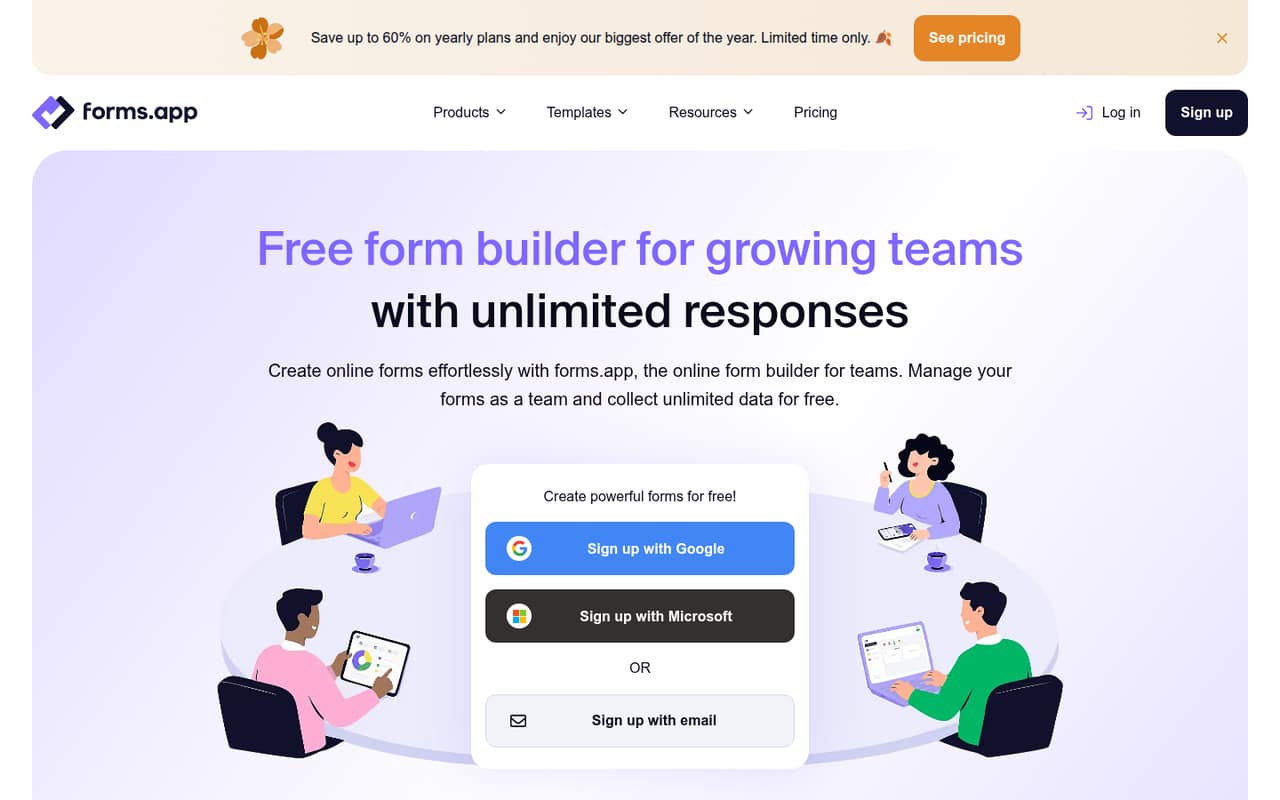
forms.app combines form templates, conditional logic, AI tools, payments, and signatures in one builder. Its free plan covers five forms and unlimited responses; the Basic plan adds room for a team at a flat price.
For a small team, the main trade-off is clear: the free plan limits form count and storage, while Basic costs $29 monthly or $19 per month when billed annually. Reddit feedback is positive but thin, so treat it as a signal, not a broad verdict.
Good fit if
- Small teams collecting routine responses
- Teams wanting templates and conditional logic
- Budget-conscious teams needing shared access
Skip it if
- Teams needing many forms for free
- Organizations requiring published custom limits
- Buyers seeking detailed support commitments
ScoresHow it rates
What works
- Free plan includes unlimited responses
- Basic includes unlimited team members
- More than 5,000 customizable templates
- Supports Stripe and PayPal payments
- Conditional logic can tailor questions
What doesn't
- Free plan is limited to five forms
- Free storage is 10 MB
- Basic limits teams to 25 forms
- Annual pricing requires upfront billing
- Support details are not published
01Who forms.app is for
forms.app suits a solo operator or a small team of up to around ten people that needs a straightforward way to collect information. It can handle contact forms, surveys, quizzes, and other workflows where people submit answers online. The product highlights templates, conditional logic, AI-assisted creation, response analysis, payments, and signatures, so it covers more than a basic question-and-answer form.
For a team watching its software budget, the free plan is a sensible place to start if five forms and 10 MB of storage are enough. When several people need to work with forms, the Basic plan is the first listed team option: it costs $29 monthly or $19 per month with annual billing and includes unlimited team members. That flat price makes it easier to budget than a per-user plan, though teams with just one form may not need a paid tool at all.
02forms.app free plan and trial
The Free plan costs $0 and includes five forms, unlimited responses, 10 MB of storage, unlimited questions, and one AI insight per form. That is enough to try a few simple workflows without paying, and the unlimited-response allowance means submissions are not the listed bottleneck.
The limits show up when you need a sixth form, more storage, or more than one AI insight per form. The listed free-plan details do not specify a team-member allowance, so check with the vendor before relying on shared access. A separate free trial is not listed. Basic is the cheapest paid plan for teams: $29 month to month, or $19 per month billed annually.
03What a small team pays for forms.app
The pricing page lists Basic at $29 per month, or $19 per month when billed annually. It is a tier price, not a per-seat charge: one person pays $29 monthly or $19 per month on annual billing. For three people, that works out to about $9.67 per person monthly, or $6.33 per person at the annual rate. For five, it is $5.80 or $3.80 per person, respectively. Annual billing means $228 for Basic for the year.
Basic includes 25 forms, unlimited responses, 10 GB of storage, a 100 MB maximum file upload, and unlimited team members. If you need unlimited forms, Pro is $39 monthly or $29 per month billed annually; that is $348 for the year. The pricing lists no add-ons. Pro and Premium raise storage to 100 GB and 1 TB, respectively, while Enterprise has custom pricing. These totals use plan prices, not separate seat fees.
04Getting started with forms.app
The product description emphasizes templates and form creation without coding, which should make a basic first form approachable for a small team. The vendor highlights more than 5,000 customizable templates, AI-assisted form and question creation, and conditional logic for showing or hiding questions based on answers. Those options can save blank-page work, though more elaborate forms will take extra decisions about questions and branching.
For a team workflow, forms can be organized in folders and teammates invited with granular access, according to the product description. The listed payment integrations are Stripe and PayPal, useful if a form needs to collect money; signatures are also supported. The setup details do not establish how long a particular form takes or explain every integration step, so check the vendor's documentation for your exact workflow. One Reddit thread describes the interface as easy to use, but offers only a brief account rather than detailed setup guidance.
05When small teams outgrow forms.app
The first clear reason to upgrade is hitting the Free plan's five-form limit or its 10 MB storage allowance. Basic raises storage to 10 GB and allows 25 forms, but a team that needs more than 25 forms has to consider Pro, which starts at $39 monthly or $29 per month billed annually. Pro adds unlimited forms and 100 GB of storage; Premium offers 1 TB for a higher price.
The plans list unlimited team members on Basic and above, so growing headcount does not automatically add a seat charge there. For organizations that need custom usage limits or team allocation, Enterprise pricing is custom. One Reddit thread describes forms.app positively as easy to use and template-rich, but it is not enough to judge how the tool handles larger teams or complex workflows. Before upgrading, compare the plan limits against your form count, storage needs, and access requirements.
From the threadsWhat users say
We would treat it as a small positive signal, not a strong measure of user sentiment.
easy-to-use form builder application
create your forms in no time
without writing a single line of code
Instant access to hundreds of templates
Questions people ask
Does forms.app have a free plan?
Yes. The Free plan is $0 and lists five forms, unlimited responses, 10 MB of storage, unlimited questions, and one AI insight per form. If you need more than five forms or more storage, Basic is the first paid tier.
How much does forms.app cost for a small team?
Basic costs $29 per month, or $19 per month with annual billing, and includes unlimited team members. That is a flat plan price rather than a charge for each seat. Annual billing totals $228 for the year.
Does forms.app charge per team member?
The listed Basic, Pro, and Premium plans include unlimited team members, so their published prices are not multiplied by the number of seats. The Free plan details do not specify a team-member allowance, so confirm access rules with the vendor before using it for shared work.
Can forms.app collect payments and signatures?
Yes. The product description lists payment collection through Stripe or PayPal and the ability to gather signatures in forms. Check the vendor's documentation for setup steps and any requirements for the payment accounts or signature workflow you plan to use.
What is the difference between Basic and Pro?
Basic includes 25 forms, 10 GB of storage, a 100 MB maximum file upload, and unlimited team members. Pro includes unlimited forms and 100 GB of storage, also with unlimited team members. The pricing page lists Basic at $29 monthly and Pro at $39 monthly.