
We may earn a commission if you buy through links on this page. It never changes a score or a ranking. How we make money
The bottom line
Good for connected forms, documents, and signatures; expensive if you only need basic forms.
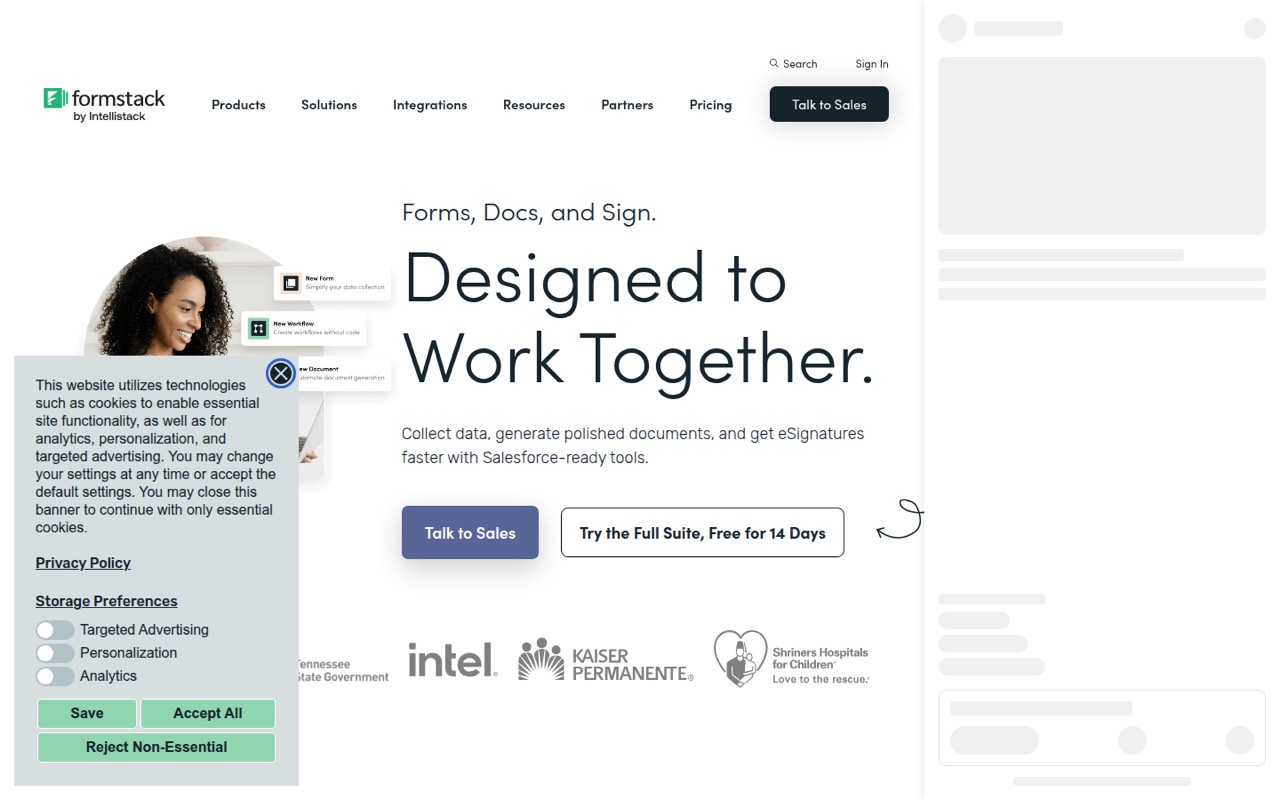
Formstack brings forms, document generation, eSignatures, and workflow automation together, with options for Salesforce teams. That breadth is useful when one process needs all three; it is a lot to pay for if you only need a basic form.
There’s no free plan. Forms starts at $83 per month with annual billing for one Builder user, while Suite starts at $250 per month with annual billing for three. Extra-user prices aren’t published, so check the cost before adding seats.
Good fit if
- Teams automating forms-to-document workflows
- Salesforce users needing native tools
- Teams collecting signatures with forms
Skip it if
- Teams looking for a free plan
- Basic forms on a tight budget
- Teams needing clear extra-seat pricing
ScoresHow it rates
What works
- Forms, document generation, and eSignatures in one suite
- Suite includes three Builder users
- Salesforce-native options are available
- Unlimited eSignatures on Suite
- 14-day free trial
What doesn't
- No free plan
- Forms includes just one Builder user
- Extra-user prices aren’t published
- Compliance add-on prices aren’t published
- Some Salesforce users report support frustrations
01Who Formstack is for
A small team needs Formstack if forms are only the first step: you also need to turn collected information into documents, gather signatures, or send data into business systems. Formstack combines no-code forms, document generation, eSignatures, and workflow automation, with integrations for Salesforce and other business tools.
For a team of one, Forms starts at $83 per month with annual billing and includes one Builder user. A three-person team needing forms, documents, and signatures can start with Suite at $250 per month with annual billing. Monthly billing costs more, and the vendor doesn’t publish additional-user prices. That makes the budget harder to pin down if more people need to build forms.
It’s a better fit for teams with a real workflow to connect than for a group that just needs occasional surveys. One Reddit commenter called Formstack’s document-generation interface friendly to maintain, while also saying its price felt high.
02Formstack free plan and trial
Formstack doesn’t offer a free plan. The pricing page lists a 14-day free trial, but doesn’t publish the trial’s feature limits or explain whether payment details are required. Check those details with the vendor before signing up if you’re evaluating it on a short budget.
The cheapest paid option is Forms, at $99 per month or $83 per month when billed annually. It includes one Builder user, 25 forms, 1,000 submissions per form, and 2GB of storage. That can work for a solo builder collecting responses, but a team that needs documents and signatures will need Suite, which starts at $299 per month or $250 per month with annual billing. The trial is a way to evaluate the product, not a lasting free tier.
03What a small team pays for Formstack
For one Builder user, Forms costs $99 per month with monthly billing or $83 per month when billed annually. Its listed limits are 25 forms, 1,000 submissions per form, and 2GB of storage. The pricing page says annual billing saves two months.
For three people who need forms, documents, and signatures, Suite includes three Builder users for $299 per month or $250 per month with annual billing. That works out to about $99.67 per seat monthly, or $83.33 per seat at the annual rate. Suite includes 100 forms, 5,000 submissions per form, 10GB of storage, 250 document deliveries per month, and unlimited eSignatures.
A five-person team can’t calculate an exact total from the published prices: Suite covers three Builder users, and additional-user prices aren’t published. HIPAA and compliance add-ons are listed for Forms and Suite, also without published prices. Ask the vendor for a quote that includes seats and any add-ons you need.
04Getting started with Formstack
Formstack’s core tools are no-code, and the feature list includes templates and an intuitive form builder. The vendor doesn’t publish a setup-time estimate in the pricing information, so teams should allow time to configure forms, map data to the systems they use, and build any document or signature steps they need.
The first-day setup depends on the workflow. A team using Salesforce may want to confirm whether it needs the general integrations or Salesforce-native forms and document generation. Formstack also describes connections to CRMs, ERP systems, and other business tools; confirm that your particular systems and workflow are supported before committing.
A commenter in a Salesforce developer thread described Formstack as one of the more user-friendly document-generation options and said clients could maintain it. A separate Reddit discussion said simpler forms may be easier to set up in Formstack than in FormAssembly. These are individual reports, not a guarantee that every configuration will be simple.
05When small teams outgrow Formstack
The first squeeze may come from seats. Forms includes one Builder user, and Suite includes three. Additional users are available, but the vendor doesn’t publish their prices, so a growing team should get a quote before it relies on Formstack for more builders. The same applies if you need compliance add-ons or more submissions and merges; their prices aren’t published.
You may also outgrow the Forms plan when you need documents and signatures in the same workflow. Suite adds those capabilities, but its entry price is $250 per month with annual billing. Teams with complex or regulated needs can ask about Enterprise Solutions, which lists unlimited users and submissions, API access, custom integrations, SSO, and advanced security at custom pricing.
Reddit feedback is mixed. One commenter liked Formstack’s document-generation interface but called its price high. Another Salesforce user reported headaches with support. Treat those as individual experiences, and ask the vendor about support arrangements and total costs for your specific setup.
From the threadsWhat users say
Reddit comments are mixed: some users praise Formstack’s document-generation interface and maintenance experience, while others flag its price or support. These are individual accounts, not a consistent verdict.
Formstack (use to be called webmerge): probally most UI friendly one, one of the few products I would be able to get clients to maintain after
Downside is price is a bit high
the amount of HTML/CSS tweaking needed for even simple template changes can be frustrating
IMO Formstack has been giving my company the biggest headache with no support and we are paying thousands of dollars a year to them
Questions people ask
What is the purpose of Formstack?
Formstack helps teams collect information with online forms, turn that information into documents, and collect eSignatures. Its tools can also route data to business systems and connect with Salesforce, CRMs, ERP systems, and other business tools.
Is Formstack free to use?
No. Formstack doesn’t list a free plan. Its pricing page lists a 14-day free trial, but doesn’t publish the trial’s feature limits. The least expensive paid plan is Forms, listed at $99 per month or $83 per month with annual billing.
Can Formstack connect to Salesforce?
Yes. Formstack lists Salesforce-native forms and Salesforce-powered document generation under Salesforce Solutions. It also describes connecting forms, documents, and signatures with Salesforce. Salesforce Solutions uses custom pricing, so ask the vendor for a quote based on your needs.
What does Formstack Suite include?
Suite is the plan for teams needing forms, documents, and signatures. It includes three Builder users, 100 forms, 5,000 submissions per form, 10GB of storage, 250 document deliveries per month, and unlimited eSignatures.
How long is the Formstack free trial?
The pricing page lists a 14-day free trial. It doesn’t publish the trial’s feature limits or whether payment details are required, so check those terms with Formstack before you start. There is no free plan after the trial.