
We may earn a commission if you buy through links on this page. It never changes a score or a ranking. How we make money
The bottom line
Good for quick first drafts; watch the free-plan limits and verify AI-generated details.
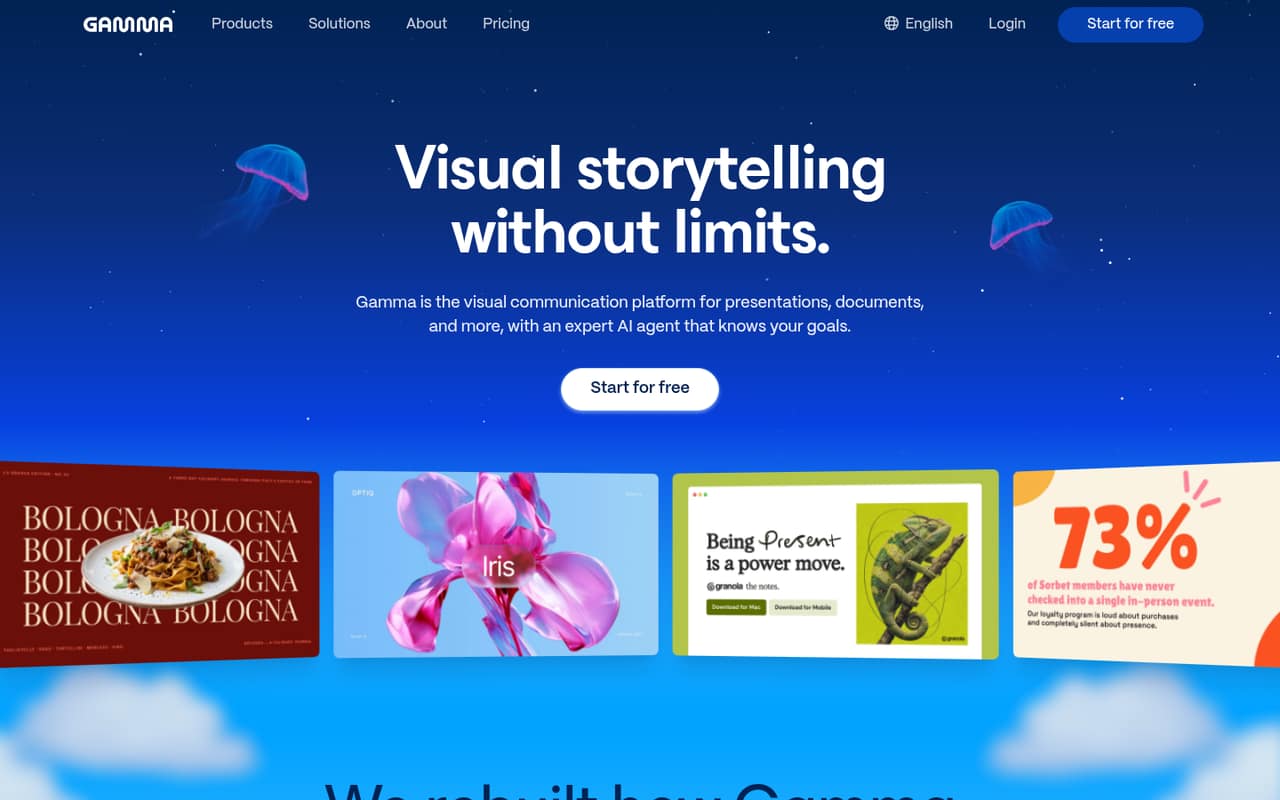
Gamma turns prompts, outlines, and imported files into presentations, documents, and webpages. Flexible cards, themes, embedded media, and an in-app AI editor make it useful for producing a first draft without starting from a blank slide.
The Free plan gives one seat and 400 one-time credits, but limits generations to 10 cards and adds Gamma branding to exports. Plus starts at $9 per seat monthly when billed annually. Reddit feedback is mixed: one user likes turning notes into a recap deck, while others complain about repetitive templates, data display, and the card format.
Good fit if
- Solo founders making quick decks
- Small teams turning docs into presentations
- Teams publishing hosted project pages
Skip it if
- Teams needing unbranded free exports
- Precision-heavy client presentations
- Teams watching every paid seat
ScoresHow it rates
What works
- Generates drafts from prompts, outlines, and imported files
- Exports to PDF and PowerPoint
- Publishes hosted pages with view analytics
- Cards adapt layouts across screen sizes
- Embeds media, Figma, spreadsheets, forms, and links
What doesn't
- Free exports carry Gamma branding
- Free generations stop at 10 cards per prompt
- Free credits do not refill
- A Reddit user reports repetitive-looking decks
- A Reddit user reports problems displaying data
01Who Gamma is for
Gamma suits solo founders and small teams, especially the one-to-ten-person range, that need a presentable first draft without spending hours building slides. It turns a prompt, outline, or imported PDF, DOCX, or PPTX into a deck, document, or webpage. Its flexible cards resize across screen sizes, and the in-app editor can rewrite content or regenerate card layouts and images.
For a one-person operation, the Free plan is a low-risk way to try the workflow. A team that needs to remove Gamma branding should budget for Plus at $9 per seat monthly with annual billing, or $12 month to month. Teams needing shared folders, admin controls, and centralized billing have a separate Team plan, starting at two seats and billed annually. Gamma is less suited to work where every chart, citation, or layout needs exact control; a Reddit user says data display and repetitive-looking designs have been frustrating.
02Gamma free plan and trial
Gamma's Free plan includes one seat and 400 starter credits that do not refill. Each prompt can generate up to 10 slides or cards. The plan supports PDF and PPTX imports and exports to PDF, PPTX, PNG, and Google Slides. Exports carry Made with Gamma branding.
That makes Free reasonable for trying a few drafts or making occasional internal material, but it is a tight fit for regular client-facing work. Once the one-time credits are used, the plan does not list a refill. Plus is the cheapest paid plan: the pricing page lists $9 per seat monthly with annual billing, or $12 month to month. It includes 1,500 monthly credits and removes Gamma branding. Gamma does not list a free trial; the free plan is the way to try it without paying.
03What a small team pays for Gamma
For one person, Plus costs $9 per month with annual billing ($108 for the year) or $12 month to month. The pricing page lists Plus at $9 per seat monthly when billed annually; annual billing is quoted as a monthly equivalent and costs less than month-to-month.
For three people on Plus, the arithmetic is $27 per month as an annual-billing equivalent ($324 per year), or $36 month to month. For five, it is $45 per month as an annual-billing equivalent ($540 per year), or $60 month to month. Plus is the lowest-cost paid route for seats without Gamma branding, but it does not list shared admin controls.
If your team needs those controls, Team costs $20 per seat monthly with annual billing and has a two-seat minimum. Three seats work out to $60 per month equivalent ($720 per year); five cost $100 per month equivalent ($1,200 per year). Team is annual-only. Extra credit purchases are available on paid plans, but the pricing page does not publish their cost. Per-seat plans bill for seats when invited users accept.
04Getting started with Gamma
A straightforward starting point is to provide a prompt or outline, or import a PDF, DOCX, or PPTX, then edit the generated cards. Gamma also lists one-click themes, embedded media, and an in-app AI editor for rewriting text, expanding content, or regenerating layouts and images. The vendor's site does not give a setup-time estimate, so we would not count on a specific number of minutes before a team is ready.
For a small team, the day-one workflow can stay simple: draft a deck or page, choose a theme, and export or publish it. Gamma lists embedded video, Figma, spreadsheets, web forms, and links, plus PDF and PPTX exports. One Reddit commenter says they paste Notion meeting notes into Gamma to make a recap deck, but that does not establish a formal Notion integration. Teams should confirm any required integrations and account setup steps with Gamma before adopting it.
05When small teams outgrow Gamma
The first upgrade trigger is practical: Free stops at 400 one-time credits and 10 cards per prompt, and its exports carry Gamma branding. Plus raises the per-prompt limit to 100 slides and removes branding, but still has a per-seat price. Teams that want shared folders, centralized billing, and admin controls need Team, which has a two-seat minimum and annual-only billing. Business starts at 10 seats, also requires annual billing, and costs more per seat.
The other trigger is output quality. In one Reddit thread, a Gamma user says decks started looking the same and reports trouble displaying embedded data. A commenter says they kept fighting the card format, while another says they use Gamma for recap decks. That is a mixed signal, not a guarantee of how your material will look. If your work depends on precise charts, footnotes, or strict slide control, review the exported files carefully before moving a client workflow over.
From the threadsWhat users say
Reddit feedback is mixed: users mention a handy notes-to-deck workflow, but also complain about repetitive-looking output, data display, and adapting to cards. Those comments point to a tool worth judging on your own material, not assuming every generated deck is ready to present.
The templates just aren't very good
i kept fighting the card format instead of letting it do its thing
i paste my Notion meeting notes into Gamma and it builds a recap deck in under a minute
Questions people ask
What is Gamma AI used for?
Gamma creates presentations, documents, and webpages from text prompts, outlines, or imported PDF, DOCX, and PPTX files. You can edit generated cards in the app, apply themes, embed media, publish hosted pages, or export to PDF and PPTX.
Does Gamma cost money?
Gamma has a Free plan with one seat and 400 one-time credits. Paid plans start with Plus at $9 per seat monthly when billed annually, or $12 month to month. The Free plan limits generations to 10 cards per prompt and adds Gamma branding to exports.
Can Gamma export presentations to PowerPoint?
Yes. Gamma lists PPTX export, along with PDF, PNG, and Google Slides export on the Free plan. It also supports PDF and PPTX imports. A Reddit user has raised concerns about PPTX export, so check the resulting file against your needs before relying on it for a final presentation.
Can Gamma turn a document into a presentation?
Yes. Gamma can generate from prompts and outlines, and it lists PDF, DOCX, and PPTX imports. It can use those inputs to create a presentation, document, or webpage. The Free plan permits up to 10 cards per prompt; Plus lists a limit of up to 100 slides per prompt.
Can Gamma publish a webpage?
Yes. Gamma can publish projects as hosted webpages, and its feature list includes view and completion tracking. Pro lists per-viewer analytics and up to 10 custom domains; Team and higher plans include shared team features, with domain allowances varying by plan.
Sources
- Gamma homepage
- Gamma pricing, compiled via web search from julius.ai, gamma.app, max-productive.ai, eesel.ai, saasworthy.com, workology.com
- Reddit: We made open source AI presentation generator (Gamma Alternative)
- Reddit: Best AI powerpoint alternatives to Gamma?
- Reddit: What are the best AI presentation tools in 2026? I tested them all so you don't need to
- Reddit: Replacing PowerPoint with Gamma for 60 days — here's the honest review (including the 2 times I had to go back to PPT)