We may earn a commission if you buy through links on this page. It never changes a score or a ranking. How we make money
A small team may not need a dedicated AI presentation maker if it only builds a few slides now and then. But if decks start with a prompt or source document, a tool can help you get to an editable draft faster. Gamma is our first pick for a free starting point; Pitch is a stronger match when people need to collaborate. Listed starting prices range from $4 to $20, but a low entry price doesn’t tell you what a few seats will cost. Check seat pricing, AI allowances and export options before you commit.
Quick picksThe shortlist
 GammaGammaBest for small teams · $9/mo
 PitchPitchBest for collaboration · €10/mo
 SlidesAISlidesAIBest for Google Slides · $10/mo
 Plus AIPlus AIBest for existing decks · $10/mo
 SlidebeanSlidebeanBest for startup pitches · $7/mo
 SlidesgoSlidesgoBest for occasional decks · $4/mo
 GeniallyGeniallyBest for interactive content · $4.99/mo
 VismeVismeBest for branded reports · $12.25/mo
 PreziPreziBest for live sessions · $7/mo
 iSlideiSlideBest for PowerPoint design · CN¥7.88/mo
 Beautiful.aiBeautiful.aiBest for guided layouts · $14.50/mo
 DecktopusDecktopusBest for frequent presenting · $9.99/mo
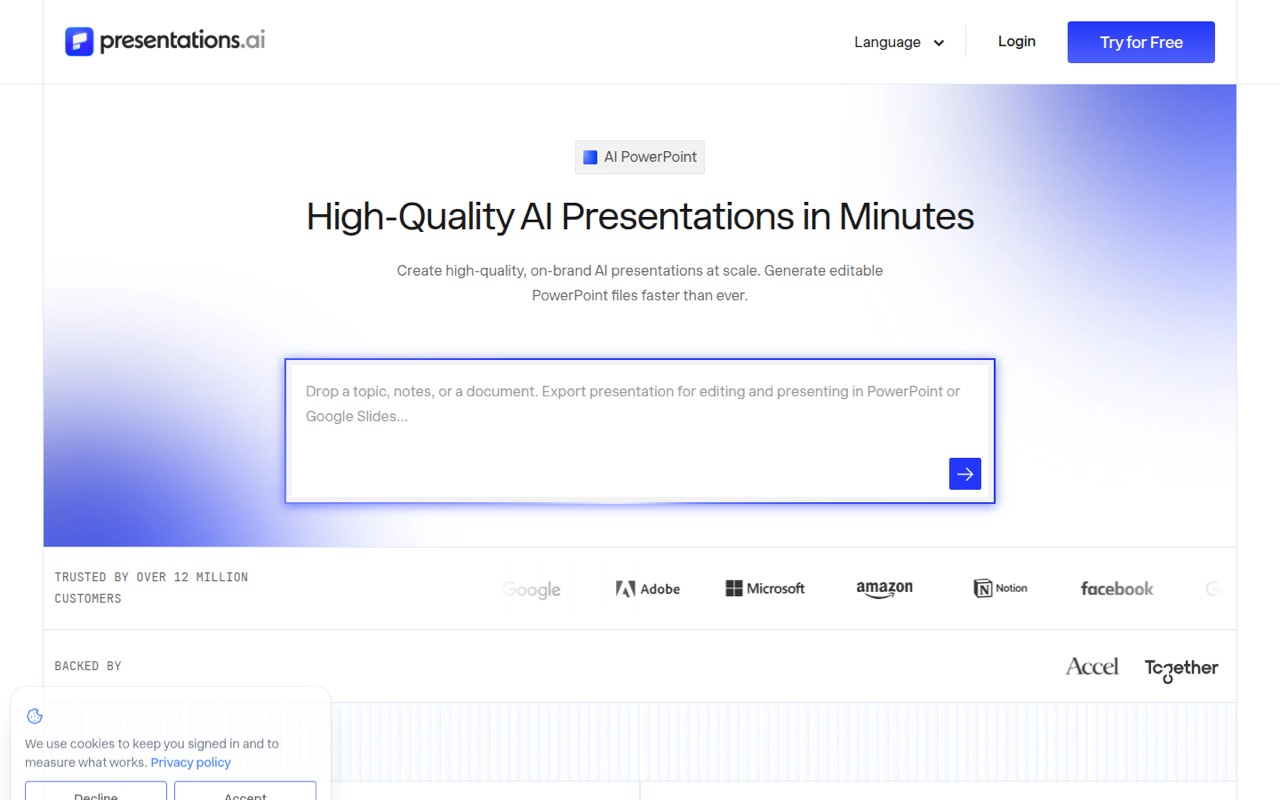
 Presentations.AIPresentations.AIBest for PowerPoint exports · $20/mo
01Compared at a glance
| Tool | Score | From | Free plan | Trial |
|---|---|---|---|---|
| GammaGamma | 7.4 | $9/mo | Yes | — |
| PitchPitch | 7.0 | €10/mo | Yes | Yes |
| SlidesAISlidesAI | 7.5 | $10/mo | Yes | — |
| Plus AIPlus AI | 7.2 | $10/mo | No | 7 days |
| SlidebeanSlidebean | 7.3 | $7/mo | Yes | Yes |
| SlidesgoSlidesgo | 7.2 | $4/mo | Yes | — |
| GeniallyGenially | 7.4 | $4.99/mo | Yes | — |
| VismeVisme | 7.0 | $12.25/mo | Yes | — |
| PreziPrezi | 6.8 | $7/mo | Yes | 14 days |
| iSlideiSlide | 7.0 | CN¥7.88/mo | Yes | — |
| Beautiful.aiBeautiful.ai | 6.8 | $14.50/mo | No | 14 days |
| DecktopusDecktopus | 6.8 | $9.99/mo | No | — |
| Presentations.AIPresentations.AI | 6.8 | $20/mo | Yes | — |
02The picks, in detail
- Best for small teamsGammaGamma
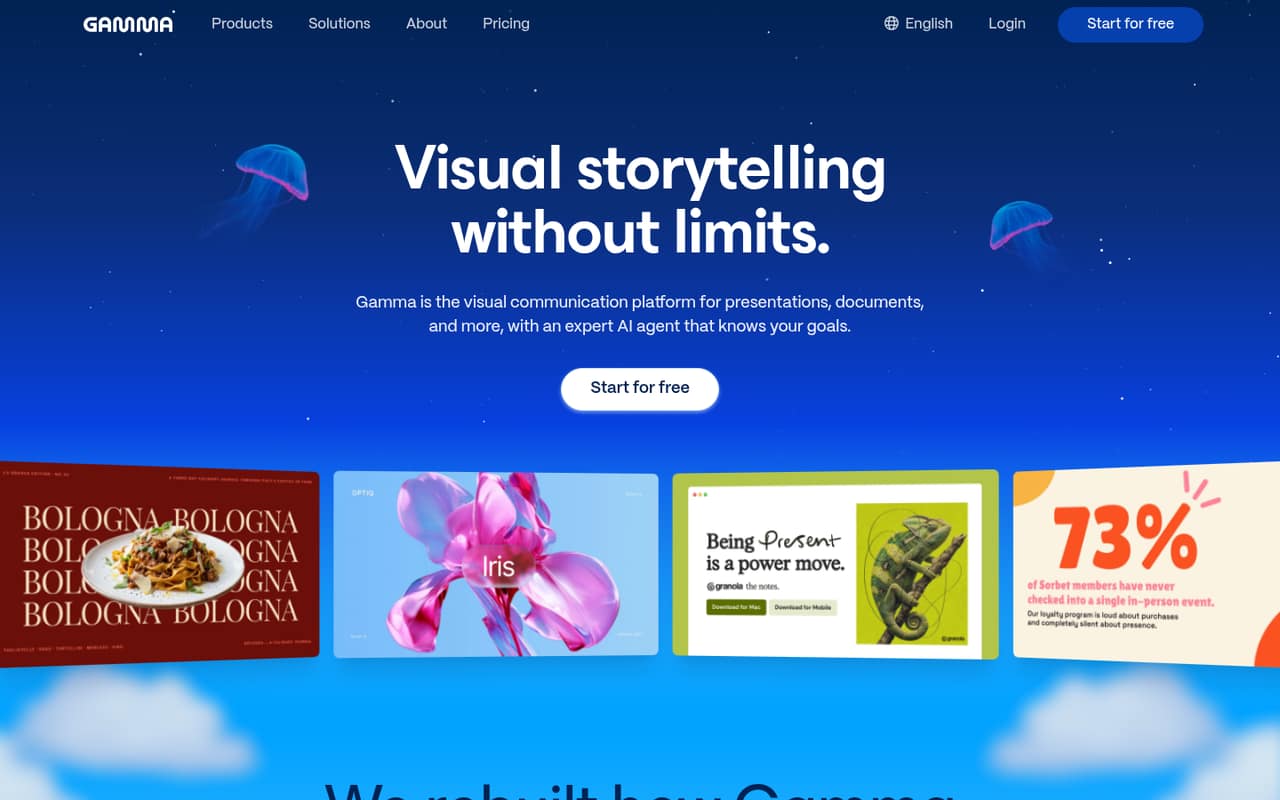
Gamma leads for teams that want to turn documents into presentation drafts without paying upfront: its listing includes a free plan and a $9 starting price. It also suits teams publishing hosted project pages. Check the free-plan limits before sharing it across a group, and verify AI-generated details before presenting them.
What works
- Generates drafts from prompts, outlines, and imported files
- Exports to PDF and PowerPoint
- Publishes hosted pages with view analytics
What doesn't
- Free exports carry Gamma branding
- Free generations stop at 10 cards per prompt
- Free credits do not refill
- Best for collaborationPitchPitch
Pitch is a good fit when several people need to build sales decks together and follow brand rules. It has a free plan and a $10 starting price, while team pricing is listed at €15 per seat monthly when billed yearly. That gives a small team a clearer budget to work from, though the per-seat cost adds up.
What works
- Generates full presentations from text prompts
- Generated slides remain editable
- Brand rules, custom fonts and media
What doesn't
- Free AI credits do not renew
- Free plan has no engagement analytics
- Paid seat prices are billed yearly

- Best for Google SlidesSlidesAISlidesAI
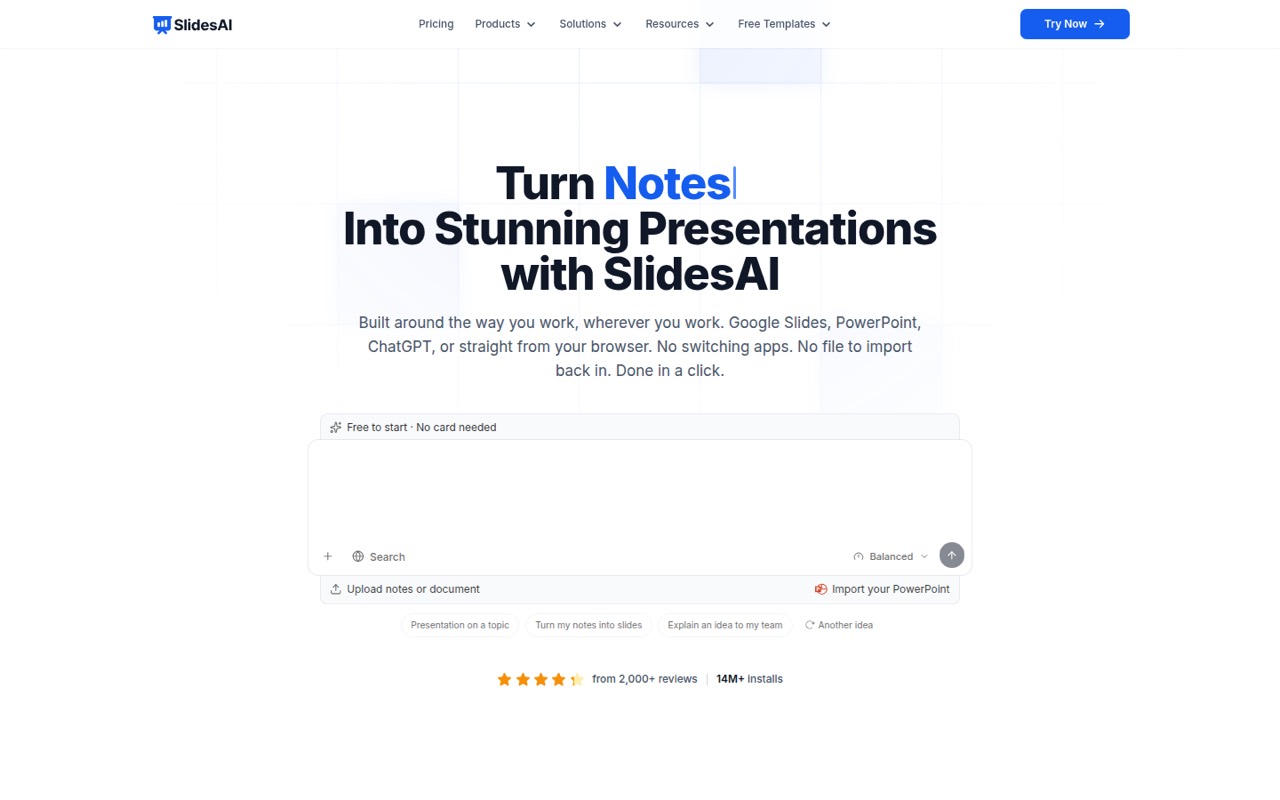
SlidesAI suits teams that already work in Google Slides and want editable decks for routine presentations. It has a free plan and starts at $10; paid plans charge per user, so check the bill before adding seats. Its listing also points to branded templates, making it worth considering for teams that reuse a consistent look.
What works
- Basic plan is free
- Works in Google Slides, PowerPoint, ChatGPT, and the web app
- Editable outline comes before full slide content
What doesn't
- Basic limits input to 2,500 characters per presentation
- Basic includes only Lite and Balanced AI models
- Pro limits decks to 20 slides
- Best for existing decksPlus AIPlus AI
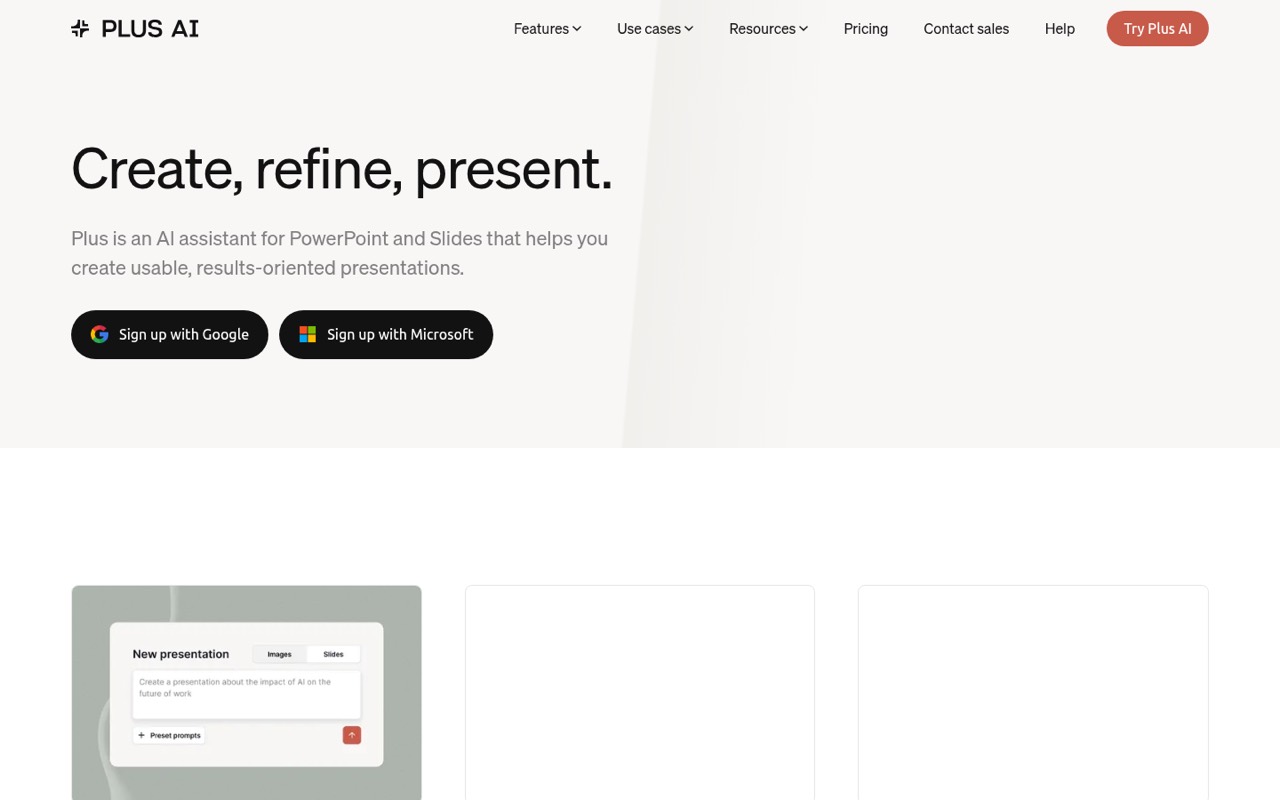
Plus AI works inside familiar slide apps, making it a sensible option for teams that already use Slides or PowerPoint and want help drafting from source documents. It starts at $10, and small teams pay per seat from day one. That trade-off may be worthwhile if staying in your current presentation workflow matters more than a free start.
What works
- Works inside Google Slides and PowerPoint
- Creates decks from prompts or documents
- Can rewrite and remix existing slides
What doesn't
- No free plan
- Costs rise with each paid seat
- Basic includes 1,500 monthly AI credits
- Best for startup pitchesSlidebeanSlidebean
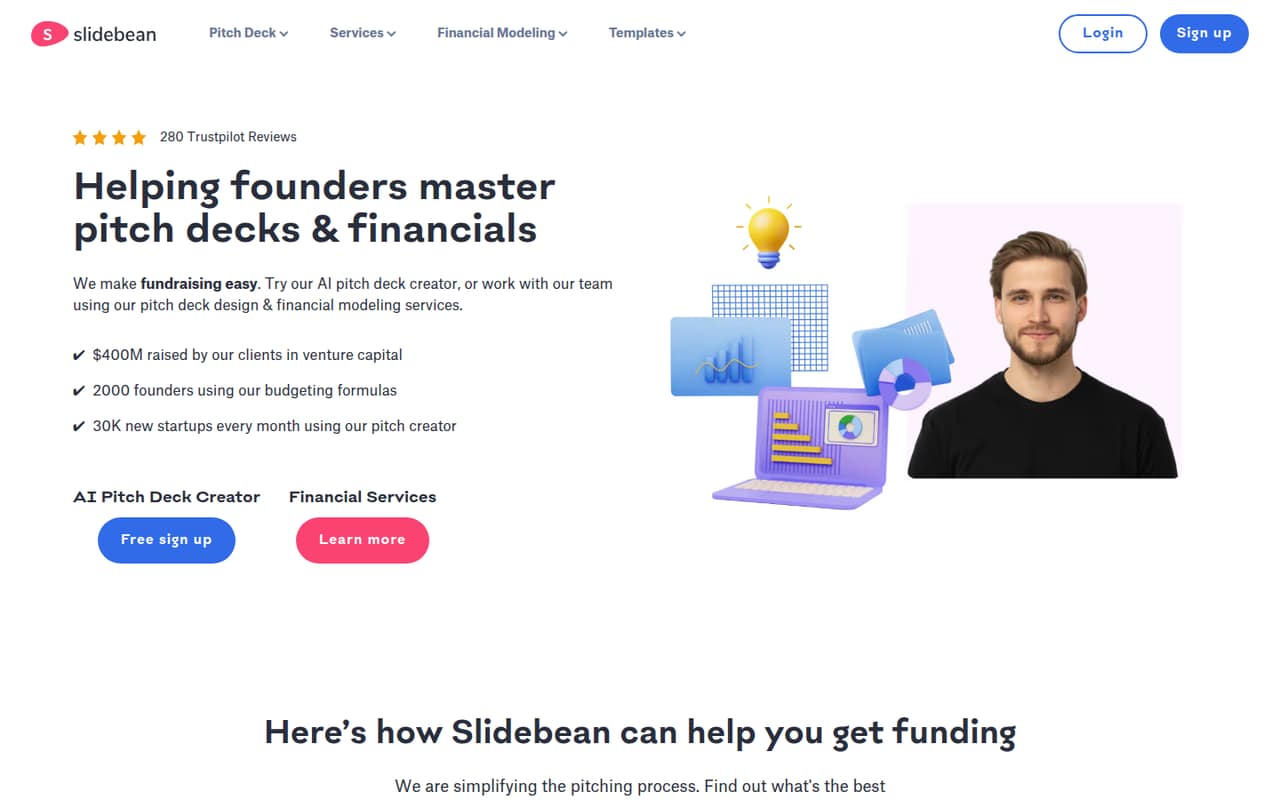
Slidebean is aimed at founders preparing investor pitches and teams sharing startup decks. Its listing includes a free plan and a $7 starting price, plus basic fundraising tools. That makes it an appealing specialist pick for a small company, but check how team sharing is priced before making it the home for every company presentation.
What works
- Starter includes unlimited AI pitch deck building
- More than 100 startup pitch deck templates
- Shared decks can track views
What doesn't
- Starter is billed yearly, not monthly
- Free-plan features and limits aren't published
- Teammate seat billing isn't specified
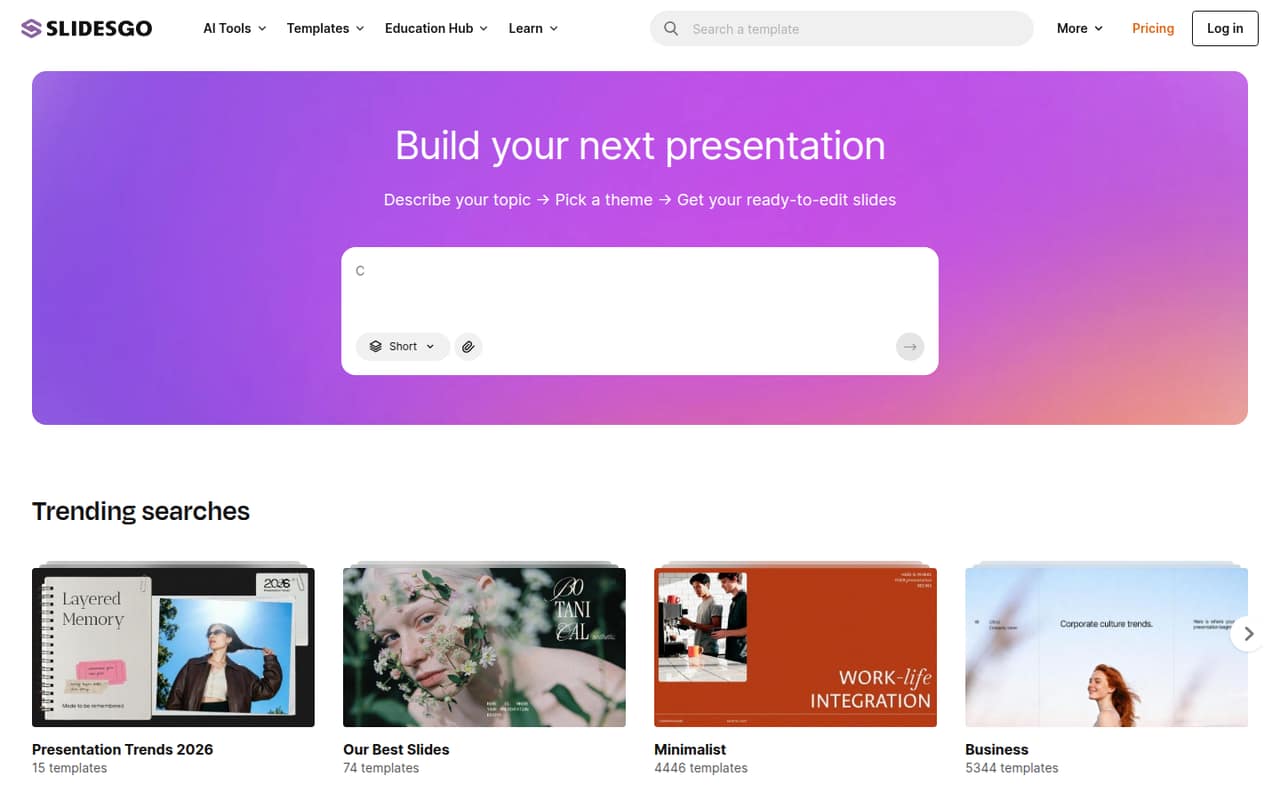
- Best for occasional decksSlidesgoSlidesgo
Slidesgo is a practical option for a team that makes presentations occasionally and wants editable slides for Google Slides or PowerPoint. It has a free plan and starts at $4. The listing says to budget for one Premium seat per person, so a low starting price may not reflect the cost of sharing paid access across your whole team.
What works
- Free plan includes 3 downloads monthly
- Free plan includes 3 AI presentations monthly
- Premium includes access to 30,000+ templates
What doesn't
- Premium is priced per user
- Free downloads are limited to 3 monthly
- Free AI presentations are limited to 3 monthly
- Best for interactive contentGeniallyGenially
Genially is the pick for teams making interactive learning materials, quizzes or games rather than standard business decks alone. It has a free plan and starts at $4.99. For a small team, its listed annual-billing team price is €20 per seat monthly, so weigh that against how often you’ll use the interactive features.
What works
- Free plan includes 1 seat and 1,000+ templates
- AI builder makes games, quizzes and presentations
- Supports real-time co-editing
What doesn't
- Free plan is limited to one seat
- Paid plan prices are billed annually
- Team pricing beyond five seats is custom

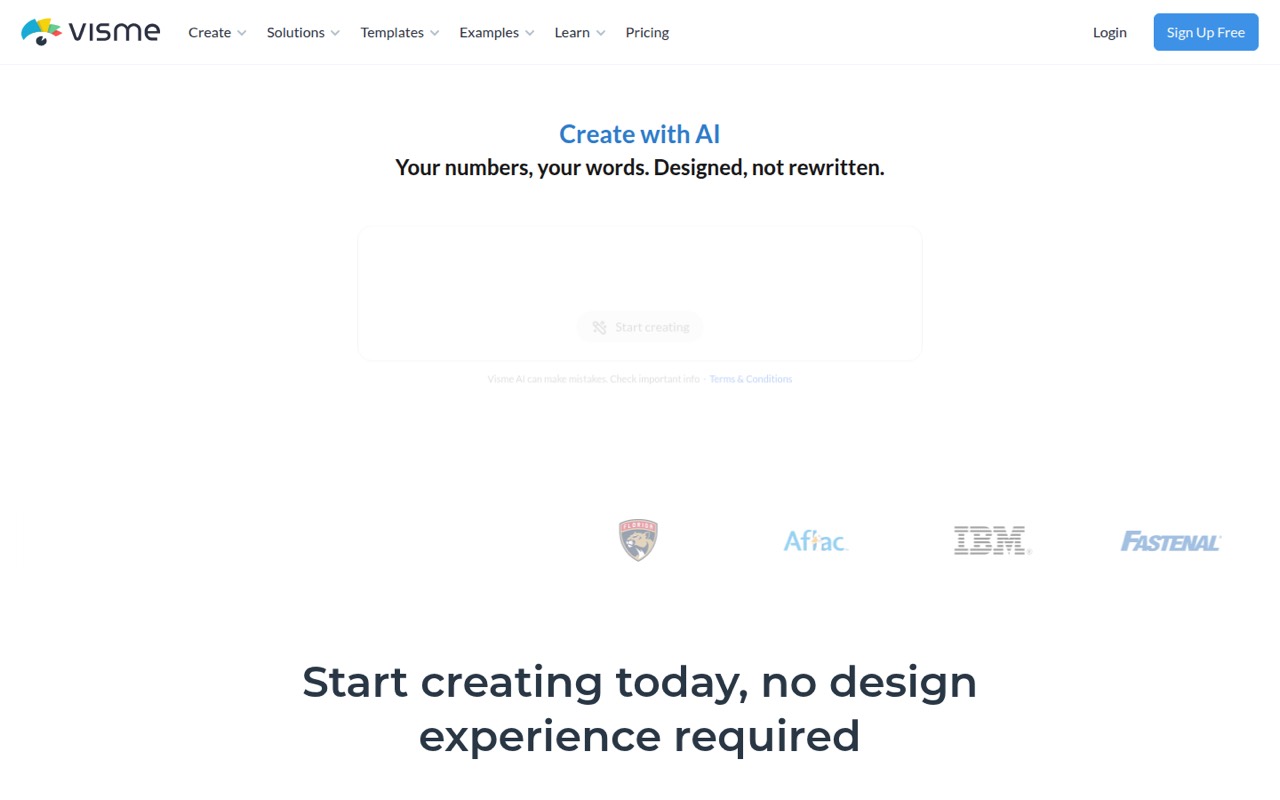
- Best for branded reportsVismeVisme
Visme fits small teams that make branded reports as well as presentations, and its listing also calls out varied visual content and premium templates. There’s a free plan, with a $12.25 starting price. Before buying, check the export limits and annual bill; those details can matter more than the entry price for a team sharing finished work.
What works
- Basic includes unlimited projects
- Templates span over 50 content types
- Brand Wizard applies a website's branding
What doesn't
- Basic projects cap at 50 pages
- Basic exports only JPG, PNG, and PDF
- Monthly-billed prices are not published
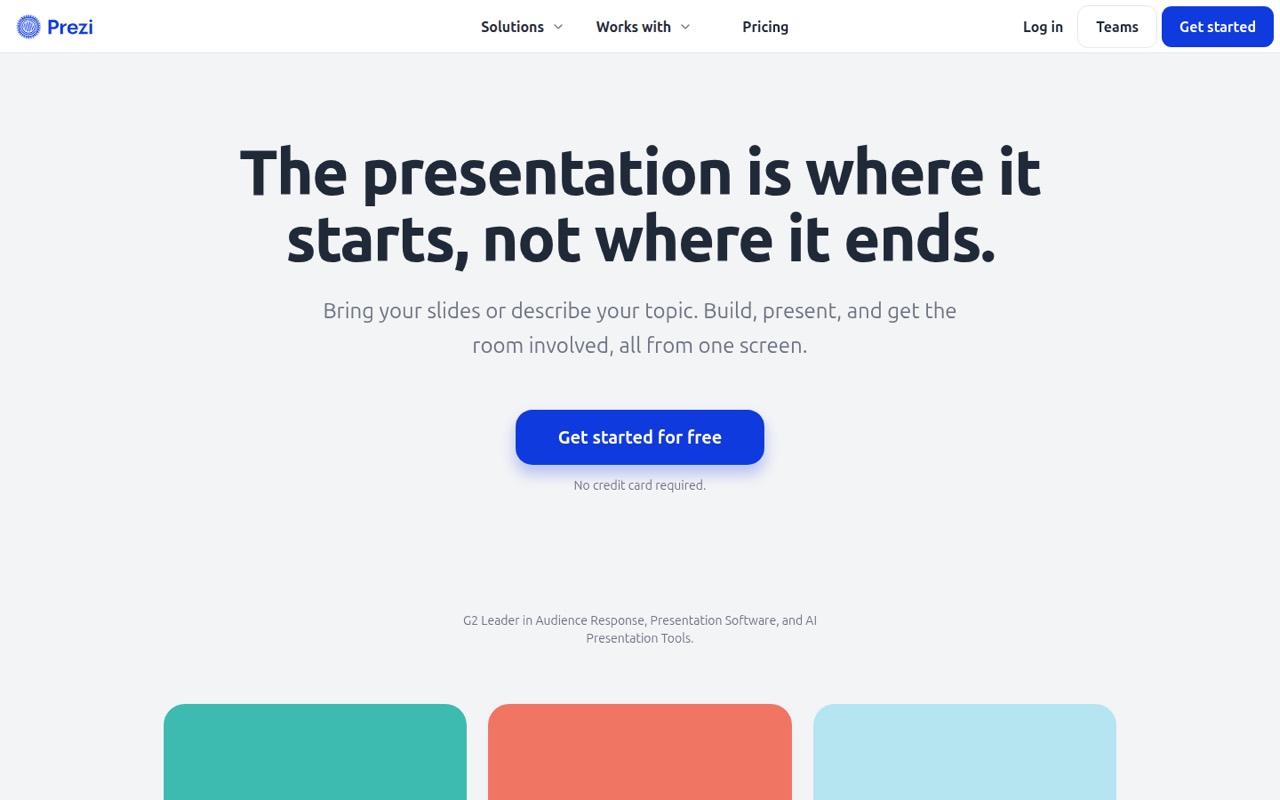
- Best for live sessionsPreziPrezi
Prezi stands out for presenters running live audience sessions, and it can also suit solo creators importing existing slides or sharing post-session materials. It has a free plan and a $7 starting price. If several teammates need to collaborate, budget for its Teams offering rather than assuming the entry plan covers everyone.
What works
- Polls, quizzes, Q&A, and word clouds join by QR code
- Audience members can participate without logging in
- Imports PowerPoint, Google Slides, Canva, PDF, and Word
What doesn't
- Basic limits users to five shareable projects
- Basic content is public
- Paid plans bill annually, not month to month
- Best for PowerPoint designiSlideiSlide
iSlide is a match for presentation creators who work in PowerPoint or WPS Office and want a broad set of design options. Its listing includes a free plan and a $7.88 starting price. For team use, managed collaboration starts at five seats, so it may be less suitable for a very small group that needs shared controls.
What works
- 38 tools for formatting and slide design
- Eight resource libraries for visual assets
- Smart diagrams adapt to slide themes
What doesn't
- Free plan is personal-use only
- Free plan allows 10 downloads daily
- Enterprise requires at least five seats
- Best for guided layoutsBeautiful.aiBeautiful.ai
Beautiful.ai is designed for frequent client decks and groups that want shared brand templates with guided slide layouts. It starts at $14.50, but team collaboration is listed at $40 per seat monthly on annual billing. That’s a steep step for a small team, so it makes most sense when the layout guidance and shared templates justify the cost.
What works
- More than 300 auto-aligning Smart Slide layouts
- AI workflow goes from outline to deck
- Brand colors, fonts, logos, and footers
What doesn't
- No free plan; the trial lasts 14 days
- Team costs $40 per seat monthly, billed annually
- Monthly Team billing rises to $50 per seat

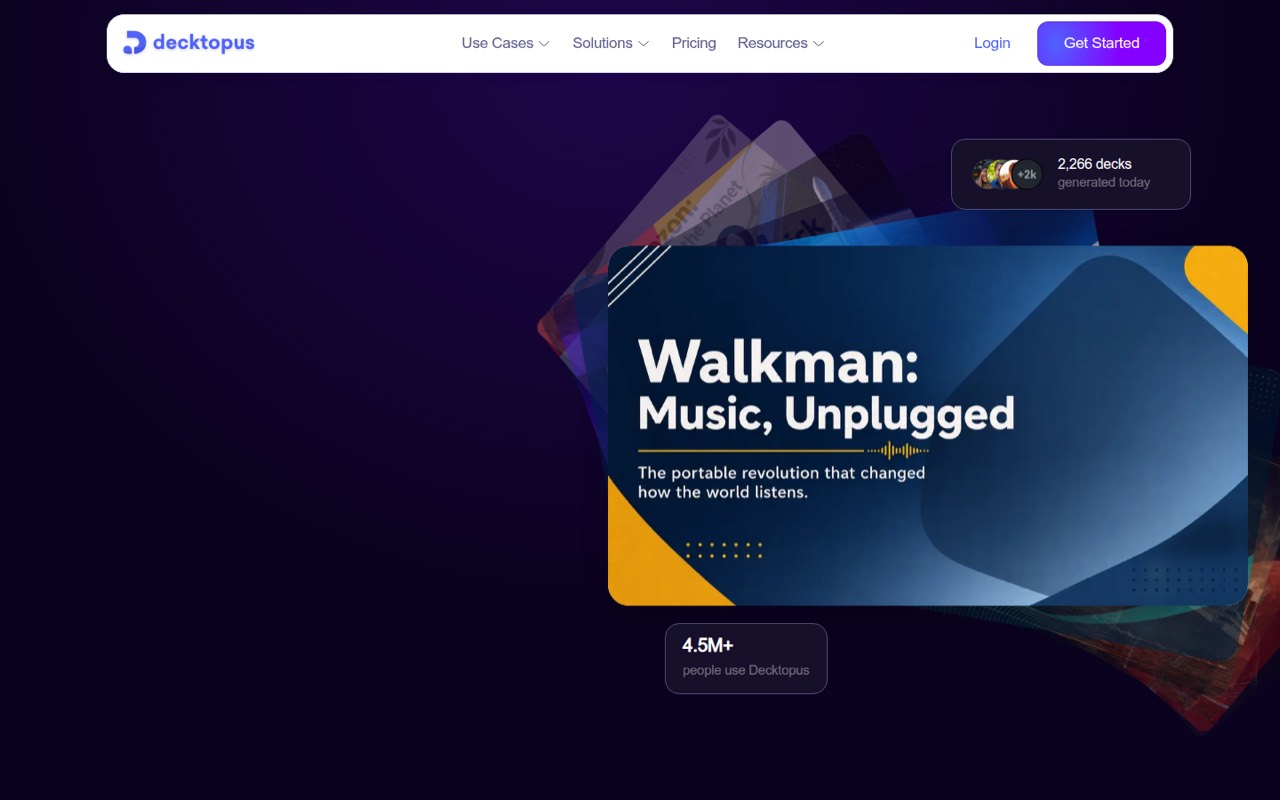
- Best for frequent presentingDecktopusDecktopus
Decktopus is worth considering if you present to clients often, want AI drafts and need shared branding. Its listed starting price is $9.99. The team price is something to check before committing, especially if several people need access; a per-seat plan can change the budget quickly when a tool goes from one user to a small group.
What works
- Creates decks from topics, files, or notes
- Includes AI rehearsal and delivery feedback
- Tracks opens, reading time, and engagement
What doesn't
- No free plan is listed
- Free trial availability is not published
- Business pricing is not published
- Best for PowerPoint exportsPresentations.AIPresentations.AI
Presentations.AI is aimed at recurring sales decks, brand styling and founders who need editable PowerPoint exports. Its listing shows a free plan and a $20 starting price. Before adding teammates, confirm how guest access and paid seats work; the price alone doesn’t show what a shared team setup will cost.
What works
- Starter plan is free
- Generates decks from prompts, documents, and URLs
- Exports editable PowerPoint files
What doesn't
- Starter is limited to 20 slides
- Credit use per deck isn't published
- Pro has 10 MB of brand asset storage
03How we chose
We ranked these tools for a team of 1–10, prioritizing a usable free plan, the likely cost of adding a few people, and how much the tool changes an existing workflow. We also weighed the stated fit, such as document-to-deck drafting, collaboration, brand templates and editable exports. Where plan limits or seat costs matter, we flag them rather than treating a starting price as a team price. Vendor docs and Reddit sentiment are useful checks for feature details and day-to-day friction; verify current terms before buying.
04Price the team plan, not just the entry plan
A low starting price can be misleading when every teammate needs a paid seat. Pitch lists team pricing at €15 per seat monthly on annual billing, while Beautiful.ai lists collaboration at $40 per seat monthly on annual billing. Genially lists €20 per seat monthly on annual billing for a small team. Those totals can outweigh a free plan’s appeal if several people need to edit together.
For other tools, the listed starting price doesn’t answer what three, five or ten seats cost. Ask whether collaborators need paid accounts, whether guests can view or comment, and whether the quoted rate assumes annual billing. Also ask how many AI credits come with each plan and what happens when you run out. Don’t budget from the entry price until you know which plan covers your team’s actual workflow.
05Check the deck workflow before you switch
Start with the work your team already does. If you build in Google Slides or PowerPoint, SlidesAI, Plus AI, Slidesgo and iSlide are listed for those familiar tools or formats. Plus AI is designed to work inside familiar slide apps; Presentations.AI is described as offering editable PowerPoint exports. If your process starts with a document, Gamma and Plus AI are both positioned for source-document or document-to-presentation work.
Then confirm the details that affect handoff: which file formats you can export, whether exported decks stay editable, and whether your team can apply shared branding. Ask for the current AI-credit allowance and what the free plan restricts. A short prompt-to-deck demo using one of your own documents can help you spot extra setup or editing work before you pay.
Questions people ask
Which AI presentation maker has a free plan?
The listings include free plans for Gamma, Pitch, SlidesAI, Slidebean, Slidesgo, Genially, Visme, Prezi, iSlide and Presentations.AI. A free tier may have limits, so check its AI allowance, exports and sharing rules before making it your team’s default.
What does an AI presentation maker cost for a small team?
Listed starting prices run from $4 for Slidesgo to $20 for Presentations.AI, but that doesn’t establish a team total. Pitch lists €15 per seat monthly on annual billing, Beautiful.ai lists $40 per seat monthly on annual billing, and Genially lists €20 per seat monthly on annual billing for a small team.
Which tool is best for making decks from documents?
Gamma is listed for small teams turning documents into presentations, and Plus AI is aimed at people making decks from source documents. Compare their plan limits and ask how many AI credits you get before choosing. Review generated claims and figures before sharing a deck externally.
What should a team check before paying?
Confirm the price for every seat, whether annual billing is required, and how guests can access a deck. Ask about AI credits, export formats, editability and shared branding. If you’ll import existing slides or start from documents, check that the tool supports that workflow on the plan you intend to buy.