
We may earn a commission if you buy through links on this page. It never changes a score or a ranking. How we make money
The bottom line
A useful geocoding tool for small teams that can stay within the free daily limit.
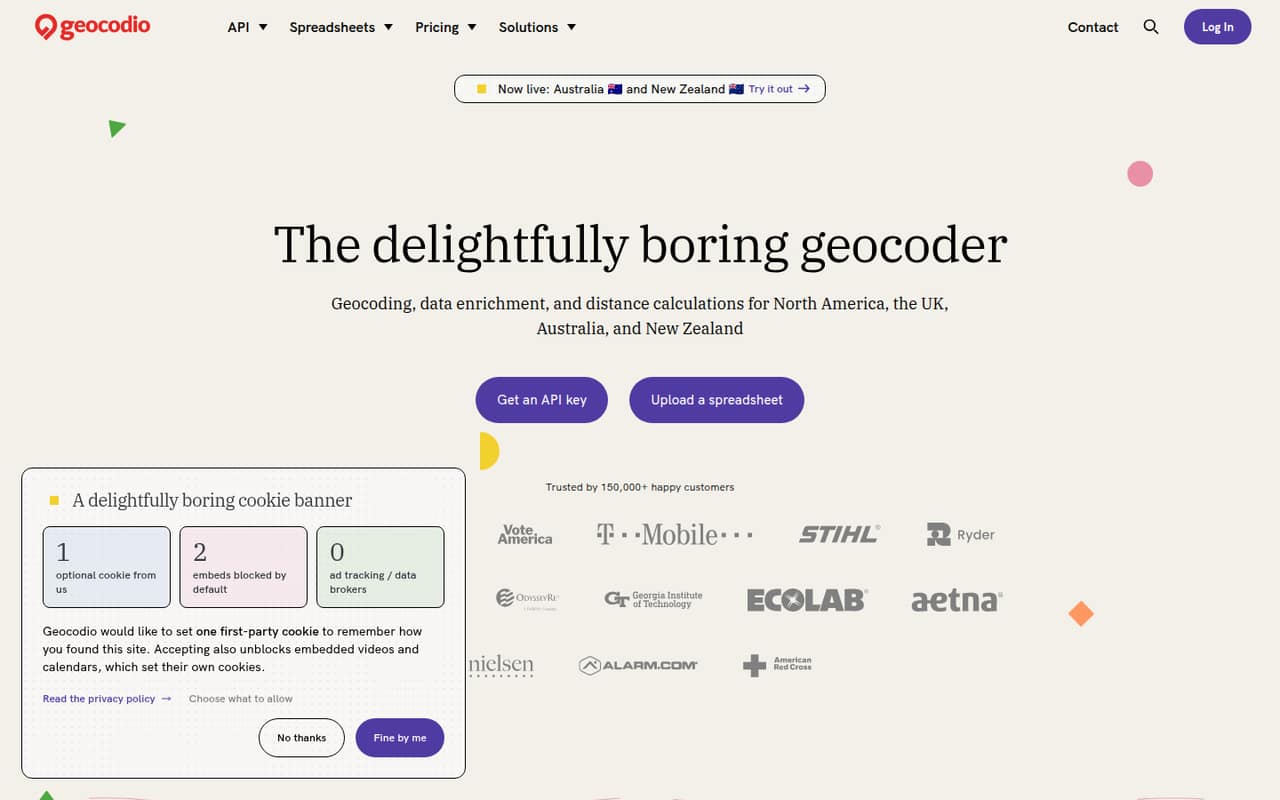
Geocodio converts addresses and coordinates, enriches location records, and calculates distances. A no-code spreadsheet workflow and an API give small teams two ways to process location data across North America, the UK, Australia, and New Zealand.
The free Pay-as-you-go plan includes 2,500 lookups per day and one user. That may cover occasional work, but paid plan prices and lookup rates aren't published, so budget-conscious teams should ask for a quote before committing to regular volume or more seats.
Good fit if
- Teams cleaning address spreadsheets
- Developers building location workflows
- Occasional geocoding projects
Skip it if
- Teams needing published pricing
- Large teams sharing one seat
- Projects outside listed regions
ScoresHow it rates
What works
- 2,500 free lookups per day, forever
- Free credits never expire
- Spreadsheet processing needs no code
- Supports address cleanup and enrichment
- Offers API and distance calculations
What doesn't
- Paid plan prices aren't published
- Pay-as-you-go rate isn't published
- Free plan includes one user
- Flex credit amounts aren't published
- Distance API credits cost extra
01Who Geocodio is for
Geocodio suits a solo operator or a small team of roughly 1–10 people that needs to turn address lists into usable location data. It geocodes addresses and coordinates, adds location-related data to records, and calculates distances. The listed coverage includes North America, the UK, Australia, and New Zealand.
The spreadsheet workflow is a fit for operations or research teams that want to upload a file and choose what data to add without writing code. Developers can use the API instead. Geocodio also handles typos, missing postal codes, and inconsistent address formatting, which can save cleanup work when a list is messy.
For occasional projects, the free daily allowance may be enough. Teams processing addresses regularly should compare a Flex plan with their expected lookup volume and seat needs. Since paid prices aren't published, small teams should get the full cost before treating it as a budget-friendly recurring tool.
02Geocodio free plan and trial
Pay-as-you-go includes 2,500 free lookups per day, forever, with one user and a limit of 1,000 lookups per minute. Credits never expire. The plan is billed per lookup beyond the free allowance, but the vendor doesn't publish the rate. A free trial isn't listed.
That makes the free tier a practical starting point for a solo user or an occasional spreadsheet job, as long as daily demand stays within the allowance. The one-user limit is a constraint for a team that needs several people to use the account. If you need regular volume or more seats, Flex plans offer monthly credit tiers and rollover while active, but the exact credit amounts and prices aren't published. Ask Geocodio for a quote before moving paid work onto a plan.
03What a small team pays for Geocodio
The pricing page lists Pay-as-you-go as per lookup, but doesn't publish the lookup rate. Flex 350 is the lowest named Flex tier; its price and exact credit amount aren't published either. Flex plans include one user, with additional Flex or self-serve Unlimited users listed at $250 per month or $750 per year each.
That makes the additional-seat charge $500 per month or $1,500 per year for a three-person team, and $1,000 per month or $3,000 per year for five people, on top of the plan price. Those figures use the listed monthly or annual seat options; they don't include the unpublished base price. Flex offers monthly or annual billing, but the vendor doesn't publish the plan prices.
Distance API credits cost $1 per 1,000 credits; enterprise annual plans get a 25% discount. Unlimited Geocoding lists additional users at the same $250-per-month or $750-per-year rate. Ask about seat needs and distance usage when requesting pricing.
04Getting started with Geocodio
For a no-code workflow, the product description says to upload a spreadsheet and select the data to add. That gives a nontechnical teammate a direct path to processing an address list. For recurring jobs or custom applications, Geocodio also offers an API, so a developer can build geocoding into a workflow.
The setup effort depends on which route you choose: spreadsheet processing avoids coding, while using an API requires developer work. The listed plans include API keys, with 10 on Flex plans and unlimited keys on Unlimited Geocoding. Integration options and step-by-step setup requirements aren't listed in the product details here, so confirm the API workflow and any required connections with Geocodio before you plan a rollout.
A small team can start with one spreadsheet user, then decide whether the API or extra seats are worth paying for.
05When small teams outgrow Geocodio
The first pinch point is volume: Pay-as-you-go includes 2,500 free lookups per day, then charges per lookup at a rate the vendor doesn't publish. Its stated limit is 1,000 lookups per minute. Flex plans provide monthly credit tiers, but their exact credit amounts aren't published, making it hard to predict the right tier without a quote.
The next hurdle is seats. Pay-as-you-go includes one user, and Flex includes one user; additional Flex or self-serve Unlimited users cost $250 per month or $750 per year each. That can make a shared workflow expensive as more teammates need access. Distance API credits are a separate cost, listed at $1 per 1,000 credits.
For high volume, Unlimited Geocoding includes unlimited lookups up to 5 million per day per instance, but its price isn't published. Teams that need more capacity or seats should compare a written quote with their expected usage before upgrading.
Questions people ask
How many free lookups does Geocodio include?
Pay-as-you-go includes 2,500 free lookups per day, forever, for one user. It also lists a limit of 1,000 lookups per minute. Credits never expire, and lookups beyond the free allowance are billed per lookup at a rate the vendor doesn't publish.
Can I use Geocodio without coding?
Yes. Geocodio offers a spreadsheet workflow where you upload a file and select the data to add. It also offers an API for developers. Confirm the details of any integrations or connections your workflow requires with the vendor.
What data can Geocodio add to an address list?
Geocodio geocodes addresses and coordinates, adds location-related data to address records, and calculates distances. The spreadsheet workflow lets you choose data to add. Check with Geocodio for the specific enrichment fields available for your use case.
Which regions does Geocodio cover?
The listed coverage includes North America, the UK, Australia, and New Zealand. Enterprise Unlimited Geocoding lists UK access as an add-on, so ask the vendor which plan and terms apply to your required coverage.
Does Geocodio charge extra for distance calculations?
Distance API credits are listed at $1 per 1,000 credits. Enterprise annual plans get a 25% discount. The pricing details don't state how many credits a particular job will use, so ask Geocodio to estimate your workload.