We may earn a commission if you buy through links on this page. It never changes a score or a ranking. How we make money
A small team probably doesn’t need a full mapping platform if all it wants is to clean up addresses or add a basic map to an app. Geocodio is our first pick for occasional geocoding, while MapTiler Cloud is a strong place to start for app maps. HERE Technologies suits teams that need mapping and routing together. Before committing, check the free-tier limits and ask vendors for a quote based on your actual usage and team size: several list a starting price but not a clear few-seat total.
Quick picksThe shortlist
 GeocodioGeocodioBest for free geocoding · Free
 MapTiler CloudMapTiler CloudBest for app maps · $30/mo
 HERE TechnologiesHERE TechnologiesBest for routing · Free
 RadarRadarBest for location tools · $0.02/mo
 FoursquareFoursquareBest for venue data · $25/mo
 CARTOCARTOBest for spatial analysis · Custom
 MapKit JSMapKit JSBest for Apple maps · $8.25/mo
01Compared at a glance
| Tool | Score | From | Free plan | Trial |
|---|---|---|---|---|
| GeocodioGeocodio | 7.0 | Free | Yes | — |
| MapTiler CloudMapTiler Cloud | 6.8 | $30/mo | Yes | — |
| HERE TechnologiesHERE Technologies | 6.8 | Free | Yes | — |
| RadarRadar | 6.2 | $0.02/mo | No | — |
| FoursquareFoursquare | 6.5 | $25/mo | Yes | 30 days |
| CARTOCARTO | 6.1 | Custom | No | 30 days |
| MapKit JSMapKit JS | 4.0 | $8.25/mo | No | — |
02The picks, in detail
- Best for free geocodingGeocodioGeocodio
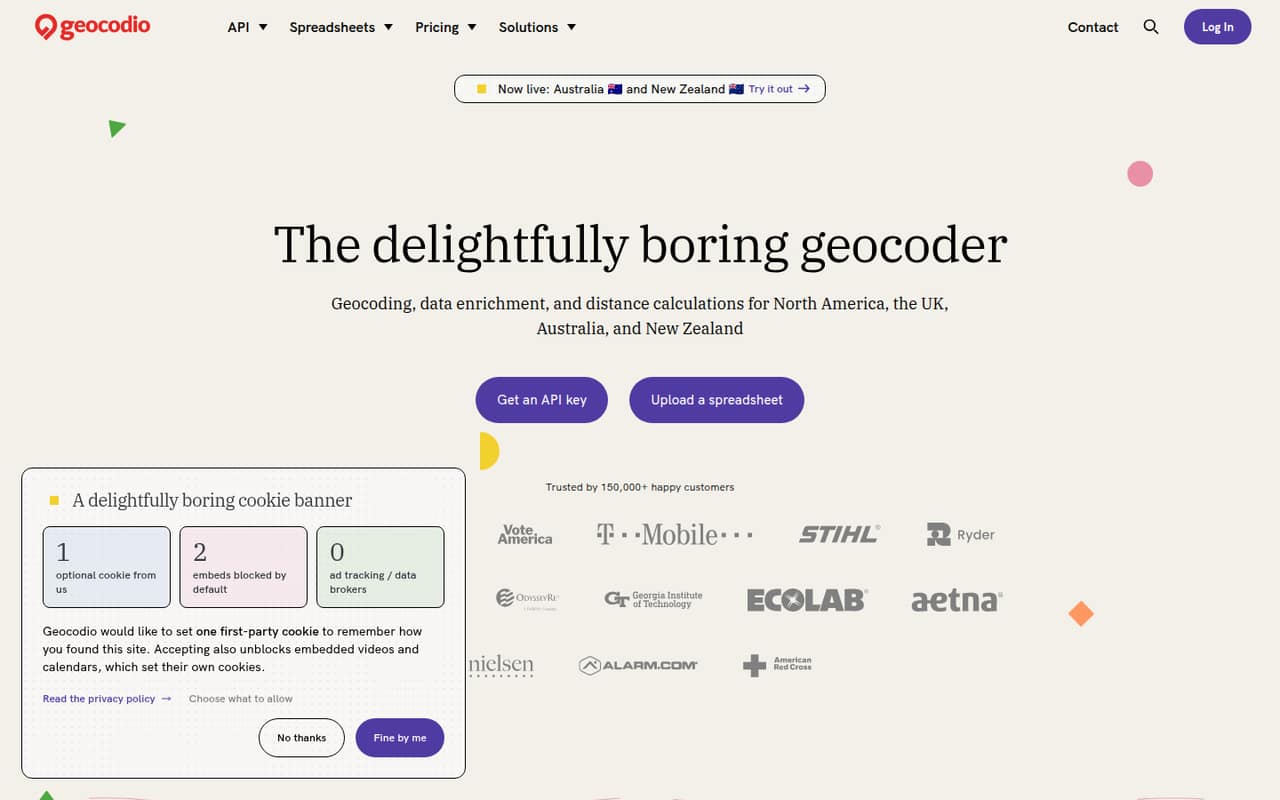
Geocodio is our top small-team pick for address cleanup and occasional geocoding. It has a free plan, and its fit is straightforward for teams working with spreadsheets or simple location workflows. The free plan has a daily limit, so check that against your workload; the exact limit and paid cost aren’t published in the published pricing details. It’s less suited to teams looking for a full map-building platform.
What works
- 2,500 free lookups per day, forever
- Free credits never expire
- Spreadsheet processing needs no code
What doesn't
- Paid plan prices aren't published
- Pay-as-you-go rate isn't published
- Free plan includes one user
- Best for app mapsMapTiler CloudMapTiler Cloud
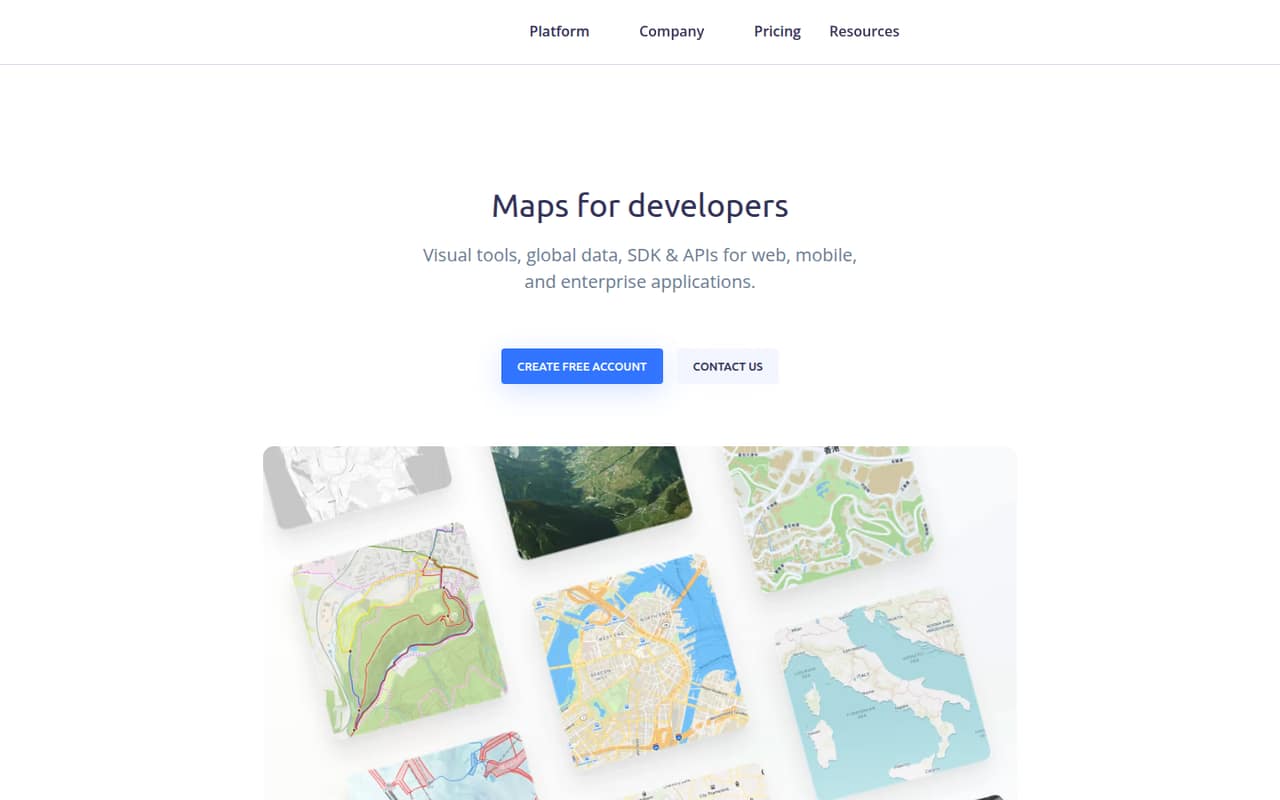
MapTiler Cloud is a practical option for developers adding maps to an app, with a free plan for prototypes and a listed starting price of $30. It also fits teams processing geodata. The pricing summary doesn’t say how that starting price scales with seats or usage, so ask for a realistic estimate before moving a production project over. Its developer focus may mean more setup work than a simple address lookup needs.
What works
- Free plan supports prototypes and personal use
- Includes ready-made map styles
- SDKs cover interactive, static, and 3D maps
What doesn't
- Flex costs $30/month, even for one person
- Flex includes only three team members
- Annual billing price isn't listed
- Best for routingHERE TechnologiesHERE Technologies
HERE Technologies is worth considering when a team needs mapping and routing APIs together, or has fleet operations with complex tours. It has a free tier, but its starting price and a few-seat total aren’t published in the pricing details, and costs are usage-based. That makes it harder to budget than a simple fixed-price tool. Small teams should check free-tier limits and ask how the planned routes and usage affect the bill.
What works
- Free Base Plan has no flat monthly subscription
- Includes 30,000 monthly map-rendering transactions
- Includes monthly geocoding, search, and routing quotas
What doesn't
- Usage charges can apply beyond included quotas
- No per-seat cost is published
- Enterprise pricing and limits are custom

- Best for location toolsRadarRadar
Radar fits teams building location features into an app, verifying locations, or tracking field operations. Its listed starting figure is $0.02, but the pricing details don’t specify the unit or what a few seats would cost. It’s most appropriate when there’s a clear location use case and engineering help to implement it. Ask the vendor to price your expected usage before treating the low starting figure as a budget.
What works
- Covers maps, geocoding, search, and routing
- Separate products for fraud and location verification
- Optimize includes tracking and job management
What doesn't
- No free plan or trial is listed
- Agreements require annual commitments
- Usage quotas and final costs need sales confirmation
- Best for venue dataFoursquareFoursquare
Foursquare is a match for teams using venue data and APIs, measuring real-world ad visits, or doing GIS analysis. It has a free plan and a listed starting price of $25, but the pricing details don’t establish a few-seat total. That’s worth clarifying before a team builds a regular workflow around it. If your need is simply team check-ins, this is probably more tool than you need.
What works
- Free Spatial Desktop and Spatial Studio options
- Free Places API Pro usage up to 500 calls
- Tools for ads, APIs and spatial analysis
What doesn't
- Products have separate pricing structures
- No published per-seat price or seat limits
- API and compute costs can vary with usage

- Best for spatial analysisCARTOCARTO
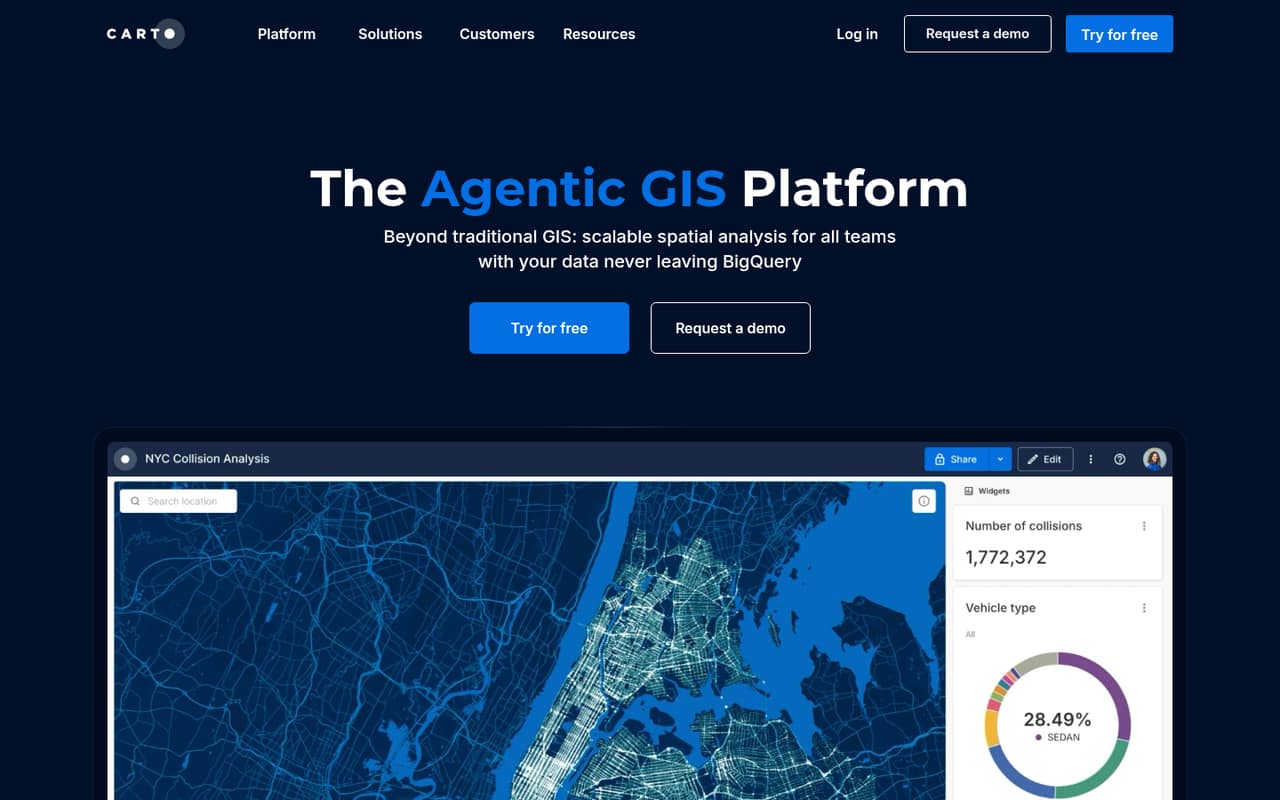
CARTO is built for teams doing regular spatial analysis, working with cloud data platforms, or building location-based apps. Those use cases can justify a deeper platform, but the vendor doesn’t publish pricing, making a small-team budget hard to pin down. Ask for a quote based on your data setup, users, and workload. For occasional address lookups or a basic map, a narrower tool may be easier to budget and set up.
What works
- Low-code workflows include 100+ analysis components
- Connects spatial work to cloud ecosystems, including BigQuery
- Visualizes billions of data points
What doesn't
- No free plan is listed
- Dollar prices are not published
- Committed tiers require upfront annual billing
- Best for Apple mapsMapKit JSMapKit JS
MapKit JS may suit a team building web maps that can stay within its published daily quotas. Its listed starting price is $8.25, but team costs and setup details need answers from Apple, including token requirements. That uncertainty makes it harder to recommend for a tight budget without a clear use case. Check the quotas and implementation requirements before deciding whether its price and setup work for your project.
What works
- Apple Developer Program starts at $99 per year
- 250,000 map views per day are listed
- Daily service-call allowance is listed
What doesn't
- No free plan is listed
- No free trial is listed
- Seat costs are not published
03How we chose
We ranked these APIs for a team of one to ten, giving priority to a useful free plan, a price a small team can assess, and a clear fit for common location work. We considered setup effort implied by the stated use cases, along with plan limits and what a team should verify in vendor docs and user discussions on Reddit. A starting price isn’t necessarily a few-seat total, and a free plan isn’t useful if its limits don’t fit your workload. We don’t claim hands-on testing; where pricing or limits aren’t published, we say so.
04Match the API to the job
Start with the task, not the map. For address cleanup or occasional geocoding, Geocodio is the clearest fit in this group, with a free plan and a daily limit to check. For maps inside an app, compare MapTiler Cloud and MapKit JS; the latter has published daily quotas, but its team costs and setup details need answers from Apple. If routing or fleet tours are central, look at HERE Technologies. Radar targets app location features, verification, and field operations, while Foursquare suits venue data and real-world ad-visit measurement. CARTO is aimed at regular spatial analysis and location-based apps. Keep the shortlist narrow: choose the API that covers the specific location task you have now, then confirm its docs support the implementation your team can maintain.
05Budget for actual use, not the headline
A listed starting price doesn’t tell you what a few seats will cost. MapTiler Cloud lists a $30 starting price, Foursquare $25, MapKit JS $8.25, and Radar $0.02; the pricing details here don’t establish a billing cadence or a comparable total for a small team. HERE uses usage-based costs, while CARTO doesn’t publish pricing. Geocodio and HERE have free plans, and MapTiler Cloud and Foursquare do too; check the limits before relying on them. Ask vendors to estimate your expected requests, data needs, users, and any usage-based charges. Also check the docs for setup requirements, token handling, and quota behavior. If the quote depends on details you can’t estimate yet, run a small project within the free tier first, where the vendor’s terms allow it.
Questions people ask
Which mapping API is best for a small team?
It depends on the job. Geocodio is our first pick for address cleanup and occasional geocoding. MapTiler Cloud is a good option for adding maps to apps, and HERE Technologies fits teams that need mapping and routing APIs. Check free-tier limits and get a quote before committing.
Which mapping API has a free plan?
Geocodio, HERE Technologies, MapTiler Cloud, and Foursquare have free plans. Geocodio’s free plan has a daily limit, but the exact limit isn’t published in the pricing details. Check each vendor’s current plan terms and limits to see whether they match your use.
How much does a mapping API cost for a small team?
Published starting figures include $30 for MapTiler Cloud, $25 for Foursquare, $8.25 for MapKit JS, and $0.02 for Radar. Those figures don’t establish a comparable few-seat total; Radar’s pricing unit also isn’t specified. Ask vendors to price your expected users and usage.
When should a team move beyond a free plan?
Consider a paid plan when your actual workload reaches the free tier’s limits or you need capabilities it doesn’t cover. Check the vendor’s plan terms and docs before building around a free tier, and ask for a usage-based estimate if the bill changes with requests or other usage.