
We may earn a commission if you buy through links on this page. It never changes a score or a ranking. How we make money
The bottom line
GetAccept combines sales rooms and e-signatures, but a free plan is absent and sales rooms start at five seats.
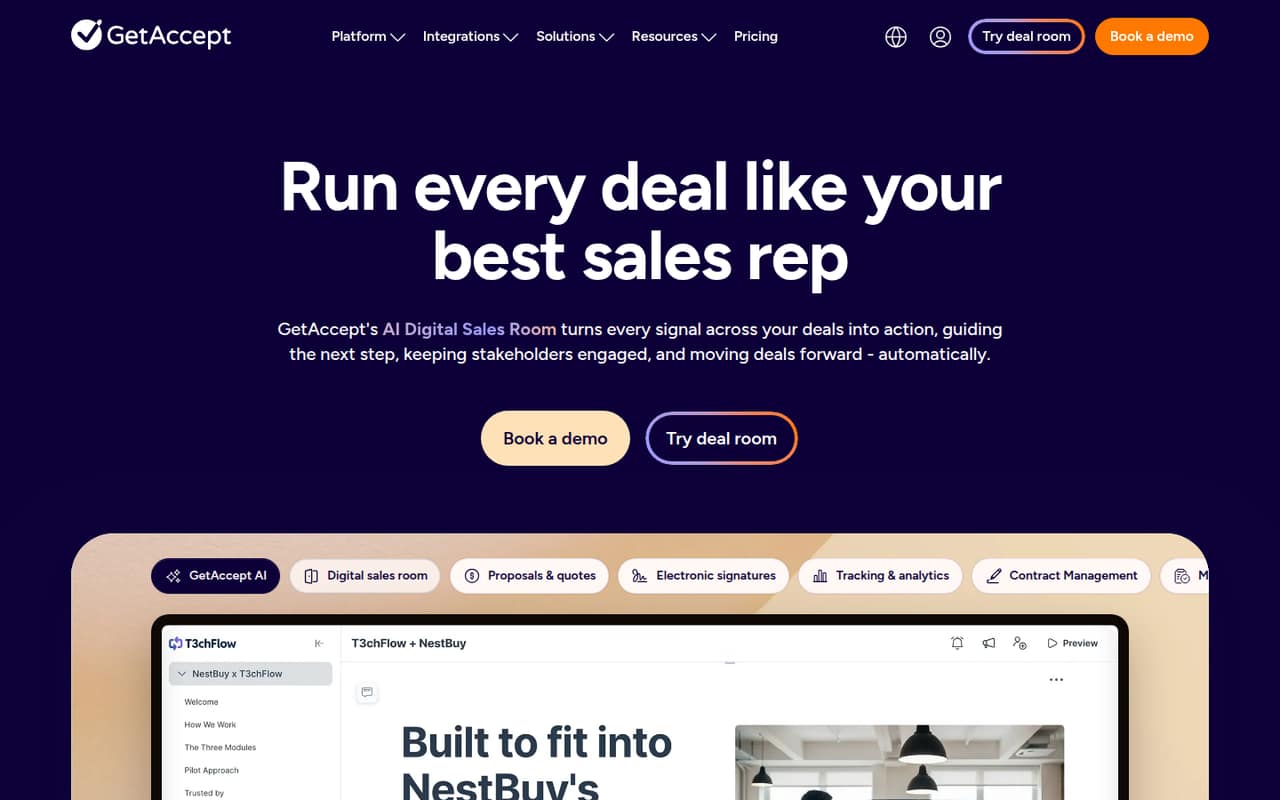
GetAccept brings deal content, digital sales rooms, engagement signals, AI sales materials, and electronic signatures into one sales platform. It makes most sense when a team wants those tools connected around active deals, rather than signatures alone.
There’s no free plan. The eSign plan starts at $25 per user per month; Professional, which adds sales rooms, requires at least five users at $49 per user per month. Check the trial’s scope and any add-on charges before committing.
Good fit if
- Sales teams managing active deals
- Teams needing rooms and signatures
- Five-person teams sharing deal content
Skip it if
- Teams looking for a free plan
- Solo users needing only occasional signatures
- Teams wanting unmetered product catalogs
ScoresHow it rates
What works
- Unlimited electronic signatures on both listed plans
- Professional includes unlimited active rooms
- AI creates sales materials from conversations
- Engagement signals can inform follow-up
- Supports advanced and qualified e-signatures
What doesn't
- No free plan
- Professional requires at least five users
- Professional is annual-payment only
- Professional product library is limited to three products
- Add-ons may cost extra; overage costs are unpublished
01Who GetAccept is for
GetAccept is aimed at sales teams that need more than a place to collect signatures. It brings deal content, proposals, contracts, and signing into digital sales rooms, with engagement signals to help teams decide what to do next. Its AI features can turn sales conversations into meeting recaps, business cases, executive summaries, discovery outlines, and buyer-ready content.
For a small team, the plan choice matters. A solo seller or a team of three can buy eSign, but Professional—the plan with sales rooms—requires five users. That makes Professional a better fit for a group of five to ten people with an ongoing pipeline and a budget for a dedicated sales platform. If the main job is simply sending documents for signature, eSign is the lower-cost entry point. If you need shared deal rooms and a product library, budget for Professional and its annual-only payment terms.
02GetAccept free plan and trial
GetAccept has no free plan. The pricing lists a 14-day free trial, but the trial’s included features, seat allowance, and any restrictions are not published. Ask GetAccept which plan the trial covers and whether trial access includes sales rooms, AI tools, and electronic signatures before you build a workflow around it.
The cheapest listed paid option is eSign at $25 per user per month. It includes unlimited electronic signatures, and the pricing lists the same per-user rate for annual pricing and monthly payments under a 12-month agreement. There is no month-to-month commitment listed. Teams that need digital sales rooms must look at Professional, which starts at five users and is available only with annual payment.
03What a small team pays for GetAccept
The eSign plan is $25 per user per month. That works out to $25 per month for one person, $75 for three, or $125 for five. Annual billing comes to $300, $900, or $1,500 per year, respectively. GetAccept also lists monthly payments under a 12-month agreement, so the monthly payment option does not mean a month-to-month contract. Seat limits for eSign are not published.
Professional costs $49 per user per month, requires at least five users, and is annual-payment only. Its minimum five-seat price is $245 per month, or $2,940 per year. That plan includes unlimited active rooms and signatures, plus a product library of up to three products. SMS delivery, automated reminders, signer authentication, and Nordic eID verification may add charges. GetAccept does not publish overage costs, so ask for a quote that spells out add-ons and any usage charges.
04Getting started with GetAccept
GetAccept’s core workflow is to gather deal content, share it with stakeholders in a digital sales room, track engagement, and move documents through signing. Its AI features can generate meeting recaps with tasks, deadlines, and next steps, and help draft business cases or buyer-ready content. A small team can start by deciding which sales documents belong in a room and who needs access, then agree on how sellers will use engagement signals for follow-up.
GetAccept does not publish a setup-time estimate or a required integration list in the pricing details. The learning curve will depend on how much of the sales process you want to manage in the platform, but the exact setup steps and integrations for your stack are questions to confirm with the vendor. Before signing up, ask which integrations are included in your chosen plan and whether configuring AI prompts or signature workflows needs extra setup.
05When small teams outgrow GetAccept
The first pinch point is the jump from signatures to sales rooms. eSign is priced per user, but its seat limits are not published; Professional requires at least five seats and costs $245 per month at that minimum. A team with fewer than five people that needs rooms should ask GetAccept whether it offers a smaller paid arrangement, rather than assuming the listed Professional price scales down.
Professional’s product library covers up to three products. Teams managing more products should confirm available expansion options and costs. Add-ons for SMS delivery, automated reminders, signer authentication, and Nordic eID verification may raise the bill, while overage costs are not published. As the team adds sellers or needs more products and signing controls, get a full quote covering seats, add-ons, and usage before renewing. If you only need signatures, paying for rooms and sales features may no longer make sense.
Questions people ask
Does GetAccept have a free plan?
No. GetAccept lists a 14-day free trial, but no free plan. The trial’s included features, seat allowance, and restrictions are not published, so confirm what access it provides before relying on it for a live sales process.
How much does GetAccept cost for one person?
The eSign plan costs $25 per user per month, so one user is $25 per month or $300 per year at that rate. GetAccept lists monthly payments under a 12-month agreement or annual billing; it does not list a month-to-month option.
How much does GetAccept Professional cost?
Professional is $49 per user per month, requires at least five users, and is available only with annual payment. At the minimum five seats, that is $245 per month equivalent, or $2,940 per year. It includes unlimited active rooms and signatures, plus up to three products in the product library.
What is included in the GetAccept trial?
GetAccept lists a 14-day free trial, but the trial’s features, user limit, and restrictions are not published in the pricing details. Ask the vendor whether the trial includes the specific plan features you need, such as digital sales rooms, AI tools, or electronic signatures.
Does GetAccept charge extra for SMS or signer verification?
GetAccept says SMS delivery, signer authentication, and Nordic eID verification may involve additional charges. Automated reminders may also cost extra, and overage costs are not published. Ask for a written estimate covering the features and usage your team expects.