
We may earn a commission if you buy through links on this page. It never changes a score or a ranking. How we make money
The bottom line
Good Git and IDE coverage; private repos for a team of three start at €504 a year.
GitKraken brings a visual Git client, IDE code context, AI-agent tools, and engineering insights under one roof. Community is free, but it only covers local repos and public remotes.
For private repos, a team of three needs Advanced: €14 per seat per month, billed annually, or €504 a year before tax. That makes the feature set easier to justify for teams that will use its broader integrations and tools.
Good fit if
- Developers who prefer a visual Git graph
- Teams using Git and Jira together
- Small teams needing private repo access
Skip it if
- Teams committed to terminal-only Git
- Three-person teams on the tightest budget
- Teams wanting monthly paid billing
ScoresHow it rates
What works
- Free Community plan for local and public repos
- Desktop, IDE, CLI, and AI tools in one platform
- GitLens adds history and authorship context in IDEs
- MCP Server connects assistants to Git and pull-request context
- Advanced supports up to 10 seats
What doesn't
- Community does not include private repos
- Pro is capped at two seats
- Advanced costs €14 per seat monthly, billed annually
- Paid prices exclude tax
- Reddit opinions on GUI workflows are divided
01Who GitKraken is for
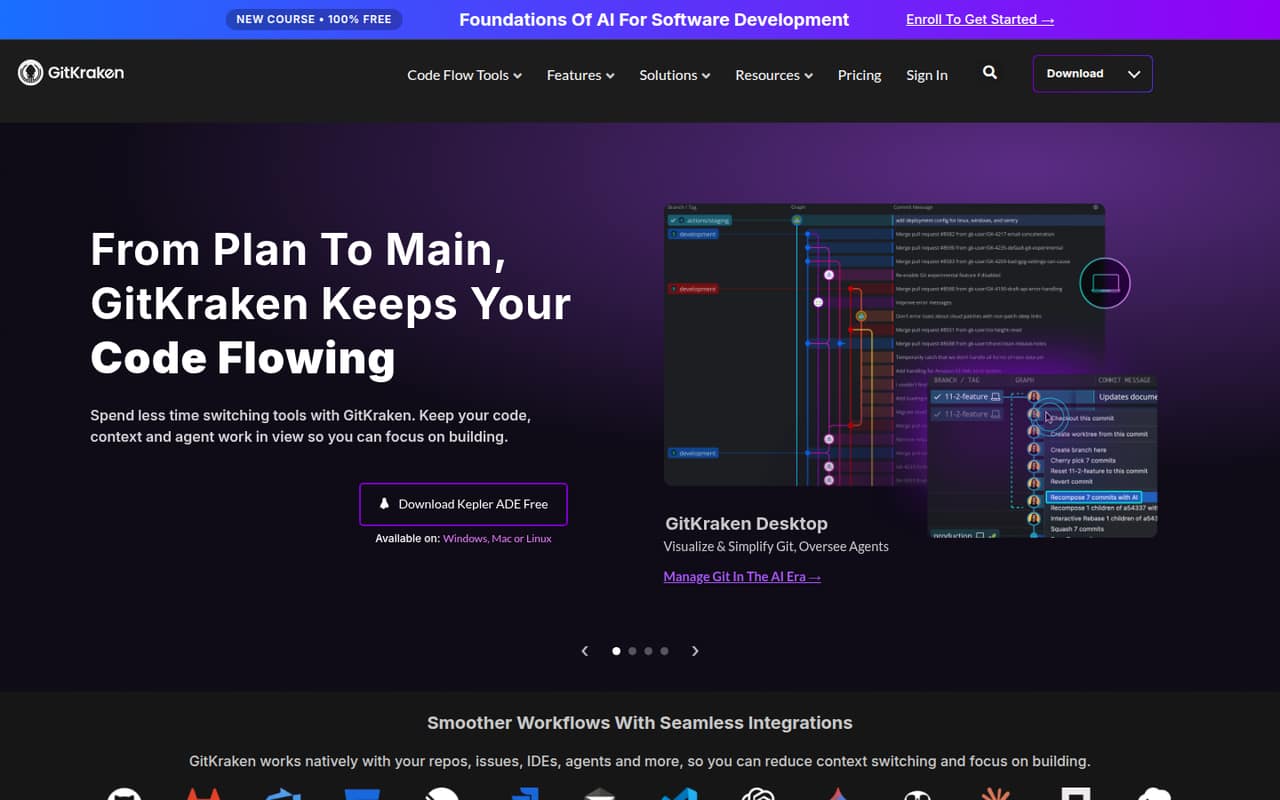
GitKraken makes the most sense for solo developers and small teams that want a visual way to manage Git alongside tools for code context, reviews, and AI-assisted work. GitKraken Desktop displays branches, commits, and conflicts; GitLens brings code history and authorship into IDEs. The platform also includes Kepler ADE for AI-agent workflows and GitKraken Insights for engineering usage and cost information.
A solo developer can start free if local repos and public remotes are enough. A team of two can consider Pro for private repos, but teams of three to ten need Advanced to stay within the published seat limits. That is a meaningful budget step: Advanced is €14 per seat per month, billed annually. We’d look closely at whether the team will use its private-repo access and enterprise integrations before committing. GitKraken is less compelling for a team that already prefers command-line Git and does not need a shared visual workflow.
02GitKraken free plan and trial
Community costs €0 and includes GitKraken Desktop, GitLens, CLI, and Kepler, plus unlimited cloud Git integrations. Its key restriction is repository access: the plan is for local repos and public remotes only, so it does not cover private repos. That makes it a practical starting point for solo developers working on public projects, but not a free option for a team that needs private-repo access.
The pricing page lists a 14-day Advanced trial. GitKraken also lists a 14-day Business trial, while Community includes access to a 14-day Advanced trial. The free plan does not remove the paid seat limits or annual billing terms. If your team needs private repos, Pro is the cheapest listed plan for up to two seats; a team of three or more needs Advanced.
03What a small team pays for GitKraken
Paid prices are per seat per month, billed annually, and exclude tax. One person can get Pro for €4 per month in year one for the first seat; after that, the listed rate is €8 per seat per month. That works out to €48 for the first year, then €96 a year, billed annually. Pro supports up to two seats.
For a team of three, the cheapest plan that fits the listed seat limit is Advanced: €14 × 3, or €42 per month equivalent and €504 for a year. Five seats cost €70 per month equivalent, or €840 a year. Advanced supports up to 10 seats and includes self-hosted and enterprise integrations, single-domain SSO, and up to 2,000,000 AI credits per week per user.
The pricing page lists no add-ons. It does not list a monthly billing option, so budget for the annual total and tax rather than assuming you can pay month to month. Business is €18 per seat per month for companies needing its additional controls.
04Getting started with GitKraken
The right starting point depends on how your team works: GitKraken Desktop is the visual client, GitLens provides code context in IDEs, and the CLI is also included with Community. GitKraken describes integrations for cloud Git services, Jira, and AI assistants through its MCP Server. A small team should decide which of those are needed before choosing a plan, especially because private repos and enterprise integrations sit on paid tiers.
GitKraken does not publish a setup-time estimate in the pricing details, so we would not plan around a promised number of minutes or hours. There is also no setup guide detail here to support a specific onboarding estimate. At minimum, agree on which client and IDE tools people want to use, what repo access they need, and whether Jira or an AI assistant belongs in the workflow. Reddit discussions show that teams may not agree on a single interface: some prefer a GUI for the commit graph and conflicts, while others prefer the CLI.
05When small teams outgrow GitKraken
The first limit is usually repo privacy or seats. Community is restricted to local repos and public remotes. Pro adds private repos, but its published limit is two seats; once a team reaches three people, Advanced is the listed fit, at €14 per seat per month billed annually. Advanced covers up to 10 seats. Beyond that, Business supports up to 100 seats, while Enterprise is custom-priced for 20 or more seats.
A team may also move up for specific controls: Advanced adds self-hosted and enterprise integrations and single-domain SSO; Business adds multi-domain SSO and an internal software directory. The pricing page does not publish monthly paid billing, so annual commitments may also be a reason to reconsider. Reddit feedback is mixed. One user praised GitKraken’s everyday usefulness but mentioned performance concerns; another described freezes and slow behavior. Other commenters said they prefer terminal workflows or want each developer to choose their own interface. Those are individual opinions, not a guarantee of how it will run for your team.
From the threadsWhat users say
Reddit opinions are split between people who value a visual Git workflow and developers who prefer the CLI or another interface. One user also reported performance problems, so sentiment is mixed rather than consistently positive.
then let them use whatever suits them
Magit is the best Git UI
GUI's execute commands and don't always expose every command to the user
it works decent (performance wise maybe it's not the best out there)
Questions people ask
What does GitKraken do?
GitKraken is a developer tools platform for Git repositories, code reviews, and AI-assisted development. Its products include GitKraken Desktop, GitLens for IDEs, Kepler ADE, and GitKraken Insights. It also offers an MCP Server for AI assistants and Git Integration for Jira.
Is GitKraken free?
Yes. Community costs €0 and includes GitKraken Desktop, GitLens, CLI, Kepler, and unlimited cloud Git integrations. It is limited to local repos and public remotes, so it does not include private repos. GitKraken also lists a 14-day Advanced trial.
Which GitKraken plan includes private repos?
Pro includes private repos and cloud issue tracker integrations, and is listed for up to two seats. If your team needs more than two seats, Advanced supports up to 10. Paid prices are per seat per month, billed annually, and exclude tax.
How much does GitKraken cost for three people?
Advanced is the listed plan for a three-person team because Pro is capped at two seats. At €14 per seat per month, three seats cost €42 per month equivalent, or €504 for the year, billed annually before tax.
Can I pay for GitKraken month to month?
The pricing page lists paid plans as per-seat prices billed annually, and does not list a monthly billing option. Community is free. Ask GitKraken whether it can offer different billing terms if annual payment does not suit your team.