
We may earn a commission if you buy through links on this page. It never changes a score or a ranking. How we make money
The bottom line
Gloat offers broad HR automation, but small teams must get a quote before they can judge the cost.
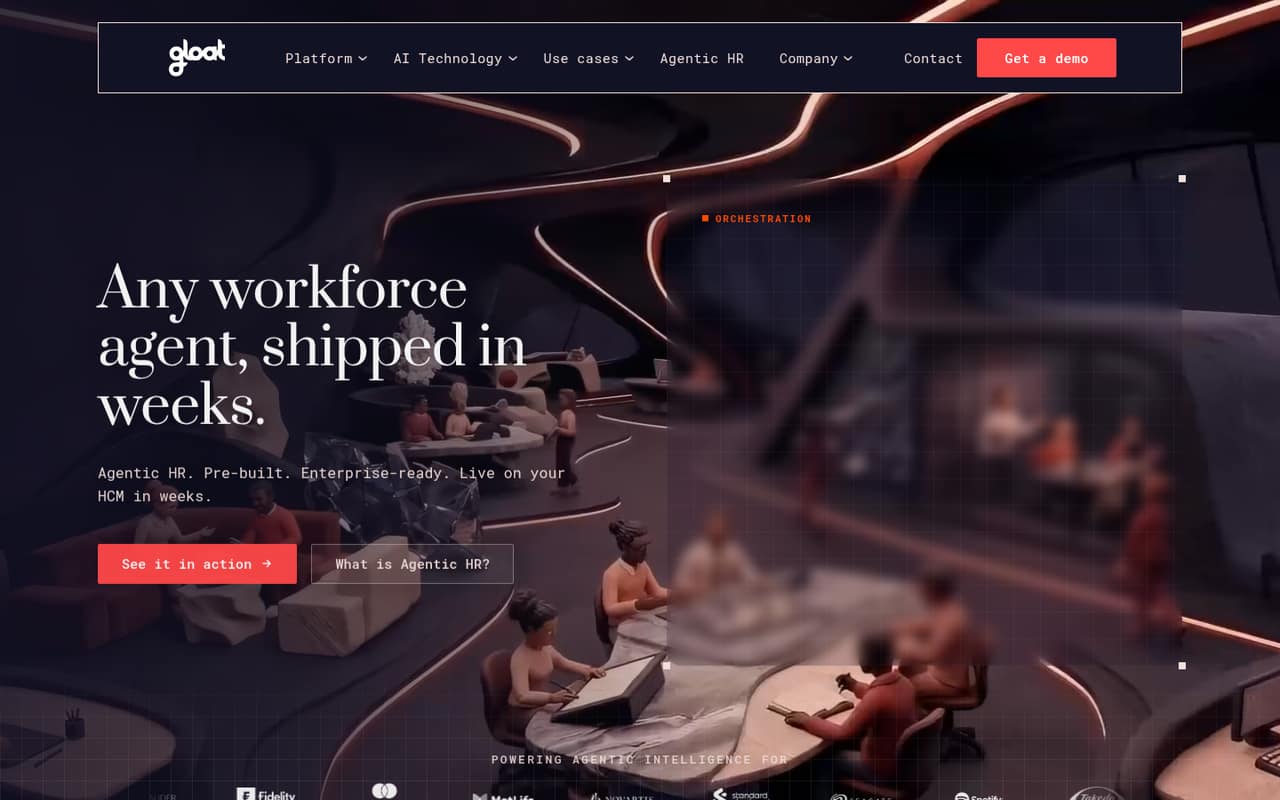
Gloat combines pre-built HR agents with workforce intelligence for organizations using HCM systems. Its agents can handle employee questions and workflows; its planning tools cover skills, succession, readiness, and workforce forecasts.
For a small team watching every subscription, the main hurdle is price visibility: the pricing page lists a custom quote, with no public starting price or free plan. Get a quote and confirm implementation needs before treating it as a fit.
Good fit if
- Enterprise HR teams using HCM systems
- People teams planning skills and succession
- Organizations automating HR requests
Skip it if
- Teams needing a free HR tool
- Small businesses requiring public seat pricing
- Teams without workforce data or HCM
ScoresHow it rates
What works
- Pre-built agents handle HR questions and workflows
- Workforce tools cover skills, succession, and forecasts
- Career agent matches skills to internal openings
- No-code builder uses stages, rules, and data
- Governed actions can follow policies and approvals
What doesn't
- No public starting price
- No free plan is listed
- Free-trial availability is not published
- Monthly and annual billing terms are not published
- Specific HCM connections are not listed
01Who Gloat is for
Gloat is aimed at enterprise HR teams, not small companies looking for a lightweight HR help desk. It connects with HCM systems and workforce data, then pairs employee-facing agents with planning tools for skills, succession, readiness, and workforce forecasts.
A 1–10 person company could consider it if its HR team has complex workflows, meaningful workforce data, and a clear need to automate employee requests or plan internal talent. The product description also points to a career agent that identifies employee skills and matching internal openings. That scope may be more than a small team needs if it mainly wants to answer routine questions or store basic employee information. The price is custom quote, so a small buyer cannot check affordability from a published per-seat rate. We’d first confirm which workflows and HCM connections are in scope, then ask for a quote covering the actual team size.
02Gloat free plan and trial
The pricing page lists no free plan. It also gives no published free-trial terms, so a small team should ask Gloat directly whether it can get a time-limited evaluation and what that would include.
The cheapest way in is a custom quote: the pricing page lists a plan for enterprise HR teams but publishes no starting price. That makes it hard to try Gloat as a low-risk add-on or compare it with tools that have public entry tiers. Before arranging a sales conversation, write down the agent workflows you need, the HCM connection you expect, and how many people will use the product. Ask whether the quote includes setup, support, and any limits on agents or workforce data. Those details are not published in the pricing information.
03What a small team pays for Gloat
Gloat’s pricing page lists a custom quote for enterprise HR teams, with the plan unit shown as per month. It does not publish a monthly price, annual price, or billing terms. So we can’t calculate a reliable cost for one person, three people, or five people—or say whether annual billing is cheaper.
Ask Gloat for a written quote at your actual headcount, and confirm whether the price changes with employee count, agent usage, or the workforce data connected. The product description includes HR agents, workforce intelligence, a career agent, and a no-code builder, but the pricing information does not say which are included in a quote or priced separately. No add-ons are listed, so ask whether any are required for your intended setup. For a team on a tight budget, the lack of a public seat price is a real buying constraint: compare the full quote, not just a headline monthly figure.
04Getting started with Gloat
The available product description says Gloat connects to HCM systems and workforce data, including legacy systems and incomplete data. It also describes a no-code builder where HR teams create agents with stages, rules, and data. That suggests setup involves more than switching on a standalone chat tool: you’ll need to decide which HR workflows to automate and what workforce information those workflows can use.
The vendor does not publish a setup timeline, a list of supported HCM connections, or a day-one implementation checklist in the pricing information. We can’t give a reliable estimate of staff time or learning curve from those details. Before buying, ask which HCM connection supports your setup, what data must be prepared, and who configures the agents and approval rules. Also confirm how actions are audited and governed. Gloat describes policy-based actions and approval chains, but the work needed to configure them is not published.
05When small teams outgrow Gloat
Gloat is already positioned for enterprise HR teams, so a small company may find the fit too large before it grows into the product. If your needs are limited to answering common employee questions, the workforce intelligence features for skills, succession, flight risk, and forecasting may add scope you don’t need. The custom quote also makes it difficult to plan for a larger team using public seat-price math.
There are no published seat limits, usage limits, or upgrade thresholds in the pricing information, so we can’t point to a specific headcount that triggers a move to another plan. As your team grows, ask how the quote changes with employee count and whether the HCM connection, agent workflows, and governance features remain included. If you need a low-cost plan with a clearly published price, or if your HR needs stay basic, Gloat may not be the right fit even as headcount rises. Revisit it when workforce planning and governed automation are real requirements.
Questions people ask
How much does Gloat cost?
The pricing page lists custom-quote pricing for enterprise HR teams. It does not publish a starting price, per-seat rate, or monthly and annual billing terms. Ask Gloat for a quote at your actual headcount and confirm what features, setup, and support it covers.
Does Gloat have a free plan or free trial?
The pricing page lists no free plan. Free-trial availability and terms are not published, so ask Gloat whether an evaluation is available and what it includes. Confirm whether access covers the HCM connection, agent workflows, and workforce data you need to assess.
What does Gloat do for HR teams?
Gloat offers pre-built agents for employee questions and HR workflows, alongside workforce intelligence for skills, succession, readiness, and forecasts. Its career agent infers employee skills and flags matching internal openings. A no-code builder lets HR teams create agents using stages, rules, and data.
Which HCM systems does Gloat connect to?
Gloat says it connects to HCM systems, including legacy systems, but the specific supported systems are not listed in the available pricing information. Before buying, ask the vendor to confirm your HCM, the data needed for the connection, and any setup requirements.
Can a small business use Gloat?
A small business can ask Gloat for a quote, but the product is positioned for enterprise HR teams and has no listed free plan or public starting price. It may make sense when you need workforce planning or governed HR automation; first confirm the cost and setup fit.