
We may earn a commission if you buy through links on this page. It never changes a score or a ranking. How we make money
The bottom line
A wide set of AI video and image tools, with a low entry price but unclear free-tier limits.
A small team may not need GoEnhance AI if it only makes the occasional social clip. But if you regularly generate or edit videos and images, it brings text-to-video, style conversion, avatars, lip sync, face swaps, image tools, and more than 100 effects into one platform.
The free tier makes it possible to start without a subscription, but its allowances are not listed in the pricing details. The Basic plan starts at $9.99 monthly, or $8 per month equivalent when billed yearly upfront. Before budgeting for several people, confirm whether each person needs a separate subscription and how the free tier handles tokens.
Good fit if
- Small teams making frequent social content
- Creators who need video and image tools
- Teams comfortable checking token usage
Skip it if
- Teams needing published free-tier limits
- Groups that require named integrations
- High-volume video work on a tight budget
ScoresHow it rates
What works
- Combines video, image, avatar, and editing tools
- Free tier is available
- Basic includes 600 tokens each month
- Basic includes no watermark
- Unused add-on tokens do not expire
What doesn't
- Free-tier allowances are not listed
- Paid subscriptions are priced per month
- Basic has no listed commercial license
- Video-to-video limits vary by paid plan
- Integrations and setup steps are not listed
01Who GoEnhance AI is for
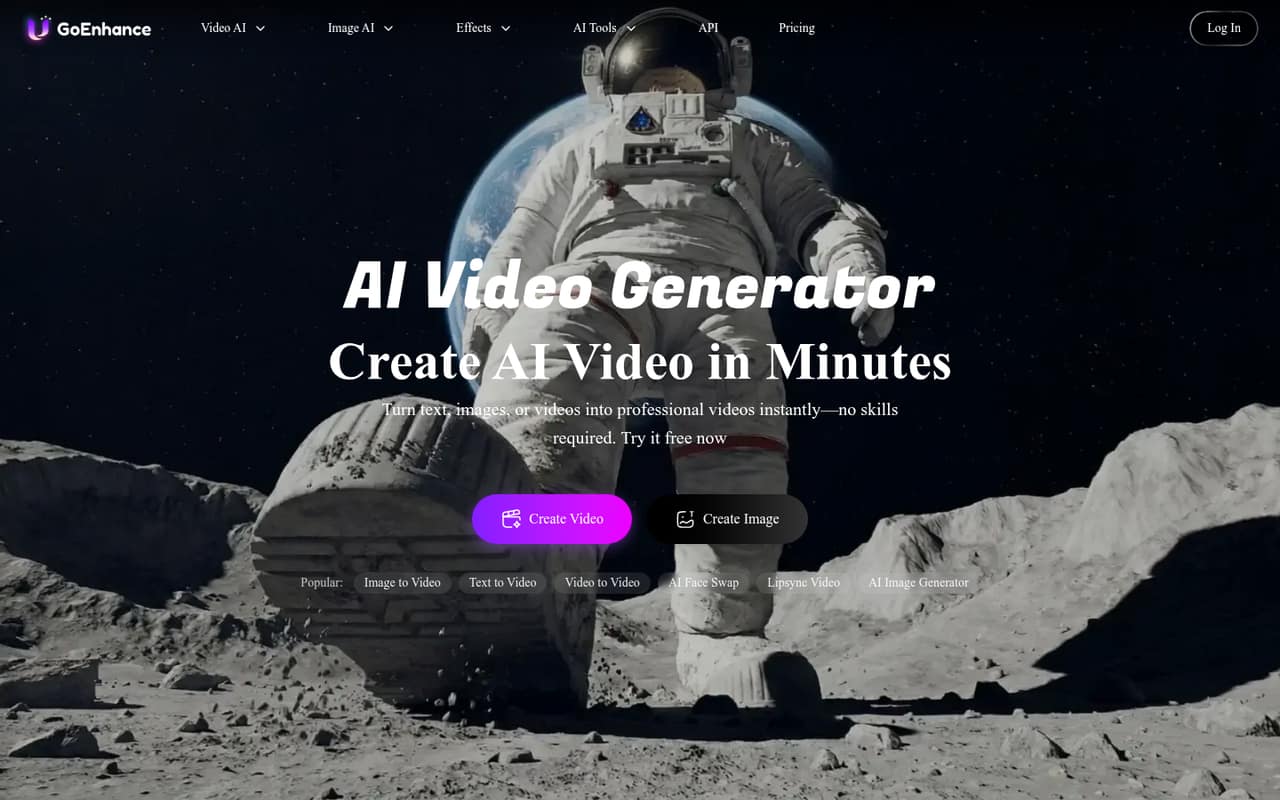
GoEnhance AI suits a small creator team that makes video and image content often enough to want several tools in one place. It can generate videos from text or images, convert video styles, create avatars, sync lips to audio, swap faces, generate or edit images, and apply more than 100 effects. In plain terms, it is a creative toolkit rather than a single-purpose video generator.
For a team of one to five people, the fit depends on how many people need their own access and how quickly they use tokens. The Basic plan is $9.99 per month per subscription, or $8 per month equivalent with annual billing. That is approachable for one creator, but several subscriptions add up. A team that only needs an occasional clip may be better off starting with the free tier; the vendor does not list its specific allowances in the pricing details. The homepage says the platform supports beginners and professional creators on PC and mobile.
02GoEnhance AI free plan and trial
GoEnhance AI offers a free plan, so a creator can start without paying for a subscription. The pricing details do not list how many tokens the free tier includes, whether it has a job limit, how long files are stored, or whether exports carry a watermark. Those are important details to confirm before planning a regular content workflow around the free tier.
A free trial is not listed. For a defined monthly allowance, the cheapest paid option is Basic: $9.99 month to month, or $8 per month equivalent when paid yearly upfront. Basic lists 600 tokens per month, three concurrent fast jobs, 180-day storage, and no watermark. The vendor does not list a token cost for each generation in the published plan details, so ask how many of your typical videos or images that allowance covers.
03What a small team pays for GoEnhance AI
The Basic plan costs $9.99 per month when billed monthly, or $8 per month equivalent with annual billing. That annual option is billed yearly upfront: $96 per person for a year. Assuming each creator needs a separate subscription, three people cost $29.97 monthly or $288 upfront yearly; five cost $49.95 monthly or $480 upfront yearly. The pricing lists plans by month but does not describe a separate team-seat plan.
Basic includes 600 tokens per month, three concurrent fast jobs, 180-day storage, and no watermark. Standard costs $24.99 monthly or $17.50 per month equivalent annually, with 1,600 tokens, commercial licensing, and video-to-video clips up to 20 seconds. Pro is $49.99 monthly or $35 per month equivalent annually; Mega is $99.99 monthly or $70 equivalent annually. Both include commercial licensing, with different token and concurrency allowances.
A one-time add-on of 500 tokens costs $10, and those tokens do not expire. If your team often runs short, ask how token use varies by tool before choosing a plan.
04Getting started with GoEnhance AI
The vendor describes GoEnhance AI as available on PC and mobile and aimed at beginners as well as professional creators. Its tools cover a range of jobs, from generating a clip from text or an image to editing photos, applying effects, making avatars, and swapping faces. That breadth gives a small team room to try different formats, but it also means you will need to learn which tools and token costs fit your workflow.
The vendor does not list setup steps, onboarding time, or named integrations in the plan details. So we would not assume it connects to your editing, storage, or publishing tools. Before rolling it out to a team, check whether your preferred workflow needs file transfers or other manual steps, and ask which integrations are supported. The published details also do not explain how team members share projects or manage access. Those answers matter more as soon as several people need to work on the same content.
05When small teams outgrow GoEnhance AI
The first pressure point is likely token use. Basic includes 600 tokens per month, but the pricing details do not say how many typical generations that buys. A creator who runs out can move to Standard with 1,600 tokens or buy a $10 pack of 500 tokens; the add-on tokens do not expire. Track actual usage before upgrading, since the vendor does not list per-task token costs in the plan details.
Video length and commercial licensing are other reasons to move up. Standard lists a 20-second maximum for video-to-video and a commercial license; Pro and Mega list a 60-second maximum and higher token allowances. Basic does not list a commercial license, so teams planning commercial work should confirm their rights and plan requirements with the vendor. Finally, several individual subscriptions can become costly: five Basic subscriptions total $49.95 monthly or $480 upfront per year at the annual rate. If you need shared team access or integrations, ask the vendor what is supported before committing.
Questions people ask
Does GoEnhance AI have a free plan?
Yes. GoEnhance AI lists a free plan, but its published pricing details do not specify the free tier's token allowance, job limits, storage, or watermark rules. Check those limits with the vendor before depending on the free tier for regular work. A free trial is not listed.
What is the cheapest GoEnhance AI paid plan?
Basic is the cheapest listed paid plan. It costs $9.99 per month when billed monthly, or $8 per month equivalent with annual billing, paid yearly upfront. It includes 600 tokens per month, three concurrent fast jobs, 180-day storage, and no watermark.
Does GoEnhance AI include a commercial license?
The pricing details list a commercial license on Standard, Pro, and Mega. Basic does not list one. If you plan to use generated material commercially, confirm the rights and any restrictions with the vendor before publishing or selling that work.
How much does GoEnhance AI cost for a team of three?
Assuming each person needs a separate Basic subscription, three seats cost $29.97 per month with monthly billing. At the annual rate, the equivalent is $24 per month for three people, billed as $288 upfront for the year. The vendor does not list a separate team-seat plan.
Do GoEnhance AI add-on tokens expire?
The listed one-time add-on is 500 tokens for $10, and the pricing details say those tokens do not expire. The details do not explain how add-on tokens are used alongside a monthly plan allowance, so ask the vendor how balances are applied.