
We may earn a commission if you buy through links on this page. It never changes a score or a ranking. How we make money
The bottom line
Goldcast brings events, recording, and video repurposing together, but paid costs are not public.
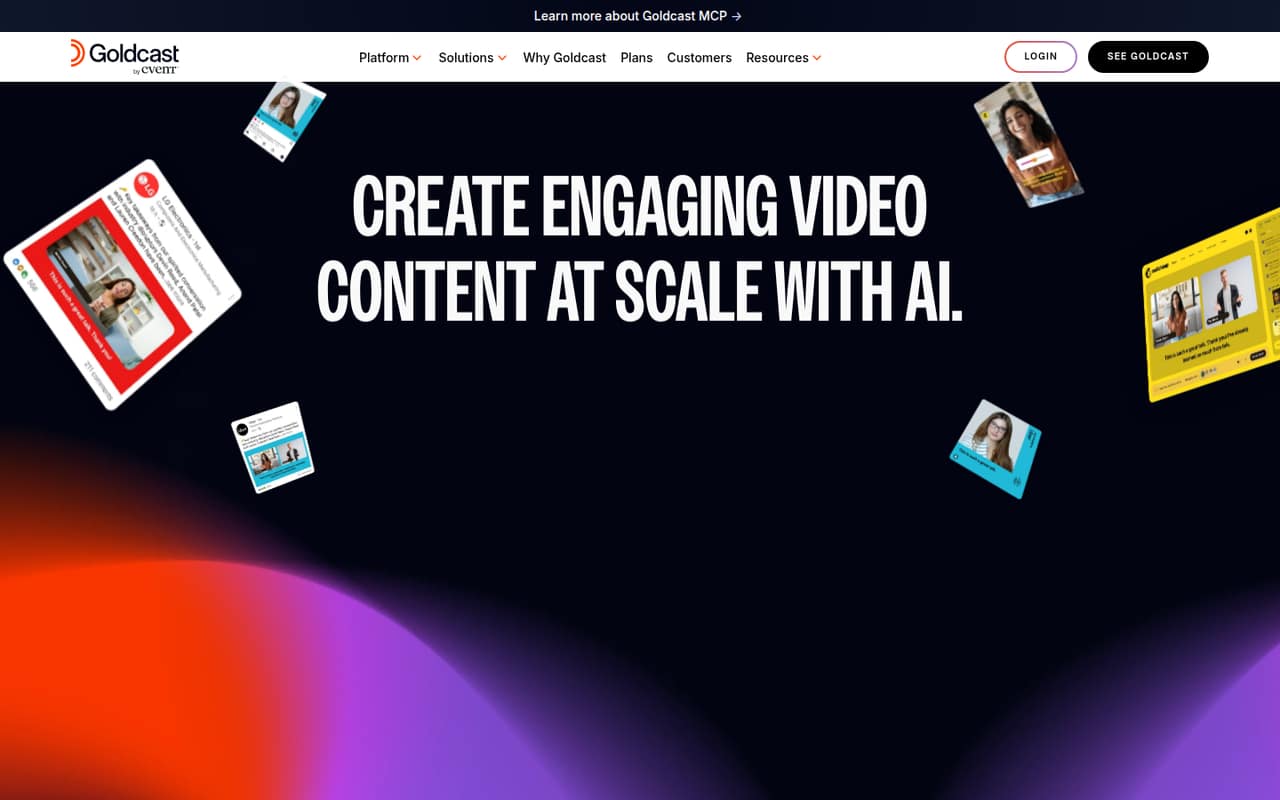
Goldcast brings digital events, recording, video hubs, and AI-assisted content repurposing into one B2B video platform. Content Lab is free to get started, but its seat and usage limits are not published.
Paid Events, Recording Studio, and Custom plans require a demo for pricing. With no public per-seat rates or billing schedules, a small team cannot calculate its monthly or annual bill before talking to Goldcast.
Good fit if
- B2B teams repurposing video content
- Marketing teams hosting digital events
- Teams building an on-demand video hub
Skip it if
- Teams needing a published monthly price
- Small teams with strict per-seat budgets
- Teams seeking disclosed usage limits
ScoresHow it rates
What works
- Content Lab is free to get started
- Repurposes video into clips, blogs, and social posts
- Supports webinars and on-demand events
- Recording Studio covers podcasts and customer stories
- Video hubs include audience engagement tracking
What doesn't
- Paid plan prices are quote-based
- Seat limits are not published
- Usage limits are not published
- Free Content Lab scope is unclear
- No monthly or annual billing schedule is listed
01Who Goldcast is for
Goldcast is aimed at B2B marketing teams that make video a regular part of their work. A team of one to ten could use it to host webinars and virtual events, record podcasts or customer stories, and turn longer recordings into clips, blogs, emails, and social posts. It also offers video hubs for on-demand content and engagement analytics.
For a small team, the key question is whether those jobs belong in one platform. If you need both event hosting and a steady workflow for reusing video, Goldcast's range may fit. If you only need occasional recordings or a basic place to publish clips, its broader set of capabilities may be more than you need. Content Lab is free to get started, but Goldcast does not publish its seat or usage limits. Paid pricing is quote-based, so teams on a tight budget should ask for a full cost before committing.
02Goldcast free plan and trial
Goldcast lists Content Lab as free to get started. It repurposes video into clips, blogs, and social posts, which gives a small team a way to explore a core part of the platform without a published starting charge. The vendor does not publish Content Lab's seat limits or usage limits, so it is hard to tell how much ongoing work the free option covers.
The pricing information does not list a separate free trial or its terms. Recording Studio and Events require a demo for pricing, as does the Custom bundle. Before relying on the free option, ask Goldcast whether it covers your team size, monthly video volume, and the specific output formats you need. There is no published paid starting price to compare against.
03What a small team pays for Goldcast
Goldcast does not publish a paid starting price, per-seat rate, or monthly and annual billing schedule. Its pricing page lists Content Lab as free to get started, while Recording Studio, Events, and Custom require a demo for pricing. That means we cannot calculate a supported one-person, three-person, or five-person price—or compare monthly with annual billing—without inventing numbers.
The vendor does not publish seat limits for these plans, either. Content Lab's usage limits are also not listed. No add-on prices are listed, so ask whether features, usage, or extra seats change the quote. For a small team, request a written quote for the exact number of users and expected use: for example, recording volume, event needs, and content repurposing. Ask whether the price is monthly or annual, what is included, and what happens if your team or usage grows. Until then, the free-to-start Content Lab is the only listed price point, not a clear estimate of a full team's cost.
04Getting started with Goldcast
The setup effort is hard to estimate from the published details. Goldcast covers several workflows—digital events, recording, content repurposing, video hubs, and engagement analytics—so a team should first decide which job it wants to start with. Beginning with Content Lab may keep the initial scope focused on turning video into clips, blogs, and social posts.
The pricing information does not explain onboarding steps, setup time, or a learning curve. It also does not list integrations. Before signing, ask Goldcast which integrations are available for the tools your team already uses, what setup help is included, and whether the quote covers onboarding. For one to ten people, those answers matter: a broad platform is only useful if the team can make its key workflow practical without extra work or unplanned cost.
05When small teams outgrow Goldcast
The clearest reason to reconsider Goldcast is budget uncertainty, not a published seat cap. Paid prices are quote-based, and the vendor does not publish seat limits for its listed plans. Content Lab's seat and usage limits are also not published. As a team grows, ask for updated pricing and written limits before adding more users or increasing video and event activity.
Goldcast may also be more platform than a small team needs if it only records occasionally or does not use events, video hubs, or repurposing. The product description presents those workflows together, but the published pricing does not show a cheaper paid option for a narrower use case. Before expanding, compare the quote with the specific jobs your team uses. If predictable per-seat costs or clearly stated usage limits are essential, do not assume Goldcast will meet them; get those terms from the vendor first.
Questions people ask
How much does Goldcast cost?
Goldcast does not publish paid prices or per-seat rates. Content Lab is listed as free to get started. Recording Studio, Events, and Custom require a demo for pricing. Ask for a quote that specifies seats, usage limits, and whether billing is monthly or annual.
Does Goldcast have a free plan?
Goldcast lists Content Lab as free to get started. It repurposes video into clips, blogs, and social posts. The vendor does not publish its seat or usage limits, so confirm how much your team can use before depending on it as a long-term free plan.
Does Goldcast offer a free trial?
The published pricing information does not list a free trial or trial terms. It does list Content Lab as free to get started. For Recording Studio, Events, or a Custom bundle, Goldcast asks teams to request a demo for pricing.
What can Goldcast do with video?
Goldcast can host digital events, record video, and repurpose long-form content into clips, blogs, emails, and social posts. It also offers on-demand video hubs and engagement analytics. The listed workflows are geared toward B2B video and marketing content.
Does Goldcast publish seat or usage limits?
Goldcast does not publish seat limits for its listed plans. Content Lab's usage limits are not published either. Ask the vendor to specify the limits for your plan and what happens if you add seats or exceed the included usage.