We may earn a commission if you buy through links on this page. It never changes a score or a ranking. How we make money
A small team may not need dedicated webinar software for every event. If you run occasional sessions, start with a free plan or a low-cost tool and check whether its attendee limits cover your audience. Livestorm and evmux offer free entry points; ClickMeeting has the lowest published starting price in this list at $32. For branded sessions, sales webinars or automated replays, compare the specific plan limits before committing. Several vendors don’t publish paid pricing, so ask for a quote before building them into your budget.
Quick picksThe shortlist
 LivestormLivestormBest free starting point · Free
 evmuxevmuxBest for testing multistreaming · $19/mo
 ClickMeetingClickMeetingBest low-cost paid option · $32/mo
 WebinarJamWebinarJamBest for webinar sales · $39/mo
 DemioDemioBest for branded webinars · $45/mo
 CrowdcastCrowdcastBest for paid workshops · $49/mo
 GoTo WebinarGoTo WebinarBest for recurring training · $59/mo
 Zoom WebinarsZoom WebinarsBest for controlled broadcasts · $66.67/mo
 EverWebinarEverWebinarBest for scheduled replays · $79/mo
 eWebinareWebinarBest for repeat demos · $84.17/mo
 GoldcastGoldcastBest for video repurposing · Free
 BigMarkerBigMarkerBest for event programs · Custom
 ON24ON24Best for content nurture · Custom
 Webinar.netWebinar.netBest for large audiences · $500/mo
 BrightTALKBrightTALKBest for B2B demand gen · $500/mo
01Compared at a glance
| Tool | Score | From | Free plan | Trial |
|---|---|---|---|---|
| LivestormLivestorm | 7.2 | Free | Yes | — |
| evmuxevmux | 6.7 | $19/mo | Yes | — |
| ClickMeetingClickMeeting | 6.4 | $32/mo | No | 14 days |
| WebinarJamWebinarJam | 7.0 | $39/mo | No | — |
| DemioDemio | 7.0 | $45/mo | No | 14 days |
| CrowdcastCrowdcast | 7.2 | $49/mo | No | 14 days |
| GoTo WebinarGoTo Webinar | 6.3 | $59/mo | No | Yes |
| Zoom WebinarsZoom Webinars | 6.8 | $66.67/mo | No | — |
| EverWebinarEverWebinar | 6.5 | $79/mo | No | 14 days |
| eWebinareWebinar | 6.0 | $84.17/mo | No | 14 days |
| GoldcastGoldcast | 6.2 | Free | Yes | — |
| BigMarkerBigMarker | 5.8 | Custom | No | — |
| ON24ON24 | 5.1 | Custom | No | — |
| Webinar.netWebinar.net | 5.8 | $500/mo | No | — |
| BrightTALKBrightTALK | 5.4 | $500/mo | No | — |
02The picks, in detail
- Best free starting pointLivestormLivestorm
Livestorm is our first pick for a small marketing team that needs registration and follow-up, product demos or audience training. It has a free plan, though its paid starting price is not published on the vendor's site. The listing also flags attendee pricing as something to check before committing. Confirm the attendee allowance and what paid seats will cost for your team.
What works
- Registration pages and embeddable forms
- Chat, polls, Q&A and reactions
- Automated starts, ends and recorded video
What doesn't
- Free-plan limits aren’t published
- Pro is priced per attendee
- Credits are bought in yearly packs
- Best for testing multistreamingevmuxevmux
evmux pairs a free plan with a listed starting price of $19, making it a low-cost option for small teams testing multistreaming or creators who want branded streams. It also suits podcasters who edit shows live. The listing cautions that reliability reports are mixed, so check recent user feedback and confirm which plan features and limits fit your events before relying on it.
What works
- Free plan supports up to 12 on-screen participants
- Free plan allows two simultaneous destinations
- Streams can go to Facebook, YouTube and other destinations
What doesn't
- Free cloud recordings are limited to seven minutes
- Free storage is capped at 3GB
- Cheapest paid plan has two collaborator seats
- Best low-cost paid optionClickMeetingClickMeeting
ClickMeeting has the lowest listed paid starting price here at $32. It may suit teams hosting recurring customer webinars, trainers who want polls and breakout rooms, or marketers collecting webinar leads. The listing flags unclear add-on pricing, so the starting price may not answer what a few seats or your needed capacity will cost. Ask for the full plan total before choosing.
What works
- Live, automated, and on-demand webinar formats
- Paid events and recording monetization
- Polls, breakout rooms, and virtual whiteboard
What doesn't
- No free plan
- Essential monthly-billing price is not listed
- Pro and Enterprise prices are not listed
- Best for webinar salesWebinarJamWebinarJam
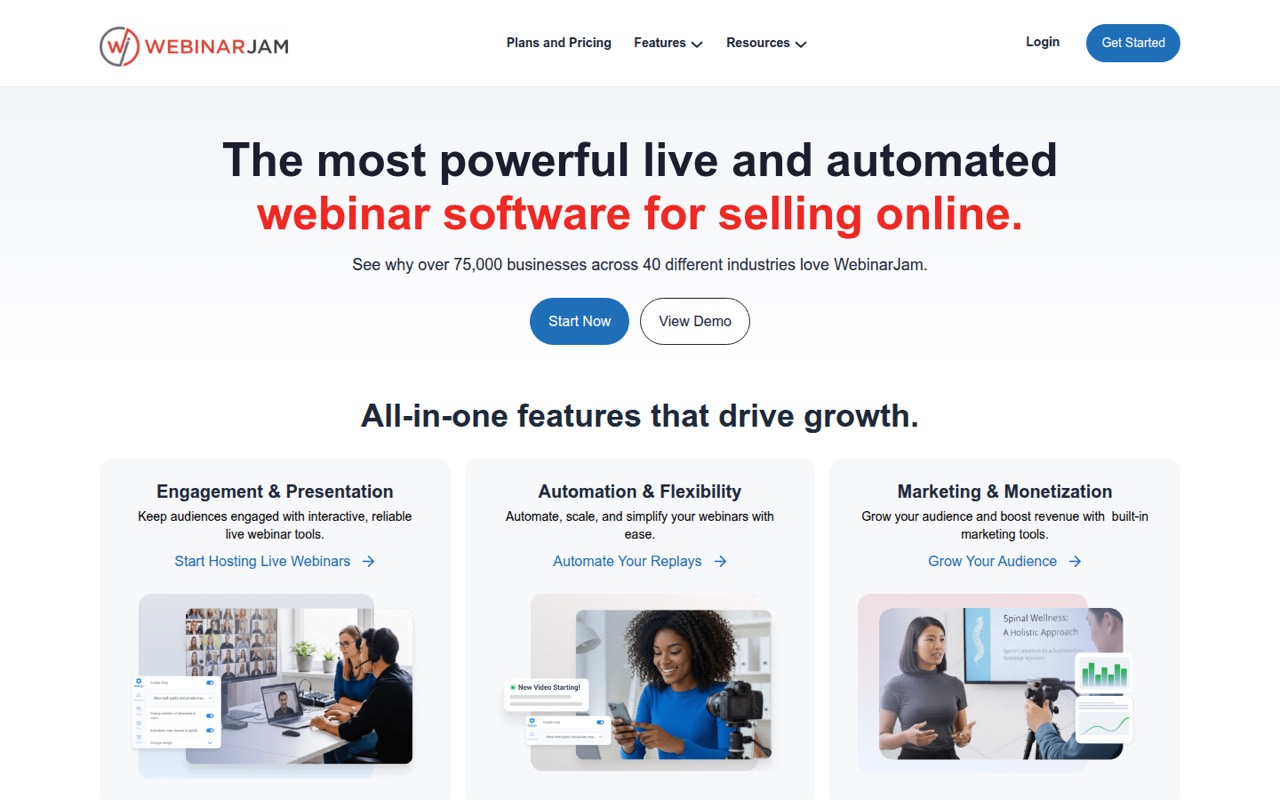
WebinarJam is aimed at teams selling through webinars, using audience interaction or scheduling replays. Its listed starting price is $39, but the listing says small teams should budget for a paid plan from day one. That makes it a better fit when webinars support sales regularly than for a team testing the format once. Check plan limits before paying.
What works
- Live chat, polls, surveys, and a whiteboard
- Customizable pages plus email and SMS
- Recordings can be sent as replays
What doesn't
- No free plan
- Starter caps webinars at 100 attendees
- Starter includes only one host
- Best for branded webinarsDemioDemio
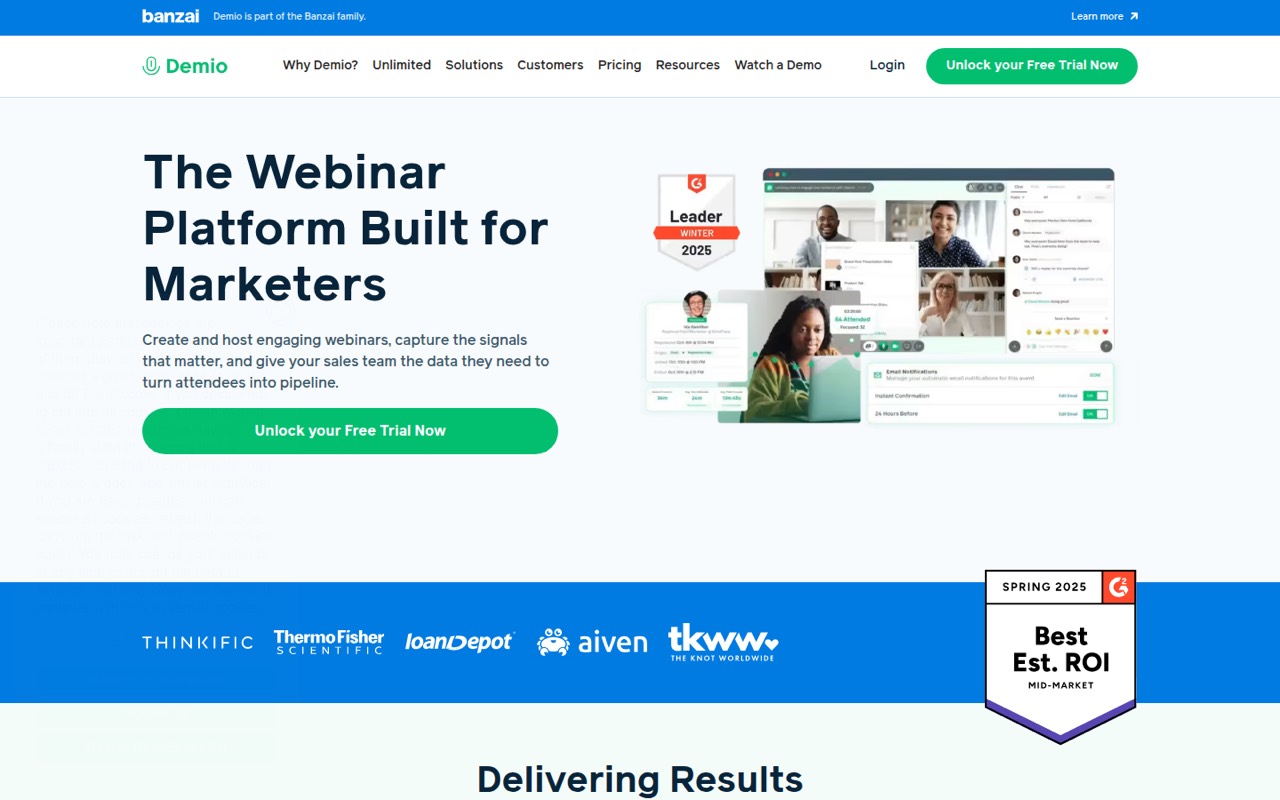
Demio suits teams that want branded webinars, polls and chat. The listing positions it for one-host webinars under 50 attendees and gives a starting price of $45. That’s worth comparing with your expected host count and audience size: the listing warns that a higher per-host bill may be needed. Confirm how the plan handles additional hosts before you budget.
What works
- Supports live, on-demand and automated webinars
- Includes polls, chat, featured actions and handouts
- Tracks engagement and registration sources
What doesn't
- No free plan
- Starter is limited to one host
- Starter supports 50 attendees
- Best for paid workshopsCrowdcastCrowdcast
Crowdcast is a candidate for paid workshops, courses and branded live events, especially if your team needs multistreaming. Its listed starting price is $49. The listing warns that teams should budget for extra seats and capacity, so don’t treat the entry price as the final bill. Ask how your expected host count and audience affect the total.
What works
- Live chat, Q&A, polls, and on-screen attendees
- Event ticketing is built into the platform
- Custom stage layouts support branding
What doesn't
- No free plan
- Lite includes just one team seat
- Extra seats cost $29 each monthly
- Best for recurring trainingGoTo WebinarGoTo Webinar
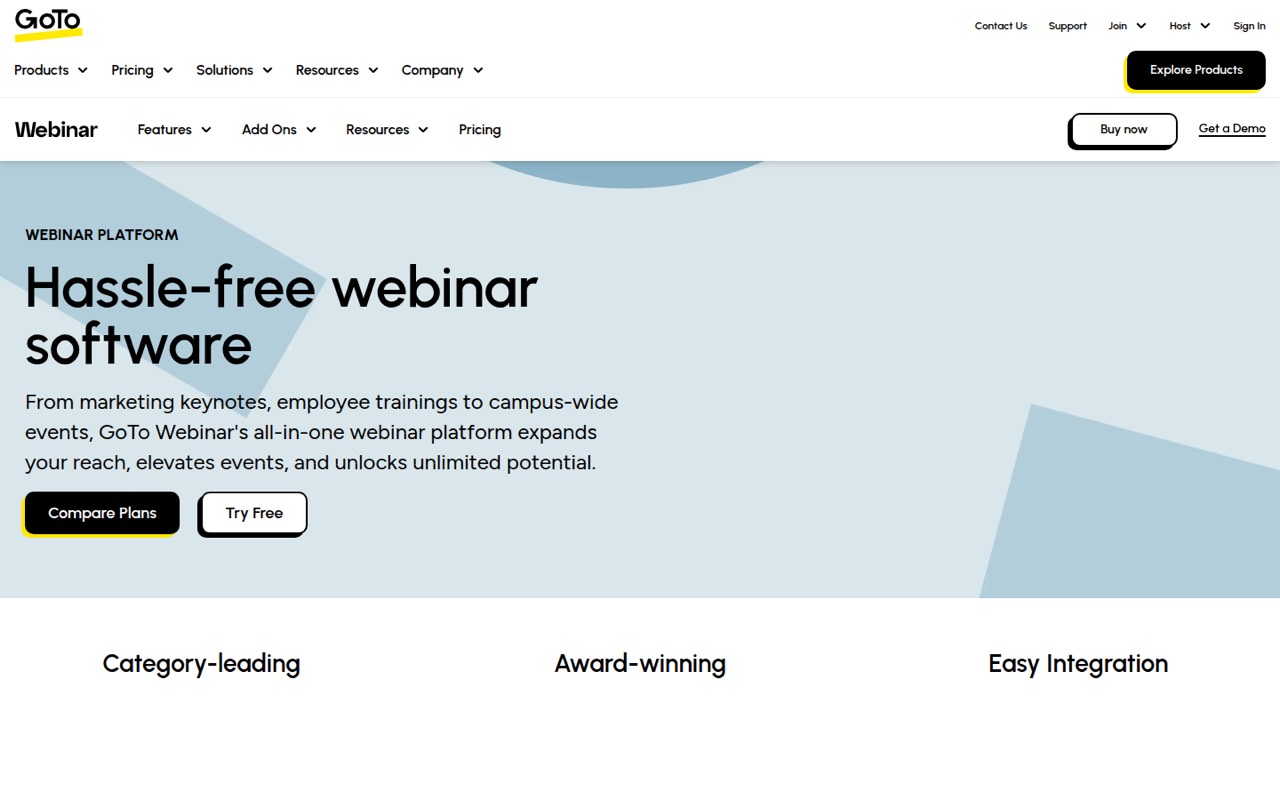
GoTo Webinar is suited to recurring marketing sessions, training that needs breakout rooms and paid events. Its listed starting price is $59. There’s no free plan, and the listing says seat costs are unclear, which makes the true small-team price harder to judge. Ask for the cost for your specific number of hosts and the capacity you need.
What works
- Practice Mode supports rehearsals before going live
- Branded forms capture registration details
- Simulive supports scheduled prerecorded sessions
What doesn't
- No free plan is listed
- Reach includes one organizer seat
- Elevate organizer-seat limits aren’t published
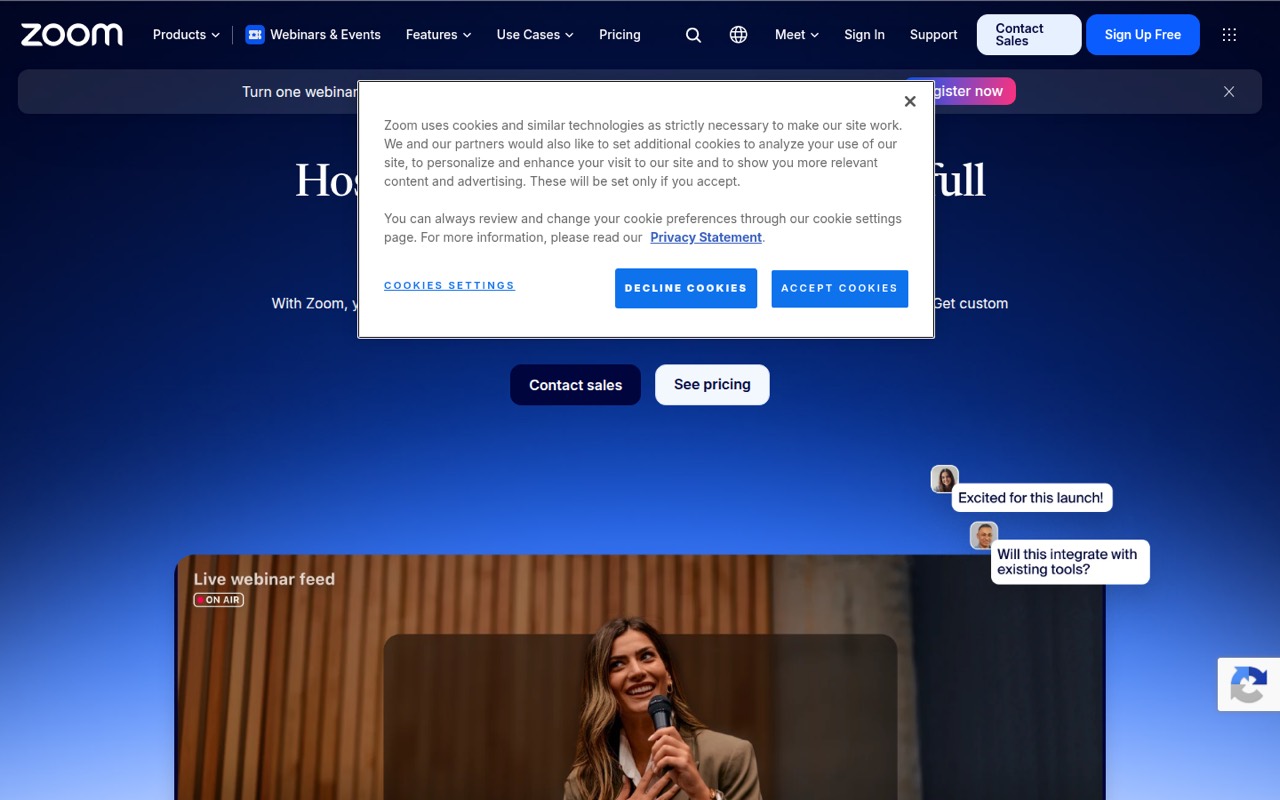
- Best for controlled broadcastsZoom WebinarsZoom Webinars
Zoom Webinars fits teams running recurring broadcasts, large controlled-audience events or branded webinars with production needs. Its listed starting price is $66.67. The listing notes that the added license cost can be hard to justify for occasional webinars. Compare the price against your event frequency, and ask what licenses and capacity your team needs.
What works
- Supports events from 500 to 100,000 attendees
- Production Studio offers custom layouts and scene switching
- Simulive lets teams present recordings as live events
What doesn't
- No free plan or free trial is listed
- Requires a paid Zoom Workplace license too
- Monthly pricing starts at $89
- Best for scheduled replaysEverWebinarEverWebinar
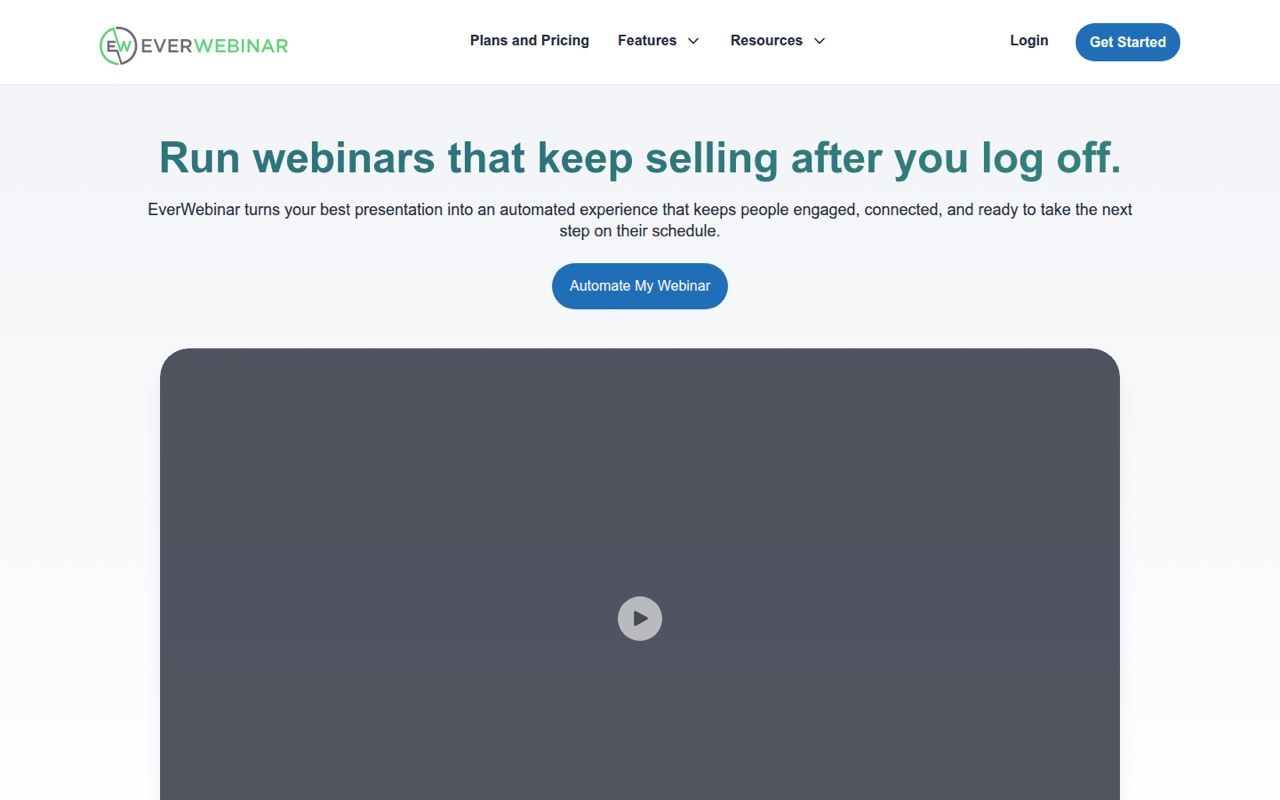
EverWebinar is built for teams reusing sales webinars and serving audiences across time zones; the listing also says WebinarJam users can import recordings. Its listed starting price is $79, which is steep for a small team that only occasionally runs sessions. Consider it when repeated automated webinars are central to your sales process, and confirm the plan limits before buying.
What works
- Schedules recorded webinars across time zones
- Just-in-Time sessions start 5–15 minutes after registration
- Simulates chat and changing attendee counts
What doesn't
- No free plan
- Monthly billing costs $199
- Annual and two-year plans require upfront payment
- Best for repeat demoseWebinareWebinar
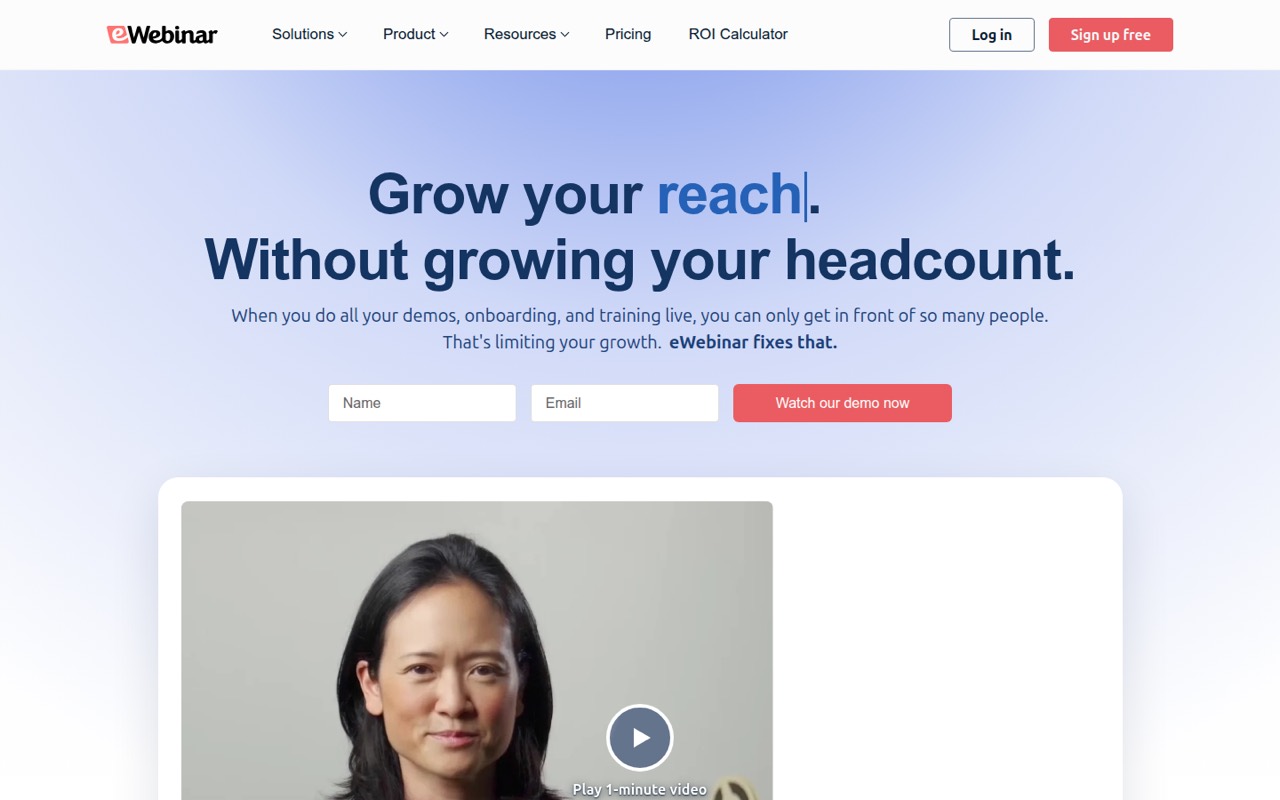
eWebinar is aimed at repeat product demos, on-demand customer onboarding and training across time zones. Its listed starting price is $84.17, while the listing also describes a $99 monthly entry plan and a one-webinar cap. Because those price figures differ, ask the vendor to confirm current billing and the plan that fits your use. The one-webinar limit may constrain a growing team.
What works
- No presenter needed at runtime
- Scheduled and on-demand sessions
- Chat, polls, and other prompts
What doesn't
- No free plan
- Level 1 allows one active eWebinar
- Level 1 caps monthly registrants at 1,000
- Best for video repurposingGoldcastGoldcast
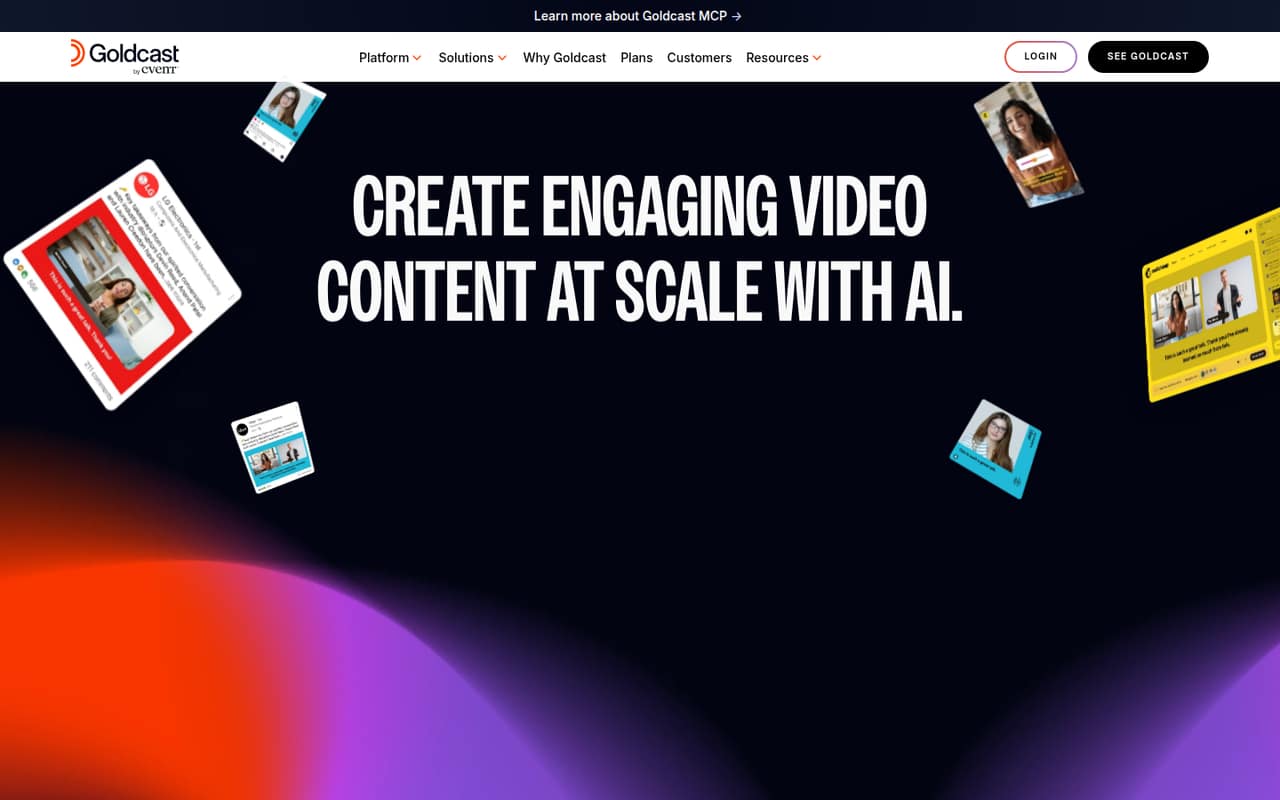
Goldcast combines digital events, recording and video repurposing, and the listing identifies a free plan. It may fit a B2B team building an on-demand video hub as well as hosting events. Paid pricing is not published in the listing, so a free start does not tell you the likely ongoing cost. Ask for a quote and the limits of the free plan.
What works
- Content Lab is free to get started
- Repurposes video into clips, blogs, and social posts
- Supports webinars and on-demand events
What doesn't
- Paid plan prices are quote-based
- Seat limits are not published
- Usage limits are not published
- Best for event programsBigMarkerBigMarker
BigMarker is aimed at recurring webinars, capturing CRM audience data and combining events with courses. That broader scope may suit an organization with an ongoing event program, but the listing says pricing is custom and there’s no free plan. A small team should request a quote early and confirm which features, audience capacity and seats are included before investing time in setup.
What works
- Webcast Basic lists one host and 1,000 live attendees
- Unlimited registrants are listed for webcast plans
- Includes chat, Q&A, polls, and reactions
What doesn't
- No free plan or published free trial
- Webcast plan prices require a custom quote
- Three- and five-host costs aren’t published
- Best for content nurtureON24ON24
ON24 is positioned for regular webinar campaigns, event-content repurposing and ongoing content nurture. Those needs can justify a more involved purchasing conversation than a one-off webinar. Its pricing is not published in the listing, making it difficult for a budget-conscious team to plan. Ask for a quote based on your audience and team size before comparing it with fixed-price tools.
What works
- Combines webinars, virtual events, and content marketing
- Personalizes webinars, hubs, and landing pages
- Repurposes presentations into ebooks, blogs, and video highlights
What doesn't
- No free plan is listed
- Essentials, Standard, and Advanced prices are not published
- Seat and usage limits are not published
- Best for large audiencesWebinar.netWebinar.net
Webinar.net suits teams hosting regular branded webinars, large-audience events or hybrid events. Its listed starting price is $500, so it is difficult to justify for a small team hosting only occasionally. If polished delivery and high attendance are important requirements, request a plan breakdown and confirm the capacity and features included at that price.
What works
- Attendees join in a browser without plug-ins
- Custom backgrounds, colors, fonts, and logo
- Homepage claims no attendee caps
What doesn't
- No free plan
- $500 monthly starting price
- 12-month commitment on listed package
- Best for B2B demand genBrightTALKBrightTALK
BrightTALK is built for B2B teams running regular webinars, generating demand and hosting virtual events. Its listed starting price is $500, a steep entry point for a team of one to ten people. It may be worth a quote if webinars are a core demand-generation channel, but ask what the price includes and whether it matches your event schedule.
What works
- Supports webinars, virtual events, and video
- Talks includes unlimited live webinars
- Talks includes unlimited attendees
What doesn't
- No free plan or trial is listed
- Talks starts at $500 per month
- Seat limits are not published
03How we chose
We ranked these tools for a team of one to ten, weighing free access, listed starting prices, fit for live or automated webinars, and the plan limits called out in the listings. We favored options a small team can try or budget for, while moving opaque or high-priced tools lower unless their stated use case is specific. Setup effort, documentation and Reddit sentiment matter too: check vendor docs for the steps involved, then look for recent user reports about reliability and support before committing.
04Check the real cost and audience limits
A starting price is only useful if it covers your hosts, audience and event format. The listed prices range from $32 for ClickMeeting to $500 for BrightTALK and Webinar.net; Livestorm, Goldcast and evmux list free plans. Other vendors don’t publish a starting price in these listings. Ask whether the quote is per host, per seat, per event or tied to attendee capacity. Demio is described for one-host webinars under 50 attendees, while the Crowdcast listing warns that extra seats and capacity can add cost. For each option, get the price for your actual team size and expected audience. Also ask what happens if registrations exceed the plan limit. That conversation is more useful than choosing by entry price alone.
05Match the format to your marketing work
Decide whether you need a live event, an automated replay or both. For a live product demo, check registration, interaction and follow-up needs; Livestorm is positioned for registration and follow-up, while Demio’s listing calls out polls and chat. For repeat sessions, EverWebinar is aimed at scheduled replays and time-zone coverage, and eWebinar at repeat demos and on-demand onboarding. If you repurpose recordings, Goldcast’s listing highlights video repurposing, while ON24 is positioned for event-content reuse and content nurture. Before buying, ask the vendor to show how recordings, replays and marketing or CRM integrations work on the specific plan you’re considering. The pricing page don’t establish integration details or setup time, so confirm both in the docs or with the vendor.
Questions people ask
What is the cheapest webinar software on this list?
ClickMeeting has the lowest listed paid starting price at $32. evmux lists a free plan and a $19 starting price, while Livestorm and Goldcast also list free plans. Check the free-plan limits and the full cost for your hosts and audience before deciding which is cheapest for your use.
Can a small team run webinars for free?
Livestorm, evmux and Goldcast list free plans. Their attendee, recording and integration limits are not specified in these listings, so confirm those details with the vendor. A free plan is most useful when it supports the audience size and follow-up your event requires.
Which tool is best for automated or evergreen webinars?
EverWebinar is positioned for reusing sales webinars and scheduled replays, while eWebinar is aimed at repeating product demos and on-demand onboarding. EverWebinar lists a $79 starting price; eWebinar lists $84.17 and also describes a $99 monthly entry plan. Confirm current pricing and plan limits directly.
What should we ask before choosing a webinar tool?
Ask for the total cost for your number of hosts, the attendee limit, and any extra-seat or capacity charges. Confirm which plan includes recordings, replays and the marketing or CRM integrations you need. Check vendor docs for setup steps and recent Reddit discussions for user reports about reliability and support.