
We may earn a commission if you buy through links on this page. It never changes a score or a ranking. How we make money
The bottom line
Strong meeting tools for small teams, but no free plan and per-organizer pricing add up.
GoTo Meeting covers the basics well: video, screen sharing, several audio options, recordings, transcriptions and security controls. Professional allows 150 participants; Business raises that to 250 and includes unlimited cloud recording.
The catch for a budget-conscious team is the lack of a free plan. Professional starts at $12 per organizer/month with annual billing, or $14 month to month. A Reddit thread reports that the current desktop app’s Meeting functionality suited one group, alongside troubleshooting around camera access and network settings.
Good fit if
- Small teams hosting regular video meetings
- Teams needing meeting security controls
- Organizers who need 150-plus attendees
Skip it if
- Teams that need a free meeting plan
- Groups that rarely host online meetings
- Teams needing more than 250 attendees
ScoresHow it rates
What works
- Professional supports up to 150 participants.
- Business supports up to 250 participants.
- Both listed paid plans include unlimited meetings.
- Business includes unlimited cloud recording.
- Audio options include VoIP, toll, dial-out and mobile conferencing.
What doesn't
- There is no free plan.
- Professional starts at $12 per organizer/month with annual billing.
- Costs rise with each additional organizer.
- Enhanced audio and GoTo Suite pricing aren’t published.
- Enterprise pricing is custom, with up to 250 participants listed.
01Who GoTo Meeting is for
GoTo Meeting is for a small team that hosts video calls often enough to justify a paid tool. It fits teams of one to 10 organizers that need screen sharing, flexible audio choices, recordings or controls such as meeting locks and attendee dismissal. The software hosts video meetings, lets attendees share screens, and includes collaboration tools such as drawing and keyboard or mouse control.
Professional is the sensible starting point for most small teams: it lists 150 participants and unlimited meetings. Annual billing is $12 per organizer/month; month-to-month billing is $14. That can work for a team that has a recurring need and can budget for each organizer. If you need up to 250 participants or unlimited cloud recording, Business is the next listed plan. Teams that only need occasional calls should first consider whether a 14-day trial is enough to evaluate the fit, since there’s no free plan.
02GoTo Meeting free plan and trial
GoTo Meeting does not have a free plan. The pricing information lists a 14-day free trial, but does not specify which plan features it includes, whether a payment method is needed, or what happens to recordings after the trial. Confirm those terms with GoTo before signing up.
The cheapest paid option is Professional, at $12 per organizer/month with annual billing or $14 per organizer/month with monthly billing. It lists unlimited meetings and up to 150 participants. That means even a one-organizer team needs a paid plan after the trial; there is no permanent free tier for occasional calls. If you’re comparing it with a no-cost tool, count the cost for every person who needs to organize meetings, not just the number of people who attend.
03What a small team pays for GoTo Meeting
Professional costs $12 per organizer/month with annual billing, or $14 with monthly billing. That works out to $12 or $14 for one organizer, $36 or $42 for three, and $60 or $70 for five. These are per-organizer totals, not per-attendee prices.
Business lists $16 per organizer/month with annual billing and $19 with monthly billing. One organizer costs $16 or $19; three cost $48 or $57; five cost $80 or $95. Business includes up to 250 participants and unlimited cloud recording, while Professional lists up to 150 participants. Both plans include unlimited meetings.
GoTo Suite and enhanced audio pricing aren’t published, and neither are overage costs. The pricing details don’t list a seat minimum. Ask GoTo whether your team needs an add-on and what the trial converts to before choosing a billing option.
04Getting started with GoTo Meeting
The product supports meetings through its desktop app, and a Reddit user reported creating and starting a GoTo Meeting in the current GoTo desktop app. That same thread describes a camera issue in a separate GoTo Webinar app; commenters suggested checking camera permissions, other apps using the camera, and firewall rules. Those are possible troubleshooting steps, not proof of a general GoTo Meeting problem.
GoTo lists features such as screen sharing, audio choices and security controls, but setup steps and a learning curve aren’t published in the pricing information. A list of calendar or other day-one integrations isn’t published there either. Before rollout, confirm which integrations your team can use and how organizers configure them. For a small team, it’s also worth checking camera and microphone access on the devices you’ll use and deciding who needs organizer seats.
05When small teams outgrow GoTo Meeting
The first reason to upgrade is meeting size: Professional lists up to 150 participants, while Business raises the cap to 250. Business also includes unlimited cloud recording. The Professional recording allowance isn’t specified, so confirm it with GoTo if recording volume is driving the decision. Enterprise lists custom pricing and up to 250 participants, so it isn’t a route to a higher stated attendee limit.
The other pressure is organizer cost. Every additional organizer adds another per-organizer charge, and a team that needs Business features will pay more per organizer than on Professional. GoTo Suite, enhanced audio and overage prices aren’t published, so ask for a quote if those may apply. In one Reddit thread, a group concluded the current desktop app’s Meeting functionality suited its needs. The same discussion included camera and network troubleshooting, so teams with strict device or firewall setups should check those conditions before a wider rollout.
From the threadsWhat users say
The Reddit discussion offers a positive report about one group’s GoTo Meeting use, but it is a single thread rather than a broad verdict. Replies focus on possible camera, permissions and network troubleshooting, so sentiment is mixed overall.
the current version of the GoTo desktop app’s GoTo Meeting functionality works fine and suits their needs
It asked for permission to use the camera and mic, which I granted
This could definitely still be the firewall
Yeah, seems like something on the PC is "grabbing" the camera before the GoTo app can get it
Questions people ask
What is the GoTo Meeting app?
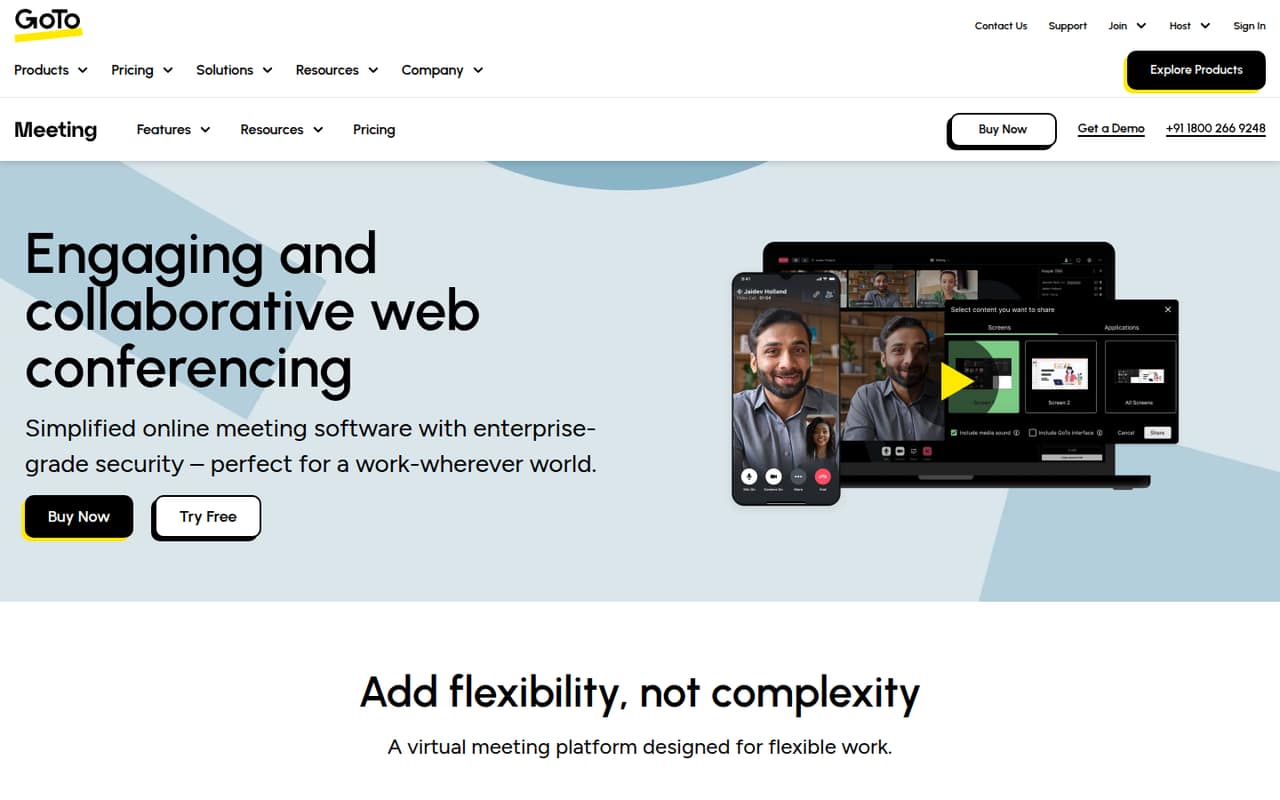
GoTo Meeting is web conferencing software for hosting video meetings. Its listed tools include HD video, screen sharing, drawing, keyboard and mouse control, cloud recordings, transcriptions, and VoIP, toll, dial-out or mobile audio. GoTo also lists meeting security controls, including encrypted sessions, single sign-on, meeting locks and attendee dismissal.
Does GoTo Meeting have a free plan?
No permanent free plan is listed. GoTo Meeting has a 14-day free trial, but the trial’s feature set and signup terms aren’t specified in the pricing details. After the trial, the cheapest listed plan is Professional, starting at $12 per organizer/month with annual billing or $14 with monthly billing.
How many people can join a GoTo Meeting?
Professional lists support for up to 150 participants. Business lists up to 250, and Enterprise lists up to 250 as well. The participant limit is different from the number of organizers on your account; the listed prices are charged per organizer, not per attendee.
Is GoTo Meeting secure?
GoTo Meeting lists security features including single sign-on, encrypted sessions, meeting locks and the ability to dismiss attendees. Those controls can help organizers manage access, but they aren’t a guarantee of security in every setup. Ask GoTo about the security requirements and configuration options that apply to your organization.
Can GoTo Meeting record and transcribe meetings?
GoTo Meeting lists cloud meeting recordings and transcriptions as features. Business specifically includes unlimited cloud recording. The Professional recording allowance and transcription limits aren’t published in the pricing details, so check with GoTo if your team plans to record or transcribe meetings regularly.