We may earn a commission if you buy through links on this page. It never changes a score or a ranking. How we make money
A small team probably doesn’t need a paid video tool if its free option covers meeting length, participant count, and basic screen sharing. Jitsi Meet and FreeConferenceCall.com are strong starting points for budget-conscious teams; Webex is worth considering for short, regular meetings. If you need permanent room links, look at Whereby. Before paying, check whether the listed starting price is per seat, per organizer, or for a different billing unit. Some products here are adjacent to conferencing rather than direct replacements, so we’ve ranked them lower.
Quick picksThe shortlist
 Jitsi MeetJitsi MeetBest free · $99/mo
 FreeConferenceCall.comFreeConferenceCall.comBest for frequent calls · $6.58/mo
 WebexWebexBest for short meetings · Free
 WherebyWherebyBest for room links · $10.99/mo
 Pencil SpacesPencil SpacesBest for tutoring · $4/mo
 RainbowRainbowBest free collaboration · Free
 GoTo MeetingGoTo MeetingBest for security controls · $12/mo
 BigBlueButtonBigBlueButtonBest for Moodle teams · Free
 SylapsSylapsBest for small calls · $19.90/mo
 KumospaceKumospaceBest for drop-in rooms · $16/mo
 RingCentral VideoRingCentral VideoBest with RingCentral calling · $20/mo
 GatherGatherBest virtual office · $12/mo
 PexipPexipBest for meeting rooms · $10/mo
 InSpaceInSpaceBest for office booking · $3.33/mo
- RoamRoamBest for shared planning · $19.50/mo
01Compared at a glance
| Tool | Score | From | Free plan | Trial |
|---|---|---|---|---|
| Jitsi MeetJitsi Meet | 7.5 | $99/mo | Yes | — |
| FreeConferenceCall.comFreeConferenceCall.com | 7.4 | $6.58/mo | Yes | — |
| WebexWebex | 6.5 | Free | Yes | — |
| WherebyWhereby | 6.9 | $10.99/mo | Yes | 14 days |
| Pencil SpacesPencil Spaces | 7.0 | $4/mo | Yes | 14 days |
| RainbowRainbow | 7.0 | Free | Yes | — |
| GoTo MeetingGoTo Meeting | 7.0 | $12/mo | No | 14 days |
| BigBlueButtonBigBlueButton | 6.8 | Free | Yes | — |
| SylapsSylaps | 6.0 | $19.90/mo | Yes | — |
| KumospaceKumospace | 6.8 | $16/mo | Yes | 14 days |
| RingCentral VideoRingCentral Video | 5.5 | $20/mo | No | — |
| GatherGather | 6.5 | $12/mo | No | 30 days |
| PexipPexip | 5.8 | $10/mo | No | — |
| InSpaceInSpace | 6.5 | $3.33/mo | No | — |
| RoamRoam | 6.1 | $19.50/mo | No | 14 days |
02The picks, in detail
- Best freeJitsi MeetJitsi Meet
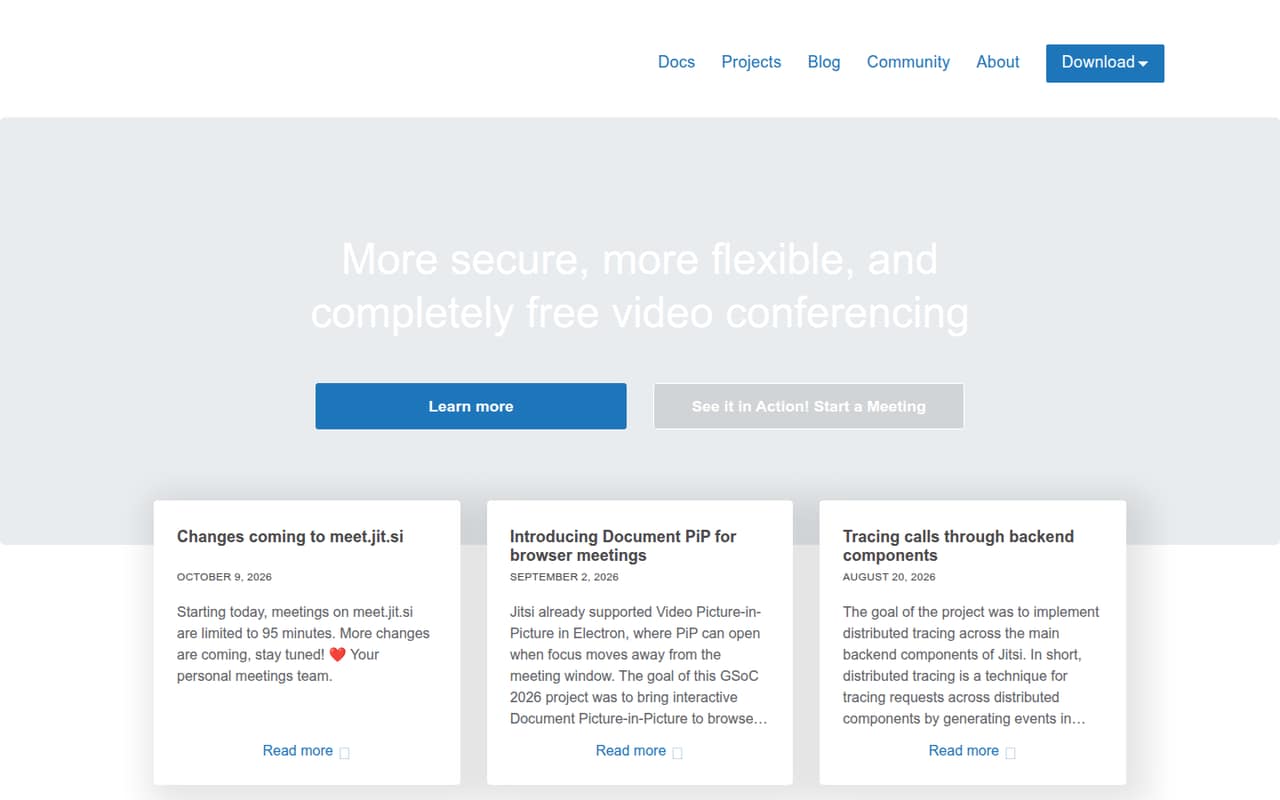
Jitsi Meet is our first stop for a small team watching subscriptions: its free plan covers browser meetings, and the listing calls out a 95-minute limit. That time cap may rule it out for longer sessions, so check whether it fits your routine. Hosting choices matter too; teams without someone to manage hosting should weigh that setup question before committing.
What works
- Free open-source software under Apache 2.0
- Browser meetings are available
- Homepage says no account is required
What doesn't
- meet.jit.si meetings are limited to 95 minutes
- Self-hosting depends on your server infrastructure
- JaaS prices are not per-seat plans
- Best for frequent callsFreeConferenceCall.comFreeConferenceCall.com
FreeConferenceCall.com pairs a free call-and-meeting option with large calls and no time limits, which can suit a team that meets often. The listing shows a $6.58 starting price, but doesn’t specify the billing unit here. Check paid storage and phone-access details before upgrading; those costs and conditions can change whether the free option is enough.
What works
- Free plan lists up to 1,000 participants
- Unlimited conferencing with no time limits
- Free plan includes 1 GB cloud storage
What doesn't
- Pro Bundle monthly billing price is not published
- Overage costs are not published
- Seat rules and per-seat pricing are not published

- Best for short meetingsWebexWebex
Webex Free is a practical fit if your team’s meetings are short and regular, and the listing also highlights free whiteboards. There’s no paid starting price listed, so ask the vendor for the cost of the plan your team would need. Keep the meeting-length limits and setup effort in view before choosing it for a broader rollout.
What works
- Free plan costs $0 per user
- Unlimited meetings on the free plan
- Free meetings allow up to 100 attendees
What doesn't
- Free meetings stop at 40 minutes
- Enterprise pricing is custom and unpublished
- Additional host license prices are unpublished
- Best for room linksWherebyWhereby
Whereby suits small teams that meet regularly and want permanent room links for simple calls. The listing shows a free plan and a $10.99 starting price, but confirm which plan and billing unit that rate covers. It’s a sensible option when ease of joining matters; compare team pricing before you add seats.
What works
- Free plan includes one host
- Permanent room links for Meetings
- Pro allows meetings without a time limit
What doesn't
- Free meetings stop at 30 minutes
- Free plan allows four attendees
- Pro lists one host
- Best for tutoringPencil SpacesPencil Spaces
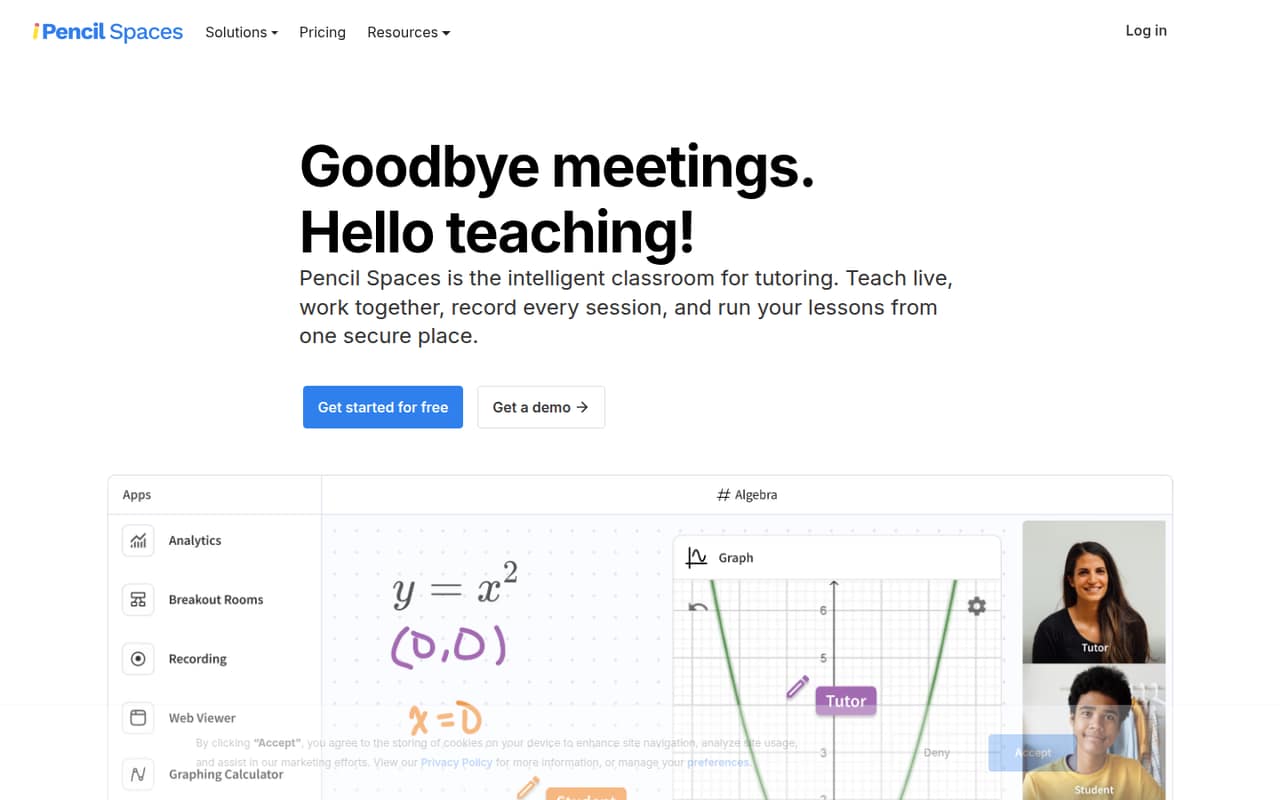
Pencil Spaces is aimed at tutoring teams, with a shared whiteboard and tools for tracking attendance and engagement. The listing shows a free plan and a $4 starting price. Before a team adopts it for general meetings, confirm what the free plan includes and how team hours are billed; the teaching-focused features may be more than a small office needs.
What works
- Free Starter plan is available
- Whiteboard, video, chat, and screen sharing
- Automated attendance and engagement insights
What doesn't
- Free-plan inclusions are not listed
- Paid plans have a 10-hour monthly minimum
- Team costs are not stated per seat
- Best free collaborationRainbowRainbow
Rainbow Essential costs nothing, according to the listing, and the product combines messaging and telephony with collaboration. That makes it more interesting for teams seeking more than video calls alone. Business pricing isn’t listed, and connecting existing PBX hardware may take setup work, so ask the vendor what your team’s configuration would require.
What works
- Essential is listed at $0 per month
- Includes messaging, file sharing and tasks
- Supports bubbles with up to 20 participants on Essential
What doesn't
- Business plan pricing isn't published
- Essential includes just 1 GB of file storage
- Essential audio and video calls are 1-on-1
- Best for security controlsGoTo MeetingGoTo Meeting
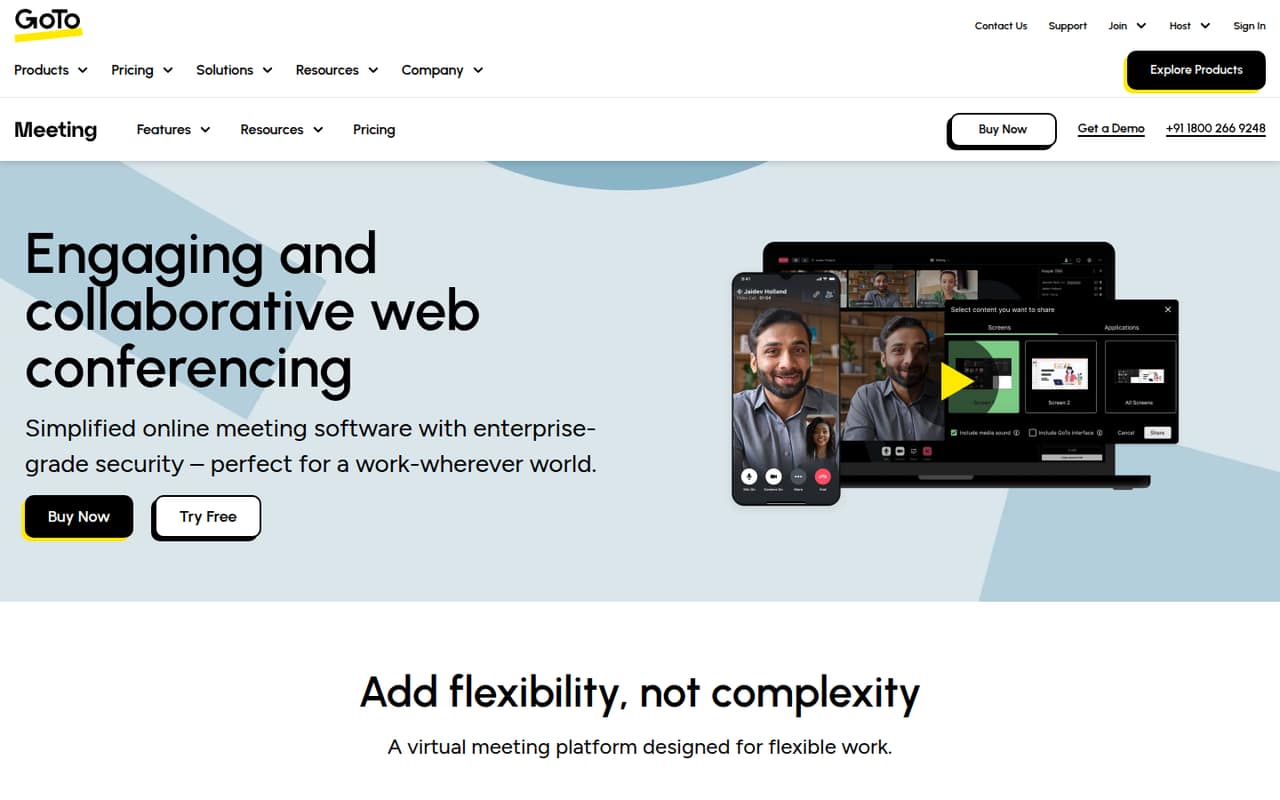
GoTo Meeting offers meeting security controls and supports organizers who need capacity for more than 150 attendees, per the listing. Its starting price is $12, and there’s no free plan; the listing also flags per-organizer pricing. For a team of a few people, calculate the cost against the number of organizers who need to host.
What works
- Professional supports up to 150 participants.
- Business supports up to 250 participants.
- Both listed paid plans include unlimited meetings.
What doesn't
- There is no free plan.
- Professional starts at $12 per organizer/month with annual billing.
- Costs rise with each additional organizer.
- Best for Moodle teamsBigBlueButtonBigBlueButton
BigBlueButton has classroom tools such as breakout rooms and is a natural fit for schools already using Moodle. Its license is free, but that doesn’t necessarily make it a no-cost setup: the listing says teams need server administrators or a paid provider. It’s a better match for education teams with hosting support than for a small office seeking a quick meeting link.
What works
- Free, GNU LGPL-licensed self-hosted software
- No software-enforced seat or room limits
- Classroom tools include polls and breakout rooms
What doesn't
- Self-hosting means managing server capacity and bandwidth
- Free Moodle sessions stop at 60 minutes
- Free-service recordings expire after seven days
- Best for small callsSylapsSylaps
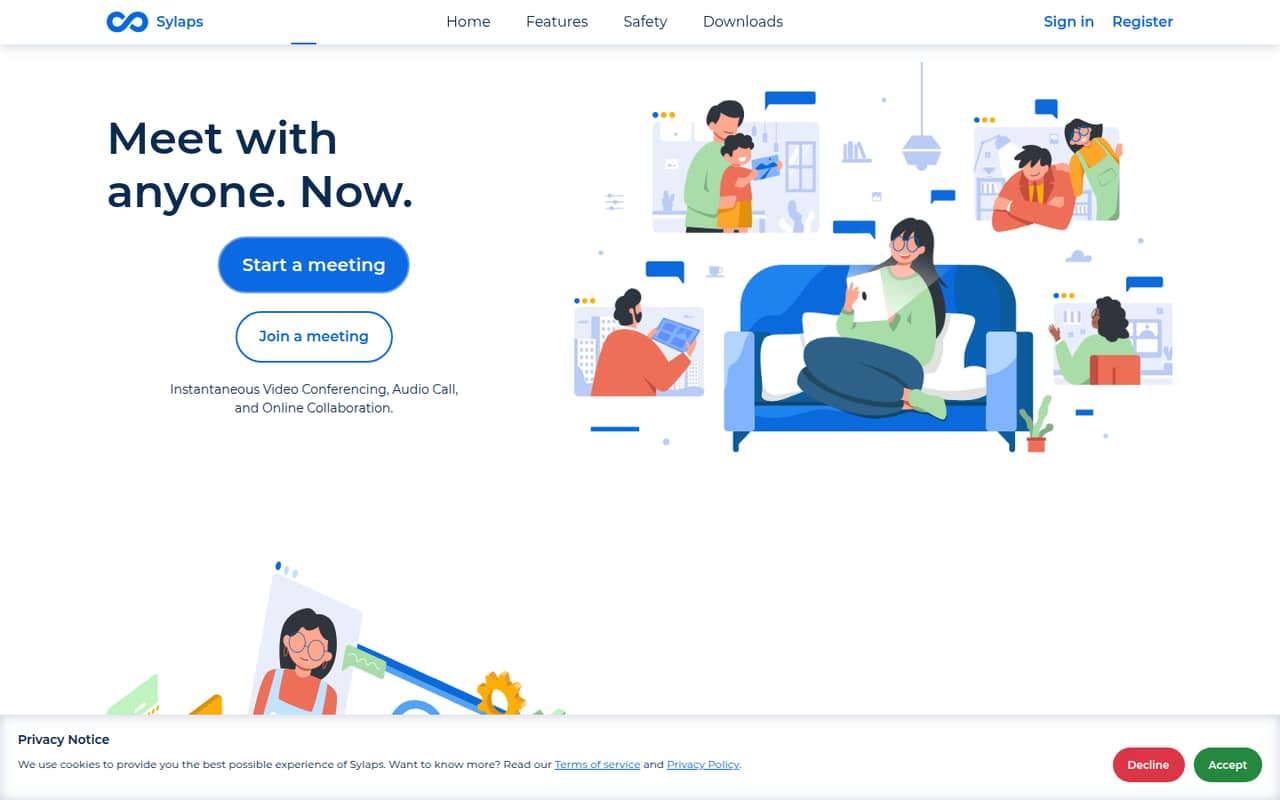
Sylaps has a free option for occasional meetings and supports calls with up to eight participants, making it a possible match for a very small team. Its listed starting price is $19.90, but the seat limits and billing details need checking. Confirm what the free plan includes and whether your usual attendee count fits before relying on it.
What works
- Free meetings allow up to 8 participants
- Meetings can be started or joined with a link
- Homepage lists audio and video calls
What doesn't
- Free meeting duration limit is not published
- Seat limits are not published
- Paid plans focus on monthly usage
- Best for drop-in roomsKumospaceKumospace
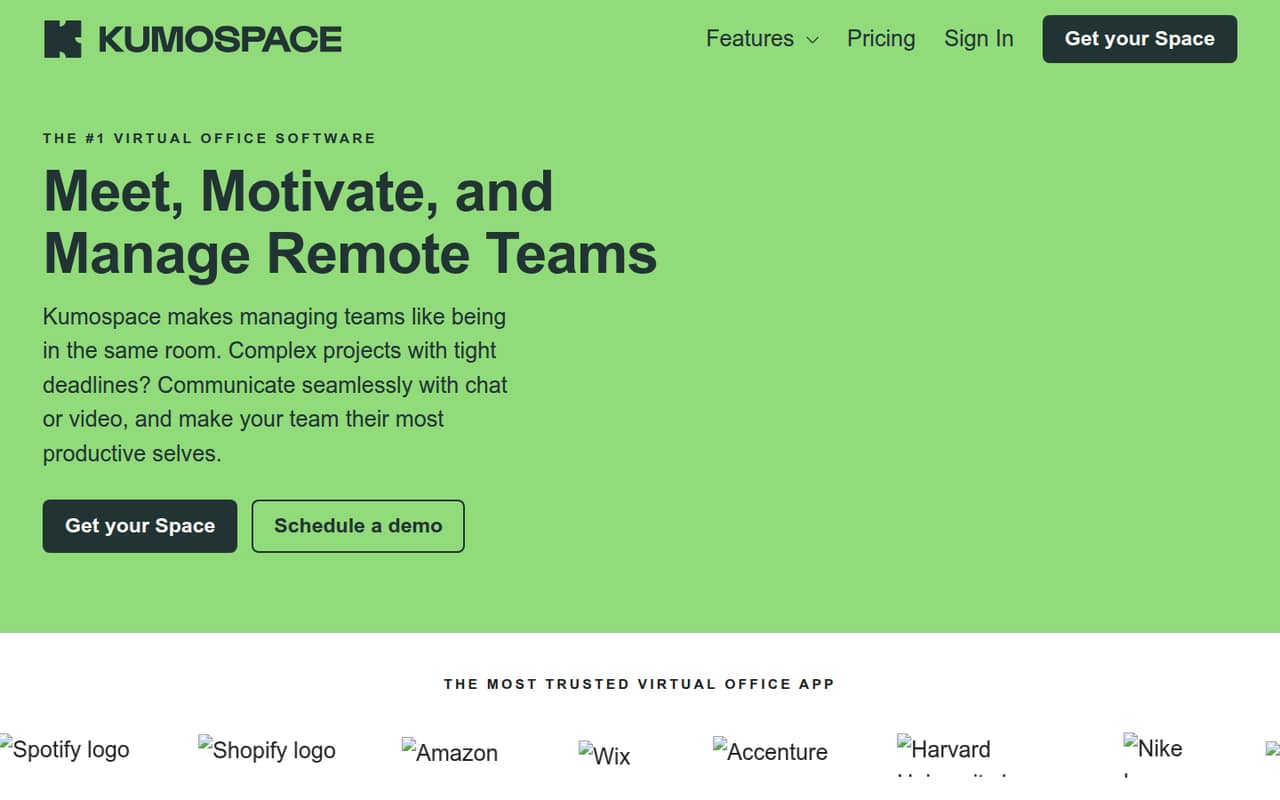
Kumospace is for remote teams that want virtual drop-in rooms and more of an office feel than a standard call. The listing says teams of up to five can try it free, with a $16 starting price. For a team of six to ten, check the paid plan and seat costs, and make sure people will use the virtual office regularly.
What works
- Free plan includes up to five registered members
- Free plan includes unlimited rooms
- Chat supports one person, groups, or a floor
What doesn't
- Business requires at least five members
- Business monthly billing price is not published
- Free plan is limited to one floor
- Best with RingCentral callingRingCentral VideoRingCentral Video
RingCentral Video makes more sense if your team already wants RingCentral calling, or needs larger meetings and may add webinars or events. The listing shows a $20 starting price, but check which billing unit and plan that covers. For video alone, it’s less compelling than the free-first options above; compare the full cost against your calling needs.
What works
- Core lists HD meetings for 300 participants
- Includes meetings with calling, SMS, and chat
- Webinars, Rooms, and Events are available
What doesn't
- No free plan is listed
- Standalone video pricing is not published
- Core costs more with monthly billing

- Best virtual officeGatherGather
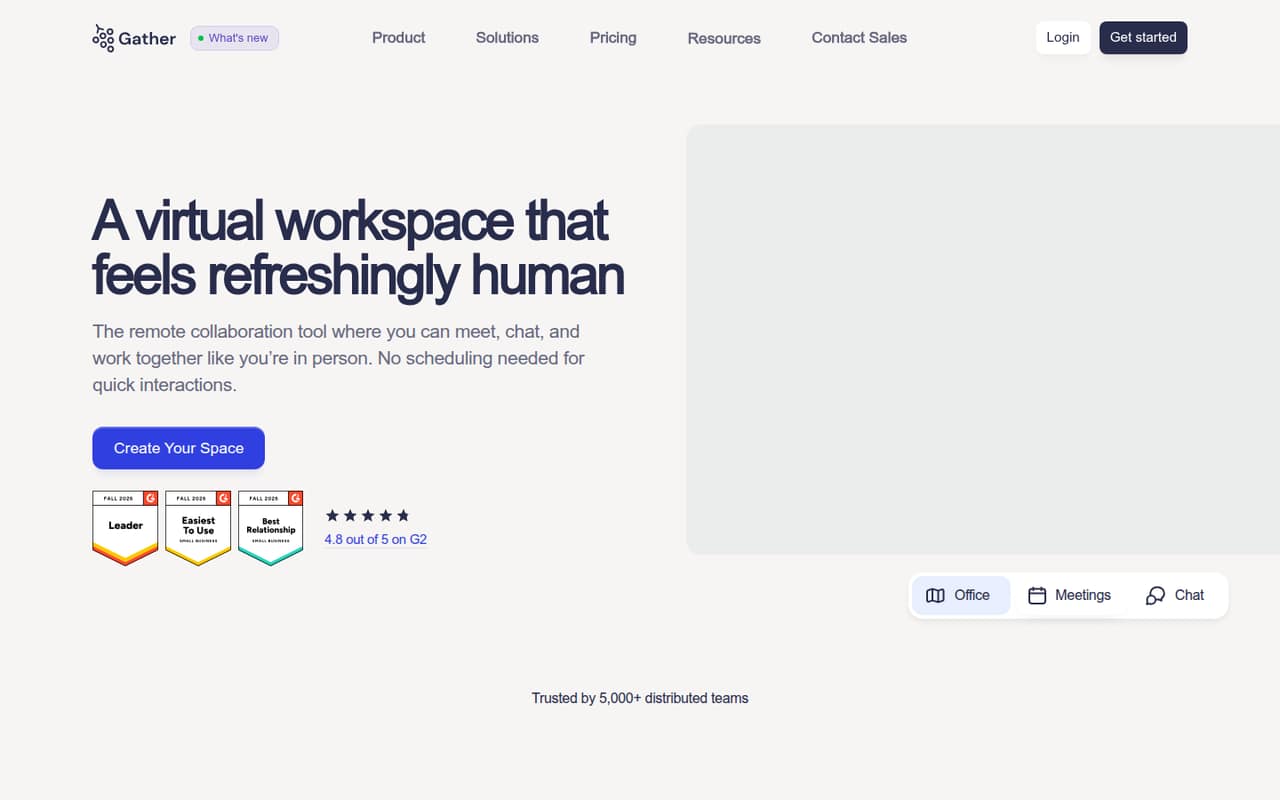
Gather is aimed at remote teams seeking spontaneous conversations and a virtual office, with Google Calendar or GitHub listed as relevant integrations. Its $12 annual rate adds up per seat, so a few seats still create a recurring bill. Consider it when the office-style experience is the point, not simply a way to host scheduled video calls.
What works
- Shared workspace shows teammate availability
- Walk-up conversations need no meeting link
- Includes private and public chat
What doesn't
- No permanent free plan
- Monthly price is not published
- Essential Plan charges per user
- Best for meeting roomsPexipPexip
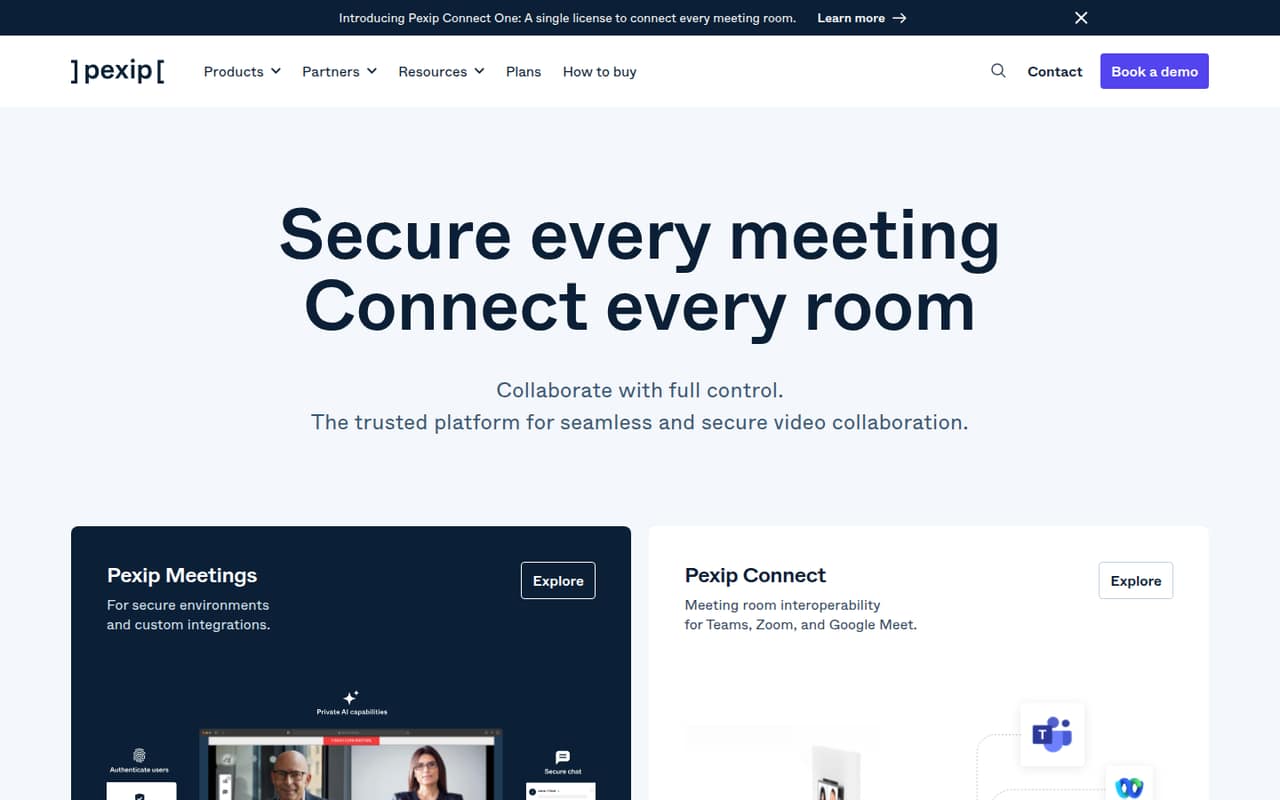
Pexip focuses on connecting meeting rooms, security, and Microsoft Teams room deployments. The listing shows a $10 starting price and no free plan; it also warns that setup can require specialist help. That’s a substantial trade-off for a 1–10-person team that only needs everyday calls. Ask the vendor about configuration and the billing unit before budgeting.
What works
- Connects rooms with Teams, Zoom, and Google Meet
- Google and Teams room plans start at $10 monthly
- Secure-meeting options serve government and defense
What doesn't
- No free plan
- Most secure-meeting prices require contacting sales
- Zoom Rooms requires at least 10 licenses
- Best for office bookingInSpaceInSpace
InSpace is mainly for hybrid teams booking desks, mapping shared spaces, and tracking workplace attendance—not a direct pick for a team seeking video calls. The listing shows a $3.33 per-seat monthly price, with payment required from day one. Consider it only if office coordination is also a need, and evaluate video conferencing separately.
What works
- Starter has a clear per-user price
- Book desks, rooms and shared spaces
- Unlimited desks and spaces on Starter
What doesn't
- No free plan is listed
- A free trial is not listed
- Per-seat billing adds up as teams grow

- Best for shared planning
RoamRoam
Roam helps friends or small teams see when plans overlap, rather than serving as a core video meeting tool. The listing shows a $19.50 starting price and says it’s harder to justify when a group needs a free option. We rank it last for this category: look at it for coordinating dates, not as your team’s main conferencing subscription.
What works
- Shared timeline for upcoming trips and moves
- Alerts when plans overlap in a city
- Group planner finds weeks that work
What doesn't
- No free plan
- $19.50 per active member monthly
- No annual billing option listed

03How we chose
We ranked these tools for a 1–10-person team, prioritizing useful free plans, low starting costs, and a clear fit for regular online meetings. We also weighed meeting limits, seat or organizer pricing, and how much hosting or specialist setup a small team may need. Product documentation and Reddit sentiment are useful checks alongside pricing pages, but neither replaces confirming plan terms with the vendor. We did not run tests or benchmarks; the order reflects small-team fit, not a claim that one product performs best in every situation.
04What should a small team check before buying?
Start with your real meeting pattern: how long calls run, how many people join, and whether you need screen sharing, a whiteboard, or breakout rooms. Compare that list with the free plan’s limits before considering an upgrade. A free label alone doesn’t tell you whether the plan covers your team’s usual calls. Then check the paid price and its billing unit. Is the listed rate per seat, per organizer, or tied to another plan? Multiply only after you confirm that basis and the required plan. Ask the vendor about any limits or charges that could affect your use, including storage, phone access, or meeting capacity. For products that require hosting or specialist setup, include that effort in the decision. A low subscription price may not be the simplest fit for a team without technical support.
05When should you move beyond a free plan?
Upgrade when a free plan’s limits regularly interrupt work, or when a paid feature solves a specific need your team has. That might mean longer meetings, more participants, room connections, or collaboration tools, depending on the product. Before switching, write down which people need to host and how often they meet; per-organizer and per-seat pricing can lead to different totals for a small team. Compare the vendor’s current plan details with your needs, and ask about billing terms when the pricing page doesn’t make them clear. If a tool is mainly for virtual offices, tutoring, or room booking, check whether you need those features or simply want reliable video calls. A growing team should revisit the choice when its participant count, meeting habits, or setup needs change—not just because it has added another seat.
Questions people ask
What is the best free video conferencing software for a small team?
Jitsi Meet is our first pick if a 95-minute meeting limit works for you and your team can choose a suitable hosting option. FreeConferenceCall.com is another option for teams that need calls without time limits. Check each product’s current plan terms before making it your regular meeting tool.
How much does video conferencing software cost for a small team?
The listed starting prices range from free-plan options to paid rates such as Whereby at $10.99 and GoTo Meeting at $12. Those figures may use different billing units. Confirm whether a price is per seat, per organizer, or another basis before estimating your team’s total.
Is a free video conferencing plan enough for a team of 1–10?
It can be, if the plan’s meeting limits and included features match how your team works. Check call length, participant capacity, screen sharing, and any hosting requirements. If a limit gets in the way of regular meetings, compare paid plans and confirm the billing unit first.
What should I ask a vendor before buying?
Ask which plan covers your participant count, how its price is billed, and what meeting or storage limits apply. For products that need hosting or specialist setup, ask what your team must configure and support. Request current pricing for the exact number of seats or organizers you need.