
We may earn a commission if you buy through links on this page. It never changes a score or a ranking. How we make money
The bottom line
Strong event features, but the lack of a free plan and unclear seat costs hurt its small-team value.
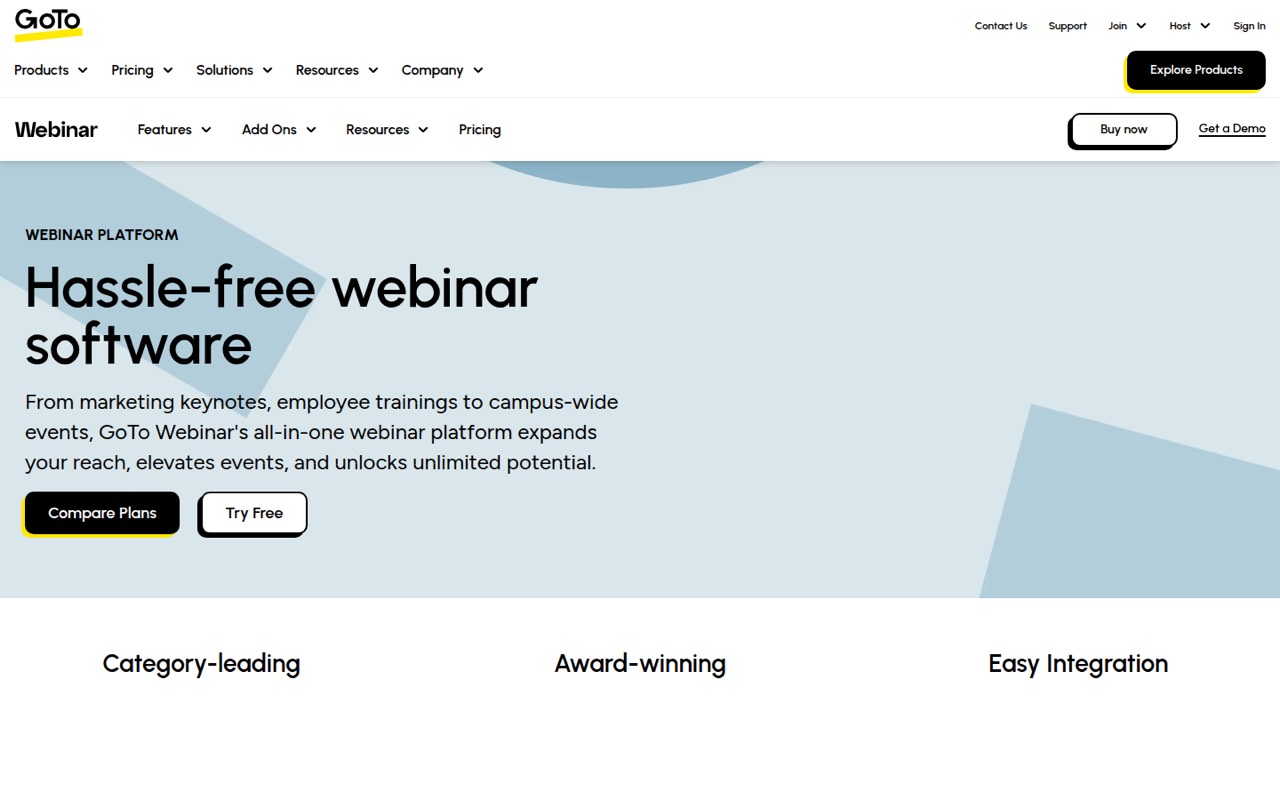
GoTo Webinar covers the event basics and then some: branded registration, reminders, practice sessions, breakout rooms, paid events, and post-session analytics. Reach starts at $59 per month with annual billing, but it includes just one organizer seat and there’s no free plan.
For a small team, the main budget question is access: GoTo doesn’t publish organizer-seat limits for Elevate or seat pricing for adding people. Reddit discussions raise practical concerns about canceled-event recovery and recording workflows, but they’re too limited to establish broad user sentiment.
Good fit if
- Teams hosting recurring marketing webinars
- Training teams needing breakout rooms
- Event organizers with paid sessions
Skip it if
- Teams needing a free webinar plan
- Several organizers on a tight budget
- Teams needing confirmed recording automation
ScoresHow it rates
What works
- Practice Mode supports rehearsals before going live
- Branded forms capture registration details
- Simulive supports scheduled prerecorded sessions
- Breakout rooms support smaller group work
- Paid events and post-session analytics are included features
What doesn't
- No free plan is listed
- Reach includes one organizer seat
- Elevate organizer-seat limits aren’t published
- Add-on names and prices aren’t published
- Recording upload automation isn’t confirmed
01Who GoTo Webinar is for
GoTo Webinar is aimed at teams that run planned online events: marketing webinars, employee training, and larger virtual conferences. Its features cover registration, reminders, live sessions, and post-event reporting, so it fits better when webinars are a regular part of the work than when a team only needs an occasional video call.
For a team of one to ten, the budget and organizer-seat rules matter as much as the attendee capacity. Reach costs $69 month to month or $59 per month with annual billing, and includes one organizer seat for up to 500 participants. Elevate costs $129 monthly or $103 per month with annual billing for up to 1,000 participants, but GoTo doesn’t publish its organizer-seat limit. That makes Reach the clearer starting point for one host, while teams with several people who need to run events should confirm seat access and pricing before committing.
02GoTo Webinar free plan and trial
GoTo Webinar has no free plan listed. The vendor also doesn’t publish a free-trial offer in the pricing information available, so a team should ask GoTo whether a trial is available before budgeting for a subscription.
The cheapest listed way in is Reach: $69 per month when billed monthly, or $59 per month with annual billing. It includes one organizer seat and supports up to 500 participants. That’s a paid starting point, not a free tier with limits to test first. A small team should also distinguish organizer seats from attendees: Reach’s 500-participant capacity doesn’t mean several teammates can each host. If more than one person needs organizer access, ask GoTo what plan and seat price apply.
03What a small team pays for GoTo Webinar
Reach is listed at $69 per month with monthly billing or $59 per month with annual billing. It includes one organizer seat, so that is the listed subscription cost for one host. If a team of three or five shares that one seat, the plan’s cost divided across the team is $23 or $13.80 monthly, respectively; with annual billing, it’s about $19.67 or $11.80 per person per month. Those are cost-sharing calculations, not prices for three or five organizer seats.
Elevate costs $129 monthly or $103 per month with annual billing and supports up to 1,000 participants. GoTo doesn’t publish its organizer-seat limit, so the cost for a team with multiple hosts isn’t clear from the listed prices. Complete has custom pricing, custom organizer seats, and support for up to 3,000 participants, plus live streaming to unlimited attendees. Add-ons are referenced through a “See Add-ons” selector, but their names and prices aren’t published. Ask GoTo about organizer seats and add-ons before comparing a team-wide total.
04Getting started with GoTo Webinar
A typical event setup means preparing a branded registration page, choosing what attendee details to collect, scheduling reminder emails, and deciding whether the session is live or Simulive. The feature set also includes Practice Mode, so an organizer can rehearse before the event. Afterward, the team can review attendance and engagement analytics.
That workflow is straightforward to map out, but the setup time and learning curve aren’t published. For day one, assign an event owner and settle who manages registration, reminders, the rehearsal, and follow-up reporting. GoTo’s plan details don’t name integrations, so confirm any must-have connections with the vendor before signing up. A Reddit user asked whether webinar recordings could upload automatically to Vimeo; the discussion did not confirm that workflow. If automated recording handoff matters, ask GoTo directly rather than assuming it’s included.
05When small teams outgrow GoTo Webinar
The first pressure point is organizer access. Reach has one organizer seat, so a team with several people who need to host should confirm whether Elevate covers them; GoTo doesn’t publish Elevate’s seat limit or a price for extra seats. The next step up is $129 monthly or $103 per month with annual billing, which may be hard to justify if the team mainly needs more hosts rather than a larger audience. Complete moves to custom pricing and is aimed at larger audiences.
A second pressure point is event operations. One Reddit thread describes an organizer canceling the wrong webinar and losing access to its links; a commenter suggested contacting attendees and setting up a replacement. Another Reddit user asked about automatic recording uploads to Vimeo, but the replies didn’t confirm that feature. These anecdotes don’t establish how common such problems are. Still, teams that need dependable recovery procedures or confirmed recording automation should get clear answers from GoTo before relying on those workflows.
From the threadsWhat users say
The available Reddit discussions are sparse and focused on specific workflow questions, not broad reviews. They point to concerns about event cancellation recovery and recording handoffs, but don’t establish overall satisfaction.
the links that were sent out to thousands no longer work
send a follow up to all the ones who might have not got registered correctly
Is there a way to automatically upload a GTW webinar recording to Vimeo?
it does not load the video parts
Questions people ask
Does GoTo Webinar have a free plan?
No free plan is listed. GoTo also doesn’t publish a free-trial offer in the pricing information available. The cheapest listed plan is Reach, at $69 per month with monthly billing or $59 per month with annual billing. Ask GoTo whether a trial is available before subscribing.
How many organizers can use Reach?
Reach includes one organizer seat and supports up to 500 participants. The participant limit is not the same as organizer access. If several teammates need to create or run webinars, ask GoTo about additional seats and their price before choosing a plan.
What is the difference between Reach and Elevate?
Reach supports up to 500 participants and includes one organizer seat. Elevate supports up to 1,000 participants, but GoTo doesn’t publish its organizer-seat limit. Reach is listed at $69 monthly or $59 per month with annual billing; Elevate is $129 monthly or $103 with annual billing.
Can GoTo Webinar host paid events?
Paid event payments are among GoTo Webinar’s listed features, including payments for paid webinars and certification courses. The available pricing details don’t specify transaction fees or whether payment processing has additional costs, so ask GoTo about those charges before selling tickets.
Can GoTo Webinar automatically upload recordings to Vimeo?
That workflow isn’t confirmed by the available information. A Reddit user asked about automatic uploads, but the replies didn’t establish whether it works. If automated Vimeo delivery is important, ask GoTo to confirm the integration and any setup requirements.