
We may earn a commission if you buy through links on this page. It never changes a score or a ranking. How we make money
The bottom line
Good remote-access coverage, but no free plan and per-computer costs can bite.
GoToMyPC connects you to a home or office computer from a range of devices, with file transfer, remote printing, guest access, and security tools. It suits a small team that needs dependable access to specific computers, not a team looking for a free starting point.
There is no free plan. The cheapest listed option is Personal at $35 per computer per month with annual billing, or $44 monthly. For teams, the bill depends on how many computers you connect—not simply how many people need access.
Good fit if
- People accessing a work computer remotely
- Teams needing file transfer and printing
- Small setups with few host computers
Skip it if
- Teams that need a free plan
- Large teams watching every seat cost
- Organizations seeking a full RMM suite
ScoresHow it rates
What works
- Access host computers from several device types
- Includes drag-and-drop file transfer
- Supports remote printing and guest access
- Lists MFA, SSO, and AES encryption
- Pro includes unlimited users
What doesn't
- No free plan
- Pricing is per computer, not per person
- Trial length is not published
- Corporate monthly price is not published
- Reddit users report rising renewal costs
01Who GoToMyPC is for
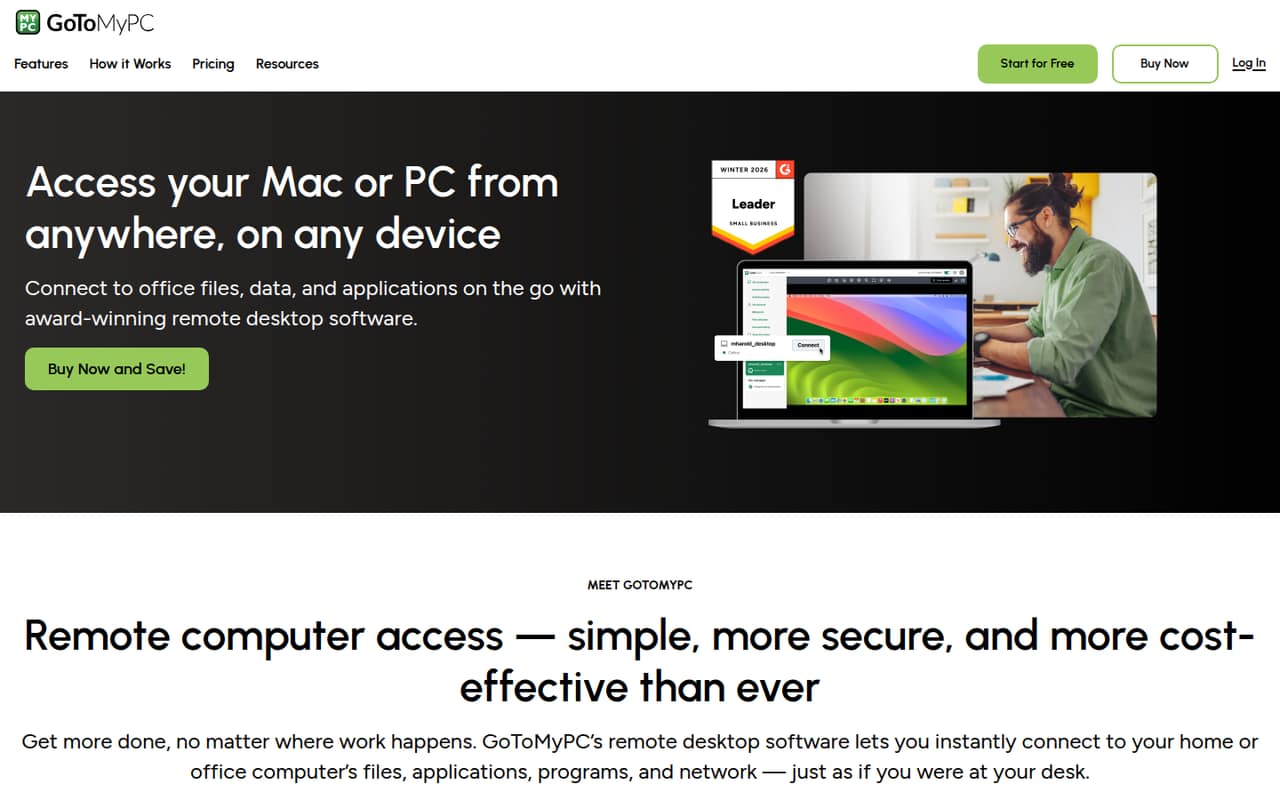
GoToMyPC is for people who need to reach a particular Mac or PC when they are away from it. It connects you to the host computer’s files, applications, programs, and network through an online portal. You can connect from a PC, Mac, iOS or Android device, Linux, or Chromebook.
For a one-person setup with one host computer, Personal is the simplest fit. A small team can look at Pro, which allows unlimited users and covers two to 50 computers. The key budget question is how many host computers need access: prices are per computer, so adding users does not automatically mean adding the same number of charges. File transfer, remote printing, guest access, and security features make it more useful than a bare remote screen. If you need a broader IT management suite, GoToMyPC is a remote access tool, not an RMM suite.
02GoToMyPC free plan and trial
GoToMyPC does not have a free plan. The pricing information lists a free trial for Personal and Pro, but the trial length is not published. A free trial is also not listed for Corporate, so ask the vendor about eligibility and timing before planning a rollout.
The cheapest listed way in is Personal, at $35 per computer per month with annual billing, or $44 per computer per month on monthly billing. Personal includes one user and one to 20 computers. That makes it suitable for a solo user, but not a three-person team needing separate user accounts. Pro is the team option: it includes unlimited users and two to 50 computers, with a higher per-computer monthly rate than Corporate on annual billing.
03What a small team pays for GoToMyPC
The pricing page lists Personal at $35 per computer per month with annual billing, or $44 monthly. For a solo user connecting to one host computer, that is $35 or $44 per month. Pro lists $33 per computer per month with annual billing, or $41.50 monthly. Assuming one host computer per person, three people on Pro cost $99 per month on annual billing or $124.50 on monthly billing. Five cost $165 or $207.50.
Corporate starts at five computers and lists an annual-billing equivalent of $28 per computer per month. Five host computers would therefore be $140 per month on annual billing; its monthly price is not published. These are per-computer figures, not per-seat rates, so the estimate changes with the number of connected computers. The pricing information lists no add-ons. A free trial is listed for Personal and Pro, but its length is not published.
04Getting started with GoToMyPC
The basic job is straightforward to understand: connect to a home or office computer through the online portal, then use its files and applications remotely. The product description lists access from PC, Mac, iOS, Android, Linux, and Chromebook devices, along with file transfer, remote printing, and guest access.
The setup time and learning curve are not published, so we would not budget a specific number of hours. Before buying, identify which computers will act as hosts and who needs access; that count drives the bill. Confirm the sign-in and security setup your team requires, including MFA, SSO, and host access codes. No integrations are listed in the pricing details, so ask the vendor whether your existing identity or device-management tools fit. The vendor's site does not spell out a step-by-step setup process.
05When small teams outgrow GoToMyPC
The first pressure point is cost. Because plans charge per computer, a team adding host machines can see its bill rise even when the number of people stays flat. Pro covers two to 50 computers; Corporate is listed for five or more. A team growing beyond those ranges should confirm available options and pricing with the vendor, since further plan limits and prices are not published.
Reddit discussions show both a history of reliable use and budget concerns. One long-time user called it reliable, while another team said a renewal rose from about $1,100 to more than $4,000. Those are individual reports, not a price guide, but they are a good reason to check renewal terms before committing. Some small teams also want features such as unattended access, client contact lists, or built-in chat; those are not listed among GoToMyPC’s features here. If you need full remote-management capabilities, check whether a remote access tool is enough before expanding.
From the threadsWhat users say
Reddit sentiment is mixed: some users describe years of reliable service, while others cite rising renewals or issues as reasons to look elsewhere. The comments raise practical budget and fit concerns rather than offering a broad consensus.
I’ve been using GoToMyPC for years, and it’s always been a reliable tool without any major issues
We just got our annual renewal notice for GoToMyPC and instead of the usual 1100 or so it was over 4k!
We have been having issues lately with GoToMyPC
We switched our org over to Splashtop and it's been working great
Questions people ask
Does GoToMyPC have a free plan?
No. GoToMyPC does not list a free plan. The pricing information lists a free trial for Personal and Pro, but the trial length is not published. Corporate does not have a trial listed, so ask the vendor about eligibility before choosing that plan.
How much does GoToMyPC cost for one computer?
Personal lists $35 per computer per month with annual billing, or $44 per computer per month on monthly billing. Pro lists $33 with annual billing or $41.50 monthly. The plan you need depends on how many users and computers your setup requires.
Does GoToMyPC charge by user or computer?
The listed prices are per computer per month. Personal includes one user and one to 20 computers; Pro includes unlimited users and two to 50 computers. If several people need access, confirm with the vendor how your account and host setup will be configured.
Which devices can connect to GoToMyPC?
The vendor's site lists PC, Mac, iOS, Android, Linux, and Chromebook devices as ways to access a host computer. The host itself is a home or office computer whose files, applications, programs, and network you want to reach.
What security features does GoToMyPC include?
GoToMyPC lists multifactor authentication, SSO, host access codes, and 256-bit AES encryption. Check with the vendor about configuration and whether those options meet your organization’s security requirements before allowing remote access.
Sources
- GoToMyPC homepage
- GoToMyPC pricing, compiled via web search from gotomypc.com, saasworthy.com, pcmag.com
- Reddit: Need GoToMyPC Alternative Recommendations
- Reddit: Is there a better alternative to GoToMyPC?
- Reddit: Looking for GoToMyPC replacement
- Reddit: GoToMyPC - Is Remote Access to Desktop Secure to Use?