
We may earn a commission if you buy through links on this page. It never changes a score or a ranking. How we make money
The bottom line
Good free option for VR ideation; get a paid-team quote before building it into your budget.
Gravity Sketch gives small teams a free way to sketch and review ideas in immersive 3D, with up to three collaborators per room. Its tools suit spatial design, proportions, ergonomics, and design feedback better than a team that only needs conventional 2D collaboration.
The free plan has 150MB of cloud storage, and paid-plan prices aren’t published. That makes it easy to try at $0 but difficult to forecast the cost of a few seats. Ask the vendor for a quote before relying on Team features.
Good fit if
- VR-based product ideation
- Small teams testing 3D workflows
- Design reviews with remote collaborators
Skip it if
- Teams needing predictable seat pricing
- Projects requiring large free storage
- Teams seeking conventional 2D design
ScoresHow it rates
What works
- Free plan costs $0
- Unlimited Rooms on the free plan
- Up to three free-plan collaborators per room
- Free plan imports OBJ and STL files
- Supports immersive design reviews and annotations
What doesn't
- Free cloud storage is 150MB, excluding Rooms
- Paid monthly and annual prices aren’t published
- Team plan storage excludes Rooms and Drafts
- Setup effort and learning curve aren’t quantified
- Reddit users have criticized past export pricing
01Who Gravity Sketch is for
Gravity Sketch makes sense for a small product or design team that needs to think in three dimensions, not just pass files around. Teams of one to three can start on the free plan, which allows up to three collaborators per room. It’s also worth considering for a 4–10-person team if reviewing proportions, ergonomics, component fit, or spatial constraints in VR is part of the job.
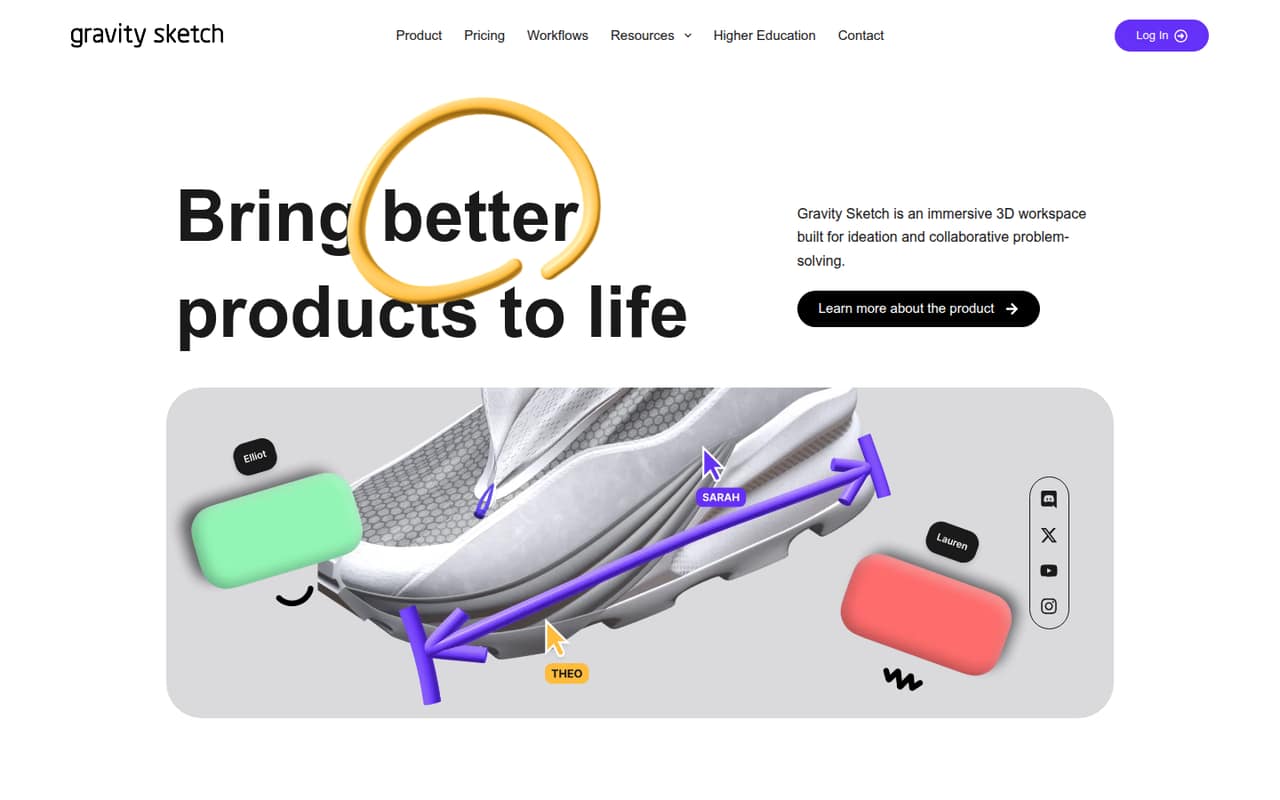
The workspace is for developing product, scene, and world ideas, then reviewing them with immersive feedback. Teams can share annotations and edits in real time or asynchronously. The Team plan adds user and team management, 10GB of cloud storage per user, and rooms for up to 10 people. That could fit a small group with recurring collaborative design work, but the vendor doesn’t publish its price. If your work doesn’t need immersive 3D review, the free plan’s storage and collaboration limits may not make it a useful replacement for your usual design tools.
02Gravity Sketch free plan and trial
The Free plan costs $0 and is aimed at individuals exploring 3D creation. It includes 150MB of cloud storage, excluding Rooms, unlimited Rooms, and up to three collaborators per room. Imports are unlimited for 2D, OBJ, STL, and native files; exports are unlimited for 2D, OBJ, and USDZ.
The main boundaries are storage and room size. If you need more storage, up to five people in a room, or full access to creation and evaluation tools, the listed next step is Plus. For teams, Team adds user and team management, 10GB of storage per user, and rooms for up to 10 people. The pricing page lists no free trial; the free plan is the no-cost way in. It doesn’t publish Plus or Team prices, so ask the vendor for the cost before planning an upgrade.
03What a small team pays for Gravity Sketch
The Free plan is $0, but the pricing page doesn’t publish monthly or annual rates for Plus, Team, or Enterprise. That means we can’t give a sourced dollar total for one paid seat or calculate what three or five paid seats cost per month or per year. Ask the vendor for both billing options and a written quote before budgeting.
Plus is listed per user per month for one individual creator. Team is also per user per month and includes 10GB of cloud storage per user, user and team management, and rooms for up to 10 people. For a three- or five-person team, the seat math is the per-user Team rate multiplied by three or five, but the rate itself isn’t published. Enterprise is listed per month, with tailored support and security features; its price also isn’t published. No add-ons are listed. For a small team, start with Free to assess the workflow, then compare a Team quote against the value of its additional storage and management tools.
04Getting started with Gravity Sketch
The vendor doesn’t publish a setup-time estimate, so plan for a short evaluation rather than assuming the whole team can pick it up immediately. The work is immersive 3D design, and one Reddit user said they had gone through a couple of tutorials before seeing the potential. That’s an individual account, not a measure of how long onboarding takes for a team.
Start by deciding who will create designs, who needs room access, and what files your team will bring in. The Free plan lists imports for 2D, OBJ, STL, and native files, with 2D, OBJ, and USDZ exports. For the VR workflow, confirm headset compatibility and any equipment needs with the vendor. Ask which formats and file handoffs your specific workflow supports, too. Gravity Sketch describes real-time and asynchronous annotations and edits, but a small team should confirm how those fit its existing design-review process before rolling it out.
05When small teams outgrow Gravity Sketch
The clearest reason to upgrade is a free-plan limit: 150MB of cloud storage, or room collaboration beyond three people. Plus raises the room limit to five; Team raises it to 10 and adds team management and 10GB of storage per user, excluding Rooms and Drafts. The vendor doesn’t publish those paid seat prices, so a growing team may need a quote before it can tell whether the upgrade fits its budget.
If your group needs more than 10 people in a room, don’t assume Enterprise raises that cap: its listed features are Team features plus custom data localization, backup, enhanced security, tailored training, and dedicated account management. Ask the vendor about room limits and pricing. Reddit comments are mixed: one user criticized Gravity Sketch’s old export pricing, while another said they preferred its modeling tools to alternatives. Those are individual views, not a guide to current paid-plan costs.
From the threadsWhat users say
Reddit sentiment is enthusiastic about Gravity Sketch’s creative possibilities, but some commenters criticize its past pricing and others prefer competing tools. The positive comments are personal impressions rather than a consensus on team use.
This software had the worst pricing structure I ever seen is why I never bought it
Gravsketch has a much more solid subd/low poly modelling set that is both intuitive and powerful
I much preferred those over Gravity Ketch
Questions people ask
Is Gravity Sketch free to use?
Yes. The pricing page lists a Free plan at $0, with 150MB of cloud storage excluding Rooms, unlimited Rooms, and up to three collaborators per room. It includes unlimited imports of 2D, OBJ, STL, and native files, and unlimited exports of 2D, OBJ, and USDZ. Paid-plan prices aren’t published.
Can you use Gravity Sketch without VR?
Gravity Sketch is described as an immersive 3D workspace, and its features include evaluating designs at 1:1 scale in VR. If you need a non-VR workflow, ask the vendor to confirm whether your device and intended use are supported before choosing a plan.
How many people can collaborate in Gravity Sketch?
The Free plan allows up to three collaborators per room. Plus allows up to five people per room, and Team allows up to 10. Team also includes user and team management. The pricing details don’t list a larger room limit for Enterprise, so confirm that with the vendor if your review group is bigger.
What file formats can Gravity Sketch import and export?
The Free plan lists unlimited imports of 2D, OBJ, STL, and native files, plus unlimited exports of 2D, OBJ, and USDZ. For other plans, the pricing page describes unlimited imports and exports of supported formats without naming them there. Check with the vendor that your project’s file formats are supported.
Is Gravity Sketch a good fit for product design reviews?
It is designed for immersive 3D ideation and design reviews. Listed uses include assessing spatial constraints, manufacturability, component fit, hardpoints, ergonomics, and proportions in VR. Teams can also share annotations and edits in real time or asynchronously. It is most relevant when reviewing a design in 3D adds value to the team’s process.
Sources
- Gravity Sketch homepage
- Gravity Sketch pricing, compiled via web search from softwr.com, gravitysketch.com, visualizee.ai
- Reddit: Gravity sketch is now free!
- Reddit: I just played gravity sketch and it's probably the coolest thing I've experienced in 20 years!
- Reddit: Using Vision Pro with Gravity Sketch
- Reddit: Does anyone recommend gravity sketch/ VR as their design process?