
We may earn a commission if you buy through links on this page. It never changes a score or a ranking. How we make money
The bottom line
A broad payroll and HR toolkit, with no free plan and per-employee pricing to watch.
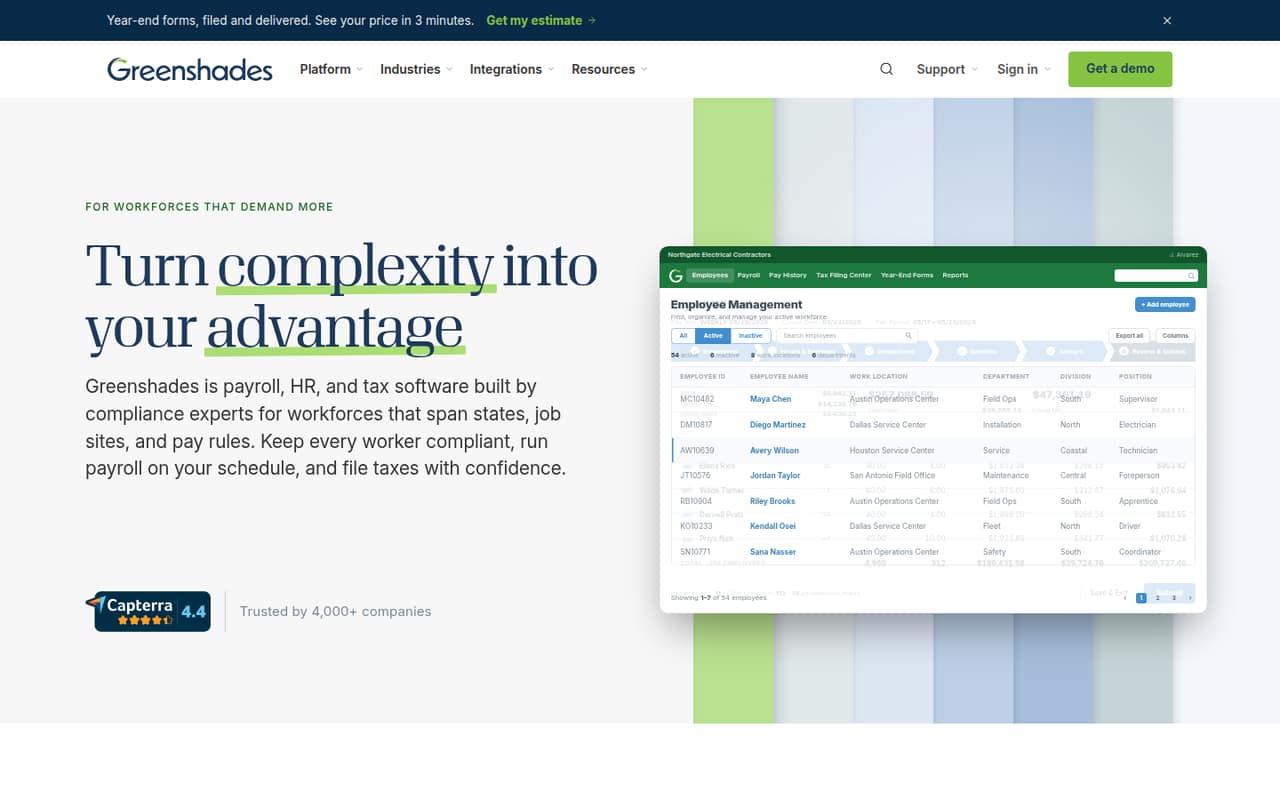
A small team with employees across states, job sites, or pay rules may need more than basic payroll. Greenshades combines payroll, tax, HR, time and attendance, and year-end forms, with employee self-service on any device.
There’s no free plan listed. HR-only starts at $2 per employee monthly, while payroll starts at $4; payroll, HR, and tax is listed at $10 per employee monthly. Annual-billing prices aren’t published, so ask for a quote that spells out the features, setup, and any extra charges.
Good fit if
- Multi-state payroll teams
- Workforces with varied pay rules
- Teams needing payroll and HR together
Skip it if
- Teams seeking free payroll software
- Very simple, single-jurisdiction payroll
- Buyers who need published annual pricing
ScoresHow it rates
What works
- Payroll supports multiple states and local jurisdictions
- Handles blended rates and complex pay
- Combines payroll, HR, and tax options
- Includes year-end form tracking and e-filing
- Employee self-service works on any device
What doesn't
- No free plan is listed
- Annual-billing prices aren’t published
- Overage costs aren’t published
- Plan inclusions aren’t itemized in the pricing
- Setup time and integrations need confirmation
01Who Greenshades is for
Greenshades is aimed at teams whose payroll has extra wrinkles: employees across states or local jurisdictions, changing job sites, blended rates, or other complex pay. It combines payroll, tax compliance, HR records, onboarding, benefits, time off, certification tracking, time and attendance, and year-end forms. Employees can also use self-service on any device.
For a 1–10 person team, that breadth is most useful when it replaces a patchwork of payroll and HR work or helps manage multi-jurisdiction requirements. A team with straightforward payroll may find the feature set more than it needs; the cheapest payroll option is $4 per employee monthly, before any applicable add-ons. The price list also has HR-only plans starting at $2 per employee monthly. Compare the plan’s actual inclusions with your must-haves before choosing: the listed prices don’t spell out which features come with each tier.
02Greenshades free plan and trial
Greenshades has no free plan listed, and a free-trial offer isn’t published. That means there’s no free tier to use as a long-term option or a listed trial period to test the product before paying.
The cheapest listed plan is HR Core (Stand-Alone) at $2 per employee monthly, but it’s for core HR only. If you need payroll, the entry point is Payroll Basic at $4 per employee monthly. For three people, that’s $12 monthly; for five, it’s $20. These are monthly-rate calculations, not a quoted annual contract. Before committing, ask Greenshades what the plan includes, whether implementation costs extra, and what the process is for checking that payroll and tax needs are covered.
03What a small team pays for Greenshades
The pricing page lists monthly per-employee rates: Payroll Basic is $4, Payroll/HR Core is $7, Payroll/HR + Tax is $10, and Payroll/HR Complete is $13. At those rates, one person costs $4, $7, $10, or $13 monthly, respectively. For three people, the totals are $12, $21, $30, or $39; for five, they’re $20, $35, $50, or $65.
Annual-billing prices aren’t published. Multiplying the monthly rates by 12 gives a simple year at the listed rate—not an annual-billing quote. For example, Payroll Basic works out to $48 per person, $144 for three, or $240 for five over 12 months. The listed add-ons are Time and Labor Management at $2 per employee monthly and My HR Counsel Legal Advice at $1.49. Overage costs aren’t published. HR-only plans start at $2 per employee monthly, but they don’t include payroll.
04Getting started with Greenshades
Greenshades covers payroll, HR records, time and attendance, tax, and year-end forms, so setup may involve more decisions than switching on a basic payroll tool. The vendor's site describes what it handles, but setup time and a list of integrations aren’t published in the pricing details. We can’t give a reliable estimate of the hours or staff effort involved.
Before signing, ask Greenshades how it imports employee and historical payroll data, who configures state and local tax requirements, and which systems it connects to. Also confirm who trains managers to review timesheets, resolve exceptions, and approve pay periods. These are practical questions for a tool handling multiple pay rules; the answers can change both your setup workload and total cost. Get the implementation steps, any fees, and the integrations you need in writing.
05When small teams outgrow Greenshades
Greenshades is more likely to feel like too much when your payroll is simple and you don’t need its extra HR or tax functions. At the other end, a growing team may need a higher-priced tier: the listed monthly rate rises from $4 per employee for Payroll Basic to $7 for Payroll/HR Core, $10 for Payroll/HR + Tax, and $13 for Payroll/HR Complete. At five people, that ranges from $20 to $65 monthly before add-ons.
The price list doesn’t detail tier limits or exactly which features each plan includes, so don’t assume an upgrade will solve a particular need without checking. Overage costs and annual-billing prices also aren’t published. If headcount, jurisdictions, or workflow needs are changing, ask for a quote at your expected team size and confirm the plan’s limits, add-on charges, and support for the systems you rely on.
Questions people ask
Does Greenshades have a free plan?
No free plan is listed, and a free trial isn’t published. The lowest listed rate is HR Core (Stand-Alone) at $2 per employee monthly, but that plan is for core HR only. For payroll, the listed entry plan is Payroll Basic at $4 per employee monthly.
How much does Greenshades cost for five employees?
At the listed monthly rates, five employees cost $20 for Payroll Basic, $35 for Payroll/HR Core, $50 for Payroll/HR + Tax, or $65 for Payroll/HR Complete. These figures use the per-employee rates; annual-billing prices aren’t published. Add-on charges may increase the total.
Does Greenshades handle multi-state payroll and tax filing?
Greenshades describes payroll across states and local jurisdictions, including blended rates and complex pay. Its tax compliance features include filing payroll tax returns and deposits with federal, state, and local agencies where e-filing is supported. Confirm that the jurisdictions and filing needs your team has are covered.
What does Greenshades include for HR?
The listed HR functions include onboarding, employee records, benefits, time off, and certification tracking. Employees can access self-service and make changes on any device. The pricing list names core and expanded HR plans, but it doesn’t itemize which features come with each tier, so confirm plan details before choosing.
Does Greenshades publish annual prices or overage fees?
The listed rates are monthly per-employee prices. Annual-billing prices and overage costs aren’t published. Ask Greenshades for a quote showing your expected headcount, billing term, any add-ons, and possible overage charges so you can compare the full cost with your budget.