
We may earn a commission if you buy through links on this page. It never changes a score or a ranking. How we make money
The bottom line
Worth a demo for production teams that need payroll and accounting in one place; get a quote first.
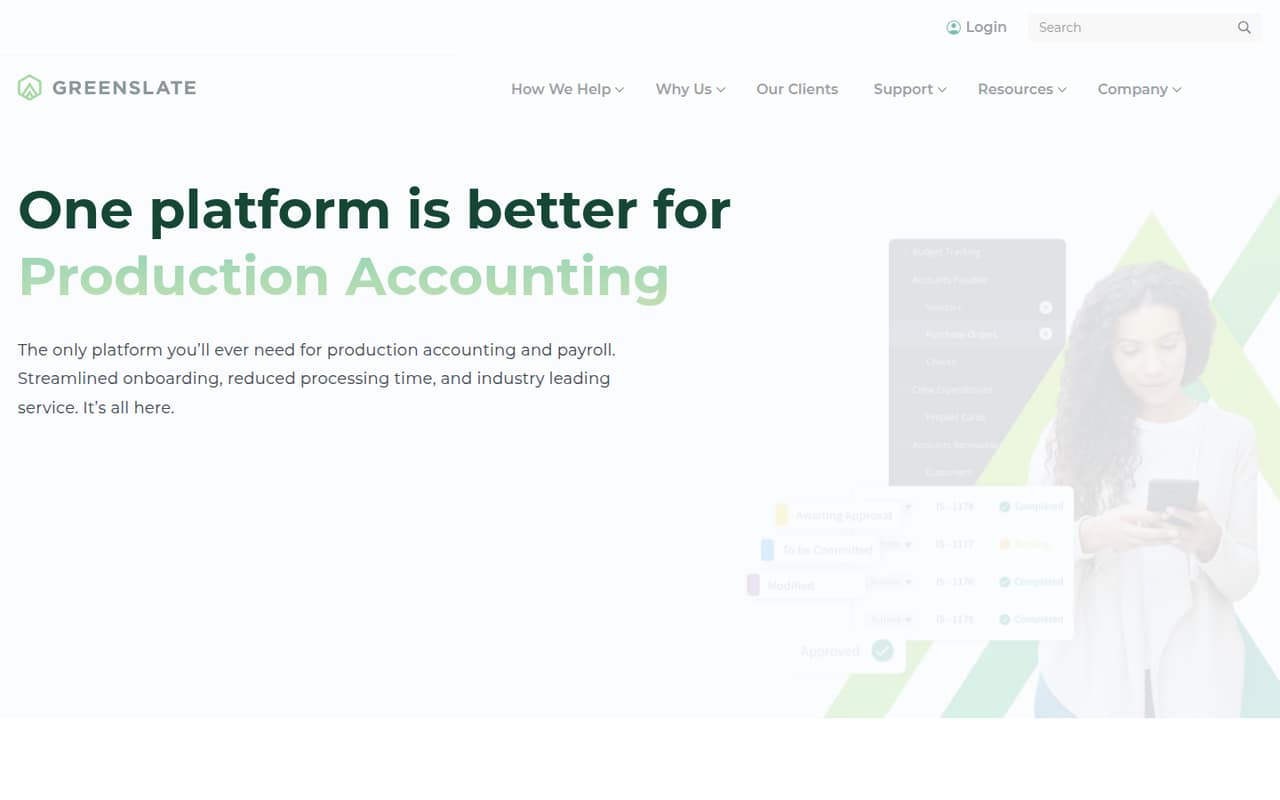
GreenSlate combines cast and crew payroll, production accounting, and incentive management for film and television productions. Its onboarding, approvals, reporting, and centralized data may suit a production team that wants fewer separate workflows to manage.
The catch for a small team is cost visibility: GreenSlate doesn’t publish rates, seat limits, or a free trial. Reddit comments are mixed, with concerns about Canadian use and access controls alongside one report of helpful accounting communication.
Good fit if
- Film and TV productions
- Teams combining payroll and accounting
- Productions tracking tax incentives
Skip it if
- Teams needing a free payroll tool
- Buyers who need clear seat pricing
- Canadian productions without a local demo
ScoresHow it rates
What works
- Combines cast and crew payroll with production accounting
- Includes core software and reporting with payroll
- No modular add-on fees listed
- Tracks qualifying activities, expenses, and tax credits
- Includes onboarding and approval workflows
What doesn't
- Starting price and rates aren’t published
- No free plan or trial is listed
- Seat and usage limits aren’t published
- Other add-on and overage costs aren’t published
- Reddit users report concerns about Canadian workflows and access
01Who GreenSlate is for
GreenSlate is for film, television, and other productions that need to handle payroll and production accounting together. It covers cast and crew payroll, onboarding, weekly approvals, general ledger workflows, reporting, and incentive management. The platform also brings production data into one place, with tools for communicating with approvers and accessing backup.
For a team of 1–10, the fit depends more on the production’s payroll and accounting needs than its headcount. A small production office could consider it if it wants one system for those workflows and tax incentive tracking. But a small team on a tight, fixed software budget may find it hard to plan: the pricing page lists custom quotes, not a published starting price or seat limit. Ask for a quote based on your production model and team size before deciding.
02GreenSlate free plan and trial
GreenSlate doesn’t list a free plan or a free trial. That means a small team can’t use a no-cost tier to check whether its payroll and accounting workflows fit before budgeting for the platform.
The pricing page lists core software and reporting as included with GreenSlate payroll, with no modular add-on fees. Productions using GreenSlate payroll can ask about the Agency Model; employers using GreenSlate payroll can ask about the Employer of Record (EOR) Model. For productions not using GreenSlate payroll, standalone software licensing is handled through sales. The vendor doesn’t publish rates for these options, so the cheapest way in isn’t clear from the listed pricing. Ask GreenSlate for a quote and confirm what the fee covers, including any overages.
03What a small team pays for GreenSlate
GreenSlate doesn’t publish monthly or annual rates, so we can’t calculate the cost for one person or compare the price of three or five seats. The pricing page lists custom quotes for the Agency Model and Employer of Record (EOR) Model, both for customers using GreenSlate payroll. It lists standalone software licensing for productions that don’t use GreenSlate payroll, with pricing handled through sales.
That means there’s no published per-seat math, monthly-versus-annual comparison, or starting price for a small team to budget against. Seat and usage limits aren’t published either. The pricing page says core software and reporting are included in the base payroll fee, with no modular add-on fees. Other add-on and overage costs aren’t published. Before choosing a model, ask for a written quote for your team size and production, including any extra fees and what happens if usage changes.
04Getting started with GreenSlate
GreenSlate lists onboarding as part of its offering, but the vendor doesn’t publish setup time or a step-by-step implementation process. The platform supports crew onboarding, weekly approvals, general ledger workflows, and communication with approvers, so a production should be ready to define who handles each task and approval.
The vendor doesn’t publish seat limits or a list of integrations in the available product and pricing information. Ask during a demo which systems GreenSlate connects to and whether your production needs to import or export data. That matters if your team already relies on separate accounting or payroll tools. Reddit comments describe different experiences with timesheets and payroll administration; one Canadian user also warned that a sales tutorial may show the US version. Ask to see the version and workflows that apply to your production.
05When small teams outgrow GreenSlate
GreenSlate doesn’t publish seat or usage limits, so there’s no listed threshold at which a growing team has to upgrade. The pricing page also doesn’t show tiered plans or per-seat rates. Instead, ask GreenSlate how a larger production, higher usage, or a change in payroll model would affect your quote. If your team needs a clear price before committing, that lack of published rates may be a reason to compare alternatives now.
Reddit comments raise operational concerns to investigate before scaling. One Canadian accounting professional said the software was not sufficiently built for Canada, while other commenters described timesheet, access, and payroll problems. These are individual reports, not a measure of every production’s experience. One commenter also described a positive experience with a hard-working, communicative accounting team. Ask for a Canada-specific demo if relevant, and confirm user permissions, timesheet rules, and who handles payroll corrections.
From the threadsWhat users say
Reddit sentiment is mixed but leans negative, with commenters raising concerns about Canadian support, timesheets, and access. One commenter reported a positive experience with a production accounting team, so experiences appear to vary by production.
Please please please never use Greenslate in Canada
She worked very hard and was very good at communication
I've accidentally been given view access to the ENTIRE production's budget
Guaranteed hours unless it’s more
Questions people ask
What is GreenSlate used for?
GreenSlate provides production accounting and entertainment payroll software for film, television, and other productions. Its platform covers cast and crew payroll, accounting, and incentive management, with onboarding, approvals, reporting, and centralized production data.
What does GreenSlate payroll include?
GreenSlate describes cast and crew payroll workflows that include crew onboarding, weekly approvals, and general ledger workflows. The pricing page lists core software and reporting as included in the base payroll fee, with no modular add-on fees. Ask the vendor what applies to your production’s quote.
How much does GreenSlate cost?
GreenSlate doesn’t publish monthly or annual rates, a starting price, or per-seat pricing. Pricing is handled through a custom quote for payroll models and standalone software licensing. Ask for a quote for your production and confirm seat limits, overages, and any other fees.
Does GreenSlate offer a free plan or trial?
GreenSlate doesn’t list a free plan or free trial. Productions can request a demo, but the vendor doesn’t publish trial availability. The cheapest option isn’t clear because rates for payroll models and standalone software licensing are handled through custom quotes.
How can I contact GreenSlate customer service?
GreenSlate’s offering includes support, but the available pricing information doesn’t specify support channels or response times. Visit GreenSlate’s website or ask during a demo how to contact support, what help is included in your quote, and whether support differs by payroll model.