
We may earn a commission if you buy through links on this page. It never changes a score or a ranking. How we make money
The bottom line
Worth exploring for threat context; get a quote before counting on it for a small-team budget.
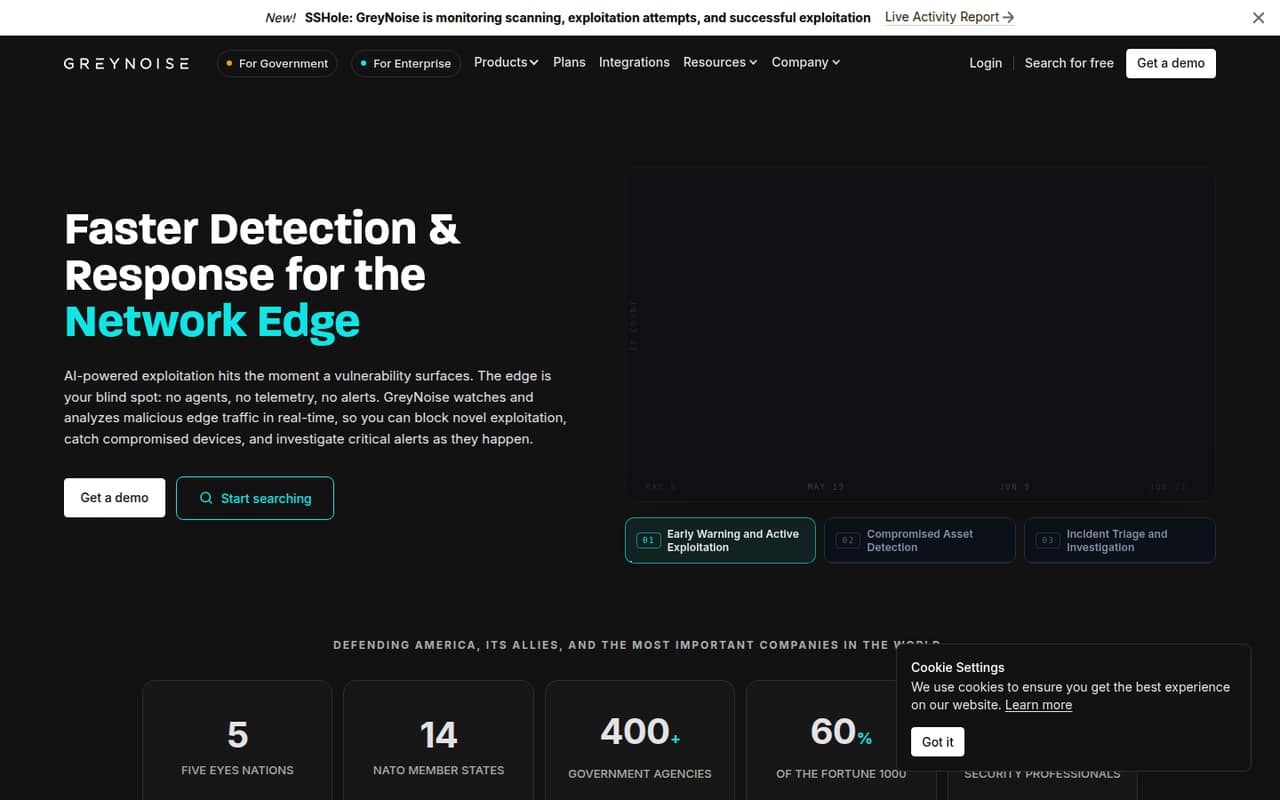
GreyNoise Intelligence helps security teams make sense of malicious internet traffic, spot emerging exploitation and add context to alerts. Its free plan costs $0 and includes limited searches, alerts and blocklists.
For a small team, the catch is paid pricing: GreyNoise doesn’t publish monthly or annual prices, and at least one paid core module is required. Ask for a quote and trial before budgeting.
Good fit if
- Small security teams triaging alerts
- Teams tracking edge-device threats
- Analysts investigating network activity
Skip it if
- Teams needing predictable paid pricing
- Organizations without security staff
- Buyers needing published setup steps
ScoresHow it rates
What works
- Free plan costs $0
- Free tier includes Community API access
- Provides intent, CVE and tooling context
- Paid plans list unlimited users
- Higher tiers offer longer recall
What doesn't
- Paid monthly and annual prices aren’t published
- Paid plans require a core module
- Core module prices aren’t published
- Free searches are capped at 50 weekly
- Free data refreshes every 8 hours
01Who GreyNoise Intelligence is for
A small team needs GreyNoise only if it has a security job to solve: sorting suspicious network activity, investigating alerts or watching for emerging exploitation. The service analyzes malicious traffic seen by its sensor grid and adds intent, CVE and tooling context to alerts. It also offers blocklists and data for threat investigations.
For a company with 1–10 people, it may suit a security analyst or an IT generalist who owns security and needs more context when investigating edge threats. GreyNoise serves small and midsize businesses as well as larger organizations, but the available details don’t set a minimum team size. If your team rarely investigates network alerts or has no one to act on threat intelligence, a separate intelligence tool may be more subscription than you need. Start with the free plan to see whether its limits fit the work before requesting a paid quote.
02GreyNoise Intelligence free plan and trial
The Free plan costs $0 per month and is aimed at individuals exploring GreyNoise data. It includes up to 50 searches per week, data freshness every 8 hours, 10-day recall, 3 alerts, 1 blocklist and Community API access. GreyNoise also offers a full-feature trial on request.
The free tier is a way to explore the data, not a substitute for the higher limits listed on paid plans. It caps searches, alerts and blocklists, and its data refreshes less often than the Standard, Advanced and Elite plans. The listed details don’t say how many users the Free plan supports, so a team should confirm that before relying on it for shared work. Ask GreyNoise how to request the trial and what access it includes.
03What a small team pays for GreyNoise Intelligence
The Free plan is listed at $0 per month. GreyNoise doesn’t publish the monthly or annual prices for Standard, Advanced or Elite, so we can’t calculate a paid cost for one person or a team of 3 or 5. Paid plans list unlimited users, rather than a published per-seat rate; that does not reveal the total subscription price. Ask sales for a quote covering your team size and billing term.
Standard includes unlimited searches and users, 10-day recall, 10 alerts and 3 blocklists. Advanced adds 30-day recall, 25 alerts, feeds and 10 blocklists. Elite lists 90-day recall and unlimited alerts and blocklists. At least one core module—Triage, Investigate or Hunt—is required, and GreyNoise doesn’t publish module prices. Optional C2 Detection, Vulnerability Prioritization and Business Services modules also have no published prices. Include those costs in your quote request.
04Getting started with GreyNoise Intelligence
GreyNoise’s listed capabilities include searches, alerts, blocklists and API access, but the pricing information doesn’t give a setup-time estimate or spell out implementation steps. We can’t say how long a small team should budget for setup. Ask the vendor what configuration is needed for your use case and whether the trial includes help getting started.
For day-one access, the Free plan includes the Community API. Standard lists the Enterprise and GNQL APIs and all integrations; Advanced and Elite also list all integrations. The names of those integrations and instructions for connecting them aren’t included in the plan details, so check that your security tools are supported before buying. A team without a dedicated analyst should also ask for a walkthrough of search, alert and blocklist workflows before committing.
05When small teams outgrow GreyNoise Intelligence
A team can hit the Free plan’s practical limits when it needs more than 50 searches a week, more than 3 alerts or 1 blocklist, or data fresher than every 8 hours. Standard raises those limits to unlimited searches, 10 alerts and 3 blocklists, while retaining 10-day recall. That may be enough for a team doing regular triage, but it doesn’t extend recall beyond 10 days.
Advanced lists 30-day recall, feeds and 25 alerts; Elite lists 90-day recall and unlimited alerts and blocklists. Those are reasons to ask about an upgrade, not automatic signs that you need one. Paid plans list unlimited users, so a growing headcount alone isn’t a stated seat-limit trigger. The bigger obstacle is that plan and module prices aren’t published: get a full quote before upgrading, especially if your team needs a core module or optional add-ons.
Questions people ask
Does GreyNoise Intelligence have a free plan?
Yes. GreyNoise lists a Free plan at $0 per month for individuals exploring its data. It includes up to 50 searches per week, data freshness every 8 hours, 10-day recall, 3 alerts, 1 blocklist and Community API access. The plan details don’t specify how many users it supports, so ask the vendor before using it as a shared team plan.
How much does GreyNoise Intelligence cost for a team?
GreyNoise doesn’t publish monthly or annual prices for its paid plans. Standard, Advanced and Elite list unlimited users, but without a total price we can’t work out the cost for a team of 1, 3 or 5. At least one core module is required on paid plans, and module prices aren’t published either. Request a quote that includes your chosen modules.
How often does GreyNoise refresh its data?
The listed cadence depends on the plan. Free refreshes every 8 hours; Standard every 4 hours; Advanced every 2 hours; and Elite every hour. Standard lists weekly freshness for Business Services, while Elite lists every 4 hours for Business Services. Confirm the cadence for the data and modules your team plans to use.
Can GreyNoise Intelligence connect to my security tools?
Standard lists the Enterprise and GNQL APIs and all integrations. Advanced and Elite also list all integrations, while Free includes Community API access. The plan details don’t name the integrations, so check with GreyNoise that your specific tools are supported and ask which API or plan you need for your intended workflow.
Does GreyNoise Intelligence offer a trial?
GreyNoise lists a full-feature trial available on request. The details don’t state how long the trial lasts, whether it requires a sales conversation or what support comes with it. Ask the vendor to confirm the trial terms, the modules you can access and whether your team can test its intended integrations before choosing a paid plan.