
We may earn a commission if you buy through links on this page. It never changes a score or a ranking. How we make money
The bottom line
Good for affordable 3D room planning; less compelling when a team needs advanced rendering or shared workflows.
Homestyler is worth considering if your small team needs to turn floor plans or sketches into editable 3D spaces, then furnish and visualize them. The free Basic plan includes unlimited 1K renders, but they have watermarks, and it has only three AI credits total.
For shared team work, the Team plan lists a price of $19.60 per seat per month. That adds up quickly for a small group, while individual Pro+ starts at $6.80 per month. Reddit users praise the models and planning tools, but some report frustrating controls, basic roof tools, or limits in the free tier.
Good fit if
- Small teams planning room layouts
- Budget-conscious home visualizations
- Solo users furnishing 3D spaces
Skip it if
- Teams needing advanced rendering control
- Architectural production documentation
- Groups requiring published support commitments
ScoresHow it rates
What works
- Basic includes unlimited 1K renders with watermarks
- More than 10 million branded 3D models highlighted
- Plan conversion turns floor plans into editable 3D models
- Drag-and-drop tools support room furnishing
- Team plan includes shared designs and an asset library
What doesn't
- Basic 1K renders include watermarks
- Basic 4K renders require a separately priced purchase
- Team costs $19.60 per seat per month
- Minimum Team seat count is not published
- Reddit users report basic roof tools and frustrating controls
01Who Homestyler is for
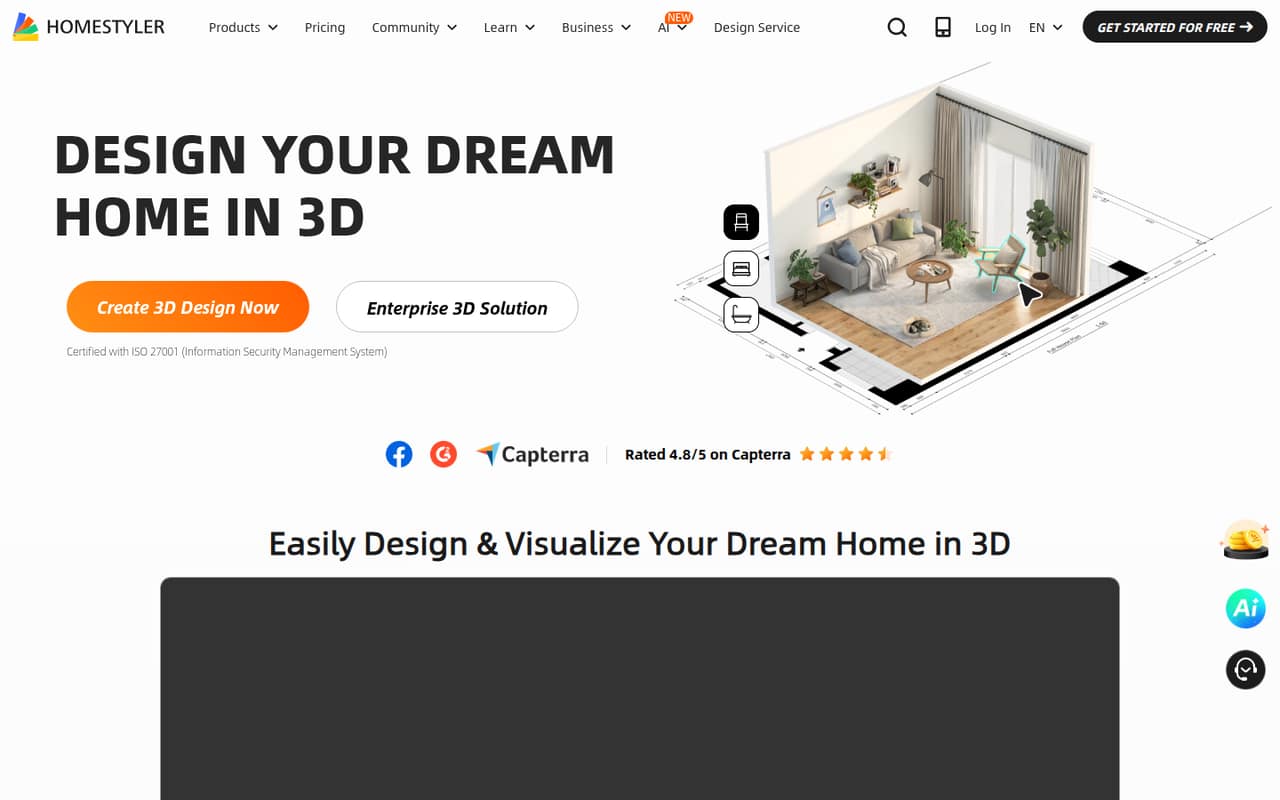
Homestyler fits a solo designer or a small team that needs to plan rooms and show how a space could look without starting with specialist 3D software. You can upload a floor plan or 2D sketch to create an editable 3D home model, then furnish and decorate it with drag-and-drop tools. The homepage highlights one-click cloud rendering, more than 10 million 3D models, and over 500 design templates.
For a team of one, Basic may be enough for early layouts and watermarked previews. A team that needs to share designs and assets has a Team plan, but its listed per-seat rate is much higher than the individual plans. Homestyler is more suited to planning and visualization than highly technical production work: Reddit users describe it as useful for house remodeling, while one designer looking for better rendering discussed moving to other software. Keep it in the running if room planning is the job; look elsewhere if technical freedom is central.
02Homestyler free plan and trial
The Basic plan is free for one user. The pricing page lists unlimited 1K renders with watermarks, three AI credits total, more than 100,000 free 3D models and materials, and three free roof styles. There is no free trial listed because Basic is already a free plan.
The main trade-off is output quality and capacity: Basic renders are watermarked, and 4K renders require a separate per-render purchase. The price for that purchase is not published. Basic also has only three AI credits total, compared with monthly AI credit allocations on the paid plans. One Reddit commenter says they encountered daily limits in the free tier, so confirm the current limits for the features you plan to use. For a solo user testing layouts, start with Basic; a shared team needs to look at Team.
03What a small team pays for Homestyler
The pricing page lists Basic at $0 for one user, Pro+ at $6.80 per month, Master+ at $11.80 per month, and Team at $19.60 per seat per month. These are starting monthly rates; standalone month-to-month rates and annual totals are not published.
For one person, Pro+ works out to $6.80 at the listed rate and includes 75 2K and 75 4K renders per month, 20 8K panoramas, two 12K panoramas, and 180 AI credits monthly. A three-person Team costs $58.80 per month at the listed per-seat rate; five seats cost $98.00. Those figures are seat-count multiplication, not published package prices. Team includes shared design space and an asset library, plus monthly AI credit coupons and video allowances.
Check the add-ons before budgeting: 4K renders on Basic cost extra, but the per-render price is not published. The minimum Team seat count is also not published. Ask Homestyler for both details and for the billing total on your chosen term.
04Getting started with Homestyler
The core workflow is straightforward on paper: create a model from an uploaded floor plan or 2D sketch, then furnish and decorate it with the drag-and-drop tool. The product highlights cloud rendering, templates, and a five-day learning program for Homestyler 3D design. That gives a new user a guided route from plan to visualization, though it does not tell us how long a particular project will take.
User feedback is mixed on the controls. A Reddit poster said they found them a little difficult at first but got used to them pretty quickly; another user described problems with the wall tool. For a small team, try a sample plan before assigning a deadline to a first project. The vendor does not publish integrations in the pricing details, so ask whether Homestyler connects to the tools your team already uses. No integration is required to understand the basic plan-to-room workflow described by the product.
05When small teams outgrow Homestyler
The first pressure point is rendering. Basic offers unlimited 1K renders with watermarks, while 4K renders require an extra purchase; Pro+ and Master+ list larger render allowances. If you need clean, higher-resolution output regularly, compare the paid render limits with your workload before inviting a team to depend on the free plan.
The second pressure point is collaboration cost. Team is $19.60 per seat per month at the listed rate, so the cost rises with each seat; the minimum seat count is not published. Reddit users also report limits in the free tier, basic roof-design tools, and frustrating issues with walls or outdoor spaces. One user remodeling two houses said the floor-plan tools worked generally well but the roof tools were basic. Consider moving on when you need more technical control, dependable support, or a workflow beyond planning and visualizing interiors. The vendor does not publish integrations here, so check compatibility before making Homestyler a core team system.
From the threadsWhat users say
Reddit feedback is split: users praise the models, renders, and usefulness for house planning, while others point to free-tier limits, awkward controls, or basic roof tools. The comments suggest it can work well for visual planning, but it may frustrate users with more technical needs.
The controls are a little difficult but you get used to them pretty quickly
Floor plans and tools for the internal parts of the house are generally pretty good
I see there are daily limits to everything in the free part, so I will probably don't use it in the future
the roof design tools are quite basic and I couldn't copy the roof on an existing house, which was quite simple
Questions people ask
What can you do with Homestyler?
Homestyler lets users create editable 3D home models from uploaded floor plans or 2D sketches, then furnish and decorate the spaces. The product also highlights cloud rendering, a library of 3D models, more than 500 templates, and a five-day learning program.
Does Homestyler have a free plan?
Yes. Basic is free for one user and includes unlimited 1K renders with watermarks, three AI credits total, more than 100,000 free 3D models and materials, and three free roof styles. Basic 4K renders require a separate purchase, and that price is not published.
How much does Homestyler cost for a small team?
The pricing page lists Team at $19.60 per seat per month. At that rate, three seats total $58.80 per month and five total $98.00. Annual totals and standalone month-to-month rates are not published, and the minimum Team seat count is not published.
Does Homestyler offer a free trial?
A separate free trial is not listed. Homestyler has a free Basic plan for one user, so you can begin with its included 1K renders, free models and materials, and three total AI credits. Check whether its watermarked output and limits suit your project before upgrading.
Is Homestyler suitable for professional design work?
It can support room planning and visualization, but user feedback points to limits for more technical work: one Reddit user described the roof tools as basic, and another asked for better rendering. Consider your needs for output control, production details, and support before relying on it for professional deliverables.
Sources
- Homestyler homepage
- Homestyler pricing, compiled via web search from homestyler.com, decato.ai, renderahouse.com
- Reddit: First attempt at homestyler. Tell me how I did
- Reddit: Treba mi jednostavan 3D home design software. Do sad sam koristio https://www.homestyler.com/ i super mi je, jedino želim bolji rendering. Tako da trazim neki slican software da podrzava Lumion. Sketchup i slicno su mi pre spori i komplicirani. Molim pomoc. Ignore the fish
- Reddit: Does Anyone Use Homestyler and Why Not?
- Reddit: Deam home redesigned using homestyler.com