
We may earn a commission if you buy through links on this page. It never changes a score or a ranking. How we make money
The bottom line
A strong free starting point, as long as its device caps and mixed community feedback suit your team.
Small teams that need screen sharing, remote control, file transfers, and chat can start with HopToDesk’s free plan. It covers 2 team members, 3 devices, and 50 help desk tickets a month, with no time limit.
The Dashboard’s paid Pro plan starts at $15 per month, billed by device, and includes up to 120 devices and unlimited team members. Reddit feedback is mixed, with praise for the free alternative and some concerns about trust and transparency.
Good fit if
- Teams needing basic remote access
- Small budgets and a few devices
- Businesses that want free client software
Skip it if
- Teams needing more than 3 free devices
- Buyers who require clear per-seat pricing
- Teams wary of mixed trust feedback
ScoresHow it rates
What works
- Client is free for personal and business use
- Free Dashboard plan includes 2 team members
- Free plan allows up to 3 devices
- Remote control, chat, and file transfer included
- Paid plans include unlimited team members
What doesn't
- Free plan stops at 3 devices
- Free plan caps help desk tickets at 50 monthly
- Paid pricing is by device, not seat
- Setup time and integrations aren't published
- Reddit discussions include trust and transparency concerns
01Who HopToDesk is for
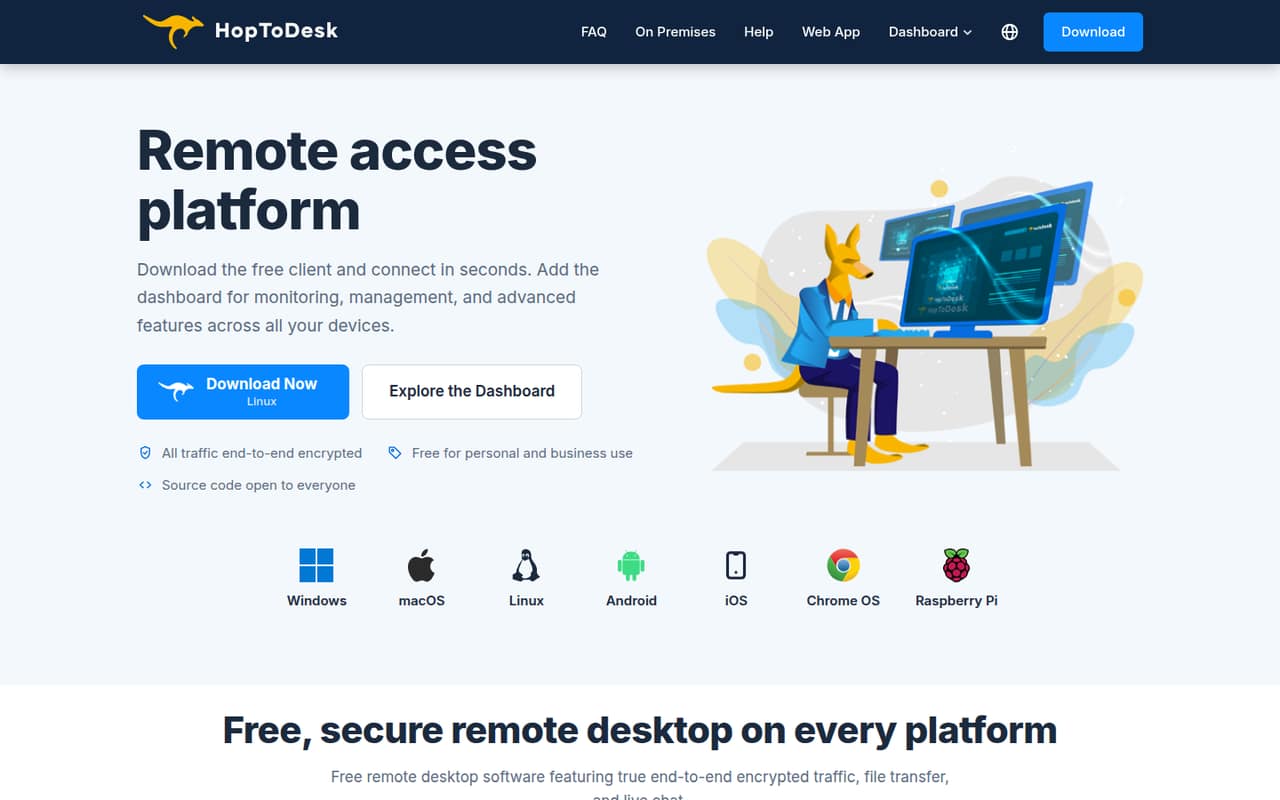
HopToDesk suits a small team that needs to see and control remote computers without paying for the client software. The client supports screen sharing, remote control, file transfers, and chat during a session. It also lists end-to-end encryption for screen sharing, chats, and file transfers.
For a team of one or two people with no more than three devices, the free Dashboard plan may cover the basics, including 50 help desk tickets monthly. A team with three to ten members can still use the free client for remote access, but the free Dashboard plan only includes two team members. Pro removes that member cap and includes up to 120 devices, at $15 monthly or $159 yearly.
The optional Dashboard adds device status monitoring, alerts, remote commands, reporting, help desk features, and team management. It makes more sense when you need to manage a fleet than when you just need occasional access to one computer.
02HopToDesk free plan and trial
The pricing page lists a $0 Free plan with 2 team members, up to 3 devices, and 50 help desk tickets each month. There’s no time limit. Separately, HopToDesk says its client is free for personal and business use, so basic remote access doesn’t require a paid subscription.
The free Dashboard plan is where the limits matter: a third team member or a fourth managed device puts you beyond its listed allowance. The next listed tier is Pro, which includes unlimited team members and up to 120 devices. The pricing page also lists a 7-day free trial, but doesn’t say which plan or features the trial covers; check with the vendor before relying on it.
AI Assistant is an add-on at about $0.05 per task from a prepaid balance. Paid plans get $5 in free credit.
03What a small team pays for HopToDesk
The cheapest option is $0 if one person stays within the Free plan’s two-member, three-device, and 50-ticket monthly limits. A team of three or five members exceeds the free member allowance, so Pro is the first listed plan that fits. The pricing page lists Pro at $15 per month, or $159 per year ($13.25 monthly equivalent), with up to 120 devices and unlimited team members.
That is the plan price for either a three- or five-person team; HopToDesk prices it by device, not by seat. For a rough budget comparison only, dividing the subscription by three gives $5 per person monthly or about $4.42 on annual billing. Dividing it by five gives $3 monthly or $2.65 annually. Those are allocations, not per-seat rates. For one person who needs Pro, the subscription is still $15 monthly or $159 yearly.
Business is $49 monthly or $529 yearly and includes 500 devices. AI Assistant costs about $0.05 per task; paid plans include $5 in credit.
04Getting started with HopToDesk
HopToDesk’s setup effort depends on whether you need only remote access or the Dashboard’s device-management features. For basic access, plan on getting the client running on the computers you want to connect and setting up the connection between them. The vendor doesn’t publish a setup-time estimate, so allow time to check access and security settings across your devices.
For a team, decide who needs Dashboard access and which devices should be managed before choosing a plan. The free tier covers two team members and three devices; Pro allows unlimited team members and up to 120 devices. Custom-branded clients can include preset connection and security settings, which may help standardize a rollout.
The vendor doesn’t publish an integrations list in the available plan details, so teams that rely on connections to other support or device-management tools should ask before committing. Reddit users describe differing experiences: one commenter reported no connection problems, while another raised concerns about the project’s professionalism.
05When small teams outgrow HopToDesk
The first pressure point is the free Dashboard cap: more than two team members, three devices, or 50 help desk tickets a month means the free plan no longer covers your needs. Pro raises the allowance to 120 devices, removes the team-member limit, and includes unlimited help desk tickets. It costs $15 monthly or $159 yearly. If you need more than 120 devices, Business starts at $49 monthly or $529 yearly and includes 500 devices.
Beyond 500 devices, the listed Enterprise & MSP plan offers unlimited devices and multi-tenant sub-accounts, but its price is custom. Ask the vendor for a quote and confirm what onboarding and support cover.
Some teams may outgrow HopToDesk for trust or control reasons rather than capacity. One Reddit thread questioned the project’s professionalism, and another discussion raised concerns about the openness of server components. A HopToDesk representative replied that the client is open source and described open-source server implementations. Teams that require an independently auditable, fully open-source stack should verify the components they plan to use.
From the threadsWhat users say
Reddit sentiment is mixed: some users welcome a free alternative, while others raise trust and transparency concerns. Comments also describe positive connection experiences, but the discussions don’t establish a broad consensus.
Reminds me of OG Teamviewer before it got enshitifed
I soon realized it’s basically a one-man show
I've never seen a message in Chinese nor have I ever experienced any problems connecting to my remote machines
So you have an open source client and a proprietary signal server ?
Questions people ask
Is HopToDesk free?
The client is free for personal and business use. The free Dashboard plan includes two team members, up to three devices, and 50 help desk tickets each month, with no time limit. Pro is listed at $15 monthly or $159 yearly for teams that need more Dashboard capacity.
How does HopToDesk work?
HopToDesk lets users share screens and control remote devices, transfer files, and chat during a session. Its optional Dashboard adds device monitoring, alerts, remote commands, reporting, and team features. The vendor lists end-to-end encryption for screen sharing, chats, and file transfers.
Is HopToDesk safe to use?
HopToDesk says it encrypts screen sharing, chats, and file transfers end to end. That’s useful, but encryption alone doesn’t answer every security question. Reddit discussions raised concerns about server-component transparency; ask the vendor which server implementation your setup uses and review it against your security requirements.
What does HopToDesk Pro cost?
The pricing page lists Pro at $15 per month or $159 per year. It includes up to 120 devices, unlimited team members, and unlimited help desk tickets. Pricing is by device rather than by seat, so a three-person and five-person team pay the same listed plan price if they remain within the included device allowance.
Does HopToDesk support Windows XP?
A HopToDesk Reddit post announced a dedicated Windows XP build for XP SP2/SP3, Windows Vista, and Windows Server 2003, including 32-bit and 64-bit systems. Because that post concerns a separate build, check with the vendor for current availability and support before using it on a legacy computer.
Sources
- HopToDesk homepage
- HopToDesk pricing page
- Reddit: HopToDesk - free remote desktop now supports Windows XP
- Reddit: Move from RustDesk, options? Hoptodesk?
- Reddit: How is hoptodesk different than rustdesk? And why are they not transparent about being a fork of rustdesk?
- Reddit: HopToDesk Custom Client Generator: Create Your Own Branded Remote Desktop App