
We may earn a commission if you buy through links on this page. It never changes a score or a ranking. How we make money
The bottom line
Useful payroll and workers’ comp in one place, but the $80 base fee makes it a paid commitment.
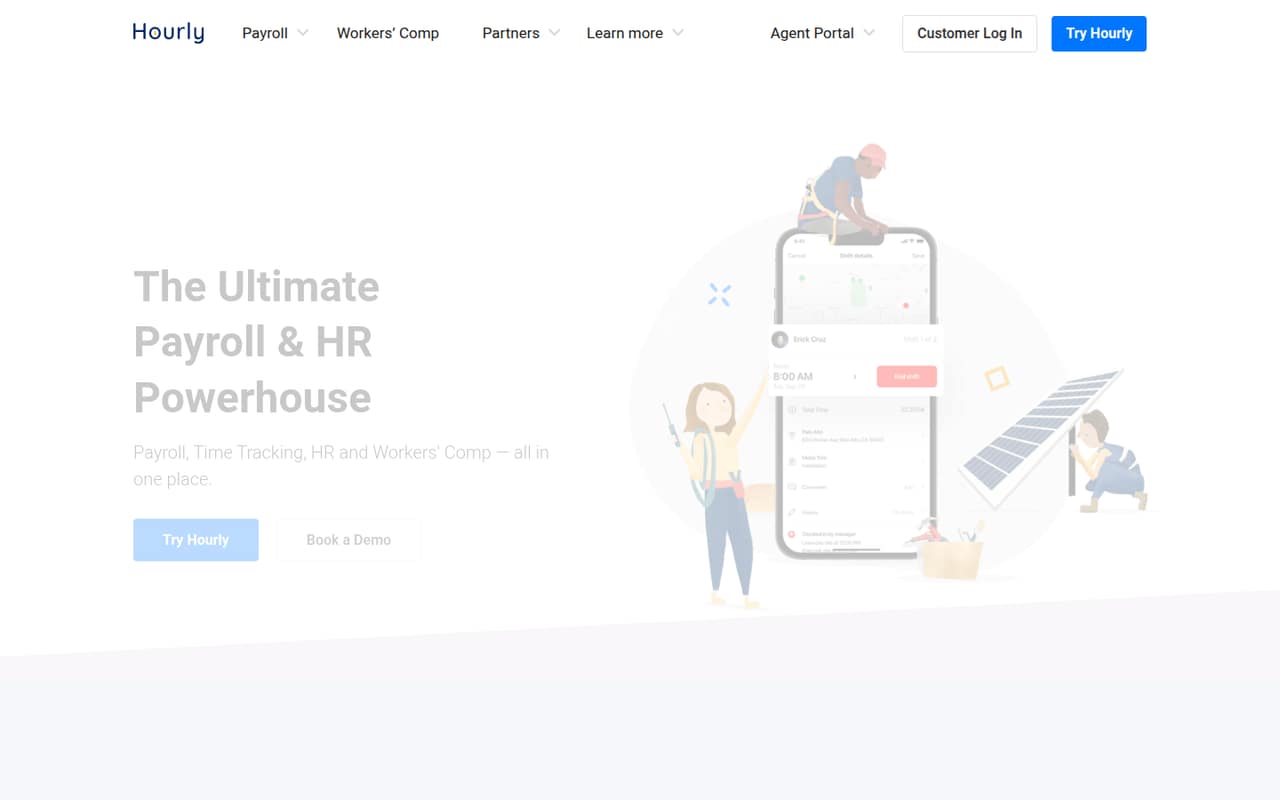
Hourly combines payroll, time tracking, HR tools, and workers’ comp for small businesses with hourly or field-based teams. Its standout idea is connecting real-time wage data to workers’ comp premiums.
There’s no free plan, and the cheapest option, Gold, starts at $80 per month plus $12 per employee. That can work if the combined services suit your team; the price is harder to justify if you only need payroll.
Good fit if
- Hourly and field-based teams
- Businesses needing workers’ comp
- Teams consolidating payroll and time tracking
Skip it if
- Teams looking for free payroll
- Businesses needing published annual rates
- Teams that only need basic payroll
ScoresHow it rates
What works
- Payroll and time tracking in one platform
- Workers’ comp premiums use real-time wage data
- Pay-as-you-go workers’ comp billing
- Unlimited payroll runs on listed plans
- Unlimited phone support on listed plans
What doesn't
- No free plan
- Gold has an $80 monthly base fee
- Per-employee fees add up as teams grow
- Annual billing prices aren’t stated
- Platinum+ pricing is custom
01Who Hourly is for
Hourly is aimed at small businesses with hourly or field-based workers, especially teams that want payroll, time tracking, HR resources, and workers’ comp connected. It can suit a team of one to ten if the company needs more than payroll alone and can budget for a monthly base fee plus a charge for each employee.
The platform processes payroll, collects time and work data, and can connect payroll information to a workers’ comp policy. Hourly says that real-time wage data helps keep premiums accurate, with pay-as-you-go coverage billed from that data. HR resources and employee hiring documents are also included among its tools.
The key buying question is whether you’ll use the combination. If your team needs workers’ comp and time tracking alongside payroll, one system may be easier to manage. If you only want to run payroll, Gold’s base fee plus its per-employee charge may be more than you need.
02Hourly free plan and trial
Hourly has no free plan. The pricing page lists Gold as the cheapest paid option, at $80 per month plus $12 per employee per month. The vendor doesn’t publish a free-trial offer in its listed pricing, so ask Hourly whether a trial or a guided evaluation is available before signing up.
Gold includes four-day direct deposit, unlimited payroll runs, unlimited phone support, automated tax payments and filing, and W-2s for employees. That’s the entry point for a team that wants Hourly’s payroll service; there isn’t a free tier for trying the software or running payroll for a small number of employees. Budget for both the base fee and each employee, even if you only have one person on payroll.
03What a small team pays for Hourly
Gold is $80 per month plus $12 per employee. That works out to $92 per month for one person, $116 for three, or $140 for five. If you pay monthly for a full year, those totals annualize to $1,104, $1,392, and $1,680. Hourly doesn’t state annual-billing prices, so these are monthly rates multiplied by 12, not annual-plan quotes.
Platinum is $120 per month plus $16 per employee: $136 monthly for one person, $168 for three, and $200 for five. Those monthly rates annualize to $1,632, $2,016, and $2,400. Platinum adds next-day direct deposit; Gold lists four-day direct deposit. Platinum+ has custom pricing and same-day direct deposit.
The main extra cost to plan for is the per-employee charge: $12 on Gold or $16 on Platinum. The pricing page doesn’t list a separate workers’ comp add-on price, so ask Hourly how coverage will affect your total.
04Getting started with Hourly
Hourly says it handles the payroll transition for customers, which may reduce the work of moving payroll over. The platform is built to collect employee time, task, and location data in real time, then use payroll data in connection with workers’ comp. Your team will need to decide how it will capture and review that work data as part of its process.
The vendor doesn’t publish a setup timeline, a detailed onboarding checklist, or a list of integrations in the pricing information. It also doesn’t specify which time-tracking devices or third-party systems are supported there. That makes it hard to estimate setup effort or confirm that Hourly will fit an existing payroll and timekeeping stack before a sales conversation.
Before committing, ask what employee and payroll information is needed, how the transition is handled, and whether your current systems are supported. The pricing page lists unlimited phone support on Gold and Platinum.
05When small teams outgrow Hourly
The clearest growth pressure is cost per employee. Gold adds $12 per employee each month on top of its $80 base fee; Platinum adds $16 on top of $120. For a team of ten, that comes to $200 per month on Gold or $280 on Platinum, using the listed monthly rates. Hourly doesn’t publish annual-billing prices, so check with the vendor if your team expects to pay yearly.
A team may also need to move up a plan if faster deposits matter: Gold lists four-day direct deposit, Platinum next-day, and Platinum+ same-day. Platinum+ has custom pricing, so the cost of that option isn’t clear from the published rates. Hourly doesn’t publish a headcount limit in the pricing information, and it doesn’t show feature limits tied to team size. Ask the vendor about capacity, integrations, and total workers’ comp costs as your team grows. If you stop using the time-tracking or coverage connection, reassess whether the bundled service still earns its price.
Questions people ask
Does Hourly have a free plan or free trial?
Hourly lists no free plan. A free trial isn’t listed in its pricing information either, so ask the vendor whether one is available. The cheapest listed plan is Gold at $80 per month plus $12 per employee.
How much does Hourly cost for three employees?
Gold costs $116 per month for three employees: an $80 base fee plus $36 in employee fees. Platinum costs $168 per month: a $120 base fee plus $48 in employee fees. Annual billing prices aren’t stated.
What’s the difference between Gold and Platinum?
Both list unlimited payroll runs, unlimited phone support, automated tax payments and filing, and W-2s for employees. Gold lists four-day direct deposit at $80 per month plus $12 per employee; Platinum lists next-day direct deposit at $120 plus $16 per employee.
Does Hourly include workers’ comp?
Hourly connects payroll data with a workers’ comp policy and offers pay-as-you-go coverage based on real-time wage data. The listed plan prices don’t state a separate workers’ comp cost, so ask Hourly for a quote based on your business.
Does Hourly help move payroll over?
Hourly says it handles the payroll transition for customers. The vendor doesn’t publish a setup timeline or detailed transition checklist in its pricing information, so ask what employee data and steps are required.