
We may earn a commission if you buy through links on this page. It never changes a score or a ranking. How we make money
The bottom line
Worth a look for free trading insights; get a quote before planning a team budget.
Hubb is a trading platform, not a general team workspace. Its free account offers social ideas, Elliott Wave counts, and streaming real-time data on U.S. stocks, alongside trading tools and a trader community.
For a small team, the free start is appealing, but the paid option listed is custom enterprise pricing. Hubb does not publish a monthly or annual rate, so compare a quote with your budget before relying on it for team use.
Good fit if
- Traders sharing market ideas
- Small teams exploring trading signals
- Investors wanting live U.S. stock data
Skip it if
- Teams needing a published paid rate
- Buyers requiring confirmed integrations
- Teams shopping for general collaboration software
ScoresHow it rates
What works
- Free account includes social ideas
- Free account includes Elliott Wave counts
- Streaming real-time U.S. stock data is included
- Offers hundreds of trading tools and indicators
- Community features include idea sharing and leaderboards
What doesn't
- Enterprise pricing is custom and quote-based
- No monthly or annual paid rate is published
- Paid seat costs cannot be calculated
- The free account's full limits aren't specified
- Support terms and response times aren't published
01Who Hubb is for
Hubb is for people who trade or invest and want market ideas, data, and trading tools in one platform. A small group of one to ten traders could use it to share ideas and compare community consensus, but the published details do not establish whether it offers team accounts or shared administration. Confirm that before treating it as a group workspace.
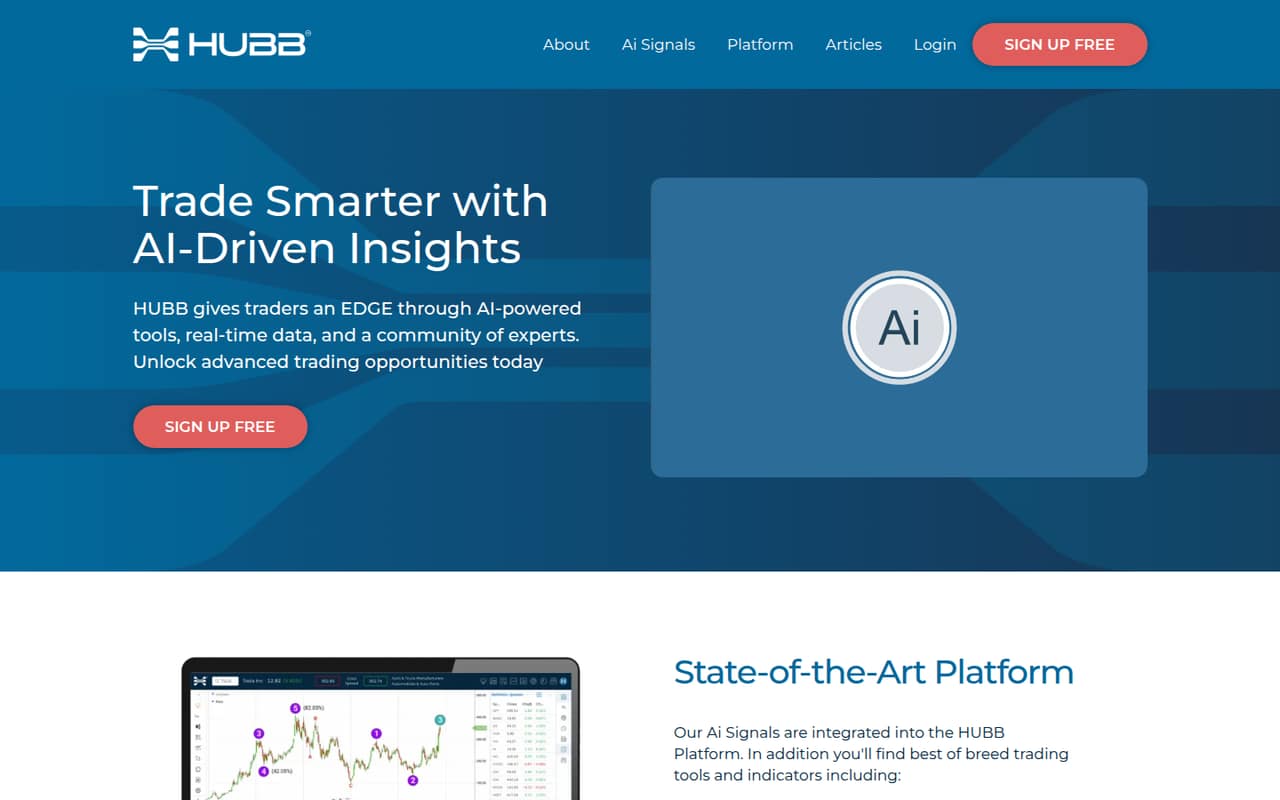
The homepage describes AI signals, hundreds of trading tools and indicators, options analytics, and search tools. It also lists a community with performance leaderboards and crowd-driven trust ranks for people and ideas. That makes Hubb more relevant to a trading group than to a small business looking for project management or everyday team chat.
The free account lowers the cost of trying its social ideas, Elliott Wave counts, and real-time U.S. stock data. If your team needs paid seats, set a budget only after Hubb provides a quote.
02Hubb free plan and trial
Hubb says users can create a free account for social ideas, Elliott Wave counts, and streaming real-time data on U.S. stocks. That gives an individual or a small group a way to explore some of the platform without first committing to a paid plan. The available pricing details list a free plan, but do not specify a trial period.
The free-account description does not spell out usage caps, feature restrictions, or whether each person needs a separate account. Ask Hubb what the free tier permits for multiple users and whether AI signals, options analytics, and the full set of tools are included. The paid option listed is custom enterprise pricing; the vendor does not publish a starting paid rate. So the free account is the clearest way in, while a team that needs paid access will need to request a quote.
03What a small team pays for Hubb
The pricing page lists custom, quote-based enterprise pricing and does not publish monthly or annual rates. That means we can’t give a reliable paid cost for one person, three people, or five people, or compare month-to-month billing with annual billing. Ask Hubb for a written quote that states the total price, billing term, and whether the rate changes with the number of users.
For one person, the listed free account costs nothing to start. The pricing material does not say whether that free access is available to each member of a team, so confirm before budgeting for three or five free accounts. For paid use, the one-, three-, and five-person totals are all quote-only; there’s no published per-seat math.
No add-ons are listed in the pricing details. Before accepting a quote, ask whether options analytics, AI signals, real-time data, or additional users affect the price. The lack of published rates makes Hubb hard to compare on cost alone.
04Getting started with Hubb
Hubb describes a free account as available to users, so a trader can start by creating an account and exploring the listed social ideas, Elliott Wave counts, and real-time U.S. stock data. The available setup details don’t establish how long onboarding takes or what steps are required for a team. We’d ask Hubb whether a group can share access or needs separate accounts.
The feature list spans AI signals, trading tools, options analytics, community ideas, and leaderboards. That is a lot to assess, so start with the specific decisions your team wants help with rather than trying to use every feature at once. Hubb does not publish setup requirements or named integrations in the available details. Ask whether it connects to your brokerage, charting, and alert workflows, and whether onboarding or support is included in a custom enterprise quote.
05When small teams outgrow Hubb
Hubb may stop being a practical fit when your group needs a clear, repeatable budget for more people. The paid option listed is custom enterprise pricing, with no published monthly or annual rate or per-seat cost. As a team grows, request a quote for your current and expected user counts so you can see how expansion affects the bill before committing.
There are no published seat or usage limits in the pricing details, so we can’t point to a specific threshold that triggers an upgrade. Instead, ask Hubb to confirm account limits, included features, and whether AI signals, options analytics, and real-time data change the price. Also verify team administration and integration needs. If Hubb’s quote or answers don’t fit your budget or workflow, a tool with published team pricing may be easier to plan around. The free account can help you assess the platform’s stated core offer before making that call.
Questions people ask
Does Hubb have a free plan?
Yes. Hubb says users can create a free account for social ideas, Elliott Wave counts, and streaming real-time data on U.S. stocks. The published details do not specify usage caps or whether the free account includes all features, so confirm what’s included before relying on it for a team.
How much does Hubb cost for a team?
Hubb’s listed paid option is custom enterprise pricing. The vendor does not publish monthly or annual rates, so there is no public per-person price to use for a one-, three-, or five-person team. Ask Hubb for a quote that covers your expected user count and billing term.
Does Hubb include AI trading signals?
Hubb describes AI signals as part of its platform. Its feature list also includes trading tools and indicators, options analytics, and search tools. The pricing details do not say whether AI signals are included in the free account, so check with Hubb before assuming they are available without a paid quote.
What data is available on Hubb for free?
Hubb says free-account users can access streaming real-time data on U.S. stocks, along with social ideas and Elliott Wave counts. The published description does not specify data coverage beyond U.S. stocks or state any limits, so ask Hubb about the markets and usage your team needs.
Can traders share ideas on Hubb?
Yes. Hubb describes a social community where users can share ideas and compare community consensus. It also lists performance leaderboards and crowd-driven trust ranks for individuals and ideas. If you need team-specific spaces or account controls, ask Hubb whether those are available and included in its pricing.