
We may earn a commission if you buy through links on this page. It never changes a score or a ranking. How we make money
The bottom line
Useful workforce tracking for distributed teams, but the per-seat price and monitoring concerns need a careful look.
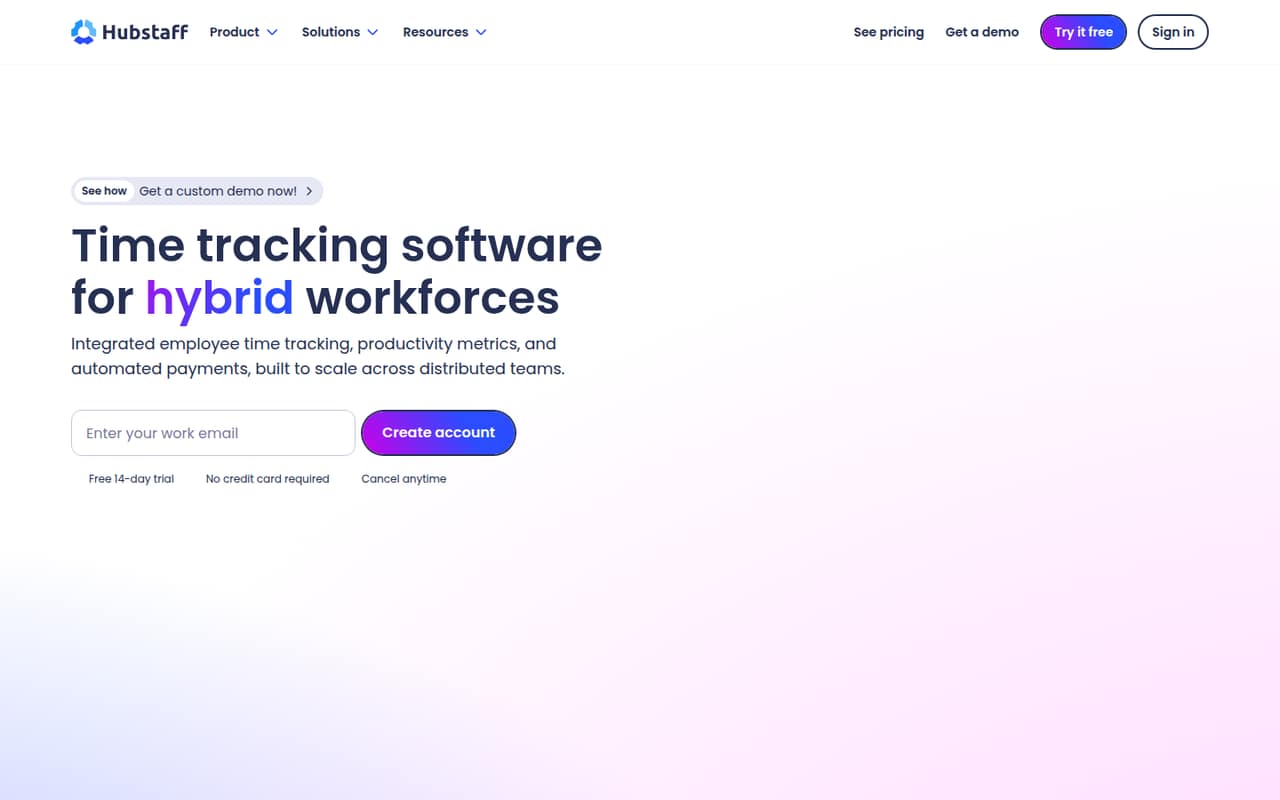
Hubstaff combines time tracking with project budgets, workforce insights, capacity planning, and payments from approved hours. That range may suit a distributed team that wants one place to manage tracked work, but the vendor lists no free plan.
The pricing page lists Team at $10 per seat per month on annual billing; monthly pricing is not published. Reddit users describe concerns about activity metrics and screenshots in some work setups, so agree on tracking expectations before asking a team to use it.
Good fit if
- Distributed teams tracking billable work
- Teams managing project budgets
- Companies paying global contractors
Skip it if
- Teams that need a free plan
- Workers uncomfortable with activity monitoring
- Teams needing published monthly pricing
ScoresHow it rates
What works
- Tracks time across desktop, web, and mobile
- Connects tracked hours to project budgets
- Can pay employees and contractors from approved hours
- Includes capacity planning and workforce insights
- Supports ChatGPT or Claude connections through MCP and CLI
What doesn't
- No free plan is listed
- Monthly Team pricing is not published
- A five-person team costs $50 monthly equivalent on annual billing
- Tracking practices can raise privacy concerns
- Setup time and support details are not published
01Who Hubstaff is for
Hubstaff is aimed at distributed teams that need to track work hours and connect them to projects, payments, or staffing decisions. For a team of 1–10, the fit is strongest when managers need more than a basic timer: the product combines time tracking with project budgets, capacity planning, workforce insights, and payments from approved hours.
The pricing page lists Team at $10 per seat per month on annual billing, so even a small group needs to budget per person. A three-person team comes to $30 per month equivalent, and five people come to $50, before any undisclosed costs. There is no free plan listed, though a 14-day trial is available. Hubstaff may suit teams billing clients by time or paying contractors across countries. If your team mainly needs a simple timer, or staff are wary of activity monitoring, its broader workforce focus may be more than you want.
02Hubstaff free plan and trial
Hubstaff does not list a free plan. The pricing information lists a 14-day free trial, but does not spell out which plan features the trial includes, whether a payment method is required, or what happens to tracked data when it ends. Check those details with Hubstaff before inviting a team.
After the trial, the lowest listed option is Team at $10 per seat per month when billed annually. That makes the annual-billing equivalent $10 for one seat, $30 for three, or $50 for five per month. The vendor mentions monthly and annual payment options but does not publish the monthly Team price. For a small team watching every subscription, the trial is a short evaluation window, not an ongoing free tier.
03What a small team pays for Hubstaff
The pricing page lists Team at $10 per seat per month in an annual-plan example. Since seats are billed per user, that works out to $10 per month equivalent for one person, $30 for three, and $50 for five. On the same rate, a year comes to $120, $360, or $600, respectively. These are annual-billing calculations, not published monthly-plan prices; Hubstaff mentions monthly payment options but does not publish their price.
The vendor says added seats on annual plans are prorated. That can help when a team grows mid-term, though the exact charge depends on timing and is not stated. No add-ons are listed in the pricing details, and the minimum seat count is not published. The pricing information also does not specify which product features are included in Team, so confirm the features your team needs before committing. With no free plan, budget for every user who needs a seat.
04Getting started with Hubstaff
Hubstaff can capture work hours on desktop, web, and mobile, and the product description also mentions automatic tracking on company devices. The vendor does not publish a setup-time estimate or a step-by-step onboarding process in the pricing information. For a small team, agree first on who tracks time, which projects need budgets, and what workforce data managers will review.
The listed capabilities include payments from approved hours, so teams using that workflow should clarify approval responsibilities before relying on it. Hubstaff also offers connections to ChatGPT or Claude through its MCP server and CLI; these are optional for teams that want to connect workforce data to those tools. The vendor does not publish an integration list or day-one setup requirements here. Reddit users describe concerns about screenshots and activity metrics in some work arrangements, so explain tracking settings and expectations to staff before rollout.
05When small teams outgrow Hubstaff
Hubstaff may stop fitting when per-seat costs become hard to justify or when your team needs clearer pricing before expanding. At the listed annual rate, every added seat adds $10 per month equivalent, and monthly billing costs are not published. The vendor says added annual seats are prorated, but teams should ask how that will affect their bill. The pricing information does not list add-ons or specify which features come with Team, so confirm those points as requirements grow.
The other pressure point is how the team feels about monitoring. In one Reddit thread, a contributor said their project took screenshots every 10 minutes; other Reddit users describe activity percentages and screenshots as stressful or intrusive. Those accounts reflect particular work setups, not a universal description of every Hubstaff configuration. Still, if staff object to monitoring or managers want to judge work by outcomes rather than activity measures, discuss the settings with Hubstaff and consider a simpler time tracker.
From the threadsWhat users say
Reddit sentiment in the Reddit threads we read is mostly wary, especially around screenshots, activity percentages, and perceived micromanagement. Some commenters accept monitoring as part of their work arrangement, but the concerns are worth discussing with staff before rollout.
I’m worried it’s going to be doing more than just tracking time
In early 2024, I was a contributor on a project that used Hubstaff. It took screenshots every 10 minutes
Ang weird talaga ng mga clients nakarely pa rin sa ganito mga productivity kuno na tools Dapat sa KPI nakafocus or outputs ninyo
As long as I’m not putting in passwords while being recorded, I don’t mind
Questions people ask
Is Hubstaff trustworthy?
The published information does not establish an overall trust rating. Reddit users report concerns about screenshots, activity metrics, and privacy in particular work setups. Before adopting Hubstaff, ask which tracking settings your organization will enable, who can see the data, and how it will be used.
Does Hubstaff record your screen?
A Reddit contributor says their project setup took screenshots every 10 minutes. That account does not establish what every Hubstaff setup captures. Ask the employer or Hubstaff which screenshot or activity settings are enabled for your account before tracking begins.
Can Hubstaff detect a mouse jiggler?
The vendor's site does not say whether Hubstaff detects mouse jigglers. Reddit comments discuss using them, but do not establish detection behavior. Ask Hubstaff or your employer about its policies rather than relying on an anecdote.
How much does Hubstaff cost?
The pricing page lists Team at $10 per seat per month on annual billing. That is a $30 monthly equivalent for three seats or $50 for five. Hubstaff mentions monthly payment options but does not publish the monthly price.
Does Hubstaff have a free plan?
Hubstaff does not list a free plan. The pricing information lists a 14-day trial, but does not specify its feature access or other conditions. The lowest listed paid option is Team at $10 per seat per month on annual billing.
Sources
- Hubstaff homepage
- Hubstaff pricing page
- Reddit: How invasive is the hubstaff app when using it to track time?
- Reddit: Pls be really careful about HUBSTAFF
- Reddit: Anyone here using hubstaff? How to increase productivity numbers say 75% and above?
- Reddit: I kept forgetting to stop Hubstaff, so I built a free, open-source app to see what it captures