
We may earn a commission if you buy through links on this page. It never changes a score or a ranking. How we make money
The bottom line
Hyro covers many healthcare workflows, but small teams need a sales quote to learn whether it fits their budget.
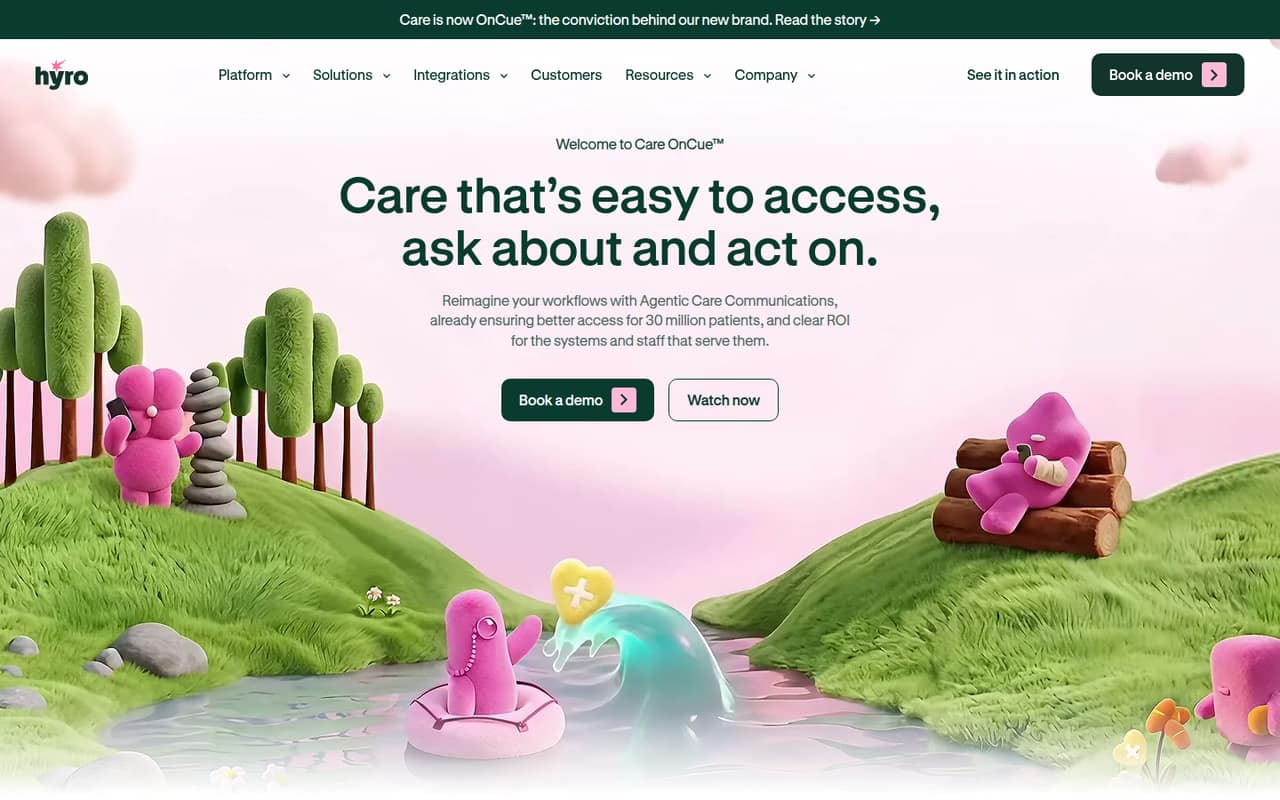
Hyro, now branded Care OnCue, uses AI agents for healthcare communications across phone, online and text. Its listed workflows include scheduling, billing, prescriptions, patient routing and follow-up outreach.
There’s no free plan, and Hyro’s pricing page lists custom enterprise quotes rather than a public rate. For a small team watching every subscription, the first step is a sales conversation—not a self-serve plan comparison.
Good fit if
- Healthcare systems automating patient communications
- Teams handling high volumes of routine calls
- Organizations needing cross-channel patient workflows
Skip it if
- Teams needing a free starting plan
- Buyers requiring published per-seat pricing
- Non-healthcare teams seeking general AI tools
ScoresHow it rates
What works
- Supports phone, online and text interactions
- Covers scheduling and appointment changes
- Includes billing and coverage workflows
- Can send reminders and post-discharge follow-up
- Automates routine messages and calls
What doesn't
- No free plan is listed
- Starting price is not published
- Monthly and annual rates are not published
- Add-on pricing is not published
- Setup effort and integration details need confirmation
01Who Hyro is for
Hyro is aimed at healthcare organizations, not a typical small business shopping for a general-purpose AI assistant. It uses AI agents to handle patient interactions across phone, online and text, with workflows for scheduling, billing, prescriptions and routing. It also lists coverage verification, cost estimates, pre-visit readiness and follow-up outreach.
For a small team of 1–10 people, the fit depends less on headcount than on whether you run healthcare communications at a scale that justifies an enterprise product. A small clinic or department could investigate it if staff spend significant time on routine calls, appointment changes or billing questions. But the custom-quote model makes it hard to budget before speaking with sales. We’d ask for a quote tied to your actual channels, workflows and expected volume, then compare that cost with the time your team can realistically save.
02Hyro free plan and trial
Hyro has no free plan listed, and a free trial is not listed either. That means there’s no published self-serve tier for a small team to try before committing. The product is presented for healthcare organizations, with a custom enterprise quote as the listed way to buy.
The cheapest way in is therefore to request a quote from Hyro; the vendor does not publish a starting price. Before booking a sales call, prepare a short list of the patient workflows you want to automate, such as scheduling, billing questions or reminders. Ask whether the quote includes a pilot, what channels it covers, and whether there are minimum contract or implementation costs. Those terms aren’t published, so get them in writing before comparing Hyro with a lower-cost tool.
03What a small team pays for Hyro
Hyro’s pricing page lists one option: a custom enterprise quote for healthcare organizations. It does not publish a starting price, per-seat rate, monthly price or annual price. So we can’t calculate a reliable bill for one person, three people or five people, or compare monthly and annual billing. A per-seat estimate would be guesswork, and the product may not be priced by seat at all.
For a small team, ask Hyro sales for a written quote covering your actual number of users and the workflows you need. Request separate totals for one, three and five users if that’s how your team may grow, and confirm whether billing is monthly or annual. Add-on prices aren’t published either. Ask whether channels, integrations, implementation, support or extra workflows carry separate fees, and whether any minimum contract applies. Until Hyro supplies those details, there’s no dependable small-team cost to put in a budget.
04Getting started with Hyro
Hyro’s product overview describes what its agents can handle, but it doesn’t give a setup timeline or a step-by-step implementation process. The product’s work spans patient communications and healthcare workflows, so a buyer should clarify what Hyro needs from the organization before planning a launch. The published overview doesn’t identify specific integrations or technical requirements.
For day one, list the channels you want covered—phone, online and text—and the first workflows you want to automate, such as scheduling or billing questions. Then ask Hyro which systems those workflows need to connect to, who handles configuration, what your staff must review, and how long implementation usually takes. Those answers will tell a small team whether setup is manageable alongside its regular work. Don’t assume a plug-and-play launch based on the product description alone.
05When small teams outgrow Hyro
Hyro’s published features cover a broad set of healthcare communications tasks, so the bigger risk for a small team may be buying more platform than it can use. If you only need a simple appointment reminder or a basic phone workflow, ask whether the custom enterprise quote makes sense for that narrower job. There’s no public entry tier to move up from gradually.
A growing team should revisit the fit when its needs extend beyond the workflows included in its quote, or when it needs new channels, integrations or support arrangements. Those limits and add-on costs aren’t published, so ask Hyro what changes the price and whether contract terms change as usage grows. If the quote requires more budget or implementation work than your team can support, a tool with public small-team pricing may be easier to evaluate. Hyro’s public pricing doesn’t provide a seat-cost threshold for deciding when to upgrade.
Questions people ask
What does Hyro do?
Hyro, now branded Care OnCue, provides AI agents for healthcare communications and workflows. Its listed uses include patient interactions by phone, online and text; scheduling and routing; billing and coverage help; reminders; and follow-up outreach.
Does Hyro have a free plan or trial?
Hyro does not list a free plan or free trial. Its listed purchasing option is a custom enterprise quote for healthcare organizations. Ask the vendor whether a pilot is available and whether it has separate fees or contract requirements.
How much does Hyro cost?
Hyro does not publish a starting price or per-seat rate. The pricing page lists custom enterprise quotes, with monthly and annual rates not published. Request a quote that spells out the total cost for your team size, workflows and any add-ons.
Which communication channels does Hyro support?
Hyro’s homepage says its agents handle patient interactions across phone, online and text. Ask the vendor which channels are included in your quote and what systems or configuration are needed to use them.
Can a small clinic use Hyro?
A small clinic can ask Hyro for a quote, but the listed offer is custom enterprise pricing and there’s no public free or entry-level plan. Before buying, confirm the minimum contract, implementation needs and cost for the specific workflows the clinic wants.