We may earn a commission if you buy through links on this page. It never changes a score or a ranking. How we make money
A small team may not need a standalone AI assistant if its meeting, email, or work tools already cover the job. For a budget-friendly starting point, Zoom AI Companion, Rovo, and Amazon Q Business have listed entry prices below $10; Zoom and Rovo also have free plans. The right choice depends on the task: product docs, internal knowledge, clinical notes, and customer calls call for different tools. We rank options by small-team fit, giving less weight to products with custom pricing, specialist setup, or unclear costs for several people.
Quick picksThe shortlist
 Zoom AI CompanionZoom AI CompanionBest for meetings · $8.33/mo
 RovoRovoBest free knowledge · $5/mo
 Amazon Q BusinessAmazon Q BusinessBest low entry price · $3/mo
 ChatPRDChatPRDBest for product docs · $14.92/mo
 DustDustBest shared AI agents · Free
 Fyxer AIFyxer AIBest for email work · $37/mo
 Sintra AISintra AIBest role-based helpers · $15.60/mo
 BastionGPTBastionGPTBest for clinical notes · $20/mo
- HapaxHapaxBest for workflows · $2.50/mo
 AveriAveriBest for content teams · $99/mo
 AskElephantAskElephantBest for CRM follow-up · $99/mo
 JaceJaceBest for repeat email · $20/mo
 NablaNablaBest for clinicians · $119/mo
 DelphiDelphiBest for digital experts · $416.67/mo
 Bond AIBond AIBest for credit unions · $99/mo
 PolyAIPolyAIBest for voice agents · Custom
 EliseAIEliseAIBest for housing teams · Custom
 RogoRogoBest for finance work · Custom
 TaxGPTTaxGPTBest for tax research · Custom
- QuinQuinBest for website conversion · Custom
 HyroHyroBest for patient calls · Custom
 AmeliaAmeliaBest for voice support · Custom
 Kore.aiKore.aiBest for service workflows · Custom
 Paxton AIPaxton AIBest for litigation · $249.92/mo
 LomanLomanBest for restaurant calls · Custom
 Cognigy.AICognigy.AIBest for contact centers · Custom
 Leena AILeena AIBest for HR and IT · Custom
- ElionElionBest for appointments · Custom
01Compared at a glance
| Tool | Score | From | Free plan | Trial |
|---|---|---|---|---|
| Zoom AI CompanionZoom AI Companion | 6.8 | $8.33/mo | Yes | — |
| RovoRovo | 7.0 | $5/mo | Yes | 30 days |
| Amazon Q BusinessAmazon Q Business | 6.0 | $3/mo | No | 60 days |
| ChatPRDChatPRD | 6.4 | $14.92/mo | Yes | 14 days |
| DustDust | 7.0 | Free | Yes | — |
| Fyxer AIFyxer AI | 6.8 | $37/mo | Yes | 14 days |
| Sintra AISintra AI | 6.8 | $15.60/mo | No | — |
| BastionGPTBastionGPT | 7.0 | $20/mo | No | 7 days |
| HapaxHapax | 6.2 | $2.50/mo | No | — |
| AveriAveri | 7.0 | $99/mo | No | 14 days |
| AskElephantAskElephant | 6.5 | $99/mo | No | — |
| JaceJace | 7.0 | $20/mo | No | 7 days |
| NablaNabla | 7.0 | $119/mo | No | 30 days |
| DelphiDelphi | 6.2 | $416.67/mo | Yes | — |
| Bond AIBond AI | 5.2 | $99/mo | No | — |
| PolyAIPolyAI | 5.5 | Custom | No | — |
| EliseAIEliseAI | 5.0 | Custom | No | — |
| RogoRogo | 5.8 | Custom | No | — |
| TaxGPTTaxGPT | 4.8 | Custom | No | — |
| QuinQuin | 5.7 | Custom | No | — |
| HyroHyro | 4.5 | Custom | No | — |
| AmeliaAmelia | 5.5 | Custom | No | — |
| Kore.aiKore.ai | 5.4 | Custom | No | 90 days |
| Paxton AIPaxton AI | 6.1 | $249.92/mo | No | 7 days |
| LomanLoman | 6.0 | Custom | No | — |
| Cognigy.AICognigy.AI | 4.8 | Custom | No | — |
| Leena AILeena AI | 5.5 | Custom | No | — |
| ElionElion | 6.7 | Custom | No | 30 days |
02The picks, in detail
- Best for meetingsZoom AI CompanionZoom AI Companion
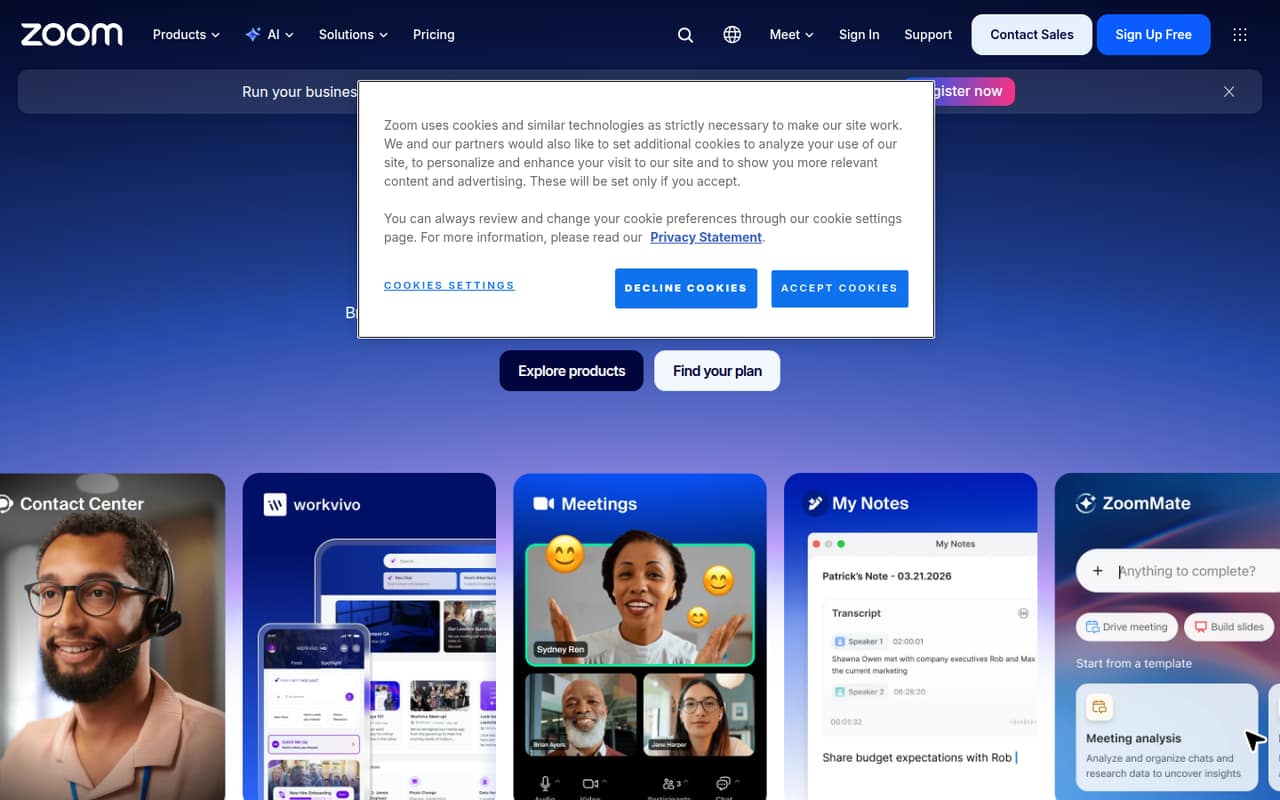
Zoom AI Companion is a practical first look for teams already using Zoom and mainly needing meeting recaps, internal notes, and follow-up tasks. The listed starting price is $8.33, and a free plan is available. That makes the entry cost relatively easy to assess, though a team should confirm which plan includes the features it needs before budgeting for several seats.
What works
- Free plan includes three meeting summaries monthly
- Pro includes unlimited meeting summaries and AI note-taking
- Pro supports up to nine users
What doesn't
- Free plan is limited to one user
- Free meetings have a 40-minute limit
- Business requires a ten-user minimum
- Best free knowledgeRovoRovo
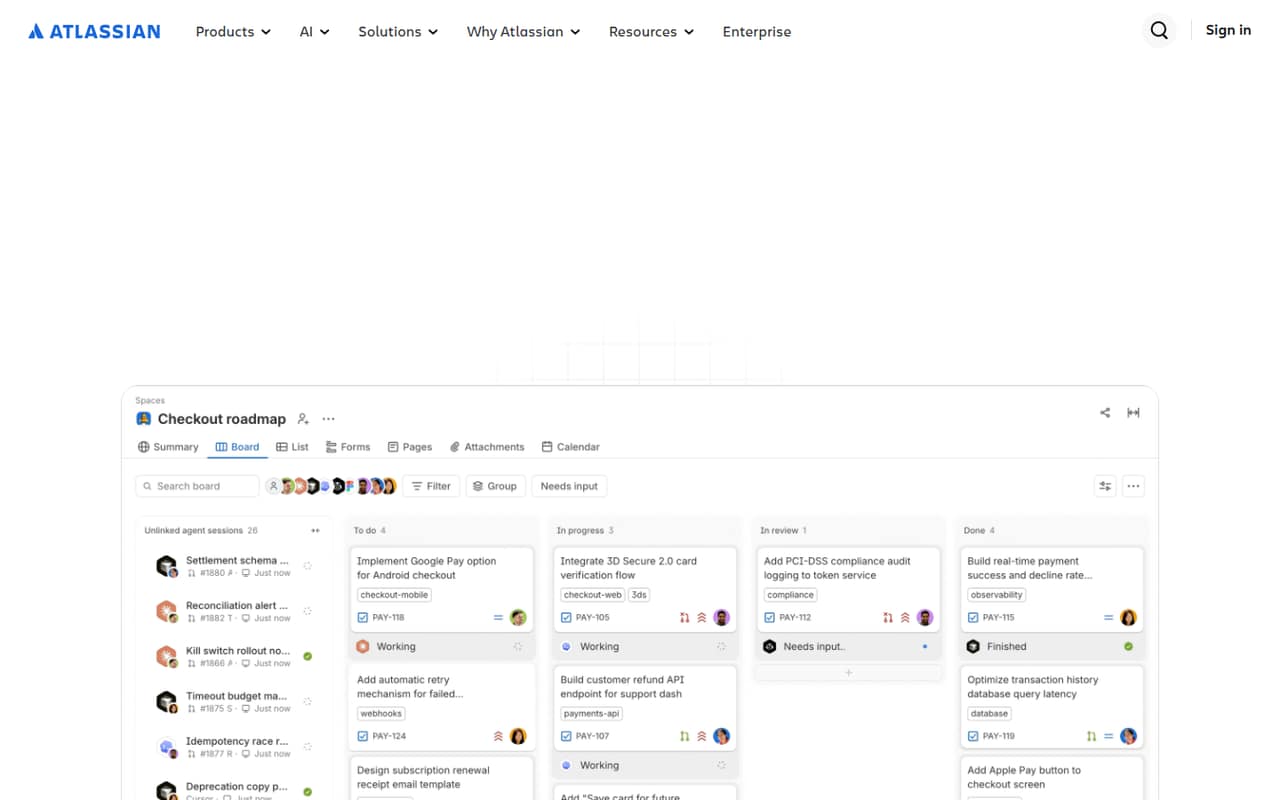
Rovo suits small teams working in Jira and Confluence that want answers from internal knowledge. The listed starting price is $5, with a free plan, so it is approachable for a small budget. The trade-off is setup: the product may need tuning of AI agents, and usage costs deserve a check before a team relies on it broadly.
What works
- Uses shared context from your team’s knowledge
- Bundled with paid Atlassian Cloud plans
- Standalone beta currently costs $0
What doesn't
- Standalone usage limits aren’t published
- The $5 listed price is per managed user
- Extra usage costs $0.01 per credit
- Best low entry priceAmazon Q BusinessAmazon Q Business
Amazon Q Business is worth considering for AWS-centered teams that need to search connected company documents. Its listed starting price is $3, and the Lite option is intended for small teams. That low seat price is not the whole budget, though: index charges can add cost, and mixed user reports are a reason to check the fit carefully.
What works
- Lite starts at $3 per user monthly
- A 60-day trial is listed
- Trial supports up to 50 users per application
What doesn't
- No free plan is listed
- Indexing is charged separately by the hour
- Annual prices are not published
- Best for product docsChatPRDChatPRD
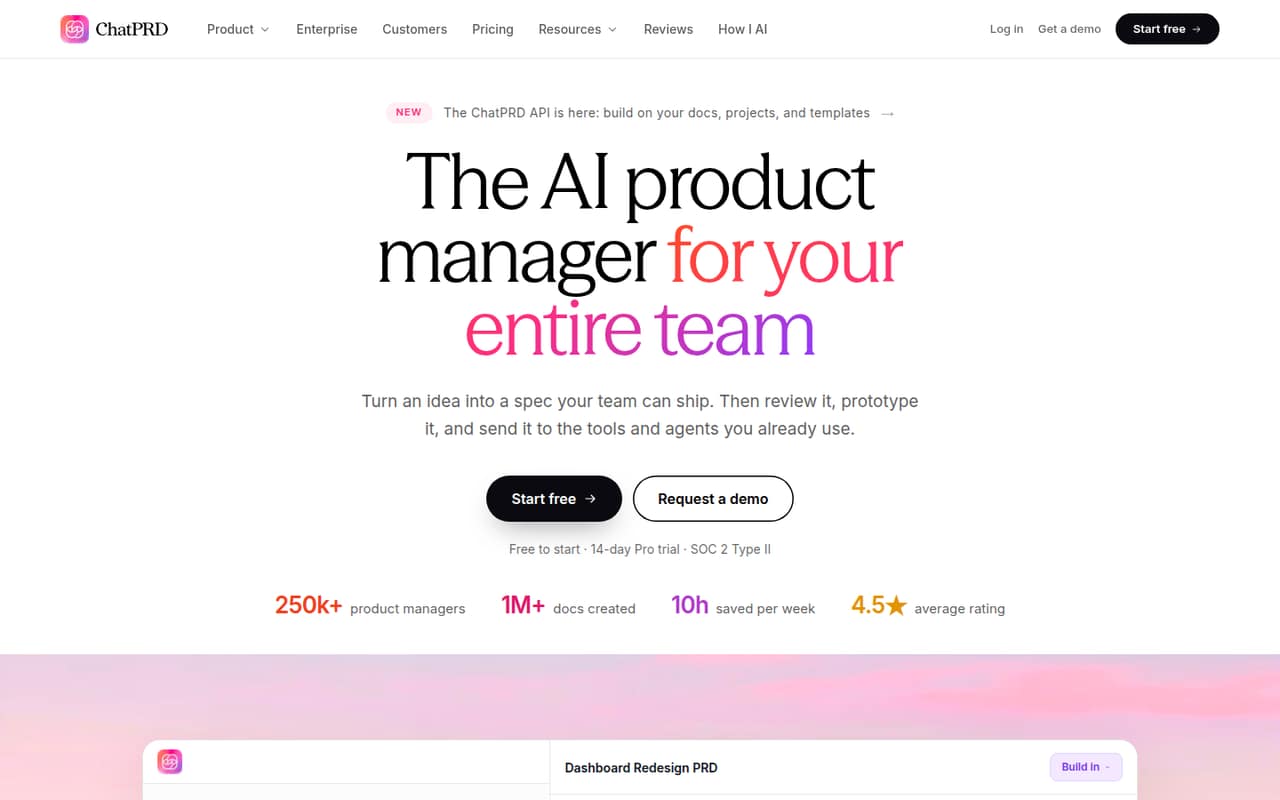
ChatPRD is aimed at product managers drafting PRDs, sharing product documents, and working from structured templates. The listed starting price is $14.92, and a free plan gives teams a way to explore it. Reddit feedback raises output quality as a question, so teams should review whether its drafts meet their standards before making it part of a regular workflow.
What works
- Free tier includes document generation and basic templates
- Pro includes unlimited chats and documents
- Teams adds real-time document collaboration
What doesn't
- Free chats are limited in length
- Pro trial requires a card
- Teams pricing scales per user
- Best shared AI agentsDustDust
Dust is a fit for teams that want shared AI agents connected to company knowledge, with governance controls. It has a free plan, but the starting price is not published, and ongoing use can become expensive per seat. Ask the vendor how pricing changes with users and usage, and check the setup needed to connect the knowledge sources your team relies on.
What works
- Connects agents to company knowledge and tools
- Supports 20+ frontier and open-source models
- Includes human review and reusable skills
What doesn't
- Free credits are a one-time allowance
- Pro and Max prices are per seat
- USD seat prices are not published
- Best for email workFyxer AIFyxer AI
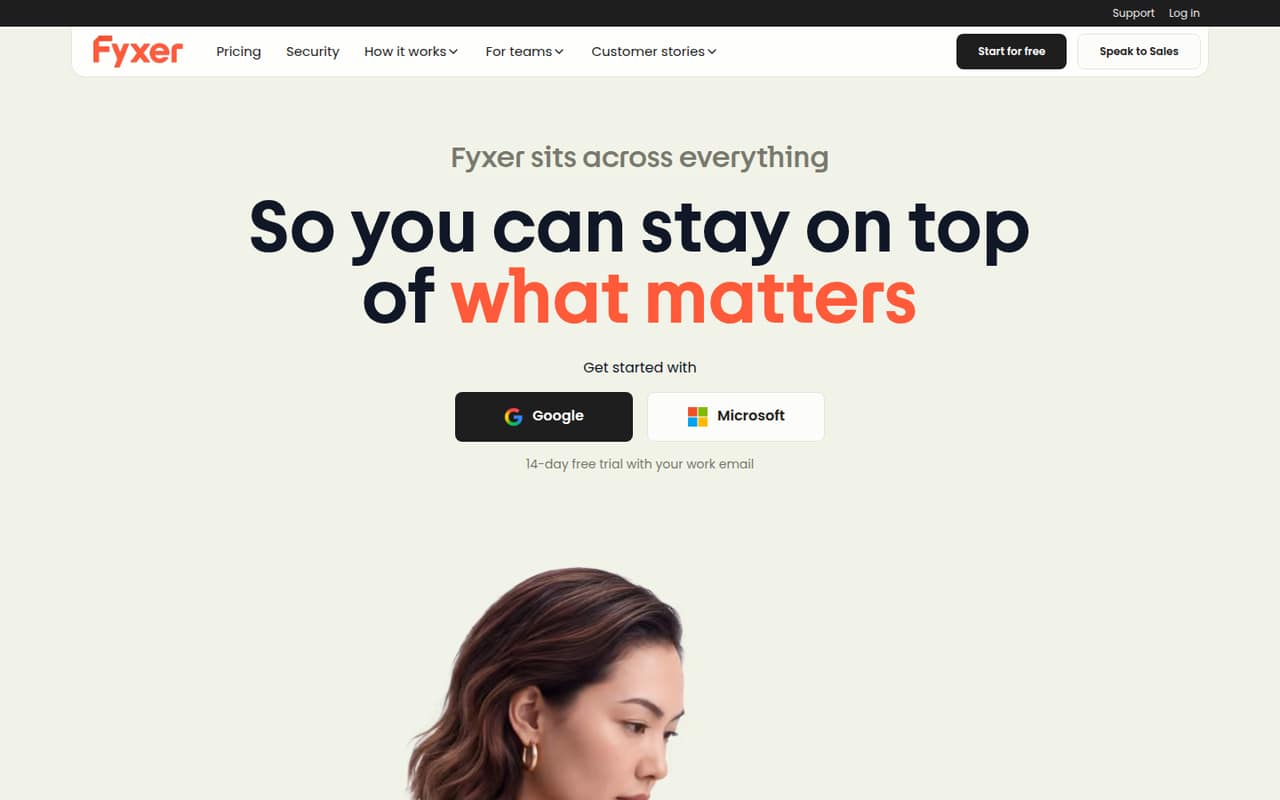
Fyxer AI is a sensible match for small teams using email and calendars that want help with recurring meeting work. It has a free plan and a listed starting price of $37. The free option is narrow, and adding team seats can increase the bill, so check exactly what the free tier covers and what a few users will pay.
What works
- Free plan includes one seat and 400 monthly credits
- Pro adds inbox sorting and drafted replies
- Team includes shared Spaces and follow-up ownership
What doesn't
- Free plan has no inbox triage or automated draft replies
- Pro costs $49 per person monthly without annual billing
- Team requires at least two seats
- Best role-based helpersSintra AISintra AI
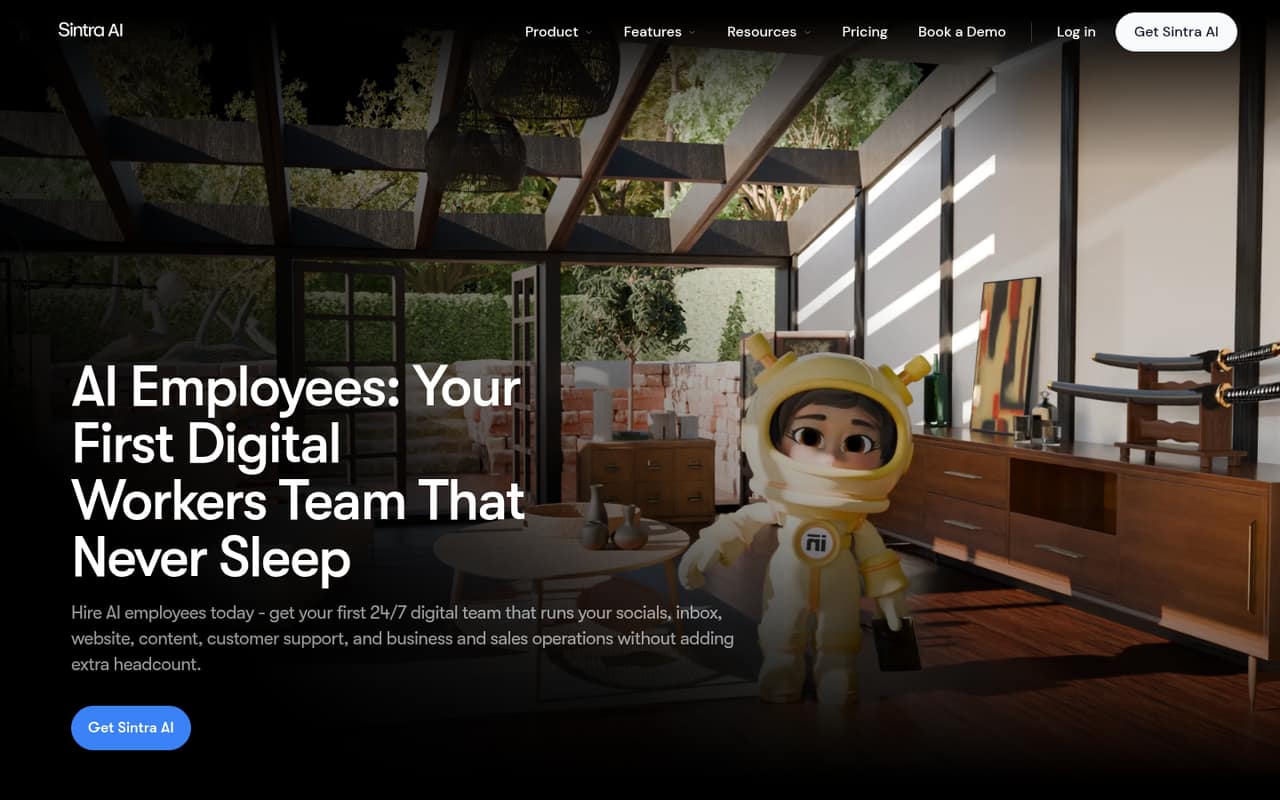
Sintra AI gives small teams role-based helpers for repeatable workflows and a shared brand voice, with a listed starting price of $15.60. There is no free plan, so the team pays to get started. Some users report credit and reliability problems; test the workflow and ask how credits are consumed before committing to recurring work.
What works
- All 12 helpers are included in each listed plan
- Business context can reduce repeated instructions
- Plans list 15+ integrations
What doesn't
- No free plan or published free trial
- Annual billing is needed for the lowest rate
- Credit limits may constrain frequent use
- Best for clinical notesBastionGPTBastionGPT
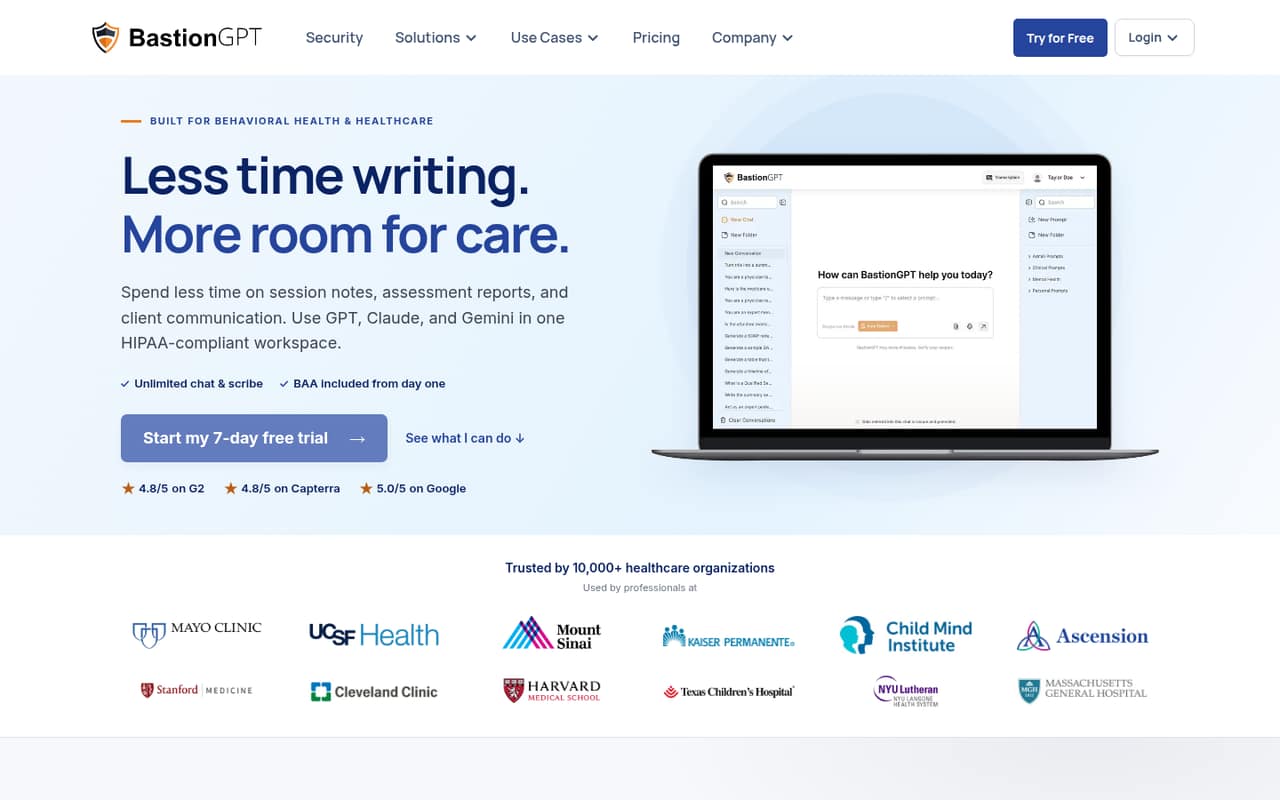
BastionGPT is aimed at clinical documentation teams, patient documents, and session notes. Its listed starting price is $20, which is easier to assess than a custom quote. The main budget question is usage: confirm the limits before paying, especially if several clinicians will use it or the team expects a steady volume of documentation.
What works
- Signed BAA included on every plan
- Transcribes live sessions and audio uploads
- Supports several clinical note formats
What doesn't
- No free plan
- Annual billing prices are not published
- Entry plan limits document work to 30 pages
- Best for workflows
HapaxHapax
Hapax targets recurring business workflows, audit trails, and approvals, particularly for teams already using connected business software. The listed starting price is $2.50, an attractive entry point, but credit use may affect the real cost. Ask how credits are priced and consumed, and consider the setup work involved in connecting existing systems.
What works
- Connects to 20+ software integrations
- Agents can respond to organizational triggers
- Shared projects retain collaboration context
What doesn't
- No free plan or free trial is listed
- Pro costs $150 per month
- Additional credits cost $2.50 each
- Best for content teamsAveriAveri
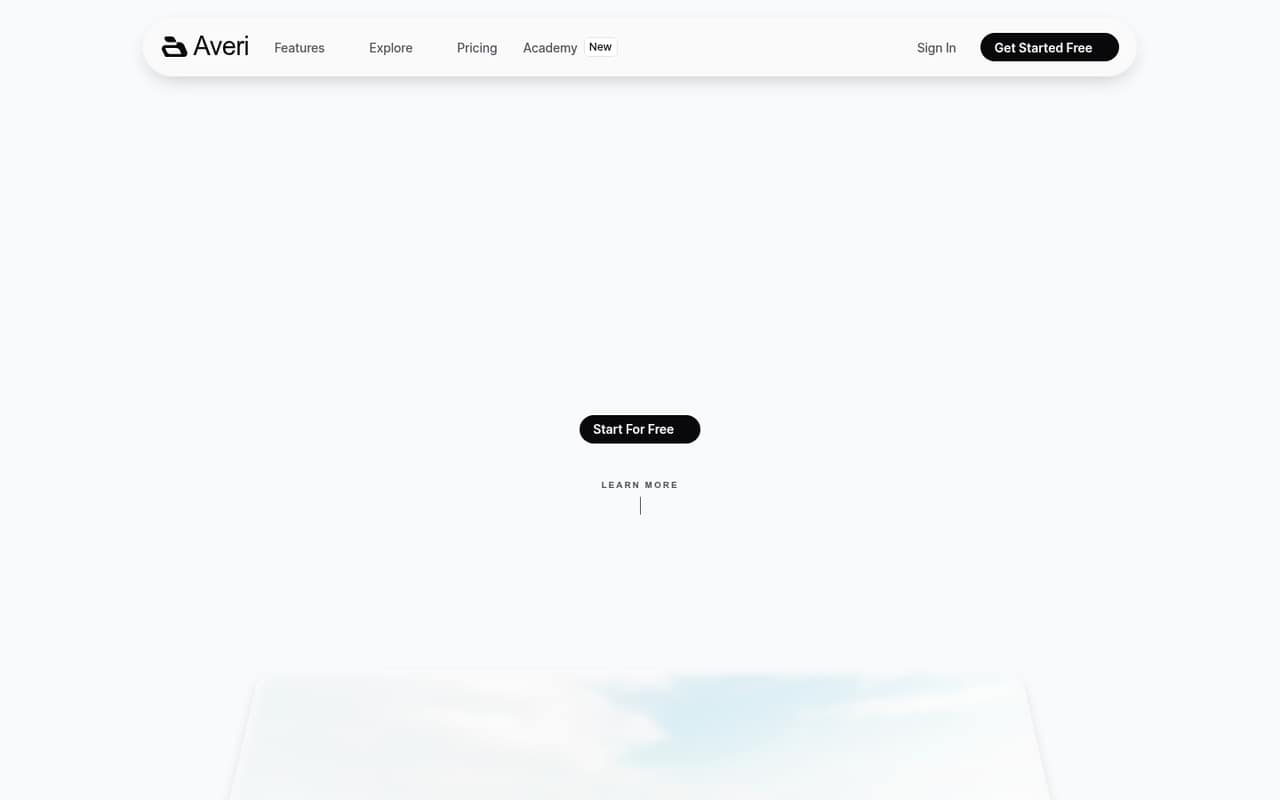
Averi connects content strategy, drafting, and publishing for solo founders and small teams that publish regularly. Its listed price is $99 per month, with no free plan mentioned, so it is a meaningful recurring expense for a small operation. It makes most sense when the team needs the connected content workflow, not just occasional AI drafting.
What works
- Researches topics and competitors
- Creates drafts in a brand voice
- Scores content for SEO, GEO and AEO
What doesn't
- No free plan
- Solo starts at $99/month
- Annual billing prices are not published
- Best for CRM follow-upAskElephantAskElephant
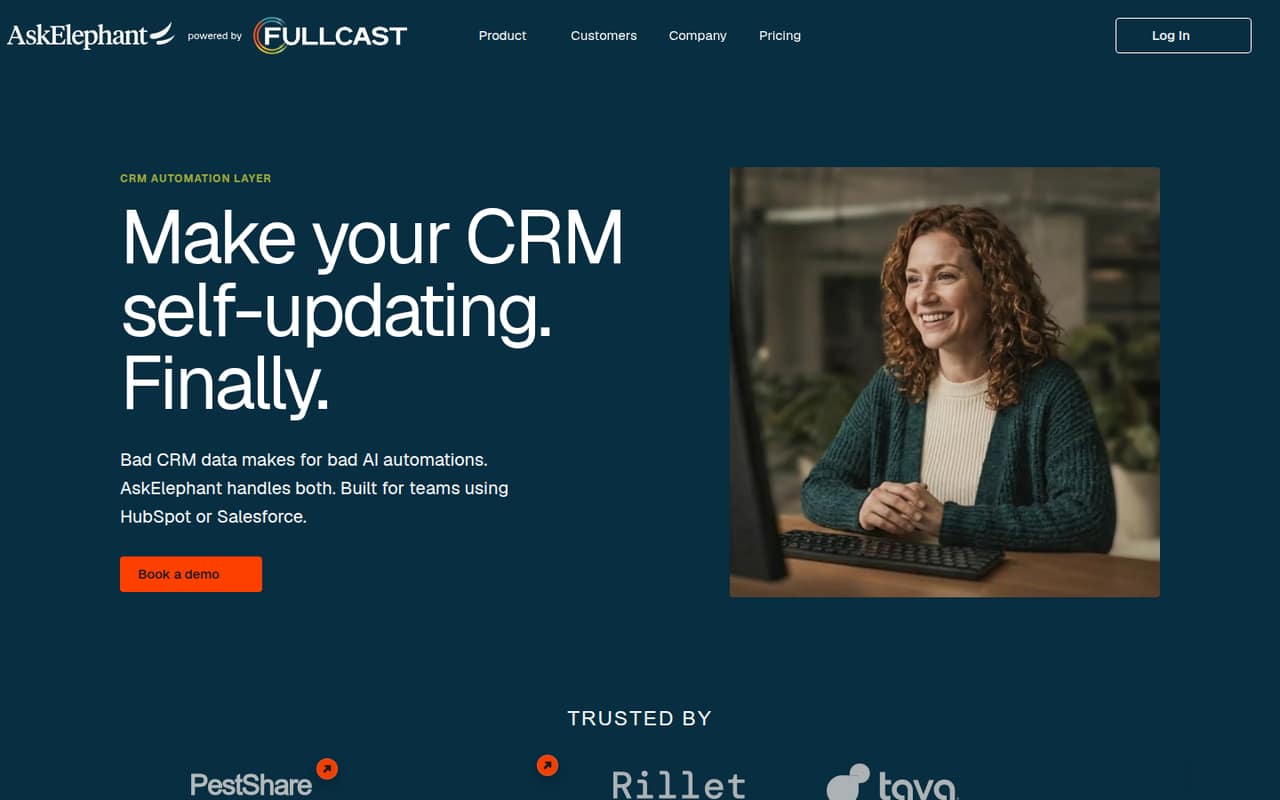
AskElephant is designed for HubSpot or Salesforce revenue teams that want to reduce manual CRM updates and standardize sales coaching. Its listed entry price is $99 with annual billing, a substantial commitment for a small team. Check the seat count and total annual bill with the vendor before deciding whether the automation saves enough work to justify the cost.
What works
- Automates updates across unlimited CRM fields on Core
- Captures conversations across web, desktop, mobile, and dialers
- Extracts commitments, objections, and deal risks
What doesn't
- No free plan
- Core monthly billing price is not published
- Limited access pricing is available on request
- Best for repeat emailJaceJace
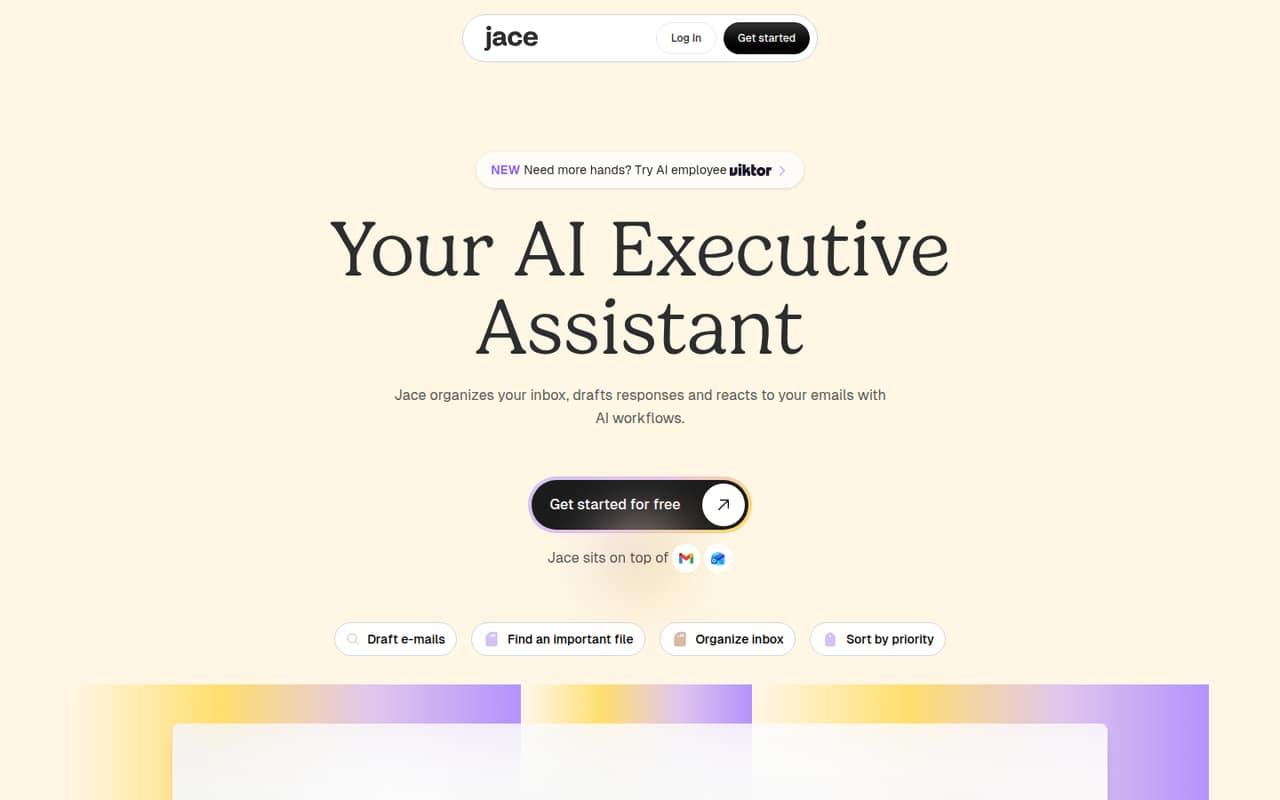
Jace is built for busy inbox owners, repeat email tasks, and small teams using Slack. The listed starting price is $20, but there is no free plan and seat pricing is not published. That makes a multi-person budget harder to predict. Ask for the price for your exact team size before building important email workflows around it.
What works
- Drafts replies using email and connected context
- Labels email by type and priority
- Rules can automate repeat email actions
What doesn't
- No free plan
- Trial feature limits aren’t listed
- Per-seat pricing isn’t published
- Best for cliniciansNablaNabla
Nabla helps clinicians document patient visits and includes coding suggestions. It is most relevant to practices already using a supported EHR. The pricing page lists a $119 monthly starting point for an individual, and there is no free plan. A practice should confirm EHR compatibility and the cost for multiple clinicians before considering a wider rollout.
What works
- Creates structured notes from patient-clinician conversations
- Offers clinical dictation and coding suggestions
- Connects with Epic and major EHRs
What doesn't
- No ongoing free plan is listed
- Individual pricing starts at $119 monthly
- Group rates require a sales or support contact

- Best for digital expertsDelphiDelphi
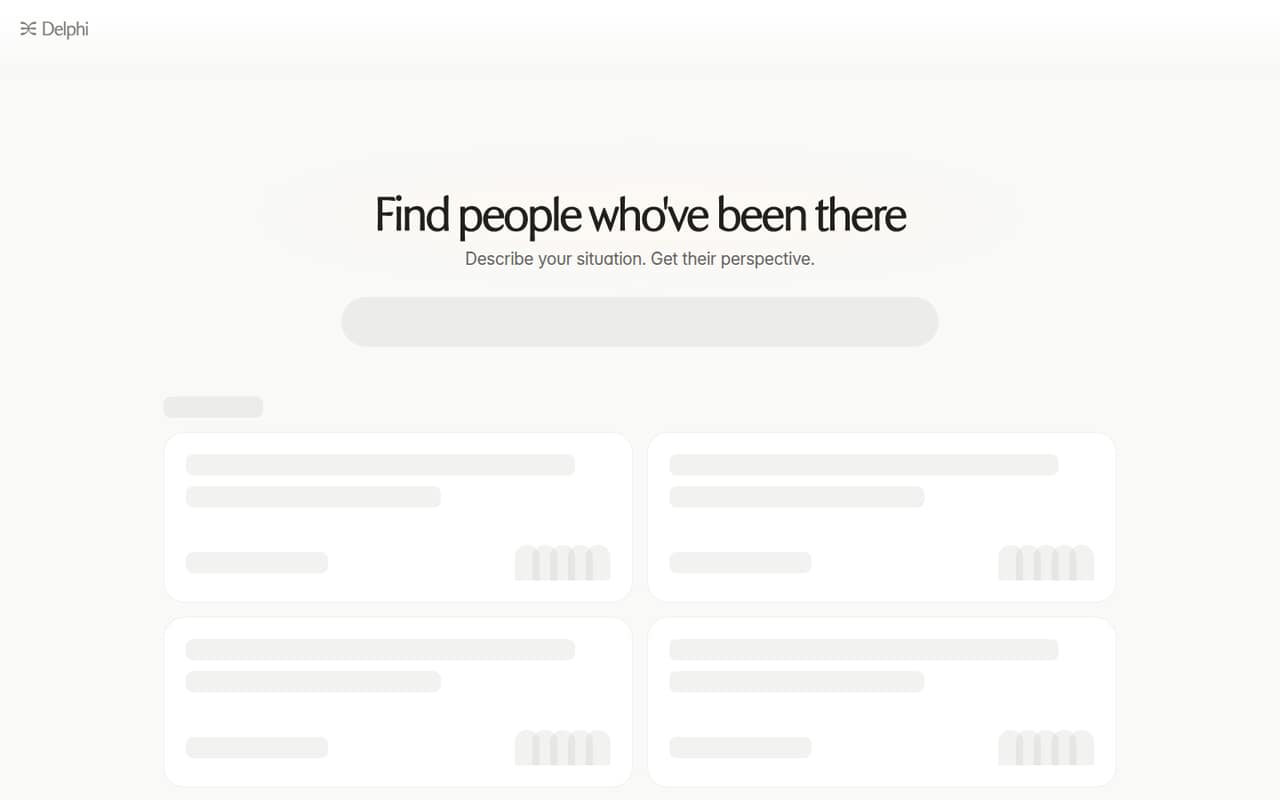
Delphi lets experts host a Delphi for free, which gives a small team a way to try the hosted experience. Training a digital version starts at $5,000 a year, so creating the paid product is a much bigger commitment. It fits experts who want to share their perspective, not teams looking for an inexpensive general workplace assistant.
What works
- Free Delphi lets people find and talk to it
- Questions can start with a real-life situation
- Examples span work and personal topics
What doesn't
- Paid plans start at $5,000 per year
- Monthly prices are not published
- Paid-plan seat limits are not published
- Best for credit unionsBond AIBond AI
Bond AI is specialized for financial institutions, including banks forecasting performance and credit unions growing deposits or personalizing customer engagement. The listed starting price is $99, but seat pricing is unclear, making a small-team budget difficult to calculate. Ask for a quote that spells out included users, implementation, and the specific financial workflows covered.
What works
- Forecasts financial performance and future scenarios
- Includes peer-group benchmarking
- Flags potential risks
What doesn't
- No free plan is listed
- No free trial is listed
- The $99 price’s seat basis is unclear
- Best for voice agentsPolyAIPolyAI
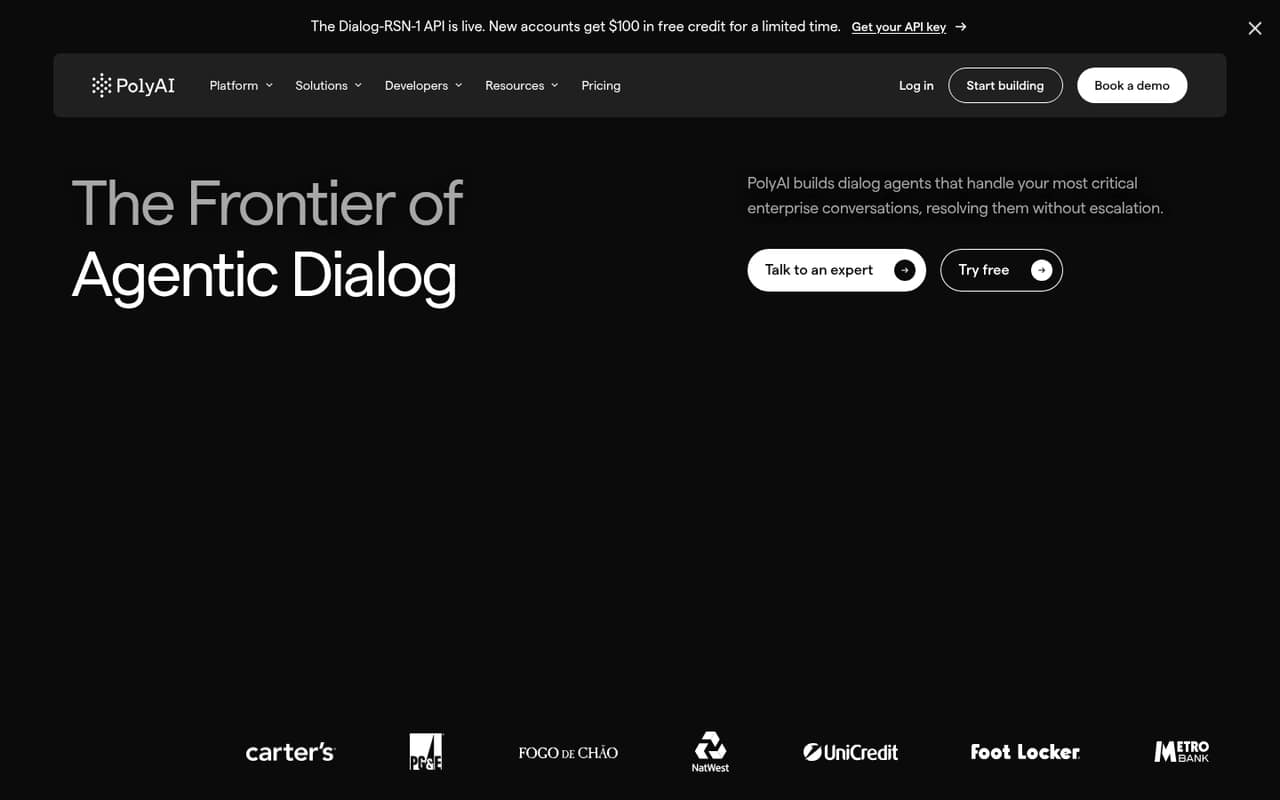
PolyAI is aimed at enterprise teams handling critical calls, custom voice agents, and several customer channels. Its price is not published, and custom setup makes it a difficult fit for a small team watching costs. It may suit a business with a clear voice-support need, but ask for total implementation and ongoing costs before comparing it with simpler options.
What works
- Voice, chat and messaging support
- API rate is listed per connected minute
- Tools for testing and A/B tests
What doesn't
- No free plan or trial is listed
- Platform rate is not published
- API excludes telephony and orchestration
- Best for housing teamsEliseAIEliseAI
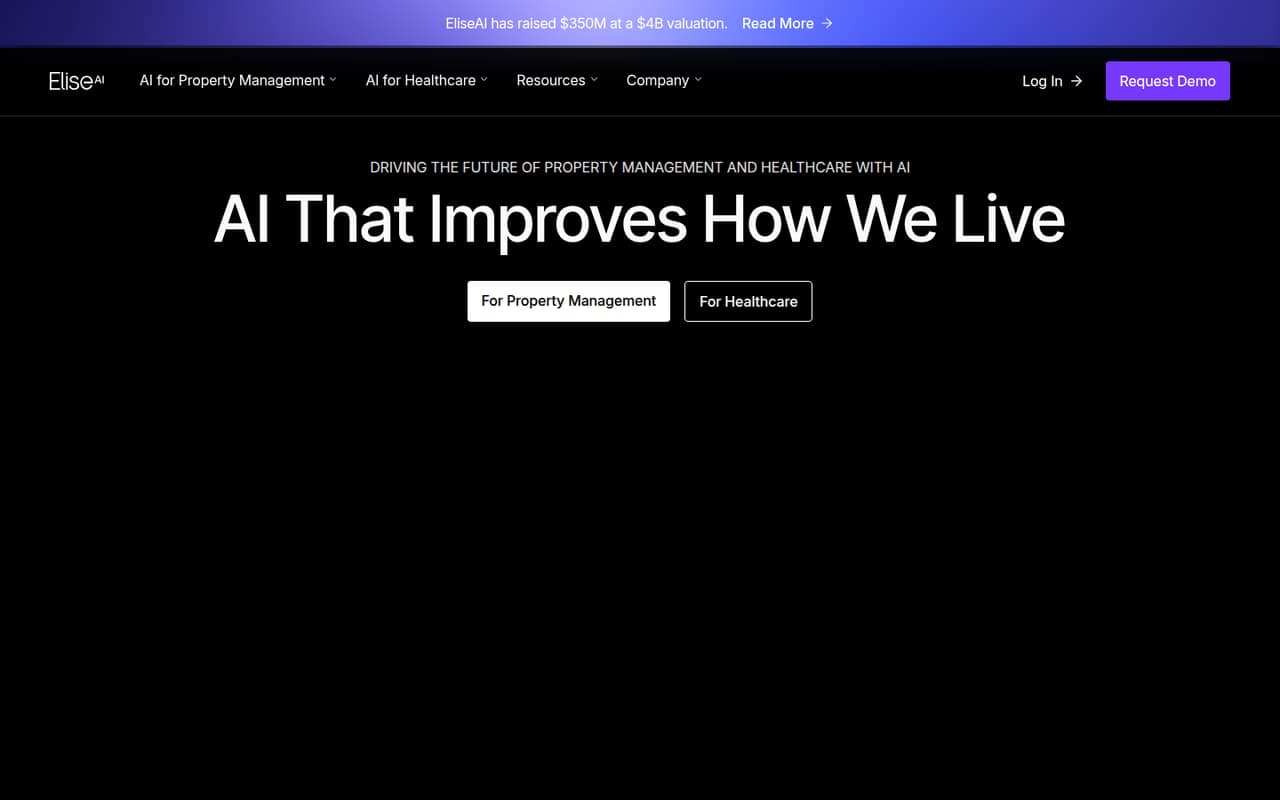
EliseAI focuses on frequent inquiries for housing and healthcare teams, including multilingual, around-the-clock responses. Pricing is not published, and both budget and setup need a vendor conversation. It is a specialist option rather than a low-cost general assistant. Ask for a quote based on your inquiry volume, channels, and the work required to get it running.
What works
- Handles text, email, website chat, and voice
- Voice support covers seven languages
- Written responses cover 51 languages
What doesn't
- No published starting price or billing terms
- No free plan is listed
- Trial availability is unclear
- Best for finance workRogoRogo
Rogo is designed for finance teams automating financial workflows and sharing financial knowledge, with guided rollout support. Pricing is quote-only, so a small firm cannot readily estimate the bill from a public starting price. It may be worth discussing when finance-specific workflows matter, but request the full cost and rollout requirements before shortlisting it.
What works
- Purpose-built agents for financial workflows
- Connects firm systems, data, and knowledge
- Shared, governed firm context
What doesn't
- Enterprise pricing is custom
- No public starting price
- Seat and usage limits are unpublished

- Best for tax researchTaxGPTTaxGPT
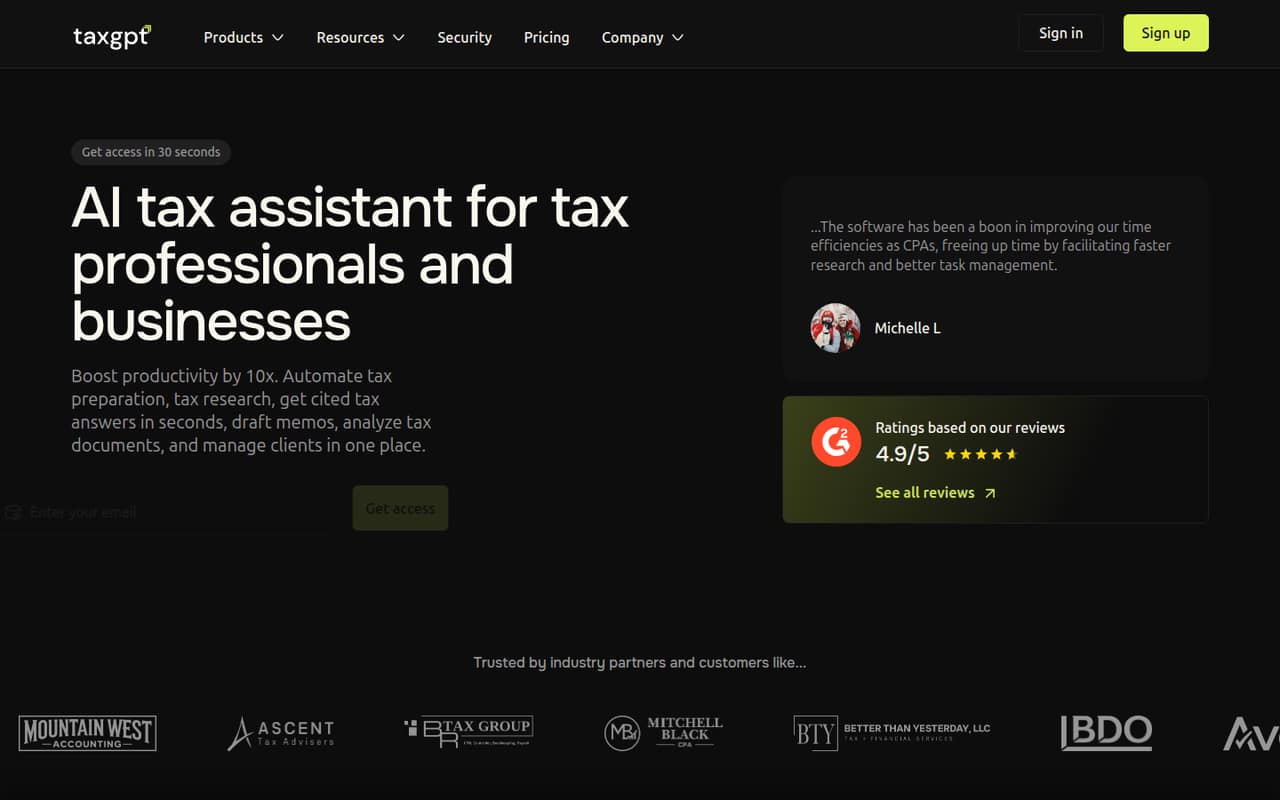
TaxGPT serves solo tax practitioners and firms researching tax issues, drafting client communications, or exploring workflow automation. The price is not published, and user reports are mixed, which makes the budget and quality harder to judge in advance. Ask for a quote and evaluate its fit against the tax tasks your team actually needs to handle.
What works
- Tax research answers include citations
- Analyzes returns, financial statements, and IRS notices
- Drafts memos, notice responses, and client emails
What doesn't
- Monthly and annual prices are not published
- No free plan or trial is listed
- Seat limits and per-seat billing are unclear
- Best for website conversion
QuinQuin
Quin is aimed at businesses using anonymous website traffic and real-time personalization to improve conversion. There is no free plan, and the price is not published, so a small team cannot easily estimate the initial commitment. It is a specialist choice for teams focused on website conversion; ask how pricing scales and what setup the personalization requires.
What works
- Predicts intent from in-session behavior
- Can include anonymous and first-time visitors
- Adapts content and promotions in real time
What doesn't
- No free plan is listed
- No free trial is listed
- Pricing is custom, with no published rate
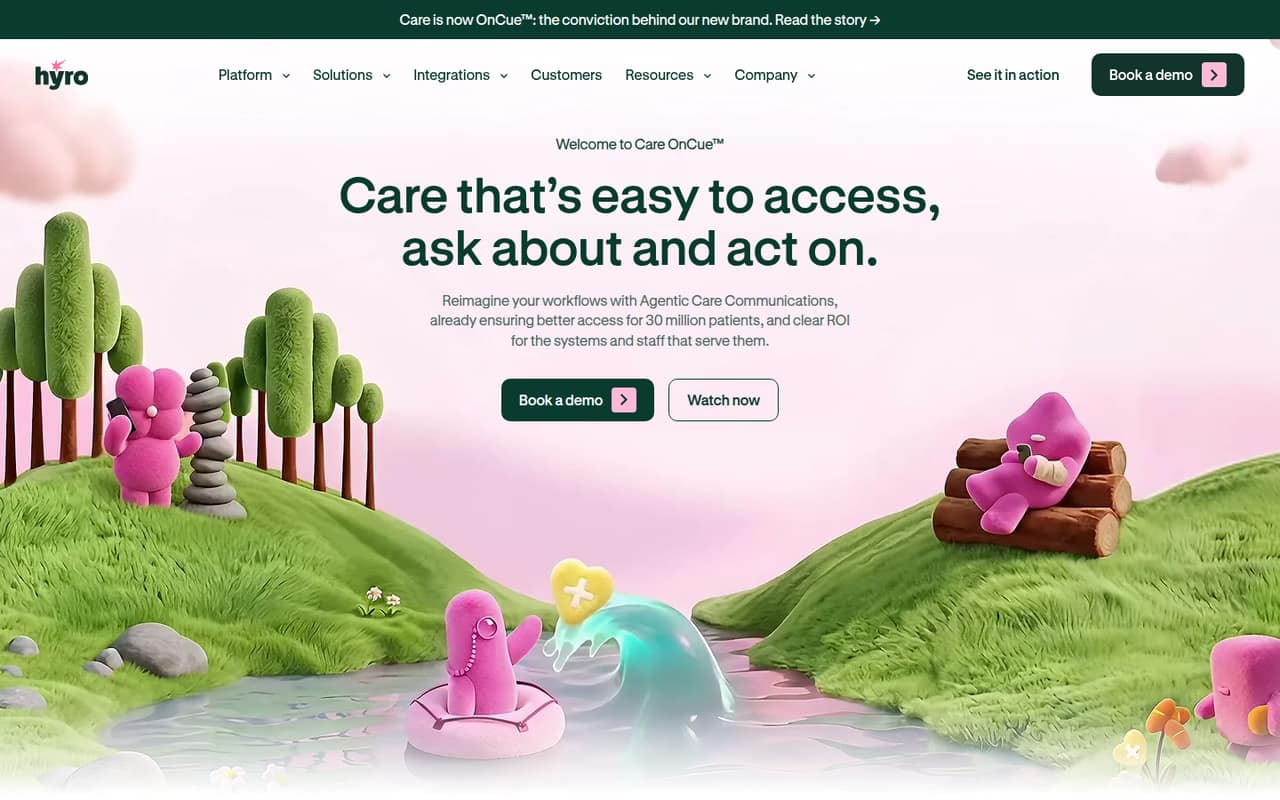
- Best for patient callsHyroHyro
Hyro covers healthcare workflows for patient communications, routine calls, and cross-channel interactions. Its breadth may suit healthcare organizations handling high volumes, but a small team needs a sales quote to learn whether the cost fits. Ask what workflows are included, what implementation requires, and how pricing changes with your call volume and team size.
What works
- Supports phone, online and text interactions
- Covers scheduling and appointment changes
- Includes billing and coverage workflows
What doesn't
- No free plan is listed
- Starting price is not published
- Monthly and annual rates are not published
- Best for voice supportAmeliaAmelia
Amelia offers a broad voice-AI toolkit for customer support, employee assistance, and contact centers with custom needs. Enterprise pricing is not published, which is a hurdle for small teams trying to compare a few seats. It is best treated as a quote-led option: ask about implementation, ongoing costs, and which voice or employee workflows are included.
What works
- Build agents from prompts or historical interactions
- Pre-built agents provide a starting point
- Customize voice, tone and response detail
What doesn't
- Enterprise pricing is custom and unpublished
- No free plan or trial is listed
- Seat and usage limits are unpublished

- Best for service workflowsKore.aiKore.ai
Kore.ai targets teams joining customer service and internal workflows, including multi-system processes. The price is not published, and the product is positioned for buyers with budget for custom quotes. Small teams should get a full cost estimate and confirm what setup is needed to connect their systems before deciding whether its broader scope is worth pursuing.
What works
- Covers customer service and employee workflows
- Supports multi-day processes with audit trails
- Includes tools to evaluate and improve agents
What doesn't
- No free plan
- Monthly and annual plan prices aren't published
- Seat and usage limits aren't published

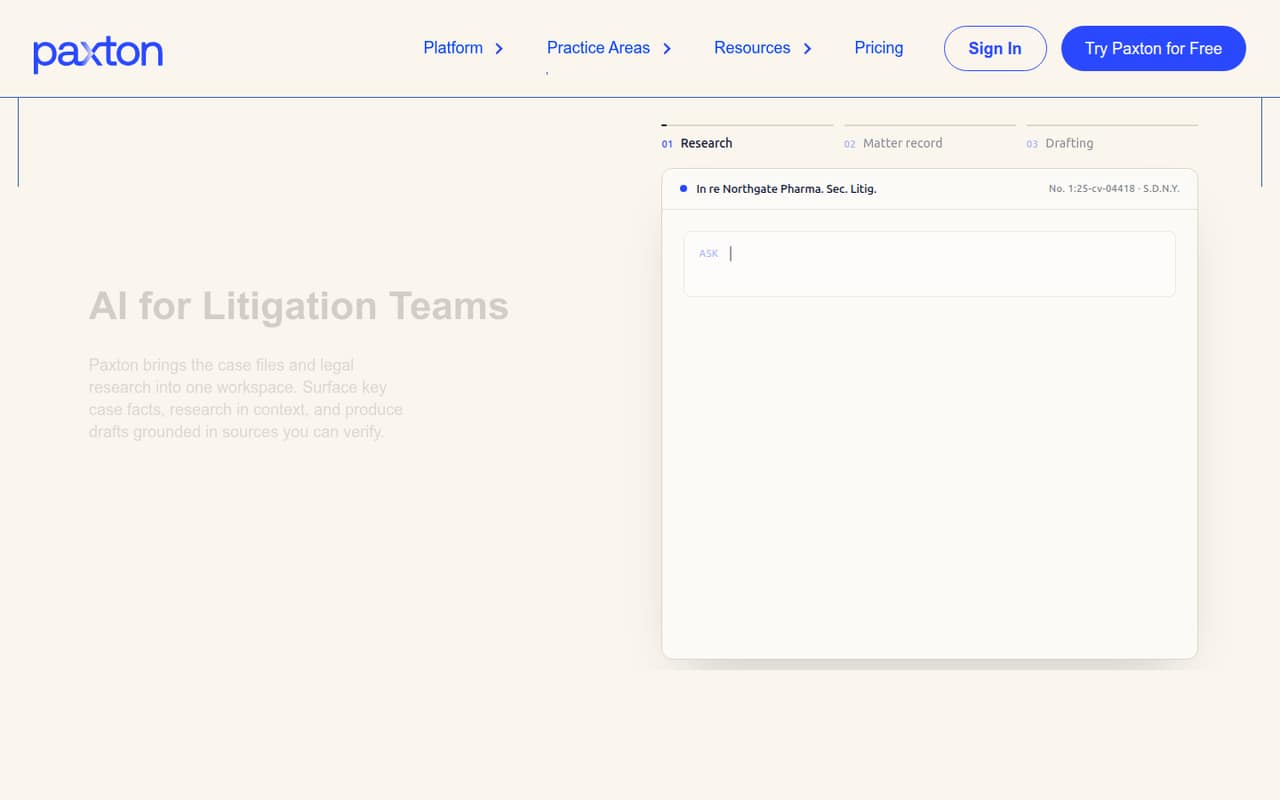
- Best for litigationPaxton AIPaxton AI
Paxton AI is designed for litigation-focused solo attorneys and small firms that need drafting grounded in records. Its listed starting price is $249.92 per seat, with no free plan, making it one of the harder options to justify on a small-team budget. Confirm the per-seat total and compare it with the value of the litigation work it supports.
What works
- Research across 30,000+ legal sources
- Drafting grounded in case records and law
- Case facts and tables across matters
What doesn't
- No free plan
- Monthly billing is $499 per user
- Annual billing still costs $2,999 per user
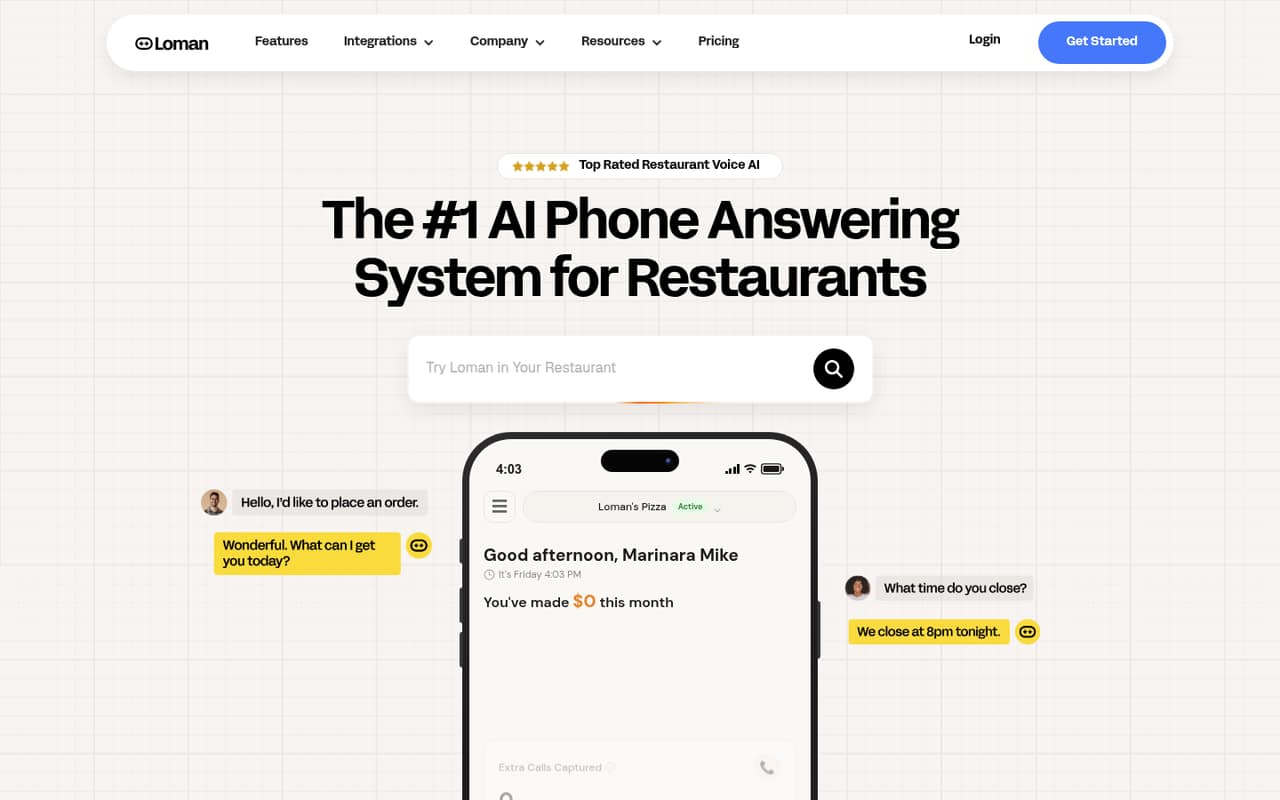
- Best for restaurant callsLomanLoman
Loman handles restaurant calls around the clock, with a focus on taking phone orders and serving multi-location operators. Pricing is not published, so even a small restaurant team needs a quote to judge affordability. Ask how the cost changes across locations and what setup is required for your phone and ordering workflows.
What works
- Takes pickup and delivery orders by phone
- Supports phone reservations around the clock
- Handles credit card payments over the phone
What doesn't
- Monthly and annual prices are not published
- No free plan is listed
- The vendor does not list a free trial
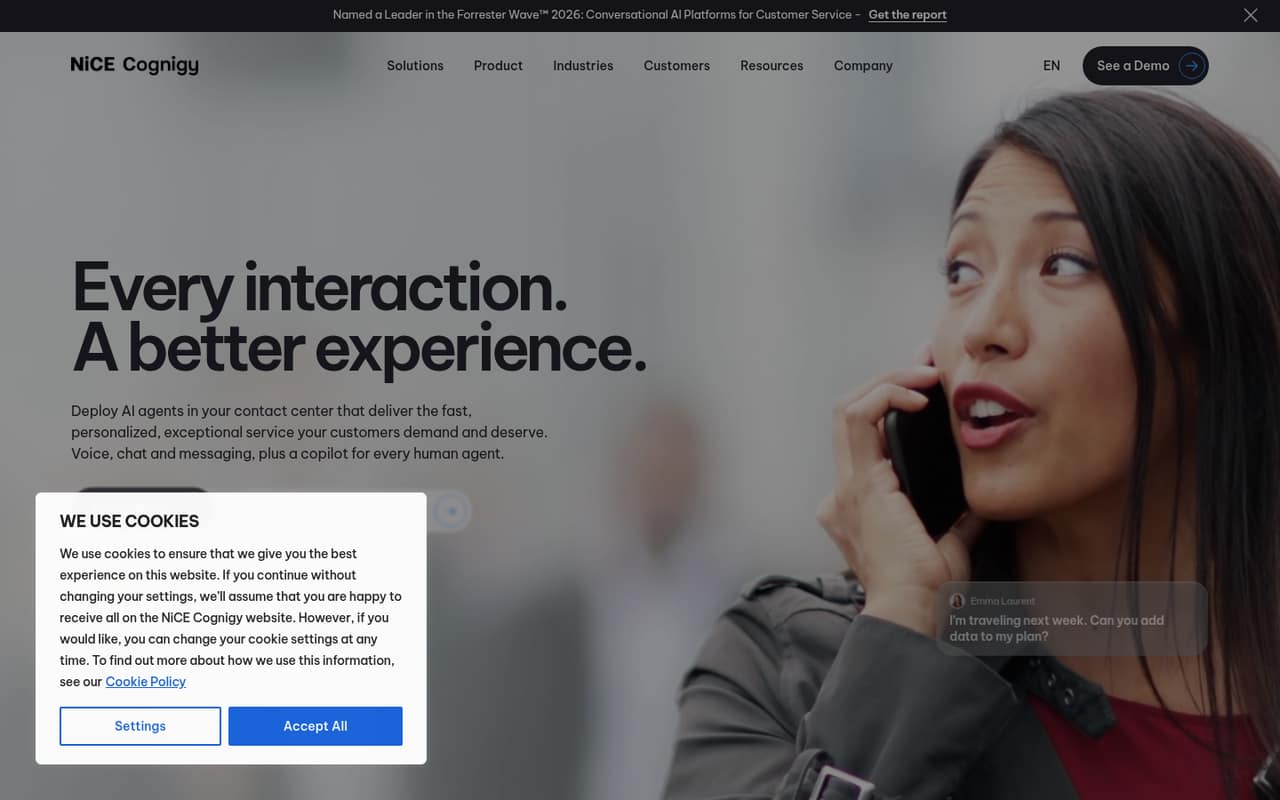
- Best for contact centersCognigy.AICognigy.AI
Cognigy.AI is built for enterprise contact centers automating voice and chat service with governed AI actions. It has no free entry point, and its price is not published, so it is a tough match for a small team seeking a predictable, low-cost start. Ask for a quote covering setup, ongoing use, and the service channels you plan to automate.
What works
- Supports voice, chat, and messaging
- Can take actions in connected systems
- Combines agentic AI with deterministic controls
What doesn't
- Starting price is not published
- No free plan is listed
- No free trial is listed
- Best for HR and ITLeena AILeena AI
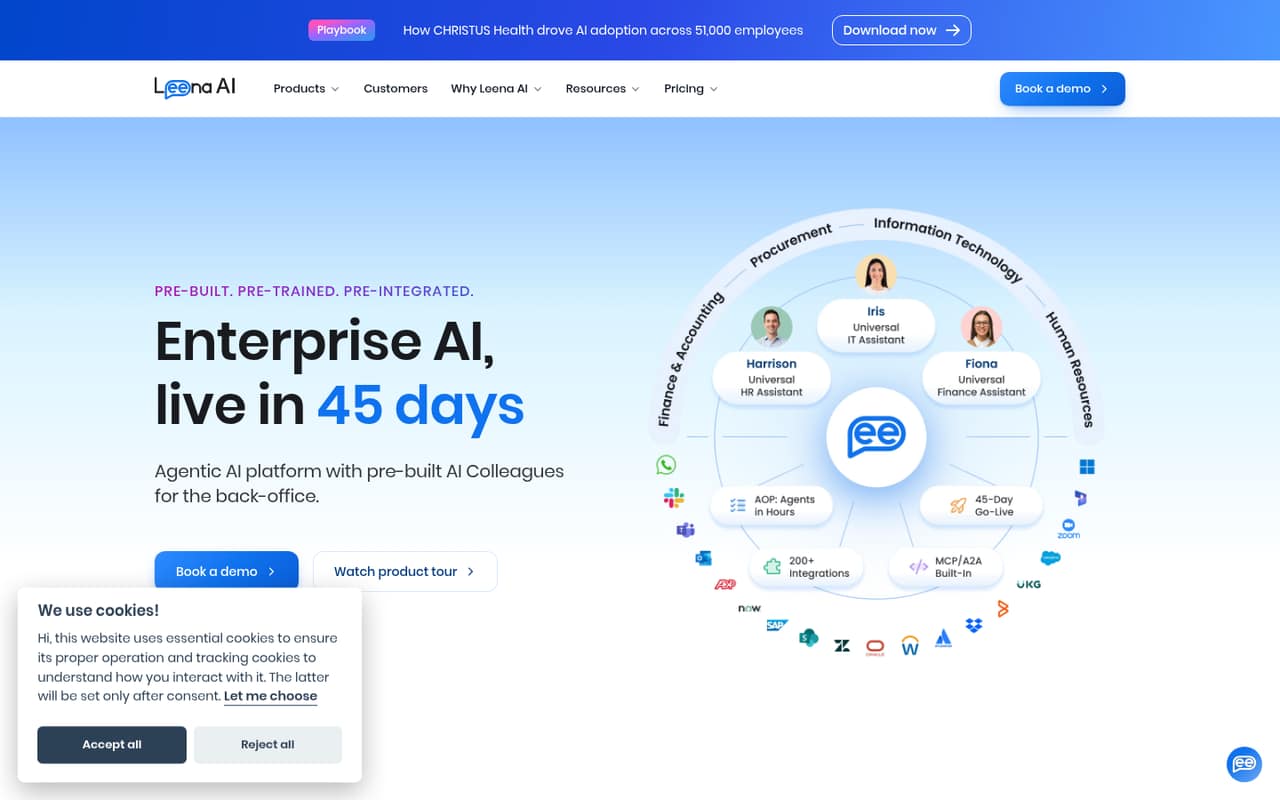
Leena AI automates HR and IT support and is aimed at organizations using Workday or ServiceNow or building custom back-office agents. Pricing is custom, and setup work makes small-team value difficult to judge. It is a better fit when those back-office workflows are a clear priority; ask for the implementation effort and full cost for your team.
What works
- Pre-built HR, IT, and finance assistants
- Custom AI Colleagues for business processes
- Leena says assistants support 100+ languages
What doesn't
- No public starting price
- No free plan or trial listed
- Custom platform pricing includes token usage
- Best for appointments
ElionElion
Elion handles inbound calls and bookings around the clock for appointment-led service businesses, including after-hours coverage. Its entry plan is listed at £249 per month, which may not suit a small budget. Ask what the plan includes and whether the price changes with call volume or bookings before counting it as a practical alternative to manual call handling.
What works
- Answers calls around the clock
- Handles WhatsApp messages
- Books open calendar slots
What doesn't
- Launch costs £249/month
- No free plan is listed
- Overage rates are not published
03How we chose
We ranked these tools for teams of 1-10, weighing whether a free plan exists, how clear the listed entry price is, and what a few seats might cost. We also considered setup demands, plan limits, vendor documentation, and user sentiment where reported. A low starting price did not automatically win: usage charges, custom setup, specialist fit, or unclear seat pricing can make the real decision harder. We treated quote-only products cautiously and noted user concerns where they were reported, including Sintra credit and reliability issues and ChatPRD output-quality questions.
04Check the real cost for a few seats
A listed starting price is not always the price your whole team will pay. Ask whether it is per seat, per month, or tied to a particular billing term; where that is not clear, get the vendor to confirm it in writing. Then check for costs beyond seats. Amazon Q Business has index charges to consider, while Hapax advises small teams to price credit use. Dust can become expensive per seat as usage continues. If pricing is quote-only, ask for the total for your team size, implementation, and expected use. Treat a free plan as a way to assess fit, not proof that the paid tier will stay within budget. Before signing, make sure the plan includes the features and limits your team needs.
05Match the assistant to one recurring task
Start with a task your team repeats: meeting notes, CRM updates, product documents, clinical notes, or incoming calls. Pick a tool built for that job rather than paying for a broad assistant whose extra features you will not use. Setup matters, too. Rovo may need agent tuning; tools built around connected knowledge or business systems may require setup conversations, while custom voice and healthcare platforms can involve a vendor-led rollout. Check that your existing tools are supported, and ask who will configure the assistant and maintain it. If the workflow is important to customers or regulated work, establish what the product does, what limits apply, and how your team will review its output before it acts or sends a response.
Questions people ask
Which AI business assistants have a free plan?
The listed free-plan options include Zoom AI Companion, Rovo, ChatPRD, Dust, Fyxer AI, Sintra AI, and Delphi. Delphi's free option is for hosting a Delphi; training a digital version starts at $5,000 a year. Check each vendor's current plan details before relying on a free tier for team use.
What is the cheapest AI business assistant for a small team?
Hapax lists a starting price of $2.50, Amazon Q Business $3, and Rovo $5. Those low entry prices do not establish the total cost for several users. Hapax credit use and Amazon Q index charges can affect the bill, so confirm the full pricing model with each vendor.
How should a team compare per-seat costs?
First confirm whether the listed price is per user and what billing term it assumes. Ask the vendor to quote your exact team size and include any usage, credit, index, or setup charges. This matters especially for tools with unpublished seat prices or costs that can rise with ongoing use.
When should a small team outgrow a free plan?
Consider a paid plan when the free tier does not cover the task, team use, or limits you need. Fyxer AI's free plan is described as narrow, while Rovo users should watch usage costs. Confirm the paid plan's features, limits, and price before moving a regular workflow onto it.