
We may earn a commission if you buy through links on this page. It never changes a score or a ranking. How we make money
The bottom line
Good device coverage for the price, but restore complaints are a serious caution.
iBackup suits a small team looking for cloud backup across PCs, Macs, Linux systems, and servers. The pricing page lists a 10 GB plan from $8.29 per month with annual billing, and unlimited devices and sub-accounts on its listed plans.
There’s no free plan, and Reddit users report failed backups, difficult restores, and disappointing support. We’d weigh those reports carefully if fast, reliable recovery is a must for your business.
Good fit if
- Small teams backing up many devices
- Businesses with modest backup needs
- Teams needing Microsoft or Google backups
Skip it if
- Teams that need a free plan
- Businesses requiring proven recovery workflows
- Teams needing published support commitments
ScoresHow it rates
What works
- Plans include unlimited PCs, Macs, Linux systems, and servers
- Unlimited sub-accounts are included
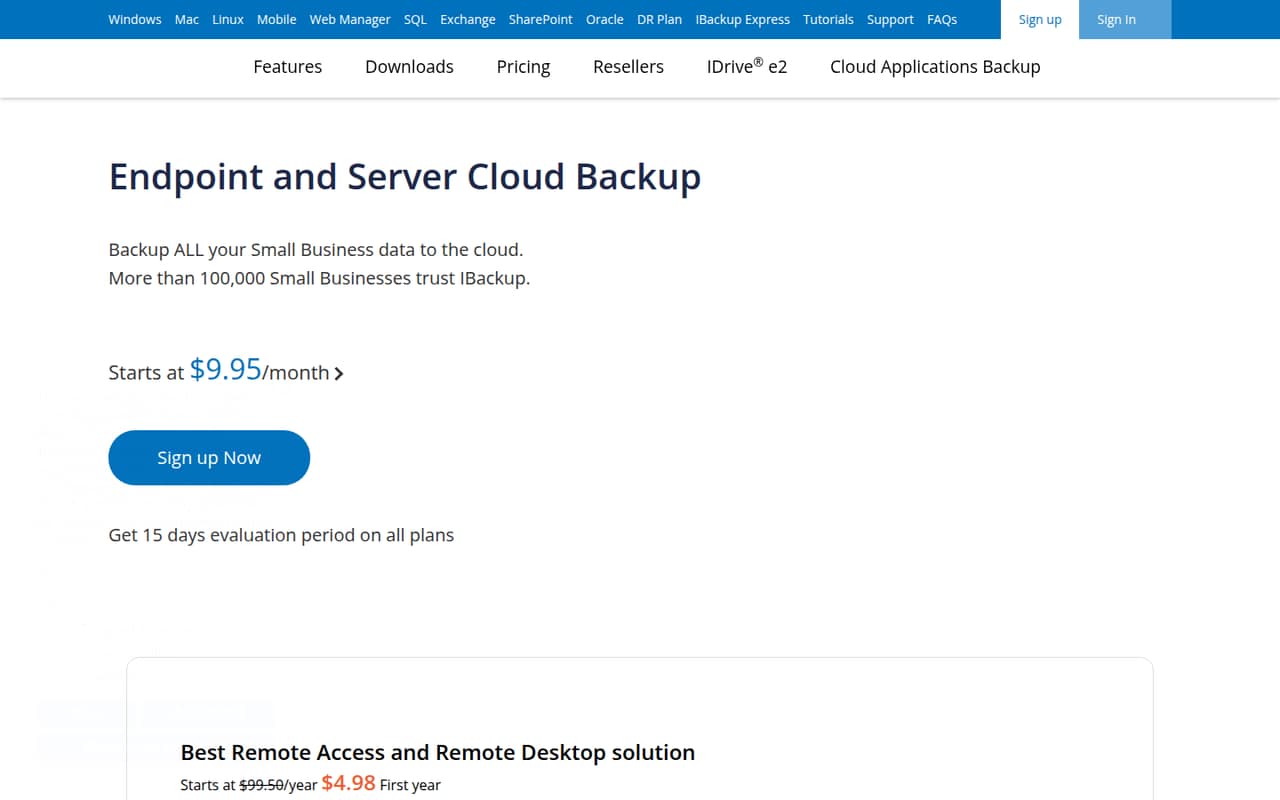
- Monthly billing starts at $9.95
- Microsoft 365 and Google Workspace backup add-ons
- 15-day free trial
What doesn't
- No free plan
- Standard storage starts at just 10 GB
- Workspace and Microsoft backups cost extra per seat
- Reddit users report failed backups
- Reddit users describe painful or stuck restores
01Who iBackup is for
iBackup is aimed at small businesses that need cloud backup for endpoints and servers, rather than a general-purpose cloud drive. For a team of one to ten, the appeal is that the listed plans cover unlimited PCs, Macs, Linux systems, and servers, with unlimited sub-accounts. The subscription is based on storage, not the number of devices or people using those sub-accounts.
The pricing page lists a 10 GB plan at $9.95 per month, or $8.29 per month with annual billing. That entry plan may suit a small backup set, but check your data volume first: the listed standard storage is 10 GB, and the larger plans cost more. Microsoft 365 and Google Workspace backups are add-ons, not included in the storage plan. iBackup could fit a budget-conscious team that wants centralized backup across different systems; teams with strict recovery requirements should take the Reddit reports about restores seriously.
02iBackup free plan and trial
iBackup does not list a free plan. The pricing information lists a 15-day free trial, but does not publish the trial’s storage allowance, device limits, or whether all features are available during the trial. Ask the vendor to confirm those details before relying on it to cover a real backup workload.
The cheapest listed way in is the 10 GB Plan: $9.95 per month with monthly billing or $8.29 per month with annual billing. The plan includes 10 GB of standard storage, unlimited sub-accounts, and unlimited PCs, Macs, Linux systems, and servers. The pricing page also lists a 500 GB promotional offer for this plan; confirm the promotion’s terms and duration with iBackup. The trial is the only no-cost option listed, so it is not a permanent free tier for a small team.
03What a small team pays for iBackup
The pricing page lists the 10 GB Plan at $9.95 per month with monthly billing, or $8.29 per month with annual billing. These are flat storage-plan prices: one person, three people, or five people pay the same listed plan price, provided the plan’s storage suits their backup set. The plan includes unlimited sub-accounts and unlimited PCs, Macs, Linux systems, and servers. Larger plans are listed at $19.95 per month for 20 GB and $49.95 per month for 50 GB, with annual-billing rates of $16.63 and $41.63 per month respectively.
Microsoft Office 365 Backup and Google Workspace Backup each cost $20 per seat per year. That works out to $60 per year for three seats or $100 per year for five seats for either add-on; monthly add-on billing is not listed. Microsoft’s add-on includes unlimited storage, while Google’s includes 10 TB per seat. If you need both add-ons, the listed annual price is $40 per seat: $120 for three seats or $200 for five. Confirm how the add-ons are billed before purchasing.
04Getting started with iBackup
The setup effort depends on what you’re backing up. A Reddit user described installing the application on nodes and setting up backup jobs, but that is one customer’s account, not a guarantee of how straightforward setup will be for your environment. The vendor’s homepage lists endpoint and server backup, plus separate Microsoft 365 and Google Workspace backup add-ons.
For Microsoft 365, the listed coverage includes OneDrive, Outlook, Exchange, SharePoint, Teams, and Office apps. The Google Workspace add-on covers Gmail, Drive, Calendar, and Contacts, with daily incremental backups and quick restores listed as features. The site does not publish a setup-time estimate or the skill level required. Before subscribing, check with iBackup about installation steps for your operating systems and the configuration needed for your Microsoft or Google accounts. The trial gives you a chance to assess those steps, though its limits are not published.
05When small teams outgrow iBackup
The first pressure point is storage. The smallest listed plan has 10 GB of standard storage; moving up to 20 GB costs $19.95 per month with monthly billing, and 50 GB costs $49.95. Promotional storage is also listed on some plans, so confirm the applicable amount and terms rather than planning around a promotion. Microsoft 365 and Google Workspace backups add a separate $20 per seat per year for each service.
A different concern is whether you can restore data when you need it. Reddit users report backups failing, storage amounts changing unexpectedly, and restores getting stuck or feeling painful. Those are individual accounts, not a measured failure rate, but they matter for a backup product. One commenter also said support advised reinstalling the client and rebooting a server during the workday. If your team needs a specific recovery time, system-state backup, or a documented support commitment, ask iBackup directly; those details are not published in the pricing information. Consider moving on if the answers do not meet your recovery needs.
From the threadsWhat users say
Reddit sentiment leans negative, with several users describing failed backups, difficult restores, and weak support. One commenter liked a particular feature for very small clients, but the recovery complaints are a meaningful concern for teams counting on backups.
Painful restores
Backups fail for no reason, the amount of data that your account is using seems to change randomly without notice
It's the one thing I do like about ibackup, for very small clients at least
Simply install the application on the nodes, setup the jobs, and forget about it
Questions people ask
Does iBackup have a free plan?
No free plan is listed. The pricing information lists a 15-day free trial, but does not publish its storage allowance, device limits, or feature restrictions. The cheapest listed plan is the 10 GB Plan, starting at $9.95 per month with monthly billing or $8.29 per month with annual billing.
How much does iBackup cost for a small team?
The 10 GB Plan is listed at $9.95 per month with monthly billing or $8.29 per month with annual billing. It is a flat storage plan, not a per-seat plan, and includes unlimited sub-accounts and devices. Microsoft 365 and Google Workspace backups cost an additional $20 per seat per year for each add-on.
What does iBackup back up?
The listed plans cover PCs, Macs, Linux systems, and servers. The Microsoft 365 backup add-on covers OneDrive, Outlook, Exchange, SharePoint, Teams, and Office apps. The Google Workspace add-on covers Gmail, Drive, Calendar, and Contacts. The two workspace backup services are priced separately from the storage plan.
Does iBackup include Microsoft 365 and Google Workspace backup?
The pricing information lists both as paid add-ons, each at $20 per seat per year. Microsoft 365 Backup includes unlimited storage. Google Workspace Backup includes 10 TB of storage per seat and lists daily incremental backups and quick restores. Check with iBackup about account setup and billing details before subscribing.
Do iBackup users report restore problems?
Some Reddit users describe restores that became stuck or felt painful, and one user reported backup failures. These are individual reports, not a published failure rate, but they are worth considering. Ask iBackup about recovery steps, support availability, and any recovery commitments before relying on the service for critical data.