
We may earn a commission if you buy through links on this page. It never changes a score or a ranking. How we make money
The bottom line
A practical pick for isometric graphics, though team licensing and collaboration need checking.
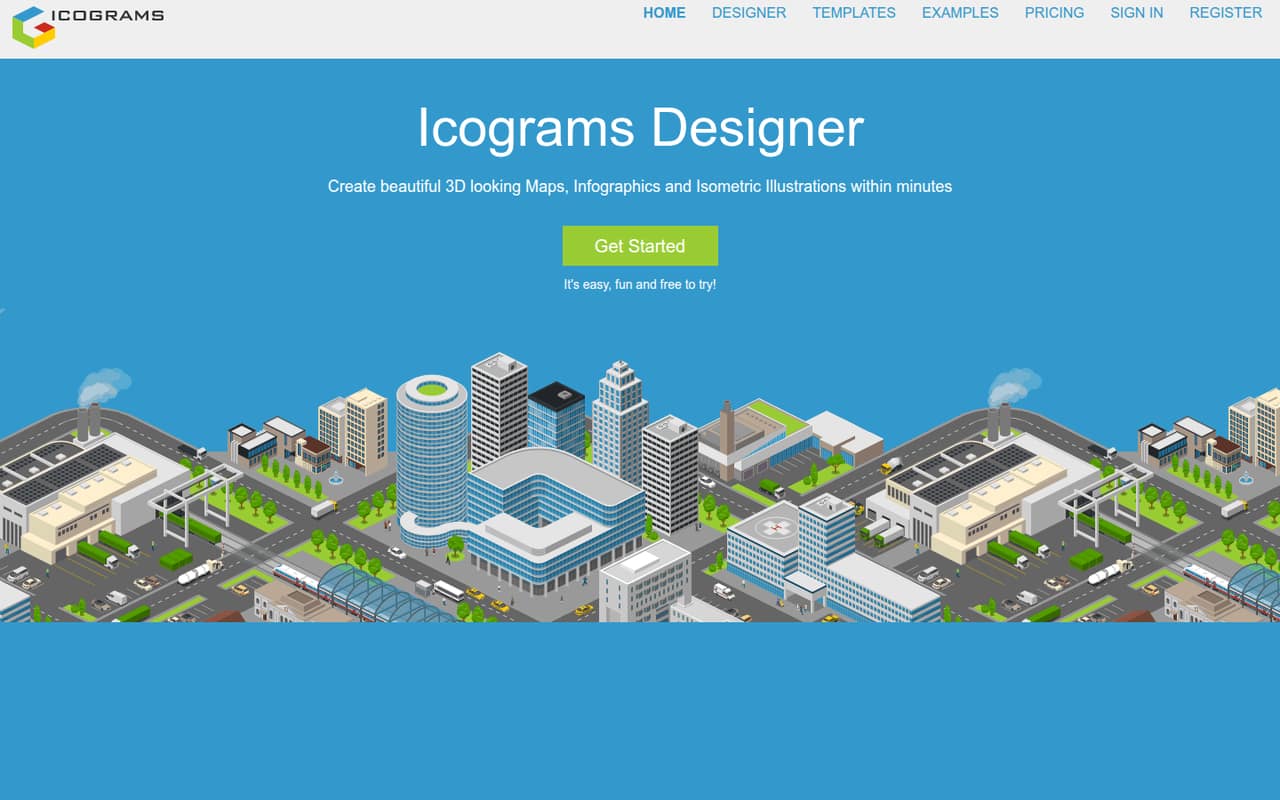
Icograms Designer makes maps, infographics, diagrams, and isometric illustrations in a browser-based editor. The homepage lists more than 5,653 icons and 1,229 templates, with SVG and PNG exports. For a small team, the free Basic plan is enough to try the workflow, but it requires attribution and limits designs and image size.
Pro starts at $14 per month with annual billing, or $19 month to month, and includes a commercial license. The pricing page doesn’t publish seat terms, so confirm whether each teammate needs a separate subscription before multiplying the price across your team.
Good fit if
- Small teams making isometric visuals
- People who need editable SVG exports
- Designers starting from templates
Skip it if
- Teams needing published seat pricing
- High-volume work on a free plan
- Teams needing confirmed app integrations
ScoresHow it rates
What works
- More than 5,653 icons listed
- More than 1,229 templates listed
- Free plan includes unlimited exports
- Pro includes a commercial license
- Exports editable SVG and PNG graphics
What doesn't
- Basic allows just eight designs
- Basic exports max out at 800px
- Basic requires attribution
- Seat terms are not published
- Personalized template pricing is not published
01Who Icograms Designer is for
Icograms Designer is for a small team that needs maps, infographics, diagrams, or isometric illustrations without commissioning each graphic. The browser-based editor uses a grid, drag-and-drop placement, icons, and templates, so it suits people who want to assemble a visual from ready-made parts or start with a blank design. The homepage lists more than 5,653 icons and 1,229 templates.
For a team of one to five, the free plan is a sensible way to see whether the style fits your work. If you need commercial use, Pro starts at $14 per month with annual billing, or $19 month to month. That is a manageable starting price for a small budget, but the pricing page doesn’t publish seat terms. Ask whether one subscription covers multiple people before treating the plan price as a team price. It’s a focused graphics tool, not a general-purpose diagramming suite.
02Icograms Designer free plan and trial
The Basic plan costs $0 and includes up to eight designs, three uploads of up to 300KB each, and unlimited exports. PNG and JPG exports are capped at 800px. The plan requires attribution and uses a Basic License, so check its terms before using graphics in work that needs commercial rights. The pricing page lists no free trial separately; Basic is the free way to try the editor.
The main stopping points are the design and upload caps, the export-size limit, and attribution. If you need commercial use beyond the Basic License, Pro is the cheapest listed paid option: $19 per month, or $14 per month billed annually. It raises the limits to 50 designs and 25 uploads of up to 1MB each.
03What a small team pays for Icograms Designer
Pro is $19 per month month to month, or $14 per month with annual billing. If each person needs a separate subscription, three people would total $57 monthly or $42 per month on the annual plan; five would total $95 monthly or $70 per month on the annual plan. The annual equivalents work out to $168 per person, $504 for three, or $840 for five per year. The pricing page doesn’t publish whether plans are per seat or how multi-person use works, so confirm that before budgeting.
Expert costs $34 per month or $24 per month billed annually. At those rates, three subscriptions would be $102 monthly or $72 per month annually; five would be $170 or $120, respectively. Expert adds capacity for 200 designs and 100 uploads of up to 2MB each, plus 2x PNG, JPG, and WebP exports. Custom icons cost $5–$20 each. Personalized template pricing is not published. Paid subscriptions renew automatically until canceled.
04Getting started with Icograms Designer
There’s no desktop setup step listed: Icograms describes Designer as an online editor. The homepage says you can begin from a template or build from scratch, then place isometric icons on a grid with drag and drop. That should make a first draft approachable for a small team, though the vendor doesn’t publish a setup time or a detailed learning curve.
The product lists SVG and PNG exports, and the homepage says you can upload your own graphics. It doesn’t list connections to other apps or explain shared workspaces, user roles, or team onboarding. If your team needs those, ask the vendor before choosing a plan. The education edition is described as modified for teachers and students and able to integrate into educational processes; that is not a general business integration list.
05When small teams outgrow Icograms Designer
The first pressure point is volume. Basic stops at eight designs and three uploads of up to 300KB each, while Pro raises those caps to 50 designs and 25 uploads of up to 1MB. Expert allows 200 designs and 100 uploads of up to 2MB. If your team regularly hits its plan limits, upgrading may be simpler than trimming the library or splitting work across accounts.
The other pressure point is the output and license you need. Basic exports PNG and JPG at up to 800px and requires attribution; Pro includes a commercial license and commercial use beyond the subscription period. Expert adds 2x PNG, JPG, and WebP exports. A growing team may also need clearer seat, collaboration, or integration terms than the pricing page publishes. Confirm those with the vendor before adding subscriptions, since the listed plan prices alone don’t explain how multi-person access works.
Questions people ask
Is Icograms Designer free?
Yes. The Basic plan costs $0 and includes up to eight designs, three uploads of up to 300KB each, and unlimited exports. PNG and JPG exports are limited to 800px, and the plan requires attribution under a Basic License. Pro is the lowest listed paid plan for commercial use.
How much does Icograms Designer Pro cost?
The pricing page lists Pro at $19 per month when billed monthly, or $14 per month with annual billing. The annual price is a per-month equivalent. Pro includes up to 50 designs, 25 uploads of up to 1MB each, unlimited exports, and a Commercial License.
Does Icograms Designer include commercial use?
Pro includes a Commercial License and commercial use beyond the subscription period, according to the pricing page. Basic requires attribution and uses a Basic License. Check the license terms for your intended use, especially if you plan to publish or distribute graphics for a business.
Can I export Icograms Designer graphics as SVG?
Yes. Icograms says you can export editable SVG graphics, as well as PNG. The Basic plan’s listed 800px cap applies to PNG and JPG exports. Expert lists 2x PNG, JPG, and WebP exports; the pricing page doesn’t specify an SVG export limit.
Does one Icograms Designer subscription cover a team?
The pricing page doesn’t publish seat terms or explain how multi-person access works. Before budgeting for a team, ask the vendor whether a plan covers multiple users, whether each person needs a subscription, and whether shared designs or workspace controls are included.