
We may earn a commission if you buy through links on this page. It never changes a score or a ranking. How we make money
The bottom line
A flexible media library with a free entry point, but watch seat roles and usage charges.
Small teams that need to organize media across cloud and on-premises storage may find iconik worth considering. Its free Collaborator plan is useful for browsing, while paid seats start at $9 per user each month.
Costs rise quickly for people managing media: Standard User seats are $65 monthly, and the vendor lists usage-based charges for storage, AI, users, and services. Reddit discussions include interest in iconik as well as a report of slow downloads.
Good fit if
- Teams with scattered media libraries
- Editors who need searchable archives
- Teams with occasional reviewers
Skip it if
- Teams seeking predictable all-in pricing
- Workflows needing cheap manager seats
- Teams requiring guaranteed transfer speeds
ScoresHow it rates
What works
- Free Collaborator seat for browsing
- Connects cloud, on-premises, and native media
- Unlimited storage connections on Starter
- AI-assisted tags and transcription
- Review and feedback stay with assets
What doesn't
- Standard User seats cost $65 monthly
- Storage, AI, and services may add charges
- Annual billing and discounts are not published
- Professional and Enterprise require custom pricing
- A Reddit user reported slow downloads
01Who iconik is for
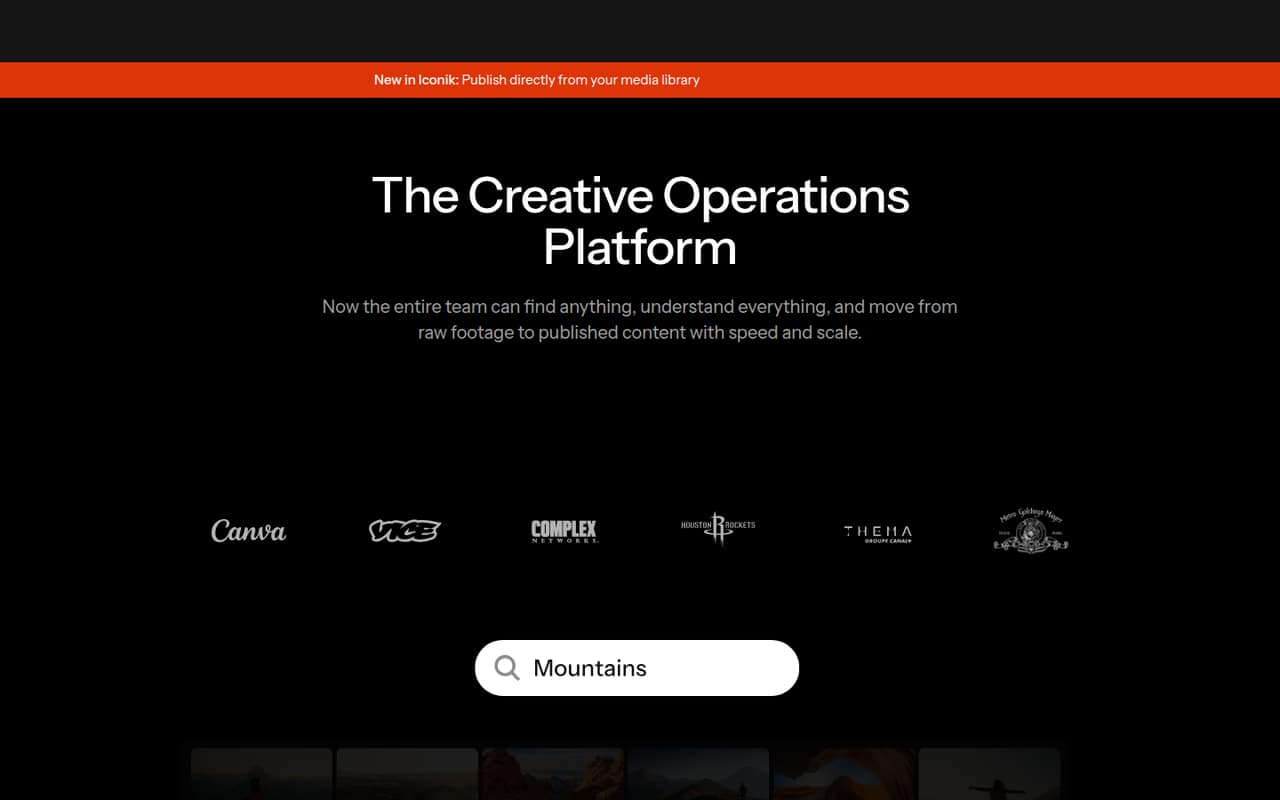
iconik is for small creative teams that need to find and review media spread across cloud storage, on-premises systems, or other connected locations. It acts as a media library: teams can organize and search assets, attach review feedback and versions, and publish content with formatting and cropping tools.
For a team of one to five, the free Collaborator seat can cover someone who mainly browses. A Browse User costs $9 per month, while people managing workflows need a Standard User at $65 per month. That split matters: a team can have inexpensive viewers, but its working editors or media managers may need a pricier role. The fit is strongest when searching across distributed media is a real daily problem, not just a nice-to-have. If you only need a place to store files and share the occasional link, the role-based pricing and usage-based charges may be more than your team needs.
02iconik free plan and trial
The free Starter — Collaborator plan is for people who browse media. The pricing page lists unlimited storage connections, hybrid media management, pay-per-use AI credits, and a maximum of two concurrent review users. A free trial is not listed.
Free does not mean every part of a media workflow is free: iconik lists usage-based charges for storage, users, AI, and services on Starter. The free seat is best for someone who needs to find or browse assets rather than manage media workflows. If a team member needs a paid browsing seat, Starter — Browse User is $9 per month. For active workflow management, the listed entry point is Starter — Standard User at $65 per month. Ask the vendor how your expected storage and AI use would be billed before committing.
03What a small team pays for iconik
The cheapest paid seat is Starter — Browse User at $9 per person per month: one seat is $9, three are $27, and five are $45 monthly. Those totals assume every person only needs browsing. A free Starter — Collaborator seat is also listed. Annual prices and discounts are not published.
For people managing media workflows, Starter — Standard User is $65 per month. That makes one manager plus two Browse Users $83 monthly; one manager plus four Browse Users is $101. If all three or five people need Standard User seats, the totals are $195 or $325 monthly. Starter — Power User costs $120 per month per seat.
These are seat-price calculations, not a full bill estimate. The vendor also lists usage-based charges for Starter storage, users, AI, and services, plus add-ons including ISG Pro, Edge Transcoder, DRM, forensic watermarking, and Publish Panel. Professional and Enterprise have custom pricing. Ask which add-ons and usage charges apply to your workflow.
04Getting started with iconik
iconik’s core setup task is connecting the places where your media already lives, then organizing and searching those assets through the platform. The vendor describes hybrid management for native, cloud, and on-premises media, plus an API and integrations for connecting existing tools or building automations. It does not publish a setup-time estimate in the pricing details available here.
For a small team, plan to decide which storage locations to connect, who needs browsing versus workflow-management seats, and whether AI metadata or review is part of the initial workflow. The learning curve will depend on how much metadata and process you want to configure; the product combines asset search, review, AI-assisted enrichment, and publishing rather than serving only as a file browser. Specific named integrations and onboarding steps are not listed in the available product details, so confirm your storage and tool connections with the vendor before signing up.
05When small teams outgrow iconik
A small team may feel the cost pinch when more people need to manage media rather than browse it. Starter — Browse User is $9 monthly, but Starter — Standard User is $65 and Power User is $120. Starter also carries usage-based charges for storage, users, AI, and services. If your workflow needs more capacity than Starter offers, Professional has custom pricing and includes synchronized review for up to 10 users, 10 Brand Portals, SSO, and monthly AI credits.
Teams may also need Enterprise features as their operations spread out: it lists unlimited synchronized review participants, unlimited Brand Portals, higher AI and automation capacity, and a choice of cloud provider. Reddit discussions show teams considering iconik as their libraries grow, including one looking at a move from four or five users to eight to ten. But a separate editor reported slow download speeds, so test your own transfer workflow and ask about support and capacity before moving a large archive.
From the threadsWhat users say
Reddit discussion is mixed rather than a clear endorsement: some teams are considering iconik for growing media libraries, while one editor reports slow downloads. The posts show interest in the use case but do not establish a broad user consensus.
Iconik is downloading at a 10 mbs
Speed test shows download speed at 750 mbs for household internet
We are looking to move from a QNAP system to a Jellyfish + Iconik solution for our business
We are a small creative but growng (from 4-5 users, to 8-10) over next three years
Questions people ask
How does iconik work?
iconik connects media stored natively, in cloud storage, or on-premises so teams can organize and search it in one system. It also brings together AI-assisted metadata, review and version feedback, publishing, integrations, and an API. The specific setup depends on which storage locations and workflows your team connects.
How much does iconik cost?
Starter — Collaborator is free. Starter — Browse User is $9 per user per month, Standard User is $65, and Power User is $120. Professional and Enterprise pricing is custom. The vendor lists usage-based Starter charges for storage, users, AI, and services; annual prices and discounts are not published.
What is iconik used for?
iconik is used to manage and search media libraries across connected storage. Teams can use it to find assets with metadata and AI enrichment, keep review feedback and versions connected to media, and publish content with automated formatting, cropping, and versioning.
Is there a free iconik plan?
Yes. Starter — Collaborator is listed at $0 per user per month and includes unlimited storage connections, hybrid media management, pay-per-use AI credits, and a maximum of two concurrent review users. Starter also has usage-based charges for storage, users, AI, and services, so confirm possible costs with the vendor.
Does iconik work with cloud and on-premises storage?
The vendor describes hybrid media management for media stored in cloud storage, on-premises, or natively. Starter lists unlimited storage connections. Check with the vendor that your specific storage setup and existing tools can connect before choosing a plan.