
We may earn a commission if you buy through links on this page. It never changes a score or a ranking. How we make money
The bottom line
A practical custom-badge tool if you need cards, not a free design subscription.
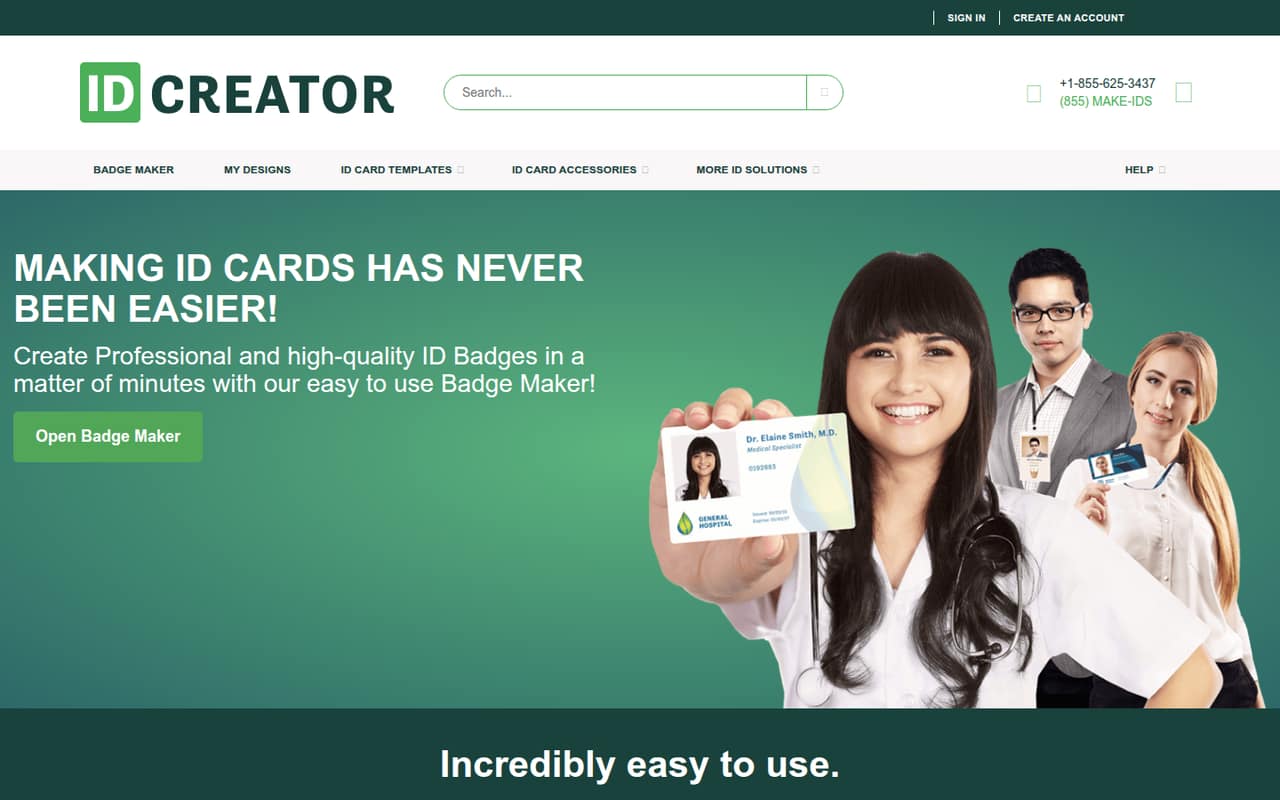
IDCreator is for teams that need custom ID cards, not a general-purpose graphic design tool. You can design badges from templates or scratch, then order cards or print them at home.
There’s no free plan or monthly subscription listed. Cards start at $8 each, so a three-card order starts at $24 and five cards at $40 before add-ons. That can work for a small team with an occasional badge order, but it is not a free way to experiment.
Good fit if
- Small teams ordering staff badges
- Event organizers needing custom cards
- Teams making repeat or batch IDs
Skip it if
- Teams seeking a free design plan
- People needing a monthly per-seat app
- Teams wanting broad graphic design tools
ScoresHow it rates
What works
- No setup fee or minimum order
- Templates or from-scratch badge design
- Supports barcodes and QR codes
- Batch creation from a template
- Home printing or card ordering
What doesn't
- No free plan is listed
- Single cards start at $8
- Add-ons can raise per-card costs
- No monthly or annual plan listed
- Integrations and support details aren't published
01Who IDCreator is for
IDCreator makes sense for a small organization that needs a few custom ID cards for staff, members, or an event. It is a focused badge maker rather than a broad design suite, so the value is in getting from a badge layout to a printed card.
You can start from a pre-made template or build a design from scratch. The editor supports text, images, shapes, barcodes, and QR codes. Once the design is ready, you can order cards through the site or print them at home. Batch ID creation lets you reuse a template to make multiple IDs.
For a one-to-ten-person team, the no-minimum order is useful when only a handful of people need cards. The trade-off is the per-card price: an order of five starts at $40 before extras. If you need badges only occasionally, that can be easier to budget than a recurring seat plan. If your main need is general marketing design, IDCreator’s badge-specific focus may be too narrow.
02IDCreator free plan and trial
IDCreator does not list a free plan or free trial. The cheapest way in is a single composite card for $8, with no setup fee and no minimum order quantity, per the pricing page. That makes it possible to order one card rather than pay for a monthly subscription, but it is not a free way to test the design tool or produce a badge.
The listed price is for the card itself. Options such as adhesive backing, a magnetic stripe, laminate, or a slot punch can add to the total. If you are deciding whether the design and print process fits your needs, ask IDCreator whether you can preview a design before ordering and what any shipping charges will be. The pricing page lists same-day shipping as an option, but does not give a shipping price.
03What a small team pays for IDCreator
IDCreator charges by card, not by user. The pricing page lists a single composite card at $8, with no setup fee or minimum order. That puts one person at $8, three people at $24, and five people at $40 before add-ons. There is no monthly or annual billing listed, so per-seat subscription math does not apply; these are order totals, not recurring fees.
Bulk discounts start at 10 cards: 10–24 cards get 10% off, 25–49 get 20%, 50–99 get 25%, and 100–250 get 35%. For 250 or more, the pricing page says to contact sales. Small orders under 10 cards do not qualify for those listed order discounts.
Extras can move the total: adhesive backing is $1 per card, a black-and-white back is $1, and a full-color back is $2. A Hi-Co magnetic stripe is $0.75 per card; clear laminate is $1 per side and holographic laminate is $1.50 per side. Confirm shipping and any other charges with the vendor before ordering.
04Getting started with IDCreator
IDCreator is web-based, so the listed workflow starts in a browser: choose a template or begin from scratch, add design elements, then order cards or print at home. The product description also lists batch creation, where you make a template and use it to create multiple IDs. That should make repeat badge layouts more practical than designing every card independently, though the vendor does not publish a setup-time estimate.
The feature list describes a direct design-and-card workflow, not a required integration setup. The vendor does not publish integration details, so ask whether it connects to the staff, membership, or photo systems your team already uses. The same goes for importing existing badge data and how batch creation handles it.
For a small team with a straightforward design, starting from a template is likely the lighter path; creating a brand-new design means making more choices yourself. The vendor does not publish support hours or onboarding details, so check those before relying on it for a deadline.
05When small teams outgrow IDCreator
IDCreator may stop fitting when badges become a recurring, high-volume workflow rather than an occasional order. There is no listed monthly plan, so the cost remains tied to card quantity and options. The listed bulk discounts begin at 10 cards, which offers some relief for larger batches, but teams ordering fewer than 10 cards pay the $8 starting price per card before add-ons.
A growing organization may also need integrations, more detail about data imports, or published support and turnaround commitments. The vendor does not publish those details in the pricing information, so ask before making IDCreator part of a larger employee or member onboarding process. Same-day shipping is listed, but shipping costs and conditions are not.
Reddit discussion offers little evidence about routine business use. One thread recommends IDCreator in a personal memento context, and another commenter says they made badges because they could not attend an event. That is a small, anecdotal signal, not proof of reliability at scale. Teams with complex workflows should confirm their requirements with the vendor before committing.
From the threadsWhat users say
The Reddit discussion is sparse and mostly describes personal or event-related badge making rather than ongoing team use. It includes a direct recommendation, but gives little detail about ordering, service, or larger-scale workflows.
IDCreator is the way to go
I can’t speak to why others made theirs but just a memento for me
There were 2 weekends where Tom and crew did badge printing in NYC. I made some for myself because I couldn’t make the events in NYC
Got one too
Questions people ask
Is IDCreator free?
No free plan or free trial is listed. The pricing page lists a single composite card at $8, with no setup fee or minimum order quantity. That is a one-time card price, not a subscription. Add-ons and shipping may increase what you pay, so confirm the full order total before placing it.
How much does IDCreator cost for a small team?
The listed starting price is $8 per card. Before add-ons, three cards cost $24 and five cost $40. IDCreator does not list monthly or annual billing. Its stated order discounts begin at 10 cards, so a smaller team ordering fewer than 10 cards should budget at the full listed per-card price.
Can I print IDCreator badges at home?
Yes. IDCreator’s listed print options include printing at home or ordering finished ID cards through the site. The available information does not specify supported printers, card stock, or home-printing requirements. Check those details with the vendor before choosing home printing, especially if you need a particular card format.
Can IDCreator make multiple IDs from one design?
Yes. IDCreator lists batch ID creation: make a template and use it to create multiple IDs. The feature description does not explain how to import names, photos, or other data for a batch. Ask the vendor how that process works if you need to produce badges for a team or event.
Is IDCreator a legitimate ID card maker?
IDCreator presents itself as an online tool for designing and ordering custom ID cards, with listed prices, design features, and print options. That alone is not a guarantee about order quality, delivery, or service. Before a large order, confirm the full price, shipping terms, card specifications, and any support available with the vendor.