
We may earn a commission if you buy through links on this page. It never changes a score or a ranking. How we make money
The bottom line
A generous PDF toolkit for small teams, though sensitive files deserve extra privacy checks.
iLovePDF brings common PDF jobs—editing, conversion, page organization, OCR, and signatures—into one web app and software suite. Its free plan suits occasional work; Premium costs €5 per month billed annually or €9 month to month and covers up to 25 users.
For a small team watching its subscriptions, that makes Premium unusually straightforward to price. Reddit users praise its convenience and free access, while some raise concerns about uploading private documents. Confirm the vendor's file-handling terms before using it for sensitive paperwork.
Good fit if
- Teams handling routine PDF tasks
- Small teams sharing one Premium plan
- People who need occasional free conversions
Skip it if
- Teams needing published seat-by-seat prices
- Sensitive workflows without verified file terms
- Organizations needing detailed admin controls
ScoresHow it rates
What works
- Free plan covers essential PDF tools
- Premium is listed for up to 25 users
- One toolkit handles editing and conversion
- Includes OCR and e-signatures
- Premium includes 2,000 AI credits
What doesn't
- Free processing and batch work are limited
- Free merges have a 100 MB file limit
- Extra license prices are not published
- Business pricing is custom
- Reddit users raise document privacy concerns
01Who iLovePDF is for
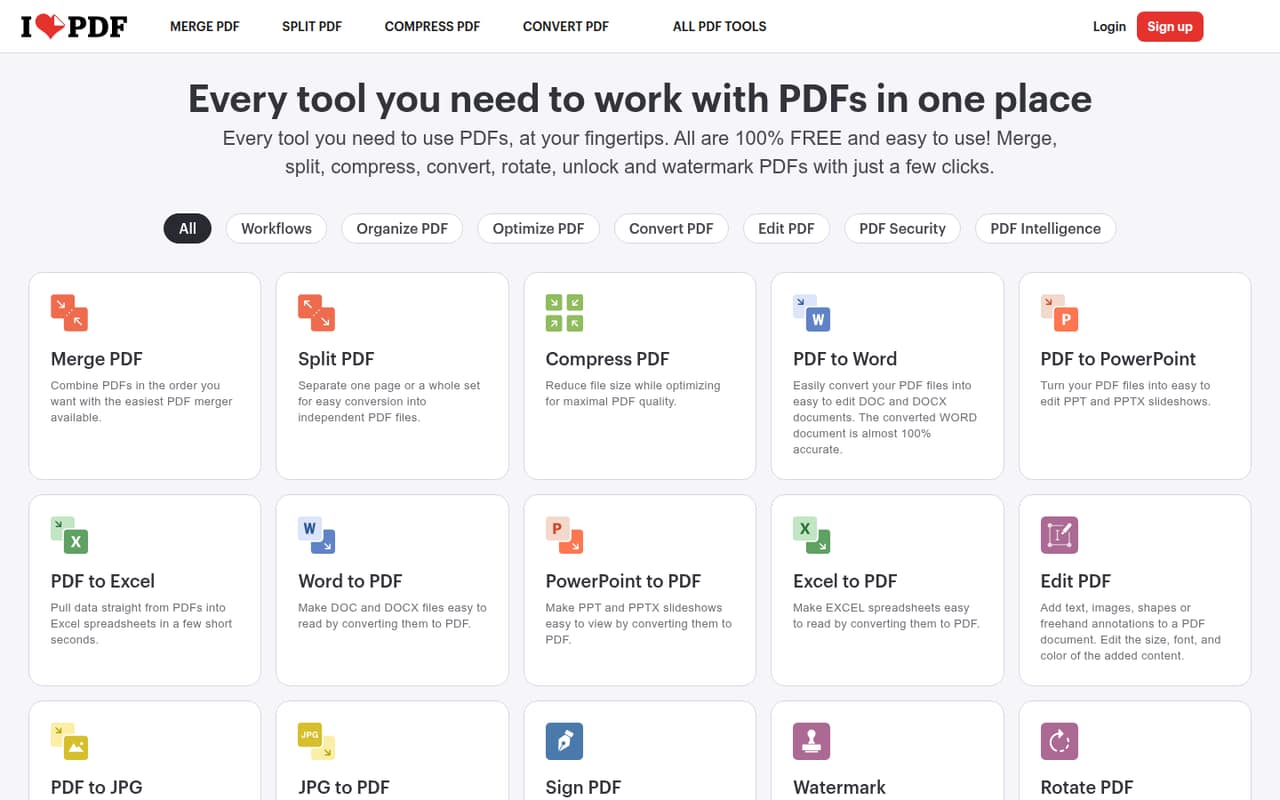
iLovePDF suits a solo operator or a small team of roughly 1–10 people that handles PDFs regularly but does not need a dedicated document system. It brings common jobs into one place: edit text or add annotations, merge or split pages, compress files, convert formats, run OCR on scans, and sign documents. The listed tools also include AI features for summarizing, translating, and converting PDFs to Markdown.
For occasional work, the Free plan may be enough. A team that needs more processing capacity can look at Premium, which the pricing page lists for up to 25 users. That makes the listed plan price easy to compare with separate subscriptions, although the vendor does not publish a price for additional licenses. Teams that need SSO or a dedicated account manager should look at Business, which is aimed at 25 or more users and has custom pricing.
02iLovePDF free plan and trial
The Free plan costs €0 per month and includes essential tools, limited document processing, limited batch processing, and a 100 MB merge file limit, per the pricing page. That is a sensible starting point for occasional jobs such as combining a few documents or converting a file now and then.
The limits matter once PDFs become part of the team's daily routine: the vendor does not list unlimited processing or a larger merge limit for Free. The pricing page does not list a free trial. If the free caps get in the way, Premium is the cheapest listed paid plan at €9 month to month or €5 per month when billed annually. The annual option is €60 upfront.
03What a small team pays for iLovePDF
The pricing page lists Premium at €9 per month month to month, or €5 per month with annual billing (€60 upfront). It includes up to 25 users, so the listed plan price covers a team of one, three, or five within that allowance. For three users, that works out to €3 per person monthly or about €1.67 per person per month on annual billing. For five, it is €1.80 monthly or €1 per person per month annually. These are simple per-person averages, assuming the listed Premium price applies to the account's users.
Premium also lists unlimited document processing, 2,000 AI credits, a 4 GB file limit for most tasks, and up to 500 files per merge. The pricing page says additional licenses can be added or removed but does not publish their prices, so ask the vendor before budgeting for more seats. Teams with 25 or more users move to Business, which has custom pricing, SSO, a dedicated account manager, and custom AI credits. The vendor does not publish a small-team Business quote.
04Getting started with iLovePDF
For a team using the web app, getting started should be a light lift: choose a PDF task, use the relevant tool, and share the result through your usual workflow. The product is also described as a software suite, but the available details do not explain how desktop setup differs from web use. We would not plan a formal rollout for a few people unless your team needs shared billing or a defined document process.
The feature list covers the main PDF jobs without requiring a team to assemble separate converters, editors, and signing tools. However, setup instructions, supported integrations, and account administration details are not published in the pricing information. Decide whether your team needs browser access, software installation, or connections to other apps before subscribing, then ask the vendor about any required integrations. Reddit comments praise the tool's clean, simple feel, but do not provide a detailed setup walkthrough.
05When small teams outgrow iLovePDF
The first sign you have outgrown Free is hitting its limited processing or batch caps, or needing to merge files larger than 100 MB. Premium raises those limits substantially: the pricing page lists unlimited document processing, a 4 GB file limit for most tasks, and merges of up to 500 files. It also covers up to 25 users, so a team of 3–10 does not need to jump to Business just to add colleagues within that allowance.
Business is aimed at organizations with 25 or more users and adds SSO, custom AI credits, and a dedicated account manager, but its price is custom. Ask for a quote before growing into that tier. Privacy may also be a reason to pause: commenters on Reddit express unease about uploading confidential PDFs, though those comments are concerns rather than evidence of a breach. If your documents are sensitive, verify retention and processing terms with the vendor before expanding use.
From the threadsWhat users say
Reddit users often describe iLovePDF as useful and appreciate its free access. Sentiment is mixed, with some commenters questioning the privacy of uploading documents.
Our love for ilovepdf and it's save us in our college 🥹
Its good but dont know why everytime I use it I feel like I am giving my secrets away
It has a genuine free limit, which you can also extend by just opening incognito windows
Its privacy nightmare, pdf24 FOSS is best offline tool to modify pdfs
Questions people ask
Is iLovePDF free to use?
Yes. The pricing page lists a Free plan at €0 per month, with essential tools, limited document processing and batch processing, and a 100 MB merge file limit. Premium is the paid option if those limits do not cover your team's workload.
Is iLovePDF safe for sensitive documents?
Reddit commenters raise concerns about uploading private files, but those comments do not establish a security breach. Before using iLovePDF for sensitive documents, ask the vendor how files are processed and retained, and check whether its terms suit your team's requirements.
What can iLovePDF do?
Its listed tools edit, merge, split, compress, convert, organize, and sign PDFs. It also offers OCR for scanned documents and AI features to summarize or translate PDFs and convert them to Markdown.
How many people can use Premium?
The pricing page lists Premium for up to 25 users. The vendor says additional licenses can be added or removed, but does not publish their prices. Business is listed for 25 or more users and has custom pricing.
Does Premium include AI features?
Yes. Premium includes 2,000 AI credits, according to the pricing page. Business includes custom AI credits. The Free plan's AI credit allowance is not listed, so ask the vendor if AI tools are central to your decision.