
We may earn a commission if you buy through links on this page. It never changes a score or a ranking. How we make money
The bottom line
ImaginePay makes patient bill payments simple to describe; unpublished pricing makes the business case harder to judge.
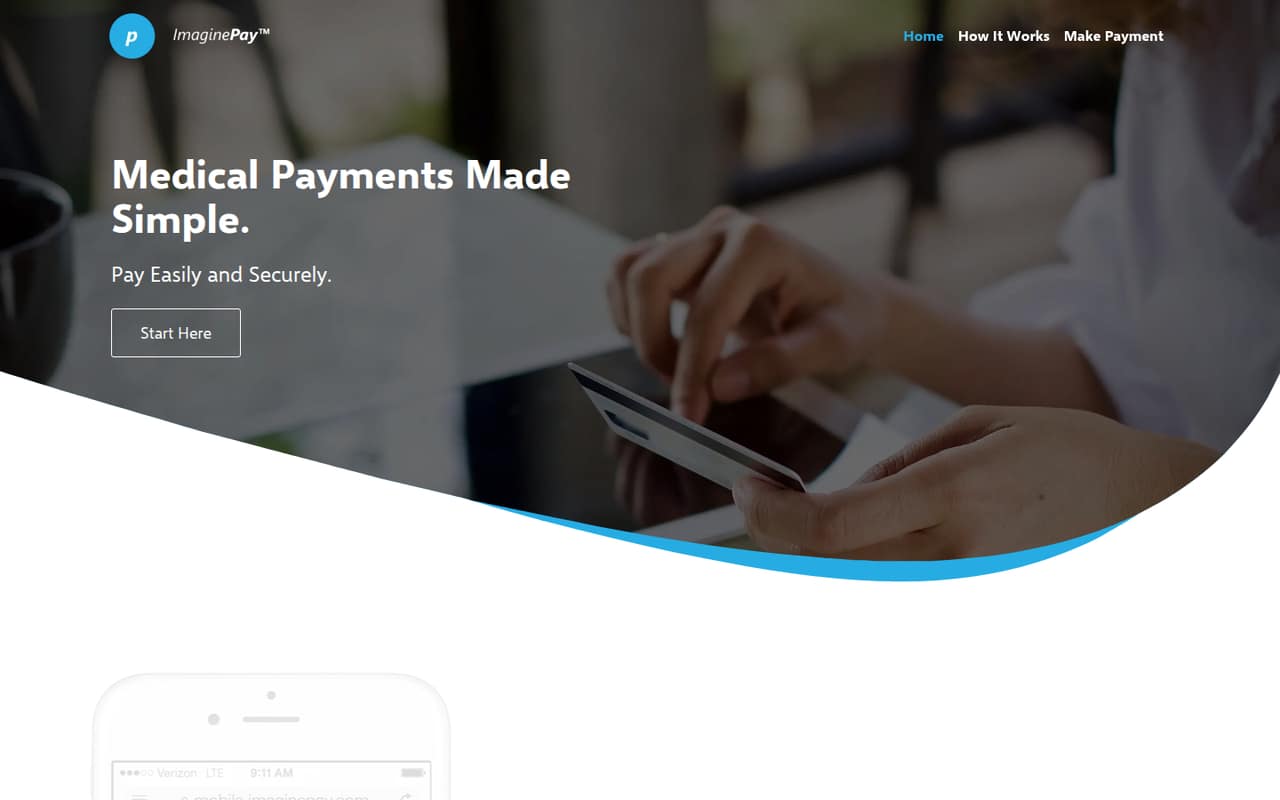
ImaginePay lets patients pay provider bills online using a provider ID, personal information and a payment method. Its homepage describes a five-step checkout and says the platform is HIPAA- and PCI-compliant.
For a small practice, the main drawback is budget uncertainty: the vendor doesn't publish plan prices, billing terms or a free trial. Ask for a quote and onboarding details before deciding.
Good fit if
- Providers collecting bills online
- Practices seeking a simple checkout
- Patients paying by card
Skip it if
- Teams needing published rates
- Practices seeking a free plan
- Buyers requiring listed integrations
ScoresHow it rates
What works
- Patients can pay from anywhere with internet access
- Five-step checkout has a clear sequence
- Accepts credit and debit cards
- Requires a provider ID and personal information
- Homepage describes HIPAA and PCI compliance
What doesn't
- The vendor doesn't publish plan prices
- No free plan is listed
- Trial terms aren't published
- Provider onboarding details aren't published
- Integration details aren't published
01Who ImaginePay is for
ImaginePay is for healthcare providers that want patients to pay medical bills online. A small practice could consider it if its immediate job is making bill payment available outside the office, rather than buying a general-purpose payment API or a broader practice-management system. Patients need a provider ID from their statement, personal information and a payment method.
The workflow is simple to explain: retrieve a balance, choose an amount and payment method, enter billing details, and confirm. The homepage says patients can make payments from anywhere with internet access and pay by credit or debit card. That may suit a one-provider office or a small billing team, but ImaginePay doesn't publish team-size requirements or per-seat pricing. For a budget-conscious practice with one to ten staff, the practical first step is to ask the vendor for a quote and confirm whether the price depends on staff seats, payment volume or another factor.
02ImaginePay free plan and trial
The vendor doesn't list a free plan, and a free trial isn't published. That means a small practice shouldn't budget on being able to sign up and use ImaginePay at no cost. The vendor's pricing information also doesn't name a paid plan or a starting price, so there isn't a published cheapest tier to compare against other tools.
The next step is to contact ImaginePay for the cost of the service and ask whether a demo or trial is available. Before committing, confirm what the quoted price covers: patient payments, provider setup, staff access and any transaction-related charges. The homepage describes the patient checkout, but doesn't give a price for using it. Get the terms in writing so you can compare the total cost with the payment volume and staffing needs of your practice.
03What a small team pays for ImaginePay
ImaginePay's vendor pricing information doesn't publish a starting price, named plans, monthly or annual billing terms, or add-on prices. As a result, we can't calculate a reliable cost for one person or a three- or five-person team. There is no published per-seat rate to multiply, and no annual discount to compare with monthly billing.
The vendor also doesn't list add-ons or explain whether pricing depends on transaction volume, payment methods or provider count. Those are useful questions to ask when requesting a quote, not costs we can estimate from the published details. Ask for an itemized price for your practice, including any setup charge, recurring fee and payment-related charge, and request the same quote for one, three and five staff members. Until the vendor shares those figures, a small team can't make a proper budget comparison or know whether the service fits its monthly spending limit.
04Getting started with ImaginePay
For patients, the published checkout sequence is easy to follow: retrieve a balance, choose an amount and payment method, enter billing details, then confirm. Patients need a provider ID from their statement, personal information and a payment method. The homepage says they can pay from anywhere with internet access.
That describes the patient side, not the work a practice must do to start accepting payments. The vendor doesn't publish provider onboarding steps, setup time or a list of integrations. It also doesn't explain whether a practice can connect ImaginePay to its existing billing or practice-management software. Before signing, ask what information the practice needs to provide, who configures the service, whether staff training is included and how payments appear in your existing workflow. Those answers will determine the actual setup effort for a one-to-ten-person team.
05When small teams outgrow ImaginePay
ImaginePay's published description focuses on online medical bill payments and a five-step patient checkout. It doesn't publish plan limits, seat allowances, usage thresholds or an upgrade path, so there isn't a clear number of staff or payments at which a practice would need to move up a tier.
A growing team should check whether the service fits its next operational needs before committing. Ask the vendor about staff access, reporting, integrations with your billing systems, payment volume and what happens if your practice adds providers or locations. The vendor doesn't publish those details alongside the pricing information. If you need capabilities beyond the described patient payment flow, get confirmation in writing that they are supported and included in your quote. Without published limits or costs, the sensible point to reconsider ImaginePay is when your team's requirements expand beyond that basic flow or the vendor's quote no longer fits your budget.
Questions people ask
What is ImaginePay?
ImaginePay is a medical payment platform for paying provider bills online. Its homepage describes a checkout where patients retrieve a balance, choose an amount and payment method, enter billing details, and confirm. Patients can pay from anywhere with internet access, using a provider ID, personal information and a payment method.
How much does ImaginePay cost?
The vendor doesn't publish a starting price, plan names, monthly or annual billing terms, or add-on prices. We can't give a reliable cost for one staff member or a small team. Ask ImaginePay for an itemized quote, including any setup, recurring and payment-related charges.
Does ImaginePay have a free plan or trial?
The vendor doesn't list a free plan, and trial terms aren't published. Ask ImaginePay whether it offers a demo or trial and whether any fees apply. Get the paid price and billing terms too, so you know what the service would cost after any evaluation period.
What do patients need to pay with ImaginePay?
The homepage says patients need a provider ID from their statement, personal information and a payment method. ImaginePay accepts credit and debit cards. Its described checkout also has patients retrieve a balance, choose an amount, enter billing details and confirm the payment.
Does ImaginePay say it is HIPAA- and PCI-compliant?
Yes. ImaginePay's homepage describes the platform as HIPAA- and PCI-compliant. A practice should ask the vendor for the documentation and details it needs for its own compliance review, and confirm how those claims apply to the practice's specific payment workflow.