
We may earn a commission if you buy through links on this page. It never changes a score or a ranking. How we make money
The bottom line
Good range of browser-based image tools; hard to budget for a team because paid prices aren’t published.
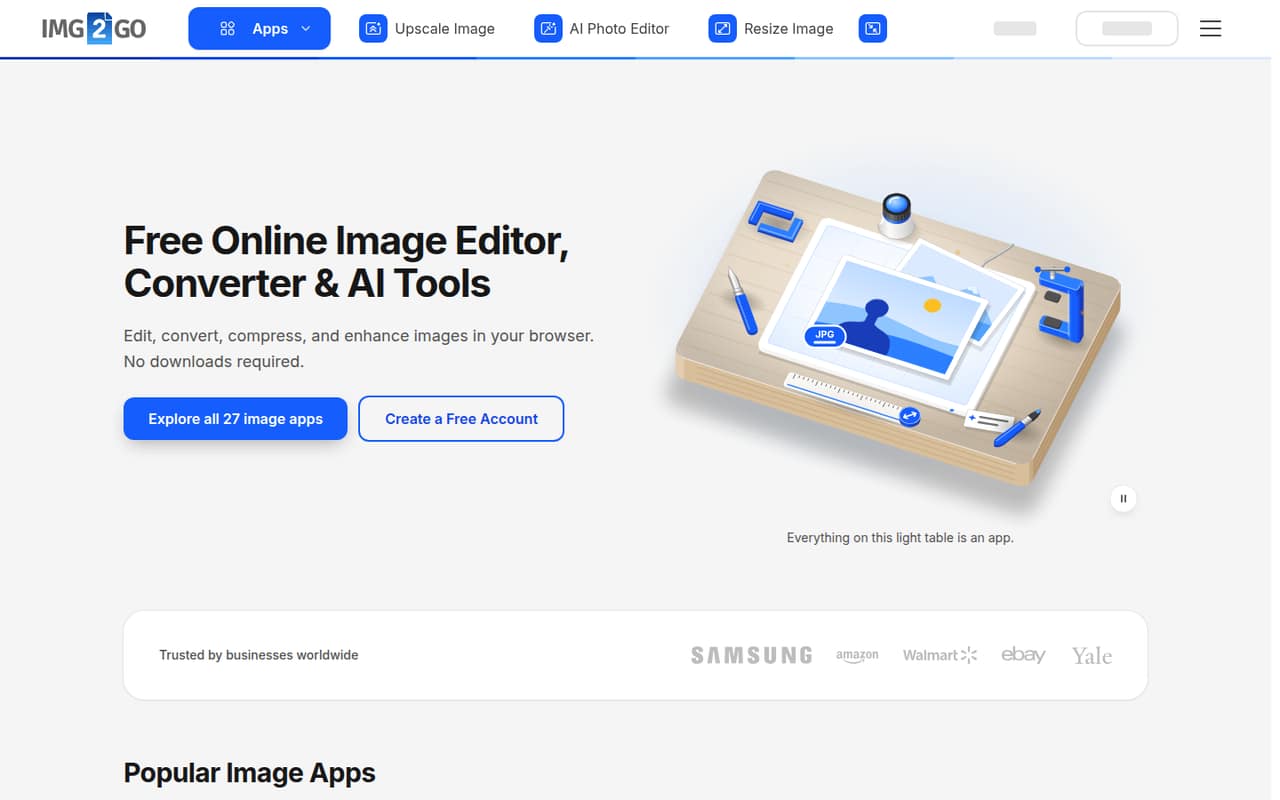
Img2Go bundles editing, resizing, conversion, compression and AI tools in a browser, so a small team can handle varied image jobs without installing software. Its free plan covers one person and most apps, but file processing is limited.
For paid plans, the pricing page lists seat counts and features but not monthly or annual prices. That makes Img2Go difficult to compare on cost before signing up; ask the vendor for a quote that covers your team size and usage.
Good fit if
- Solo users with occasional image tasks
- Small teams handling varied image formats
- Teams that want browser-based AI tools
Skip it if
- Teams needing a known monthly budget
- Heavy users needing published usage limits
- Teams requiring detailed support commitments
ScoresHow it rates
What works
- Editing, resizing, conversion and compression in one browser suite
- Free plan includes access to most apps
- Free plan is listed for one person
- AI tools include upscaling and background removal
- Pro lists five users and automation integrations
What doesn't
- Paid plan prices aren’t published
- Free file processing is limited
- AI usage amounts aren’t stated in concrete units
- Starter lists only two users
- Support details aren’t listed in the pricing information
01Who Img2Go is for
Img2Go suits a solo operator or a small team of up to five people that handles image jobs now and then and wants to avoid installing editing software. It runs in a browser and brings together editing, cropping, resizing, format conversion and compression. Its AI tools can remove backgrounds, upscale photos and generate art from text.
That mix can be useful for a small shop preparing product images, a marketing team resizing graphics, or a team that regularly receives files in different formats. The free plan is aimed at one person, while the listed Starter and Pro plans cover two and five users respectively. Those are workable team sizes, but the vendor doesn’t publish their prices, so we can’t tell whether they fit a tight budget without asking for a quote. If your team mostly needs one occasional conversion, start with the free plan rather than paying for a suite.
02Img2Go free plan and trial
The pricing page lists a Free plan for one person, with access to most apps and limited file processing. That gives a solo user a way to try common image tasks, including the browser-based editing and conversion tools, but the vendor doesn’t state a specific processing allowance in the plan details. Don’t assume it will cover frequent or large batches.
A separate free trial isn’t listed. The Education plan lists paid apps as free for non-commercial educational use, and says it may renew while the user remains a student or teacher. For a small business, the free plan is the lowest-cost entry point; the next step is Starter, which lists two users, batch processing, priority queue and 1x Starter AI usage. Its price isn’t published, so check the cost and processing limits before relying on it for regular work.
03What a small team pays for Img2Go
The pricing page lists Free, Starter, Pro, Business and Education, but doesn’t publish monthly or annual prices for them. It shows monthly and yearly billing options, yet gives no amount to calculate for one paid user or a three- or five-person team. The starting price is therefore not published, and there’s no reliable annual-versus-monthly comparison to make.
For a team of one, Free covers one person with limited file processing; the paid Starter plan lists two users, 64 GB file size, batch processing, priority queue and 1x Starter AI usage. For three people, Starter’s listed two seats fall short by one. The pricing page lists extra users at €5 per user per month, so a third seat would add €5 monthly to the unpublished Starter price, if that add-on applies to the plan. Pro lists five users, 64 GB file size and 5x Starter AI usage, but its price is also not published. Ask the vendor for a written quote for your seat count, billing term and expected AI use.
04Getting started with Img2Go
Img2Go is browser-based, and the vendor describes its tools as working without downloaded software. That points to a light start for a small team: open the relevant tool and work with images in the browser, rather than setting up a desktop editor. The suite covers familiar jobs such as cropping, resizing, conversion and compression, so occasional users can choose a tool for the task at hand.
The pricing page lists batch processing on Starter, along with priority queue, and Pro adds document sharing and automation with Zapier and Make. Those integrations may matter once image work is part of a wider team workflow; they are not listed as Starter features. For day one, a team that only needs individual image edits may not need an integration. The vendor’s published plan details don’t explain account setup, onboarding, or how to configure automations, so ask about those steps if your team needs a guided rollout.
05When small teams outgrow Img2Go
The first pressure point is processing volume. The Free plan includes limited file processing, but the vendor doesn’t state a numeric allowance. If a solo user starts handling frequent jobs or needs batch processing, Starter is the listed step up; it includes batch processing and priority queue. The plan’s price and precise processing limits aren’t published, so confirm both before making it part of a regular production workflow.
Seat needs are another trigger. Starter lists two users, Pro lists five, and Business lists 20. A three-person team may need the €5-per-month extra-user add-on on Starter, while a team of five matches Pro’s listed seat count; the base prices remain unpublished. Pro also lists document sharing and Zapier and Make automation. Business adds centralized billing, a skip-queue feature and a custom file size limit. Teams needing more than five seats or those controls may consider Business, but should ask the vendor to confirm file limits, AI usage and the full cost before upgrading.
Questions people ask
Can Img2Go improve a low-quality image?
Img2Go lists an AI upscaling tool for photos, which is intended to increase image resolution. The feature list doesn’t promise that it can restore missing detail or make every low-quality image look clear. Try it on a non-sensitive sample first and check whether the result is suitable for your use.
Is Img2Go safe to use with private images?
Img2Go is browser-based, but that alone doesn’t establish how uploaded files are stored, handled or deleted. Before uploading confidential or personal images, review the vendor’s current privacy and file-retention terms. If your team has specific security requirements, ask Img2Go for written answers before adopting it.
How much does Img2Go cost for a small team?
The vendor lists Free for one person, Starter for two and Pro for five, but doesn’t publish their monthly or annual prices. Extra users are listed at €5 per user per month. Ask Img2Go for a quote covering your plan, seat count and billing term before budgeting.
Does Img2Go support batch image processing?
Batch processing is listed as a Starter feature. The Free plan is described as having limited file processing, but the pricing details don’t specify a batch allowance or a numeric free-plan limit. Check with the vendor if you need to process a regular volume of files.
Do I need to install software to use Img2Go?
No download is required for the browser-based tools, per Img2Go’s description. The vendor lists image editing, conversion, compression and AI tools that run through the browser. Its plan details don’t describe account setup or supported browser requirements, so check those if your team has managed-device restrictions.