
We may earn a commission if you buy through links on this page. It never changes a score or a ranking. How we make money
The bottom line
Consider Infor for broader supply-chain needs, but get a scoped demo and quote before committing.
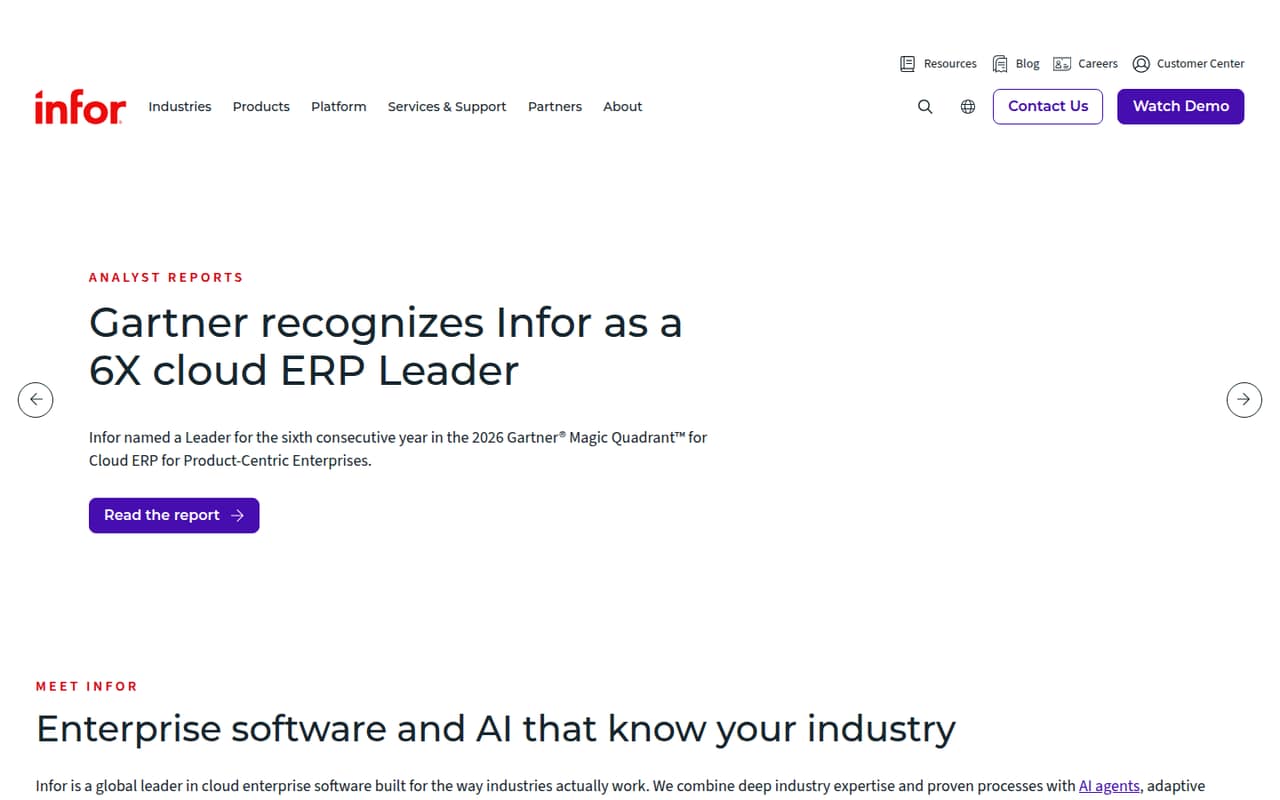
Infor describes cloud software for industries such as manufacturing and distribution, with supply-chain areas including planning, warehousing, manufacturing, and transportation. Its homepage does not explain a specific product called Infor Cloud Inventory or detail its inventory-management functions.
There is no listed free plan, and pricing is custom-quoted with no published starting price or billing terms. For a small team, the first step is asking Infor to confirm the product scope, implementation needs, and total cost for your use case.
Good fit if
- Manufacturers with broader supply-chain needs
- Distribution teams seeking industry software
- Organizations evaluating custom enterprise solutions
Skip it if
- Small teams needing a free plan
- Buyers requiring published seat prices
- Teams seeking clearly documented inventory features
ScoresHow it rates
What works
- Supply-chain planning is a named solution area
- Warehousing is included in its supply-chain scope
- Software is tailored to several industries
- Infor OS lists integration and automation capabilities
- Custom quoting may allow scoped discussions
What doesn't
- No free plan is listed
- Starting price is not published
- Inventory-management functions are not explained
- Monthly and annual billing terms are not published
- Trial availability is not published
01Who Infor Cloud Inventory is for
Infor may suit a small manufacturing or distribution team that needs inventory to fit into a wider supply-chain operation, rather than a standalone stock tracker. Infor’s homepage describes cloud enterprise software for industries including manufacturing and distribution, and names planning, manufacturing, warehousing, and transportation as supply-chain areas.
That breadth is relevant if your team needs to evaluate several connected workflows with one vendor. But the homepage does not explain a specific product called Infor Cloud Inventory or spell out its inventory functions. A team of one to ten should ask for a demonstration of its exact day-to-day tasks, such as receiving, stock counts, and replenishment, before treating it as a fit. Budget-conscious buyers should also expect a sales conversation: pricing is custom-quoted, with no starting price published. This is a harder first step than a tool with a public per-seat plan.
02Infor Cloud Inventory free plan and trial
Infor does not list a free plan for this offering. The pricing information lists an enterprise/custom option and says pricing is custom-quoted; it gives no included free tier. Trial availability is not published, so a team should ask Infor whether it can evaluate the relevant inventory workflows before buying.
The cheapest way in is a custom quote, not a published self-serve plan. Ask the vendor whether the quote has a minimum contract, implementation fees, or a paid evaluation, since those terms are not published. Also confirm which inventory functions are included: Infor’s homepage describes warehousing and other supply-chain areas, but does not detail a specific Infor Cloud Inventory feature set. Without those answers, a small team cannot tell whether the offer covers a narrow stock-management need or a broader operational project.
03What a small team pays for Infor Cloud Inventory
The pricing information lists an Enterprise/custom option for organizations seeking custom inventory software, but gives no monthly or annual price. It labels the unit as per month while also saying pricing is custom-quoted; no billing terms or starting price are published. That leaves the actual monthly charge unknown.
For one person, the cost is not published. The same is true for three or five people: there is no per-seat rate to multiply, and the vendor does not publish whether pricing is per user, by usage, or based on another measure. Ask Infor for written quotes at each team size, with the same scope, so you can compare the totals.
No add-ons are listed in the pricing information. That does not establish that all capabilities are included, so ask whether Infor OS integration, automation, AI, data, and analytics capabilities carry separate costs. Also request any setup, support, or contract charges in the quote. Until then, there is no dependable small-team budget estimate.
04Getting started with Infor Cloud Inventory
The setup effort and learning curve are not published for a specific Infor Cloud Inventory product. Infor’s homepage describes cloud enterprise software and says Infor OS offers integration, automation, AI, data, and analytics capabilities, but it does not explain how a small team configures inventory or connects its existing systems.
Before signing, ask for a setup plan that names who handles configuration, data migration, user training, and ongoing administration. Get the expected timeline and any implementation charges in writing; neither is published. For a team of one to ten, also ask which day-one integrations are supported for your accounting, order, and warehouse workflows, and whether those connections are included in the quote. The available product description is not enough to estimate the hands-on effort or decide whether you will need outside implementation help.
05When small teams outgrow Infor Cloud Inventory
Infor’s described scope is already broad, spanning supply-chain planning, manufacturing, warehousing, and transportation. A small team is less likely to outgrow that list of areas than to find that the specific inventory workflows, setup, or price do not match its needs. The homepage does not define inventory limits, user caps, or feature tiers, so there is no published threshold that signals when an upgrade is required.
The practical trigger to revisit the decision is a mismatch between your growth plans and the quoted scope. Ask what changes in cost or configuration when you add users, locations, or workflows; those terms are not published. If you only need straightforward stock tracking, a custom quote without a detailed feature list may be too hard to justify. If your operation expands across the wider supply-chain areas Infor names, ask the vendor to show how the proposed product supports those needs before committing.
Questions people ask
Does Infor Cloud Inventory have a free plan?
Infor does not list a free plan for this offering. Its pricing information describes an Enterprise/custom option with custom-quoted pricing. Trial availability is not published, so ask the vendor whether it offers an evaluation and what that would include before budgeting.
How much does Infor Cloud Inventory cost?
Infor does not publish a starting price or a monthly or annual rate. The pricing information describes a custom quote, so the cost for one, three, or five users is not available from a published per-seat price. Request a quote for your team size and intended scope.
What inventory features does Infor Cloud Inventory include?
Infor’s homepage names warehousing and several other supply-chain areas, but it does not detail a specific Infor Cloud Inventory product or its inventory functions. Ask the vendor to demonstrate the exact tasks you need, such as receiving, stock counts, and replenishment, and confirm which are included.
Is Infor Cloud Inventory suitable for a small team?
It may be worth evaluating if your small team needs inventory as part of broader manufacturing or distribution workflows. But there is no published starting price, free plan, or detailed inventory feature list. Get a scoped demonstration and quote before deciding whether it fits your budget and operations.
How difficult is it to set up Infor Cloud Inventory?
Infor does not publish setup steps, an implementation timeline, or the learning curve for a specific Infor Cloud Inventory product. Its homepage describes Infor OS capabilities, including integration and automation, but not the setup process. Ask who handles configuration, migration, training, and integration, and whether those services cost extra.