
We may earn a commission if you buy through links on this page. It never changes a score or a ranking. How we make money
The bottom line
A broad cloud WiFi security toolkit with a $65 minimum that small teams should budget for.
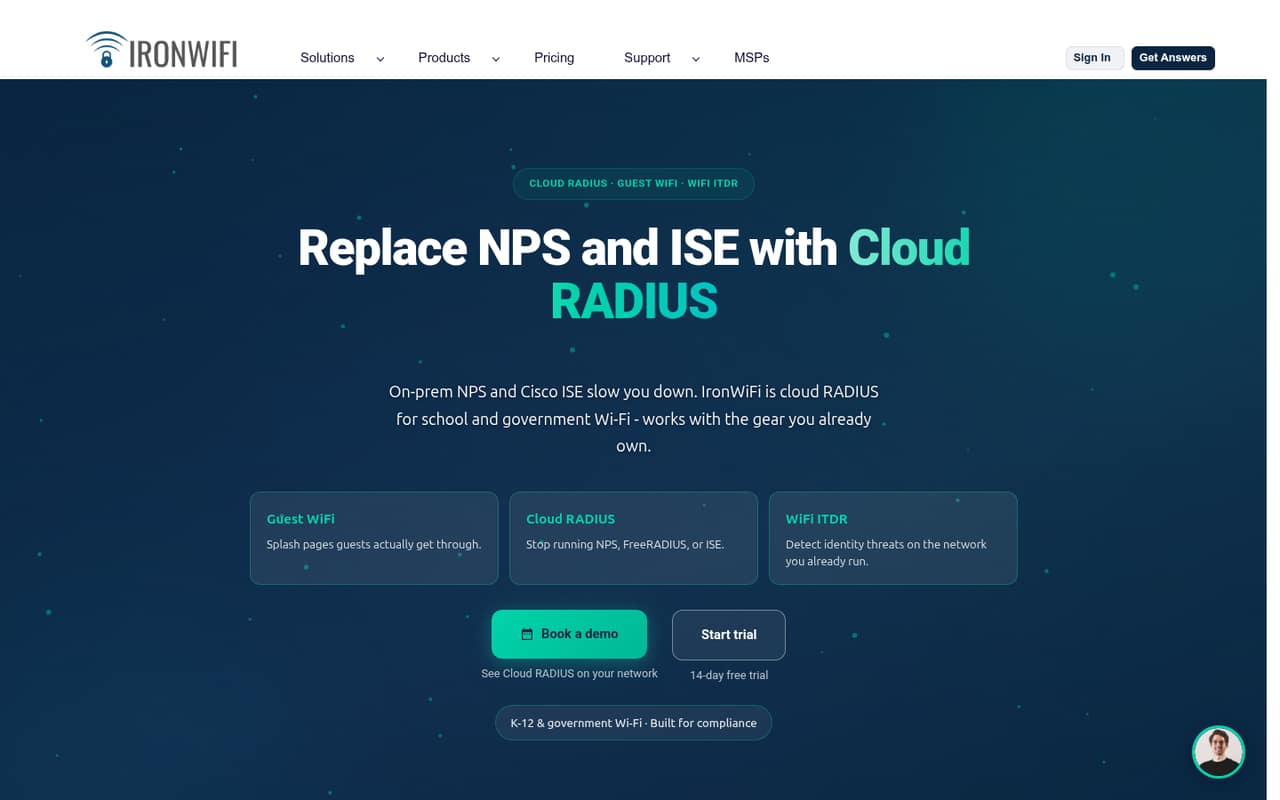
IronWiFi puts cloud RADIUS, guest WiFi, certificate management, device checks, and roaming in one platform for compatible network hardware. It’s aimed at organizations that need managed network access, not teams looking for a simple office WiFi add-on.
There’s no free plan, and the Employee Network plan’s $6.50 per-user rate comes with a $65 monthly minimum. That makes the entry cost clear, but not especially friendly to a small team with only a few employees.
Good fit if
- Schools securing student WiFi
- Teams replacing on-premises RADIUS
- Venues managing guest access
Skip it if
- Teams seeking a free plan
- Small offices with basic WiFi
- Buyers needing a published setup estimate
ScoresHow it rates
What works
- Cloud RADIUS replaces on-premises authentication systems
- Supports certificates, SCEP, and conditional access
- Guest plan includes Passpoint and OpenRoaming
- Employee plan allows up to 10 devices per user
- Works with compatible existing network hardware
What doesn't
- No free plan or published free trial
- $65 monthly minimum for Employee Network
- Annual core-plan rates are not published
- Setup time and learning curve are not published
- Employee plan caps devices at 10 per user
01Who IronWiFi is for
IronWiFi fits organizations that need to control who and what connects to WiFi: schools, government networks, businesses, and venues offering guest access. For a small business of one to ten people, it makes sense when network identity and device checks are important enough to justify a dedicated service—not just because the team needs internet access.
In plain terms, IronWiFi handles the authentication between a person or device and a WiFi network. Its cloud RADIUS can take the place of on-premises systems such as NPS, FreeRADIUS, or Cisco ISE. The platform also offers guest login pages, certificate enrollment through SCEP, device compliance checks, and roaming on compatible hardware.
The pricing is split by job: Employee Network is billed per user, while Guest WiFi is billed per access point. Schools and coworking spaces have separate plans. That specialization is useful if your network matches one of those models, but makes the product more than most small teams need for basic employee WiFi.
02IronWiFi free plan and trial
IronWiFi lists no free plan, and a free trial is not published. That means a small team cannot use a free tier to test the service before budgeting for it. The lowest-cost route depends on the job: K-12 pricing starts at $9 per student per year under 1,000 students, with a $600 yearly minimum. For a business securing employee WiFi, the Employee Network plan is $6.50 per user per month, subject to a $65 monthly minimum.
For a typical small business, plan on at least $65 per month before any applicable annual discount. Ask IronWiFi whether it offers a trial or guided evaluation, and confirm which plan and billing commitment fit your network. The vendor lists annual commitments as discounted by up to 23%, but does not publish exact annual rates for the core per-user plans.
03What a small team pays for IronWiFi
Employee Network lists a rate of $6.50 per user per month and a $65 monthly minimum. The per-seat math is $6.50 for one user, $19.50 for three, and $32.50 for five—but all three fall below the minimum, so each costs $65 per month at the listed monthly rate. That is $780 over 12 months before any discount. IronWiFi says annual commitments can be discounted by up to 23%, but exact annual rates are not published, so we can’t give a firm annual total.
The plan includes up to 10 devices per user, cloud RADIUS with multi-region failover, Cloud PKI, SCEP, and Conditional Access. If you need guest WiFi instead, that plan lists $13 per access point per month and a $65 monthly minimum; five access points at the listed rate reach that floor. Coworking costs $195 monthly for the first 15 access points, or $1,950 annually. ITDR is a separate add-on tier, with listed bundle discounts for Cloud RADIUS customers; check the current bundle price before including it in your budget.
04Getting started with IronWiFi
IronWiFi is cloud-managed, but it still sits in the path between your users, devices, and WiFi network. You’ll need compatible network hardware and a plan for how users authenticate. For certificate-based access, factor in certificate enrollment and renewals through SCEP; if you want device trust, decide how managed and compliant devices will be checked before access is granted.
The vendor’s plan details don’t give a setup-time estimate or name specific identity-provider integrations, so a small team should confirm both before committing. Ask IronWiFi what hardware configuration is required, what information it needs from your network, and who handles certificate and access policies. The range of features suggests more configuration than a basic guest WiFi portal, especially if you’re replacing an existing RADIUS server. A team without a network administrator may want implementation help confirmed in advance; its availability and cost are not published in the plan details.
05When small teams outgrow IronWiFi
IronWiFi is more likely to become costly than to hit a small-team user ceiling. Employee Network scales at $6.50 per user per month, but the $65 monthly minimum makes the first few seats expensive. As the team grows, the listed rate becomes a larger part of the bill; annual pricing may reduce it, but the vendor publishes only a maximum discount, not exact annual rates.
The Employee Network allowance of up to 10 devices per user is another point to watch if staff regularly connect many devices. Guest WiFi has a separate per-access-point meter and a $65 minimum, while coworking charges for additional access points beyond its included first 15. A growing organization may also need a different education, government, or operator plan rather than simply adding employee seats. Before expansion, confirm the applicable rate, device limits, and whether the hardware and access policies still fit. Teams that only need basic WiFi may find the ongoing minimum hard to justify.
Questions people ask
Does IronWiFi have a free plan or free trial?
IronWiFi lists no free plan, and it does not publish a free-trial offer. For a business securing employee WiFi, the lowest listed option is Employee Network at $6.50 per user per month, with a $65 monthly minimum. Ask the vendor whether it can arrange an evaluation before you commit.
How much does IronWiFi cost for a team of five?
Employee Network lists $6.50 per user per month, which would be $32.50 for five users before the minimum. The plan has a $65 monthly minimum, so a five-person team pays $65 per month at the listed monthly rate. Exact annual core-plan rates are not published.
Can IronWiFi work with our existing WiFi hardware?
IronWiFi supports compatible existing network hardware, but compatibility depends on the equipment and configuration. The plan details do not name specific hardware models. Check with IronWiFi before buying, and ask what configuration is needed for cloud RADIUS, guest access, or certificate-based authentication.
Does IronWiFi support certificate-based WiFi access?
Yes. The Employee Network plan lists Cloud PKI and SCEP, and IronWiFi describes certificate enrollment and renewals through SCEP. The platform also supports WPA-Enterprise authentication on compatible hardware. Confirm the enrollment process and any device requirements with IronWiFi for your environment.
Does IronWiFi include WiFi roaming?
IronWiFi supports Passpoint and OpenRoaming. Its Guest WiFi plan lists both, and the service description says roaming can provide access to more than 3 million hotspots worldwide. Availability depends on compatible equipment and participating networks, so confirm the fit for your deployment with the vendor.