
We may earn a commission if you buy through links on this page. It never changes a score or a ranking. How we make money
The bottom line
A capable PowerPoint course tool, but its annual per-author price adds up fast for small teams.
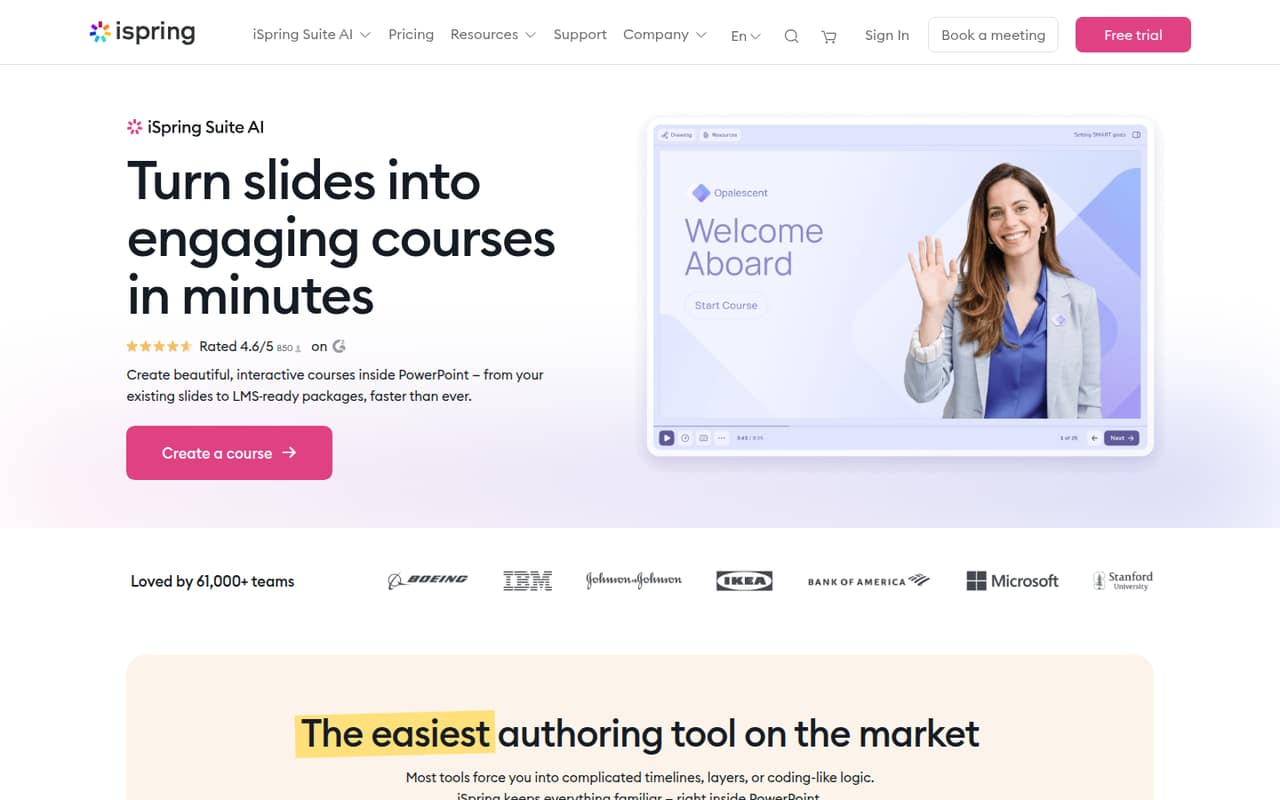
iSpring Suite is worth considering if your team already builds training in PowerPoint and needs quizzes, interactions, role-plays, videos, and LMS-ready publishing. Its AI tools and templates add options, but a free plan is not available.
The pricing page lists iSpring Suite at $970 per author per year, or about $80.83 per month on an annual-price basis. Monthly billing prices are not published. Reddit users describe an easier learning curve for PowerPoint users, while one reports SCORM tracking quirks and less conditional logic than some authoring tools.
Good fit if
- Teams authoring in PowerPoint
- LMS-ready employee training
- Course authors who want AI tools
Skip it if
- Teams needing a free tier
- Web-only authoring workflows
- Buyers requiring monthly billing
ScoresHow it rates
What works
- Build courses inside PowerPoint and reuse existing slides
- Adds quizzes, interactions, role-plays, and training videos
- AI can generate text, images, and quiz questions
- Templates help authors start course projects
- Review workspace collects feedback and translation comments
What doesn't
- No free plan is listed
- Published prices are annual and per author
- Monthly billing prices are not published
- One Reddit user reports SCORM tracking quirks
- One Reddit user says conditional logic is less deep than Storyline
01Who iSpring Suite is for
iSpring Suite is for small teams that make employee, customer, or partner training and already work in PowerPoint. It turns slides and documents into interactive courses, with quizzes, role-plays, interactions, video, and packages for LMS use. That makes it a better fit for a team of one to ten course authors than for a group that only needs occasional presentations.
The standard iSpring Suite plan is $970 per author per year, so even a small authoring group needs a real training budget. The lower-priced iSpring Cloud AI plan is listed at $720 per author per year, while iSpring Suite AI is $1,290. Those plans have different stated audiences, so compare their fit rather than picking by price alone. A Reddit commenter says adoption was easy when a team already knew PowerPoint. If your workflow depends on browser-based authoring, note that another commenter described the Suite app as download-only and Windows-only.
02iSpring Suite free plan and trial
There is no free plan listed. The pricing page lists a 14-day free trial, but does not spell out its feature scope or any limits in the trial. Ask iSpring what happens to your projects and published courses when the trial ends before using it for live training.
The cheapest listed paid option is iSpring Cloud AI at $720 per author per year, equivalent to $60 per month when divided across the year. It is described for teams creating courses with AI. If your team specifically needs the PowerPoint-based authoring plan, iSpring Suite starts at $970 per author per year. Monthly billing prices are not published, so the annual amount is the clearest cost to budget for.
03What a small team pays for iSpring Suite
The pricing page lists iSpring Suite at $970 per author per year. That is about $80.83 per author per month when the annual price is divided by 12; it is not a published monthly-billing rate. One author costs $970 a year. Three cost $2,910 a year, or an equivalent $242.50 per month. Five cost $4,850 a year, or about $404.17 per month.
For authors who want AI tools, iSpring Suite AI is $1,290 per author per year: $3,870 for three or $6,450 for five. iSpring Cloud AI is $720 per author per year: $2,160 for three or $3,600 for five. Its listed audience is teams creating courses with AI, so confirm it matches your authoring workflow. Monthly billing prices are not published, and the pricing lists no add-ons. Educator and nonprofit options require a quote. Budget by author seat, not learner count.
04Getting started with iSpring Suite
The main setup question is whether your authors already use PowerPoint. A commenter on r/instructionaldesign says adoption was genuinely easy for a team that lived in PowerPoint, with a gentler learning curve because the tool builds on familiar skills. That suggests a relatively low training burden for PowerPoint users, though it is a user report rather than a guarantee for every team.
The core workflow is to build courses in PowerPoint, then add interactions, quizzes, and other training content before publishing LMS-compatible packages. A Reddit user reported using xAPI successfully but encountering SCORM completion-tracking quirks on some LMS platforms. Test a representative course on your own LMS before rollout. One commenter also described the Suite app as download-only and Windows-only; confirm current operating-system requirements with iSpring before buying. The pricing page does not specify installation steps or a setup service.
05When small teams outgrow iSpring Suite
The first pressure point is author cost. At the listed $970 per author per year, a five-author team pays $4,850 annually before any custom-priced educator or nonprofit arrangement. The pricing page lists annual per-author prices, not monthly billing, so a team that needs a monthly commitment should ask iSpring about options before deciding.
The second is course complexity or platform fit. One Reddit user says iSpring supports knowledge checks and branching but does not offer the same depth of conditional logic as Storyline. Another reports SCORM completion-tracking quirks on certain LMS platforms. Those are individual reports, not universal limitations, but they make testing your course flow and LMS reporting important as training grows. A commenter seeking web-based alternatives called the download-only, Windows-only app a dealbreaker. If your team moves away from PowerPoint or needs more complex sequencing, reassess the workflow before adding seats.
From the threadsWhat users say
Reddit sentiment is mixed, with praise for the familiar PowerPoint workflow and concerns about promotion, platform fit, and LMS tracking. Several comments question the authenticity of iSpring-related posts, so we would treat individual product reports cautiously.
Adoption is genuinely easy if your team already lives in PowerPoint
we did hit some quirks with SCORM completion tracking on certain LMS platforms
it was a download-only Windows-only platform
all the advertisements are really starting to get on my nerves
Questions people ask
Does iSpring Suite have a free plan?
No free plan is listed. The pricing page lists a 14-day free trial, but does not specify its feature scope or trial limits. If you want to evaluate a real course workflow, ask iSpring what the trial includes and confirm you can test publishing to your LMS before the trial ends.
How much does iSpring Suite cost for a small team?
The pricing page lists iSpring Suite at $970 per author per year. That works out to $2,910 annually for three authors or $4,850 for five. The monthly equivalents are $242.50 and about $404.17, respectively, but those are annual prices divided by 12; monthly billing rates are not published.
Does iSpring Suite work with an LMS?
iSpring Suite publishes LMS-compatible course packages. A Reddit user reported xAPI working for them, along with SCORM completion-tracking quirks on certain LMS platforms. Test your own course and reporting setup before launch, since one user's experience does not establish how every LMS will behave.
Do I need PowerPoint to use iSpring Suite?
The product is described as a PowerPoint-based authoring tool that builds courses inside PowerPoint and reuses existing slides. A Reddit commenter described the Suite app as download-only and Windows-only. Confirm current software and operating-system requirements with iSpring before purchasing, especially if your team relies on browser-based tools.
What can iSpring Suite's AI tools do?
The listed AI features can generate course text, images, and quiz questions. iSpring also lists AI voiceovers and course translation into more than 50 languages. The exact AI features depend on the plan, so check the plan details with iSpring before assuming every feature is included in standard iSpring Suite.