
We may earn a commission if you buy through links on this page. It never changes a score or a ranking. How we make money
The bottom line
Strong frontline readiness features, but small teams must request a quote before they can judge the cost.
Kahuna connects frontline skills, certifications, career paths, and workforce readiness data. It is aimed at organizations managing operational teams, rather than small businesses looking for a basic HR tool.
The pricing page lists a custom-quote Enterprise plan, with no published starting price, free plan, or trial terms. That makes it difficult for a 1–10 person team to weigh the cost before talking to sales.
Good fit if
- Frontline operations teams
- Organizations tracking workforce certifications
- Employers building skills-based career paths
Skip it if
- Teams needing a free HR tool
- Buyers requiring published seat prices
- Small teams with basic staffing needs
ScoresHow it rates
What works
- Combines skills, competency, and readiness management
- Tracks certifications and flags potential lapses
- Supports structured employee career development
- Analytics surface readiness and skills gaps
- API-first integrations connect HR, learning, and operations systems
What doesn't
- No free plan is listed
- Trial availability is not published
- Starting price is not published
- Seat and usage limits are not published
- Small-team costs require a custom quote
01Who Kahuna is for
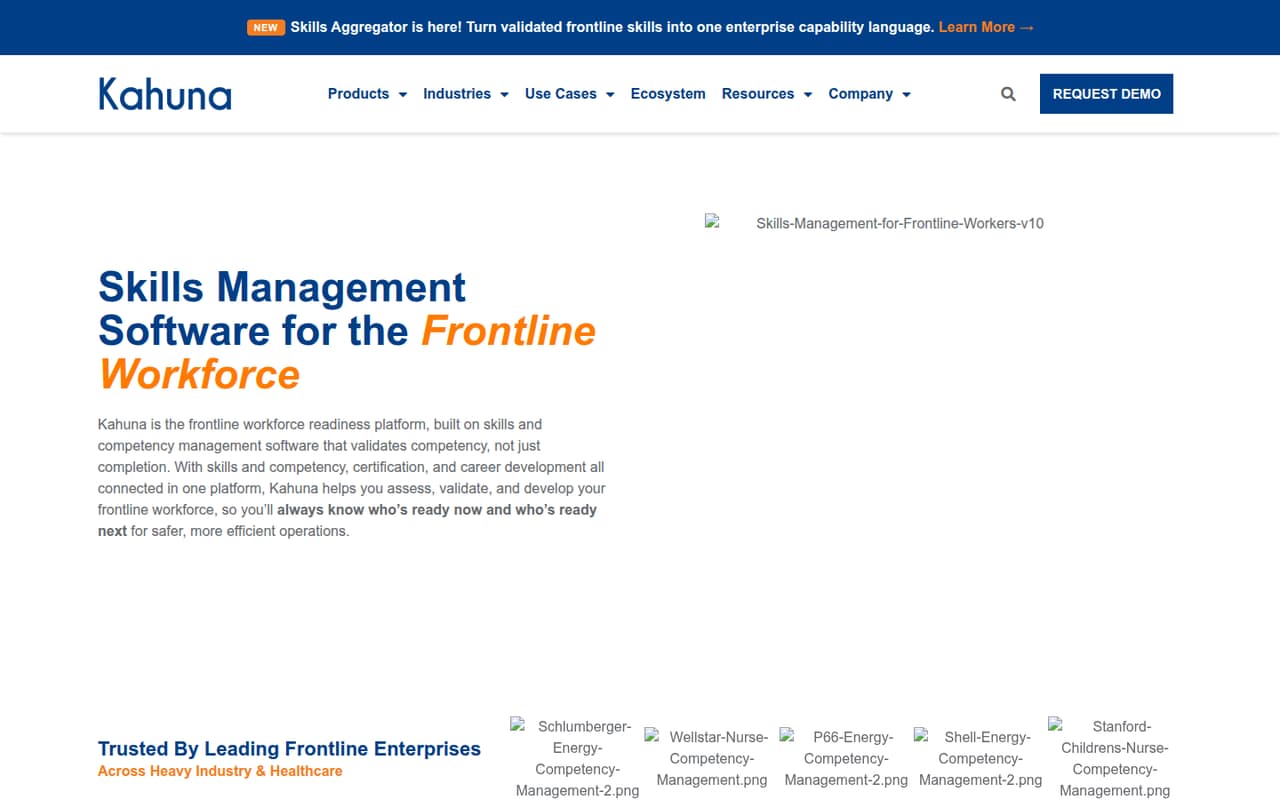
Kahuna is built for organizations with frontline operations, where managers need to know which employees have the skills and certifications for particular work. It brings skills assessment, competency validation, career development, certification tracking, and workforce analytics into one platform.
For a 1–10 person business, the key question is whether workforce readiness is a real operational problem or whether a simpler way to track training and credentials will do. Kahuna’s feature set is aimed at frontline enterprises, not a small team buying a basic HR system. The pricing page lists only an Enterprise plan with custom pricing, so a small-team budget is hard to assess upfront. It may suit a small group inside a larger operation, but ask Kahuna whether that use case qualifies and what the minimum contract looks like before investing time in a sales process.
02Kahuna free plan and trial
The pricing information lists no free plan. It also gives no free-trial terms, so we can’t confirm whether a team can try Kahuna without a paid agreement. Ask the vendor directly about a trial, demo access, or a limited evaluation before planning a rollout.
The listed way to buy is the Enterprise plan, sold by custom quote. That is the cheapest listed option, but the vendor doesn’t publish a starting price, seat minimum, or usage limits. A small team should request those details before scheduling setup work. In particular, ask whether the quote includes skills management, certification tracking, career development, analytics, and the integrations you need, or whether any capabilities are priced separately.
03What a small team pays for Kahuna
The pricing page lists one plan: Enterprise, with a custom quote. The vendor does not publish a per-seat rate, a starting price, or monthly and annual billing terms. That means there’s no reliable way to calculate the cost for one person, three people, or five people from the listed pricing.
The page says pricing scales by user count, but does not publish seat thresholds or usage limits. It lists no add-ons, which does not establish whether every capability is included in a quote. Ask for written pricing at your intended headcount, the minimum contract size, billing frequency, and any charges for integrations or additional usage. The pricing data is marked low confidence, so confirm current terms with Kahuna before budgeting. For a team watching every subscription, the lack of a public price makes it difficult to compare Kahuna with tools that publish per-seat rates.
04Getting started with Kahuna
Kahuna describes its platform as API-first and says it connects HR, learning, and operations systems. Its listed capabilities also include assigning and validating skills, tracking credentials, and using workforce analytics. The information available does not publish an implementation timeline, setup steps, or the level of technical help included.
For a small team, start by identifying the systems and records Kahuna would need to connect: employee data, learning records, operational requirements, and existing credentials. Ask the vendor which integrations are ready to use, what requires API work, who handles data setup, and how long a typical launch takes. The learning curve and onboarding effort are not published, so don’t assume a quick self-serve setup. Get the integration plan and any related costs in writing before committing.
05When small teams outgrow Kahuna
Kahuna is positioned for workforce readiness in frontline operations, so a small team may find it more than it needs before it outgrows it. If the main job is simply storing employee credentials or tracking a small number of training tasks, ask whether you need the platform’s broader skills, career development, and analytics capabilities.
A growing operation may have a stronger case for Kahuna when it needs to coordinate skills and certifications across more people or use readiness data for staffing decisions. But the pricing page does not publish seat limits, usage limits, or price thresholds, so there’s no public point at which a team must upgrade. Before signing, ask how costs change as headcount grows and whether the quoted plan covers additional users, integrations, and analytics. If those terms don’t fit your budget, compare simpler tools before building processes around Kahuna.
Questions people ask
What does Kahuna do?
Kahuna is workforce readiness software for frontline operations. It brings together skills and competency management, certification tracking, career development, and workforce analytics. Organizations can use it to assess and validate skills, monitor readiness, and identify skills gaps.
How much does Kahuna cost?
The pricing page lists an Enterprise plan with custom pricing. It does not publish a starting price, per-seat rate, or monthly and annual billing terms. Ask Kahuna for a quote at your expected headcount and confirm minimums and any usage or integration charges.
Does Kahuna have a free plan or trial?
The listed pricing does not include a free plan. Trial terms are not published, so contact Kahuna to ask whether an evaluation or trial is available and what access it includes. The listed purchase option is the custom-quote Enterprise plan.
Does Kahuna integrate with HR and learning systems?
Kahuna describes its platform as API-first and says it connects HR, learning, and operations systems. The integration information does not specify which systems are ready to connect or what setup each requires. Ask the vendor about your current systems and any implementation costs.
Is Kahuna a good fit for a small business?
It may fit a small business with frontline teams and a real need to manage skills, credentials, and readiness. The Enterprise plan is custom-priced, and the vendor does not publish a starting price or seat minimum. Get a quote and confirm the scope before deciding.