
We may earn a commission if you buy through links on this page. It never changes a score or a ranking. How we make money
The bottom line
Affordable cloud servers with useful scaling options, but setup and support reports are mixed.
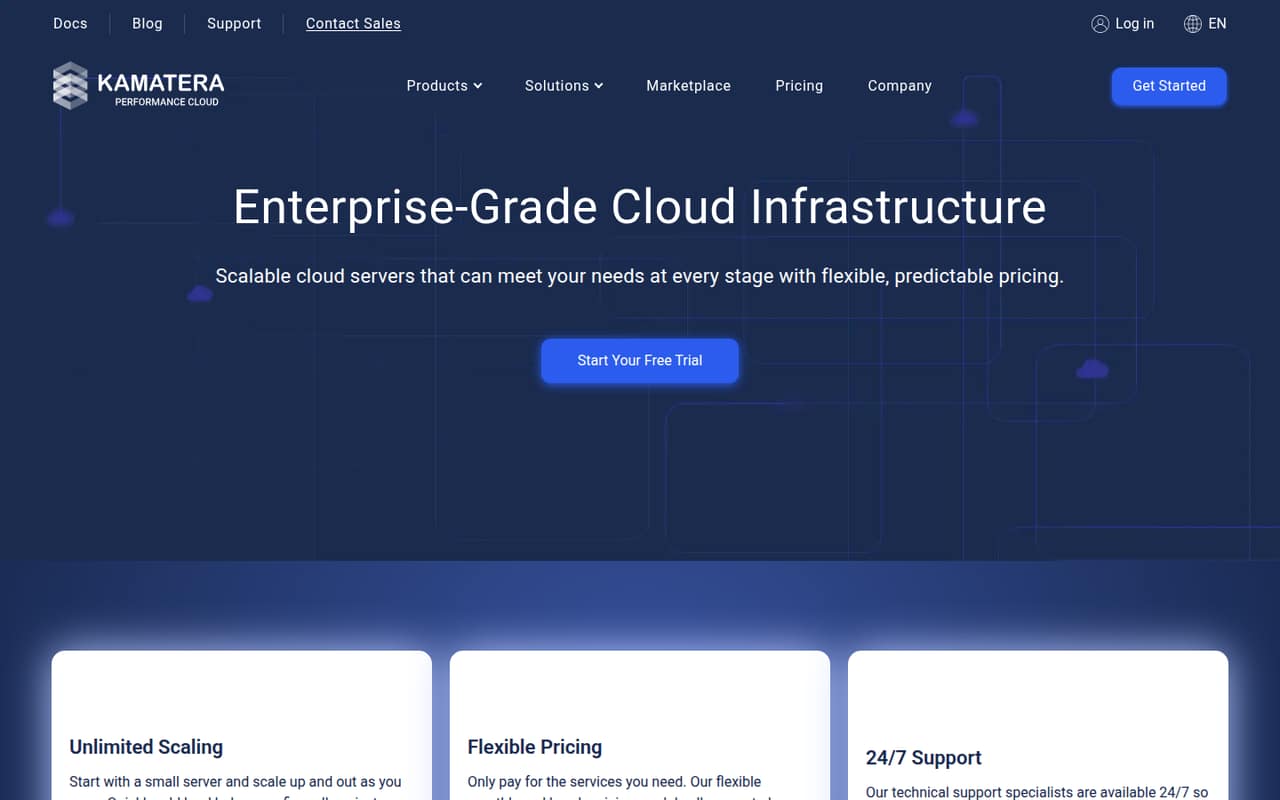
Kamatera is cloud infrastructure for teams that need servers they can size and scale, plus services such as firewalls, block storage and load balancers. The pricing page lists a $4/month Basic server and a 30-day free trial, but no ongoing free plan.
For a small team with someone comfortable managing servers, the low starting price and hourly billing can be useful. Reddit users report clunky setup, confusing billing and support problems, so we’d confirm the billing mode and support process before putting important workloads on it.
Good fit if
- Technical teams hosting apps or websites
- Small workloads with tight budgets
- Teams needing scalable cloud infrastructure
Skip it if
- Teams wanting a free ongoing plan
- Beginners who need a simple control panel
- Teams needing predictable per-seat pricing
ScoresHow it rates
What works
- Basic cloud server starts at $4/month
- Hourly servers are billed by the minute
- Server resources can scale as needs grow
- Managed cloud and 24/7 support are available
- Firewall, block storage and load balancers are offered
What doesn't
- No ongoing free plan
- Annual prices are not listed
- Licensing and managed-service prices are not shown
- Reddit users report a clunky control panel
- Some users report billing and support frustrations
01Who Kamatera is for
Kamatera is for small teams that need cloud servers, not a shared workspace or a per-seat business app. A founder, developer or IT lead can use it to host a website, app, database, WordPress site, email server or backup server. The homepage also lists managed cloud, firewalls, private networks, block storage and load balancers.
For a team of one to 10, the fit depends more on technical capacity than headcount. The $4/month Basic server is a low-cost way to start a small workload; Standard and Pro offer more CPU or memory for workloads that need them. Kamatera lists hourly and monthly pricing, so a team can choose based on how it uses its servers. We’d look elsewhere if the team needs a no-cost permanent tier or a simple, seat-based service. Reddit users have called the control panel clunky, which matters if nobody on the team is comfortable managing infrastructure.
02Kamatera free plan and trial
Kamatera does not offer an ongoing free plan. The pricing details list a 30-day free trial, but they do not spell out the trial’s resource limits, whether all services are included, or what happens when it ends. Ask Kamatera to confirm the terms and any billing requirements before creating a server.
The cheapest listed way in after the trial is the Basic plan at $4 per month. It includes 1 vCPU at 2667 MHz, 1 GB RAM, 20 GB NVMe SSD and 5 TB traffic. That is a small server, not a free team workspace: a team still needs to decide what workload it can run on those resources. Extra traffic and storage are charged separately.
03What a small team pays for Kamatera
The pricing page lists Basic at $4/month, Standard at $25/month and Pro at $39/month. Those are server prices, not seat prices. One person using one Basic server pays $4/month. If a team of three or five shares that same server, the listed server cost stays $4/month; if each person needs a separate Basic server, that is $12 or $20/month. Those examples assume one Basic server per person and exclude add-ons.
Monthly servers are prepaid; hourly servers are billed by the minute. No annual prices are shown, so we can’t compare annual savings. Standard includes 2 vCPU, 2 GB RAM, 20 GB NVMe SSD and 5 TB traffic; Pro includes 2 vCPU, 4 GB RAM, 20 GB NVMe SSD and 5 TB traffic.
Watch usage: extra traffic is $0.01 per GB and extra storage is $0.05 per GB per month. Prices for cPanel, Plesk, SQL Server, Remote Desktop, Office licensing, managed service and extended daily backup are not shown.
04Getting started with Kamatera
Kamatera offers hourly and monthly server billing, and its listed plans give a starting point for choosing CPU, RAM, storage and traffic. For a small team, the first setup decisions are which server size and billing mode fit the workload, and whether someone on the team will manage the infrastructure or use Kamatera’s managed cloud service. The vendor lists 24/7 technical support, but doesn’t publish prices for managed service in the pricing details.
User reports suggest there can be a learning curve. One Reddit thread describes the signup process as unpleasant and the panel as dated; a commenter reports confusion around SSH keys and pricing. Another user describes provisioning as inconvenient. These are individual accounts, not a guarantee of everyone’s experience. The available details don’t establish a catalog of ready-made integrations, so teams that need a specific deployment or monitoring connection should confirm compatibility with Kamatera before signing up.
05When small teams outgrow Kamatera
Kamatera’s server sizes can scale as resource needs rise, but the listed plans are not a complete sizing guide for every workload. Basic has 1 vCPU and 1 GB RAM; Standard and Pro both have 2 vCPU, with 2 GB and 4 GB RAM respectively. Teams needing more capacity should check the available configurations and total price with Kamatera rather than assume the listed tiers will fit.
A growing team may also outgrow the budget predictability of a low starting price. Extra traffic and storage cost more, while licensing, managed service and extended backup prices are not listed. Hourly and monthly billing work differently, so make sure the account is using the intended mode. Reddit users report billing confusion, support delays and control-panel friction; one post also describes trouble changing an OS image. Teams that need easy administration or dependable, clearly priced support should evaluate those needs before moving critical workloads.
From the threadsWhat users say
Reddit sentiment in the Reddit threads we read is mostly negative, with some users describing clunky setup and poor support. One evaluator did praise Kamatera’s speed tests, so experiences are not uniformly bad.
Really good speed test
Meh control panel, feels like something from 10 years ago
Yeah, Kamatera can be a bit clunky - I ran into the same issues with SSH keys and confusing pricing
This cloud provider is one of the worse I ever used. They lost GB of data from me. Very bad technical service and support
Questions people ask
What is Kamatera used for?
Kamatera provides cloud servers and infrastructure services. Its homepage lists web hosting, app development, databases, WordPress, email and backup servers as use cases. Teams can also use services such as managed cloud, firewalls, private networks, block storage and load balancers.
Is Kamatera a VPS provider?
Kamatera offers cloud servers, including small configurations such as Basic with 1 vCPU, 1 GB RAM and 20 GB NVMe SSD. Whether a particular configuration fits what you mean by a VPS depends on your workload and required resources.
How much does Kamatera cost?
The listed monthly server prices are $4 for Basic, $25 for Standard and $39 for Pro. These are server prices, not per-seat fees. Extra traffic costs $0.01 per GB and extra storage costs $0.05 per GB per month; some add-on prices are not shown.
Does Kamatera offer a free plan or trial?
Kamatera does not list an ongoing free plan, but its pricing details list a 30-day free trial. The trial’s resource limits and terms are not specified there, so confirm what is included and what billing begins after the trial before starting.
Is Kamatera safe and trustworthy?
Kamatera lists cloud firewall protection, but that alone does not establish whether the service meets your security requirements. Reddit accounts include complaints about support and billing, alongside a positive report about speed. Ask Kamatera about the controls and support commitments your workload requires.