
We may earn a commission if you buy through links on this page. It never changes a score or a ranking. How we make money
The bottom line
Good social-video tools for small teams; the free plan is tight and paid seat costs add up.
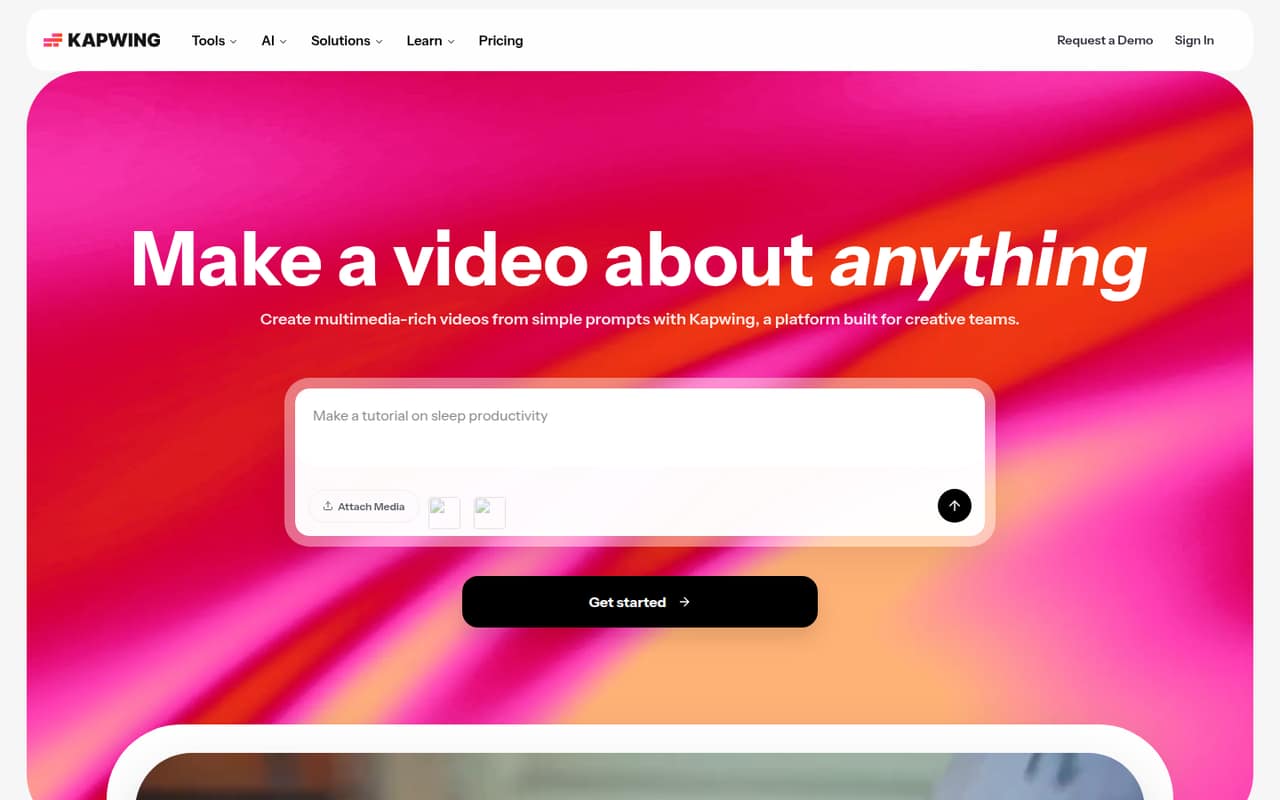
Small teams making social clips, subtitles, and quick edits may find Kapwing a good fit. Its timeline editor, collaboration features, and AI tools cover a lot of everyday video work in one product.
The free plan has a watermark, 720p exports capped at four minutes, and a monthly export limit. Pro is listed at $16/month with annual billing, but confirm whether the price applies per user before budgeting for a team.
Good fit if
- Teams making short social videos
- Creators who need subtitles and translations
- Small groups sharing editing feedback
Skip it if
- Teams needing unrestricted free exports
- Editors working on long-form video
- Teams needing clear seat pricing upfront
ScoresHow it rates
What works
- Timeline editor combines and trims clips
- AI tools generate videos, subtitles, and voiceovers
- Collaboration features support shared edits and feedback
- Pro exports up to 4K and 120 minutes
- Free plan includes 5 GB of cloud storage
What doesn't
- Free exports carry a watermark
- Free exports are limited to 720p and four minutes
- Free plan includes only 30 export minutes monthly
- Monthly-billed Pro and Business prices are not published
- Business credit add-on prices are not published
01Who Kapwing is for
Kapwing is aimed at individual creators and creative teams that need to make and edit video together. For a team of one to five, it makes the most sense when the regular work is social-ready clips, subtitles, translations, voiceovers, or quick edits—not a complex long-form production pipeline.
The product combines a timeline editor with AI video generation, text-to-speech, audio cleanup, and collaboration features. That gives a small team several common tasks in one place, rather than a standalone tool for each one. A solo creator can start on Free, while a team that needs watermark-free exports will likely look at Pro. The annual-billing rate listed for Pro is $16 per month, but Kapwing does not clarify the seat basis in the published pricing details. Before budgeting for several people, confirm whether each needs a separate subscription.
02Kapwing free plan and trial
Kapwing has a free plan, but the pricing page lists limits that matter if you publish regularly: 10 credits, exports up to 720p and four minutes, 30 export minutes per month, and 5 GB of cloud storage. Exports also carry a watermark. A free trial is not listed.
That can be enough to try the editor or make occasional short videos, but it is a poor fit for a team that needs clean, client-ready exports or longer edits. Pro removes the watermark and raises the export ceiling to 4K and 120 minutes, with 1,000 credits per month. One Reddit discussion also includes Kapwing’s cofounder saying free users can no longer import directly from a YouTube URL.
03What a small team pays for Kapwing
Kapwing lists Pro at $16 per month and Business at $50 per month with annual billing; it marks annual billing as 33% savings. The monthly-billed prices are not published. If those rates apply per person, Pro works out to $16 per month for one person, $48 for three, or $80 for five. That is $192, $576, or $960 per year, respectively.
On the same per-person assumption, Business would be $50 per month for one person, $150 for three, and $250 for five. The annual totals would be $600, $1,800, and $3,000. Kapwing’s published pricing details do not clarify whether rates are per seat or per workspace, so confirm the billing basis before multiplying. Business includes 4,000 credits per month and allows additional credit purchases, but the add-on price is not published. Pro includes 1,000 monthly credits.
04Getting started with Kapwing
Kapwing’s timeline editor and focused tools suggest a straightforward starting point for teams that already know the basics of trimming clips, adding overlays, and reviewing edits. Its collaborative interface is designed for sharing work and feedback. The product description does not specify onboarding steps, setup time, or a formal learning curve, so teams should confirm any training needs with Kapwing.
Before inviting the whole team, decide who will own projects, manage credits, and check exports against the Free plan’s limits. The pricing details do not list integrations, so ask Kapwing whether it connects to the storage, publishing, or communication tools your team already uses. That matters if your process depends on moving video files between multiple services. Reddit users discussing Kapwing focus more on plan limits and YouTube imports than on setup or integrations.
05When small teams outgrow Kapwing
You may outgrow Free as soon as you need watermark-free work, exports longer than four minutes, more than 30 export minutes a month, or resolution above 720p. Pro raises those ceilings and includes 1,000 credits monthly. Teams with larger content workflows may consider Business, which lists 4,000 credits, 800 GB of storage, custom voice clones, and lip sync. Its listed annual-billing rate is $50 per month, before any additional credit purchases.
Reddit discussions show why the free limits can be a sticking point: users complain about restrictions on imports and projects, and one user says they lost important work. Those comments are individual reports, not a guarantee of current account behavior. Kapwing’s cofounder said free users could no longer import directly from YouTube URLs. If your team depends on that workflow, or needs published seat costs and predictable add-on pricing, ask Kapwing before committing.
From the threadsWhat users say
Reddit sentiment in the Reddit threads we read is mostly frustrated with free-plan restrictions and changes to YouTube imports. There is also evidence of long-term use, but the complaints make it worth checking current limits before a team commits.
free users cannot import directly from a YouTube URL anymore
I've lost projects that were extremely important to me for things such as school
Kapwing has been what I use for 3 years, but I am afraid I have to abandon it
Right now, we can manage to support our customers but not our free traffic
Questions people ask
Is Kapwing really free?
Yes. Kapwing lists a Free plan with 10 credits, 5 GB of cloud storage, and 30 export minutes per month. Exports are watermarked, capped at 720p, and limited to four minutes each. A free trial is not listed.
How much does Kapwing cost per month?
The pricing page lists Pro at $16 per month and Business at $50 per month with annual billing. It says annual billing saves 33%, but does not show the monthly-billed prices. Confirm whether the listed rates are per user or per workspace before calculating a team budget.
Can free users import videos from YouTube?
Kapwing’s cofounder said in a Reddit thread that free users can no longer import directly from a YouTube URL. Check Kapwing’s current plan details if direct URL importing is important to your workflow, since availability may change.
Is Kapwing a trusted site?
Kapwing offers video editing, collaboration, and AI tools, but that alone does not establish whether it meets your security or privacy requirements. Enterprise lists SAML single sign-on, while the other plans’ security controls are not described in the published pricing details. Ask Kapwing about data handling before uploading sensitive footage.
How do I cancel Kapwing?
The published pricing details do not describe cancellation steps. Check your account’s billing settings or contact Kapwing support for the current process, and confirm when access ends and whether any annual subscription is refundable before you subscribe.
Sources
- Kapwing homepage
- Kapwing pricing page
- Reddit: Good Alternatives for Kapwing?
- Reddit: Kapwing has been what I use for 3 years, but I am afraid I have to abandon it. What are the best websites/apps for making memes? Other than "top text bottom text hurr durr"
- Reddit: Why We Were Forced to Move Import from YouTube Behind a Paywall :(