
We may earn a commission if you buy through links on this page. It never changes a score or a ranking. How we make money
The bottom line
A feature-rich free editor, if your team can live with a learning curve and occasional bugs.
Kdenlive is worth considering if your small team needs capable video editing without a software bill. It supports footage, audio, effects, color work, subtitles, and titles on Linux, Windows, macOS, and BSD.
The trade-off is polish: Reddit users report everything from reliable editing to crashes, lag, and confusing controls. There is no paid tier to upgrade to, so try it with your typical projects before committing a team workflow to it.
Good fit if
- Small teams with tight software budgets
- Creators editing across supported operating systems
- Teams needing broad editing features for free
Skip it if
- Teams needing predictable stability
- Editors wanting a simple, polished interface
- Organizations seeking published seat-based support
ScoresHow it rates
What works
- Free and open-source
- Runs on Linux, Windows, macOS, and BSD
- Includes audio, effects, and color tools
- Supports subtitles, titles, and transcription
- Offers multicam and nested sequences
What doesn't
- Some users report crashes and bugs
- Some users find the interface confusing
- GPU acceleration complaints appear on Reddit
- Rendering presets can feel convoluted
- Seat limits and support terms aren't published
01Who Kdenlive is for
Kdenlive makes sense for a one-to-ten-person team that wants to edit videos without adding a software subscription. The editor is free and open-source, and it runs on Linux, Windows, macOS, and BSD, so teams with mixed operating systems can consider it.
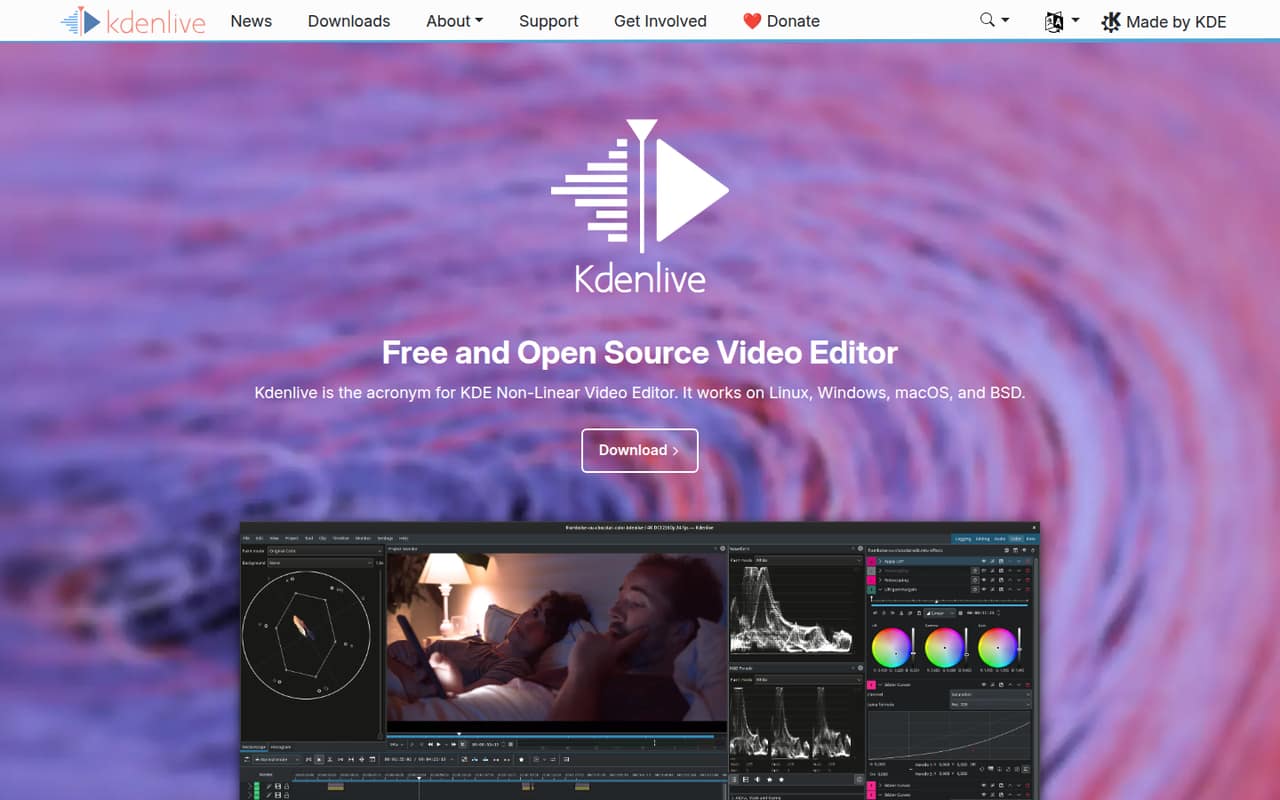
It covers the main stages of a video project: organizing footage, editing audio and video, adding effects and transitions, adjusting color, and creating subtitles and titles. Features include multicam and 3-point editing, nested sequences, voiceover recording, keyframes, color scopes, automatic transcription, and a connection to Glaxnimate for motion graphics.
That breadth makes it a plausible fit for small content teams, community groups, and creators working with limited budgets. It is less obvious as a shared production hub: team collaboration features and seat-based administration aren't published. We would assess it as an editor for people making videos, not assume it will manage a team's review and approval process.
02Kdenlive free plan and trial
Kdenlive is free and open-source, distributed under the GNU General Public License. The pricing information lists its Free / Open Source plan at $0 per month. The software supports editing from footage ingest through audio, effects, color work, subtitles, and titles, so the free version isn't described as a limited trial or a feature-restricted tier.
A free trial is not listed; there is no paid plan to trial before buying. The vendor does not publish seat or usage limits, so teams should confirm any requirements around shared use directly if those matter to their setup. The published pricing information also doesn't publish a separate paid edition or add-ons. For a small team, the practical question isn't which tier to choose; it's whether the editor works reliably for your projects and workflow.
03What a small team pays for Kdenlive
The pricing page lists Kdenlive as free software at $0 per month. That makes the monthly software cost $0 for one person, $0 for three people, and $0 for five people, assuming each person installs and uses the free software. There is no published per-seat fee to multiply.
Annual billing prices are not published, and the pricing information does not list a separate annual plan. Seat and usage limits are also not published, so ask the vendor if your organization needs a formal limit or licensing clarification. The software is distributed under the GNU General Public License.
No paid add-ons are listed. The cost of any hardware, storage, or other tools your team might use is not specified in Kdenlive's pricing information, so we can't include it in a reliable total. For a team watching every subscription, the direct price is hard to beat; the budget decision is whether the time spent learning and troubleshooting suits your team.
04Getting started with Kdenlive
Kdenlive is available for Linux, Windows, macOS, and BSD. The feature list describes a customizable interface, asset bins, tags, filters, and metadata review, which gives editors ways to organize source files and shape their workspace. The specific installation steps and the time needed to set up a team are not published on the vendor's site.
The editing workflow includes markers, automatic backups, nested sequences, and proxy clips, which one Reddit commenter mentioned as a workaround for slow editing. For motion graphics, Kdenlive connects to Glaxnimate. The details of that connection and any other integrations are not published, so confirm they suit your day-one workflow.
Expect some learning. Reddit users describe the interface as confusing and say they sometimes search for basic controls. Other commenters say they learned the ropes and use it for regular projects. Start with a short sample edit, then check how your team handles its usual footage, audio, titles, and export steps.
05When small teams outgrow Kdenlive
Kdenlive has no published paid tier to move up to, and its seat and usage limits aren't published. A growing team is more likely to outgrow the workflow than a pricing plan: for example, if it needs published collaboration or administration features, or a more polished text and font editing experience. Those capabilities aren't described in the available feature information, so confirm requirements with the vendor before making Kdenlive a team standard.
Stability and performance are another reason to reassess. Reddit reports vary: some editors describe rare or no crashes, while others report frequent crashes, slow rendering, lag, and bugs. One commenter also cited the lack of GPU acceleration, and another found the interface confusing. These reports are individual experiences, not a guarantee of what your team will encounter.
Try representative projects before relying on it for deadline-critical work. If your editors repeatedly lose time to crashes, lag, or workarounds, compare other tools rather than expecting a paid Kdenlive upgrade to solve the problem.
From the threadsWhat users say
Reddit sentiment is mixed: some users praise Kdenlive as capable and dependable, while others report crashes, lag, and confusing controls. Experiences appear to vary by project and hardware, so a small team should judge it on its own typical workload.
it will crash at least 3-4 times
extremely rarely crashes (I actually don't remember the last time it crashed)
I find myself needing to search up where ever little button is like gimp
I've run a small YouTube channel for years using Kdenlive as my main editor. It's a very capable editor
Questions people ask
Is Kdenlive still free?
Yes. Kdenlive is free and open-source, and the pricing information lists its Free / Open Source plan at $0 per month. It is distributed under the GNU General Public License. Seat and usage limits aren't published, so check with the vendor if your organization needs confirmation about a particular use.
What does Kdenlive include for free?
Kdenlive supports video and audio editing, asset organization, effects, transitions, keyframes, color tools, subtitles, and titles. Its listed capabilities include multicam editing, nested sequences, voiceover recording, automatic transcription, and a connection to Glaxnimate for motion graphics. The free version is not described as a limited trial.
Does Kdenlive work on Windows and Mac?
Yes. Kdenlive is available for Windows and macOS, as well as Linux and BSD. If a team uses more than one operating system, check its setup and typical footage workflow on each platform before standardizing on it; the listed platform support alone doesn't establish that every configuration behaves identically.
Is Kdenlive difficult to learn?
It may take some getting used to. Kdenlive has a customizable interface and a broad set of editing tools, while Reddit users report that some controls can be confusing or hard to find. Other commenters say they learned the ropes and use it for their projects. A short sample edit can help gauge the learning curve for your team.
Why do some users say Kdenlive is buggy?
Reddit users report different experiences: some describe frequent crashes, bugs, lag, or slow rendering, while others say crashes are rare or absent on their setup. One commenter pointed to hardware and project differences as possible factors. Those accounts aren't a reliability guarantee, so test Kdenlive with your own footage and editing workload.
Sources
- Kdenlive homepage
- Kdenlive pricing, compiled via web search from vidmore.com, goodfirms.co, siteefy.com, gizmodo.com
- Reddit: What is the one thing you dislike about KDENLIVE?
- Reddit: We need to be more honest and open about experience with Kdenlive
- Reddit: unfortunately, I’ve decided to stop using Kdenlive due to the frequent crashes
- Reddit: Is Kdenlive better?