
We may earn a commission if you buy through links on this page. It never changes a score or a ranking. How we make money
The bottom line
Good calendar basics for one person; team buyers need paid pricing before they can budget.
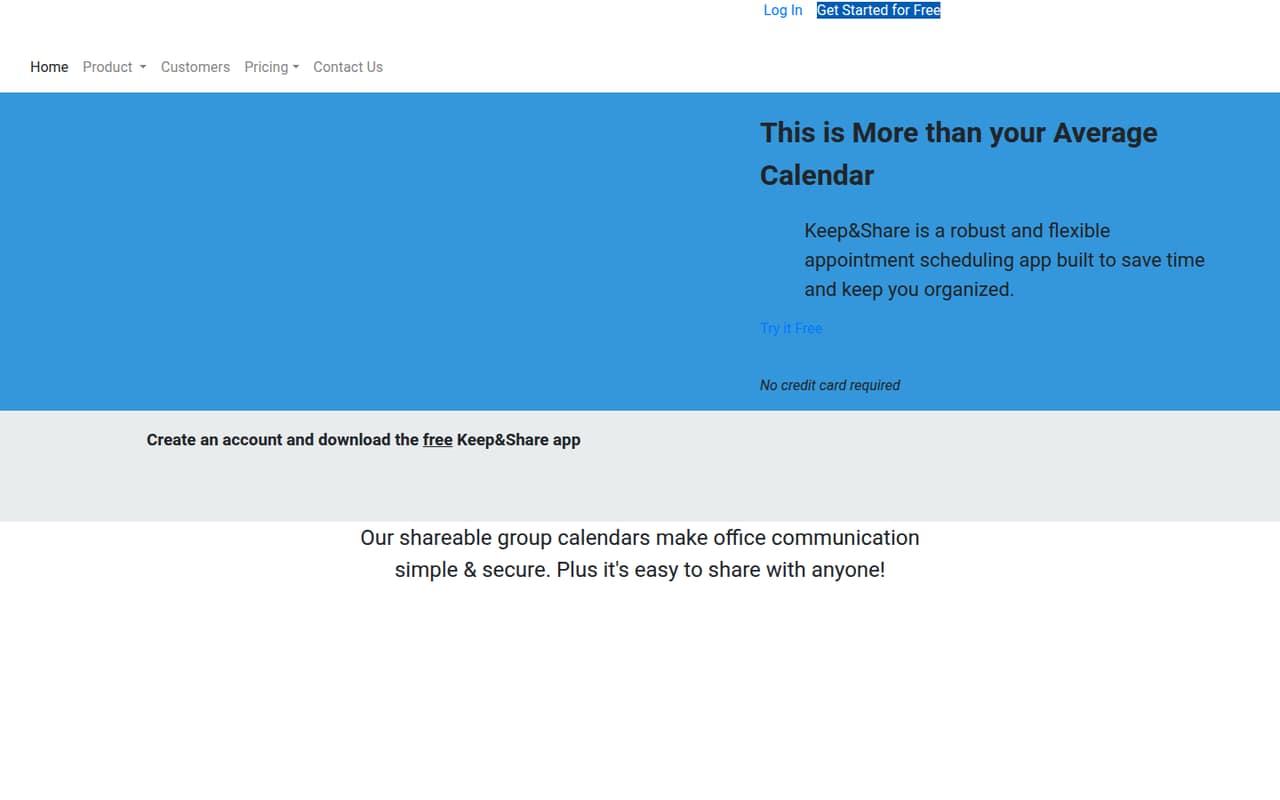
Keep&Share combines shared calendars, appointment booking, reminders, and collaboration apps. Its $0 Basic plan is limited to one user and one calendar, so it won’t cover a multi-person team for free.
The pricing page lists no paid-plan prices, which makes it hard to compare the real cost for a small office. Check the price and seat limits with Keep&Share before you build your team’s schedule around it.
Good fit if
- Solo users with light calendar needs
- Small offices needing shared schedules
- Teams wanting online appointment booking
Skip it if
- Teams needing multiple free users
- Buyers requiring clear seat pricing
- Organizations needing published integrations
ScoresHow it rates
What works
- Basic costs $0 monthly or annually
- Includes shared calendars and online booking
- Supports recurring events and color-coding
- Includes Files, To Do Lists, and Discussions
- Offers email and text reminders
What doesn't
- Basic is limited to one user
- Basic includes just one calendar
- Basic caps calendar entries at 500
- Paid-plan prices are not listed
- Named integrations and setup time aren’t published
01Who Keep&Share is for
Keep&Share is aimed at offices, groups, and small businesses that need to coordinate appointments and shared schedules. It combines calendars with online booking, reminders, and collaboration tools such as Files, To Do Lists, Addresses, Photos, and Discussions.
For a one-person operation, the free Basic plan may be enough for light calendar use. A team of two to ten people should check the paid seat limits and price first: Basic includes one user, so it doesn’t cover a multi-person team as listed. The product could suit a small office that wants visitors to book appointments and staff to see schedules in one place. It’s a harder fit for a budget-conscious team that needs to know the total monthly cost before signing up. Keep&Share’s calendar and booking functions are clear; the paid cost for a small team isn’t.
02Keep&Share free plan and trial
The pricing page lists Basic at $0 per month or annually. It includes one user, one calendar, 500 calendar entries, two event tags, 50 MB of file storage, and 100 addresses. That’s a useful no-cost starting point for an individual, but the one-user limit means it isn’t a free plan for a team to share across several accounts.
Keep&Share also lists a 15-day free trial. The trial’s plan eligibility and terms aren’t specified, so ask the vendor what features it includes and whether payment details are required. Basic is the cheapest listed option; paid-plan prices aren’t listed, so we can’t confirm the cost of adding teammates or removing Basic’s limits.
03What a small team pays for Keep&Share
For one person, the listed Basic price is $0 monthly or annually. Basic includes one user, so the same plan does not establish a price for three or five people. The pricing page doesn’t list paid-plan rates or billing terms, which means we can’t calculate a reliable monthly or annual total for a small team.
There are no add-ons listed. That doesn’t tell us whether paid plans bundle extra storage, calendars, or seats; ask Keep&Share for the full plan comparison before committing. For budgeting, treat the free plan as a solo-user option, not a confirmed $0 team plan. Ask for the price for three and five users, whether seats are charged individually, and whether annual billing changes the rate. Until those figures are clear, a team can’t compare Keep&Share’s real cost with other calendar tools.
04Getting started with Keep&Share
The basic workflow is easy to understand: create calendars, share them with the people who need access, and use online booking if visitors should reserve appointments. Teams can also organize schedules with colors and event tags, set recurring events, and use reminders. These are product features, not a measured setup time; the vendor doesn’t publish how long setup takes.
The vendor also doesn’t publish named integrations in the product details available to buyers. If your team needs calendar syncing, a particular email service, or another connection on day one, ask Keep&Share to confirm whether it’s supported. The service includes Files, To Do Lists, Addresses, Photos, and Discussions, which may cover some coordination needs inside the product. We’d confirm access permissions and reminder options during onboarding, especially before sharing calendars with clients or contractors.
05When small teams outgrow Keep&Share
The first clear limit is the Basic plan’s one-user cap. A team that needs multiple people on the account will need a paid option, but the listed pricing doesn’t show its price or seat limits. Basic also stops at one calendar, 500 entries, two event tags, 50 MB of file storage, and 100 addresses. A busier schedule or larger contact list could reach those caps.
Before choosing Keep&Share for a growing team, ask the vendor which paid plan supports your headcount and how it handles extra calendars, storage, and entries. Also check the cost for three or five users and whether annual billing changes it. If the price or needed limits don’t fit your budget, the uncertainty itself is a reason to compare alternatives. The published Basic details show where a solo user starts; they don’t establish a clear upgrade path.
Questions people ask
Is Keep&Share free?
Yes. The pricing page lists Basic at $0 monthly or annually. It includes one user, one calendar, 500 calendar entries, two event tags, 50 MB of file storage, and 100 addresses. Because it is limited to one user, it isn’t a free multi-user team plan.
How much does Keep&Share cost for a team?
The paid-plan prices aren’t listed, so we can’t give a reliable total for a team. Ask Keep&Share for the monthly and annual cost for your number of users, plus any limits on calendars, entries, or storage. Basic is free but only includes one user.
Does Keep&Share offer a free trial?
The pricing information lists a 15-day free trial. It doesn’t specify which plan the trial covers or its signup terms. Ask Keep&Share whether the trial includes the features your team needs and whether payment details are required.
Can Keep&Share send appointment reminders?
Keep&Share’s listed features include automated email and text reminders, along with notifications about calendar changes. Check with the vendor about which plans include each reminder type and whether any usage limits apply; those details aren’t specified in the listed pricing.
Can visitors book appointments with Keep&Share?
Yes. Keep&Share lists online booking that lets visitors reserve available appointments using a custom form. The pricing information doesn’t say which plans include booking, so confirm availability and any limits with the vendor before relying on it for your business.