
We may earn a commission if you buy through links on this page. It never changes a score or a ranking. How we make money
The bottom line
Strong product visualization, but no free plan and steep per-seat costs for small teams.
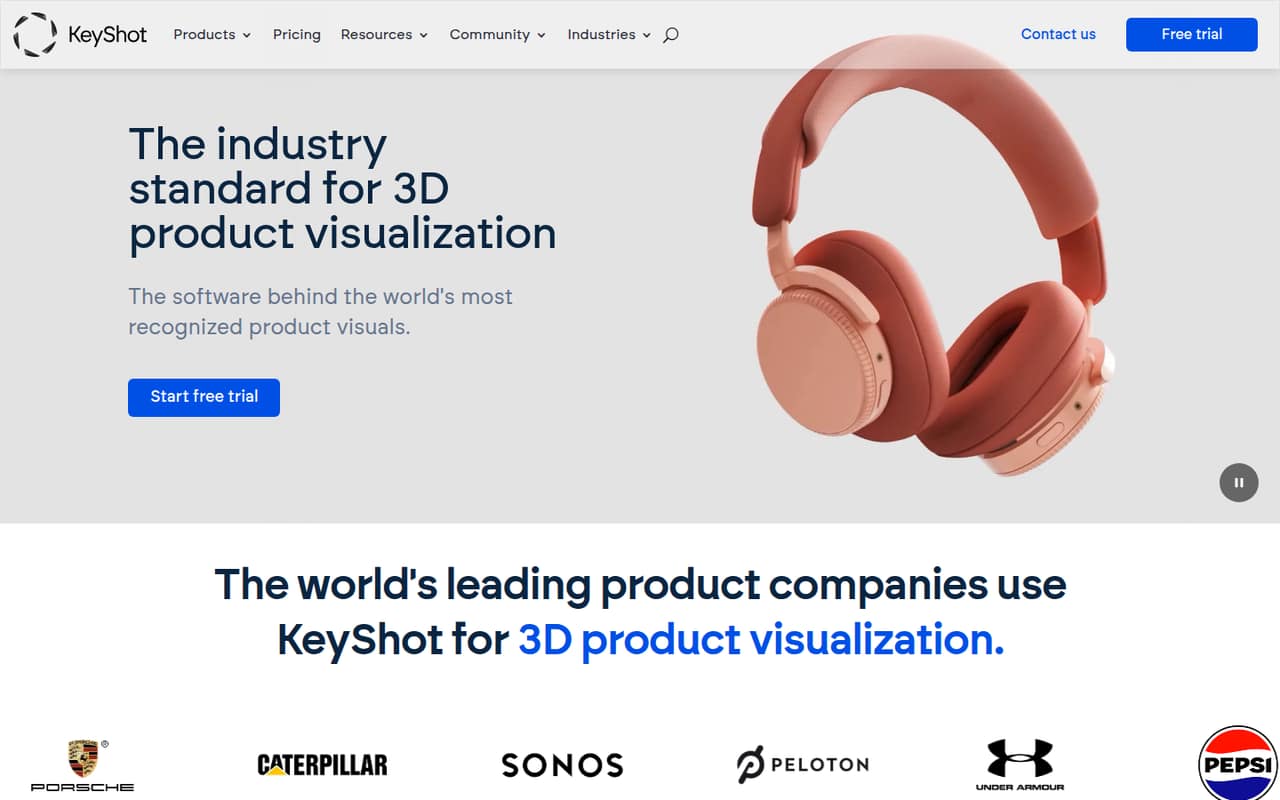
KeyShot is built for design and engineering teams that need product renders, animations, and interactive 3D content from CAD models. Its feature set covers the path from early concepts to marketing assets, including materials, lighting, animation, and 3D exports.
There’s no free plan, and Professional starts at $108.25 per user per month on the listed annual rate. Reddit users praise its quick, drag-and-drop workflow, while others object to the subscription cost and say Blender takes longer to learn.
Good fit if
- Product designers with CAD models
- Small teams producing marketing renders
- Teams needing animations and 3D exports
Skip it if
- Hobbyists needing free software
- Teams with tight per-seat budgets
- People seeking a published monthly rate
ScoresHow it rates
What works
- Supports 34+ CAD formats on Professional
- Creates renders, animations, and interactive 3D
- Includes a 14-day free trial
- Business offers centralized seat management
- Professional includes a 12-hour critical issue response SLA
What doesn't
- No free plan
- Professional starts at $108.25 per user monthly on the annual rate
- Monthly billing prices are not published
- Add-ons can raise the bill
- Reddit users report subscription and license concerns
01Who KeyShot is for
KeyShot is for product designers and small design, engineering, or marketing teams that already work with 3D or CAD models and need polished product visuals. It turns those models into renders, animations, and interactive 3D content using materials and lighting. The listed workflow spans early concepts through final marketing images.
For a one-person studio, KeyShot Professional is the plan aimed at individual designers and small studios. A team can also consider Business, which adds transferable individual seats and centralized seat management. The trade-off is cost: Professional’s listed annual rate is $108.25 per user per month, before any add-ons. That makes the tool a better fit when saved production time or client work justifies the subscription, rather than for occasional hobby rendering. Teams of up to ten should compare the seat total with their actual render workload before signing up.
02KeyShot free plan and trial
KeyShot has no free plan. The listed entry point for eligible full-time students and faculty is KeyShot Studio for Education (EDU), at $95 per year. It includes KeyShot Studio features and KeyShotXR, but is for learning purposes only, and EDU files do not open in other versions.
For other buyers, KeyShot offers a 14-day free trial. The published pricing details do not specify which features or usage limits apply during the trial, so confirm those with the vendor before planning a project around it. Once the trial ends, the cheapest listed standard plan is KeyShot Professional at $108.25 per user per month on the annual rate. There is no ongoing free tier for a small team to fall back on.
03What a small team pays for KeyShot
KeyShot Professional is listed at $108.25 per user per month when billed annually, or $1,299 per seat for a year. That works out to $324.75 per month equivalent and $3,897 per year for three people, or $541.25 per month equivalent and $6,495 per year for five. These are per-seat calculations from the listed rate; the vendor also describes pricing as available on a three-year total. A separate month-to-month price is not published.
For teams wanting Business features, the listed rate is $133.25 per user per month on the annual rate. Three seats come to $399.75 monthly equivalent, or $4,797 a year; five come to $666.25 monthly equivalent, or $7,995 a year. Add-ons can change the total: Network Rendering starts at $62.42 per month billed annually for 32 cores, the NX Plugin is $29 per month billed annually, and VR is $99 per month billed annually. Cloud Rendering uses prepaid credits, with packs starting at $25.
04Getting started with KeyShot
The basic workflow is to bring in a CAD model, apply materials and lighting, then create still renders or animations. KeyShot Professional lists support for 34+ CAD formats, and the platform describes preserving CAD geometry on import. For output, the listed options include GLB, USD, and interactive 3D content. The vendor does not publish a setup-time estimate, so allow time to check that your CAD formats and output needs are covered before buying.
One commenter on r/IndustrialDesign describes KeyShot as “quick to use and largely drag and drop,” while contrasting that with Blender’s steeper learning curve. That’s an individual user’s view, not a guarantee that every workflow is simple. The published feature list does not name specific third-party integrations beyond CAD import and export formats. If your team needs a particular connector or a shared asset workflow, ask the vendor whether it is supported before committing.
05When small teams outgrow KeyShot
The first pressure point is often the seat bill. A three-person team on Professional is $3,897 a year at the listed annual rate; five seats are $6,495. Business costs more per seat, but adds transferable seats, centralized seat management, Network Rendering options, and a four-hour critical issue response SLA. Those features may matter as work and staff shift between projects, but the plan jump should be weighed against how often the team needs them.
Teams may also need paid extras: Network Rendering, VR, the NX Plugin, or rendering credits. KeyShotWeb and KeyShot DAM do not have published prices, so ask for a quote if they are part of your workflow. Reddit users report frustration with the move away from perpetual licenses and the ongoing subscription cost; others say KeyShot’s quick workflow can save learning and production time compared with Blender. If your work is occasional or the annual seat total is hard to justify, reassess before renewal.
Questions people ask
Is KeyShot free?
No. KeyShot does not have a free plan, though it offers a 14-day free trial. Eligible full-time students and faculty can get KeyShot Studio for Education for $95 per year, for learning purposes only. For other buyers, the listed standard starting rate is $108.25 per user per month for Professional when billed annually.
Is KeyShot difficult to learn?
A commenter on r/IndustrialDesign describes KeyShot as quick to use and largely drag and drop, but that is one user’s experience. The vendor does not publish a learning-time estimate. The workflow centers on importing a model, applying materials and lighting, and creating renders or animations.
What is the cheapest KeyShot plan for a small team?
KeyShot Professional is the lowest-priced standard plan listed, at $108.25 per user per month on the annual rate. It is described as being for individual designers and small studios. Business costs $133.25 per user per month on the annual rate and adds team-focused seat management and other options.
Can KeyShot import CAD models?
Yes. KeyShot Professional lists support for 34+ CAD formats, and the product description says CAD geometry is preserved when models are imported. Check with the vendor if you rely on a specific format, because the published feature summary does not name each supported format.
What is the most recent version of KeyShot?
The vendor’s public product and pricing details do not list a latest version number. Ask KeyShot sales or support for the current release and whether it is included with the plan you are considering. Also confirm whether your existing project files are compatible before changing versions.
Sources
- KeyShot homepage
- KeyShot pricing page
- Reddit: Since KS is going full "pay us or suck it" mode for old licences, are there any alternatives?
- Reddit: Can anyone tell me the best alternative rendering software that’s similar to keyshot but better and free?
- Reddit: Perpetual licenses ending after Jan 1. Any affordable options or workarounds for small freelance users?
- Reddit: Keyshot alternatives?