
We may earn a commission if you buy through links on this page. It never changes a score or a ranking. How we make money
The bottom line
Kickserv covers the core field-service workflow, but its cheapest plan starts at five users.
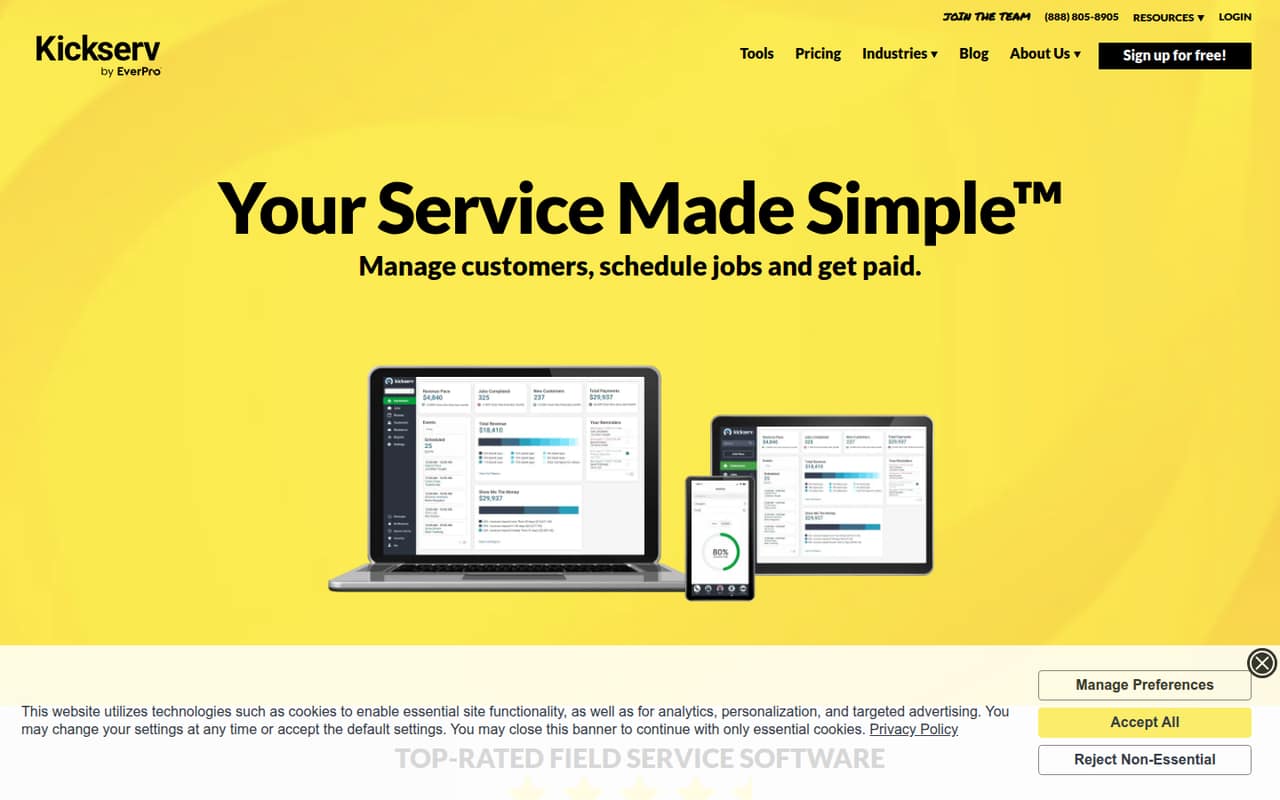
Kickserv brings customer records, estimates, scheduling, jobs and invoices into one field-service tool. Its Start plan costs $60 monthly for up to five users, or $48 per month with annual billing, and there’s a 30-day trial but no free plan.
For a small service business already using QuickBooks Online, Start includes that integration and more than 20 reports. A solo operator still pays for a five-user plan, while a team that needs custom reports or dispatch mapping must move up to Run.
Good fit if
- Service teams needing scheduling and invoicing
- Businesses using QuickBooks Online
- Teams with up to five users
Skip it if
- Solo operators seeking a free tool
- Teams needing fewer than five paid seats
- Businesses needing custom reports on Start
ScoresHow it rates
What works
- Combines customers, estimates, jobs and invoices
- Start includes up to five users
- QuickBooks Online integration is included on Start
- Customer Center supports job tracking and payments
- 30-day trial available
What doesn't
- No free plan
- Start costs $60 monthly even for one user
- Custom reports require the Run plan
- QuickBooks Desktop integration costs extra on Run
- Setup time and support details aren’t published
01Who Kickserv is for
Kickserv is for service businesses that need one place to manage customers, estimates, scheduled jobs and invoices. The Start plan supports up to five users, so it fits a small crew better than a solo operator who wants to pay for just one seat. It costs $60 per month, or $48 per month with annual billing.
The workflow covers more than office administration: technicians can access schedules, GPS and time tracking, and digital signatures in the mobile app. Customers can use the Customer Center to follow job progress and make payments. That makes Kickserv worth considering if your team is replacing separate scheduling, estimating and invoicing steps. A Reddit commenter called it a “solid budget option,” while cautioning that it should fit the business’s workflow as it grows. Start includes QuickBooks Online integration; teams that need custom reports or dispatch mapping should compare Run before committing.
02Kickserv free plan and trial
Kickserv doesn’t offer a free plan. The pricing page lists a 30-day free trial, which gives a small team a limited-time way to assess the product before paying. The trial’s user cap, feature restrictions and whether a payment method is required aren’t published, so ask Kickserv before signing up if any of those affect your decision.
After the trial, the cheapest listed option is Start: $60 per month for up to five users, or $48 per month with annual billing. It includes an embeddable contact form, email and text reminders, more than 20 reports and QuickBooks Online integration. There isn’t a cheaper paid option for a one-person business, so the trial is the only no-cost route listed.
03What a small team pays for Kickserv
Start is $60 per month for up to five users, or $48 per month with annual billing, a 20% saving per the pricing page. For one person, that works out to $60 monthly or $48 per month annually—$60 or $48 per user, respectively. A three-person team pays the same plan price, or $20 per user monthly and $16 per user with annual billing. At five users, the effective cost falls to $12 or $9.60 per person per month.
Start includes QuickBooks Online integration. If your team needs custom reports, dispatch mapping or GPS check-ins, Run supports up to 10 users and costs $119 monthly or $95.20 per month with annual billing. QuickBooks Desktop integration on Run is an extra $50 per month. Kickserv Kickback offers 5% off monthly fees when online payment processing reaches at least $1,000 per month on Start, $2,000 on Run or $3,000 on Scale.
04Getting started with Kickserv
Kickserv’s feature set suggests you’ll be organizing customer records, estimates, jobs and invoices in the same system, but the vendor doesn’t publish a setup-time estimate or a step-by-step onboarding commitment. Plan time to check how your existing customer and job information will fit, and ask Kickserv what help is available during setup.
For a team already using QuickBooks Online, Start includes that integration. The product also lists connections to QuickBooks Desktop, Stripe, Mailchimp and Customer Lobby; QuickBooks Desktop is a $50-per-month add-on on Run. The mobile app covers technician schedules, GPS, time tracking and digital signatures, while the Customer Center gives customers job progress and payment access. A Reddit commenter advised trying demos to see what fits the daily workflow. That’s sensible here: confirm the office and field processes before moving records over.
05When small teams outgrow Kickserv
The clearest upgrade point is the five-user cap on Start. A sixth user means moving to Run, which supports 10 users and costs $119 monthly or $95.20 per month with annual billing. That is a jump from Start’s $60 or $48 monthly equivalent. Run also adds dispatch mapping, GPS check-ins and custom reports, so teams may upgrade for those features before they need all 10 seats.
Scale supports 20 users and costs $199 monthly or $159.20 per month with annual billing. It adds custom templates and expense tracking to Run’s features. A Reddit commenter described Kickserv as a budget option but said to make sure it fits the workflow as the business grows. That’s a useful test: compare the price of the next tier with the value of its extra reporting, dispatch and tracking tools. If you need fewer than five paid seats, Start’s fixed plan price may also be a reason to look elsewhere.
From the threadsWhat users say
The small amount of Reddit discussion is mixed but mildly positive: one commenter calls Kickserv a budget option, while stressing workflow fit. Another says field-service tools generally cover scheduling and invoicing basics.
Kickserv is a solid budget option too
just make sure it fits your workflow as you grow
most of these tools will do the basics like scheduling and invoicing pretty well
I just started my own electrical company and am looking for suggestions for software for scheduling, estimating, and invoicing, etc
Questions people ask
Is Kickserv a CRM?
Kickserv includes customer management features: you can view job history and message customers, and customers can use the Customer Center. It also handles estimates, job scheduling and invoicing. It’s best described as field-service software with customer-management features rather than a tool limited to contact records.
Does Kickserv have a free plan?
No. Kickserv lists a 30-day free trial, but no ongoing free plan. After the trial, Start is the cheapest listed plan at $60 per month, or $48 per month with annual billing, for up to five users.
How much does Kickserv cost for a small team?
Start costs $60 monthly or $48 per month with annual billing and supports up to five users. That is $20 per person monthly for a three-person team, or $12 per person for five users. Run costs $119 monthly or $95.20 per month annually.
Can customers track jobs and pay online?
Yes. Kickserv’s Customer Center lets customers track job progress and make payments. The product also lists online payment collection as an invoicing feature. The pricing information doesn’t specify processing fees, so ask Kickserv for the applicable payment rates.
Does Kickserv integrate with QuickBooks?
Start includes QuickBooks Online integration. QuickBooks Desktop is also listed as an integration, but on Run it costs an additional $50 per month. Confirm with Kickserv which plan and setup steps apply to your QuickBooks configuration.