
We may earn a commission if you buy through links on this page. It never changes a score or a ranking. How we make money
The bottom line
Good for teams replacing spreadsheets with custom workflows; the five-seat minimum is the catch.
A small team may not need kintone if a shared spreadsheet and basic task tracking already work. But teams that need custom apps, approvals, reminders and team conversations alongside their data can build those workflows in one cloud platform.
There’s no free plan, and paid plans start at five users. Professional is listed at $16 per user per month, so the minimum is $80 monthly. That makes kintone a better fit for a five-person team with real workflow needs than for a solo user or a team of three.
Good fit if
- Five-person teams replacing spreadsheets
- Teams building approval workflows
- Groups keeping data and discussions together
Skip it if
- Solo users seeking a free plan
- Teams with a strict low budget
- Teams needing a quick preset CRM
ScoresHow it rates
What works
- Drag-and-drop tools for building business apps
- Can convert spreadsheets into collaborative databases
- Approvals, reminders and task handoffs
- Comments and files alongside records
- APIs, plugins and third-party extensions
What doesn't
- No free plan
- Paid plans start at five users
- Professional costs $80 monthly at the minimum
- Annual rates are not published
- Additional-user and extension prices are not published
01Who kintone is for
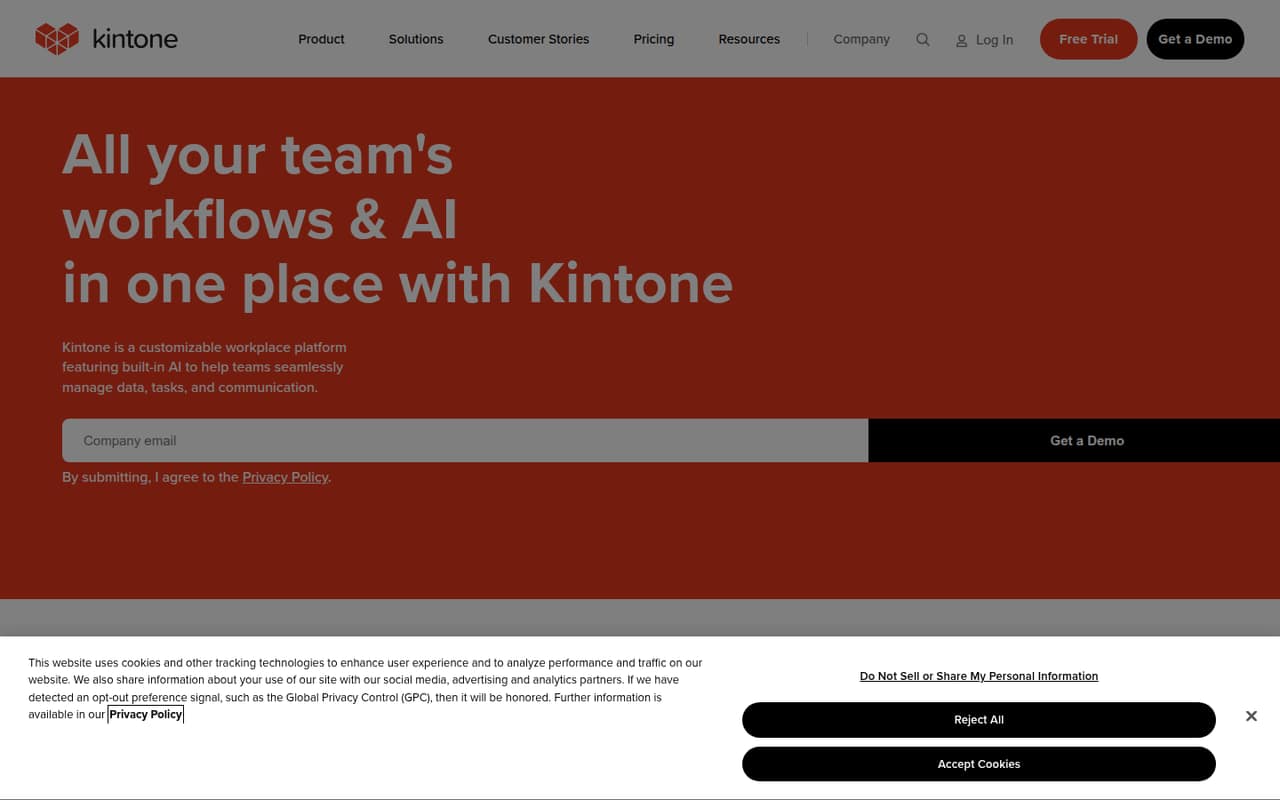
Kintone suits a small team that has outgrown a shared spreadsheet but isn’t ready to build or buy a custom software system. It provides a cloud workspace for creating business apps, organizing team data and connecting records with tasks, conversations and workflows.
A five-person operations, project or service team could use it to turn spreadsheets into shared databases, route approvals, send reminders and keep files beside the work they relate to. Drag-and-drop app building and plain-language AI assistance are intended to help teams shape their own workflows. The platform also offers permissions, revision history, APIs and extensions.
The budget fit is less friendly for teams under five: both listed paid plans start at five users. Professional starts at $16 per user per month, which means an $80 monthly minimum. If your team only needs basic task lists or a simple contact tracker, that minimum may be hard to justify.
02kintone free plan and trial
Kintone has no free plan. The pricing page lists a 30-day free trial, but it does not specify the trial’s feature limits or whether it requires a particular plan. Check those details with Kintone before building a workflow you’ll depend on.
The cheapest paid option is Professional at $16 per user per month, with a five-user starting point. That makes the listed minimum $80 per month. Professional includes all basic features, up to 900 apps, 300 spaces and 50,000 records per app. The vendor says monthly or annual contracts are available, but does not list a separate annual price.
For a small team, use the trial to confirm that the app-building and workflow tools match your actual process. The trial is a temporary way to evaluate kintone, not a free tier for ongoing use.
03What a small team pays for kintone
The pricing page lists Professional at $16 per user per month, starting at five users. At that rate, one seat would be $16 and three seats would be $48 as simple per-seat maths, but neither is a listed purchase option: the five-user minimum makes the entry price $80 per month. A five-person team pays $80 monthly at the listed rate. The annual contract rate is not published, so we can’t give an annual total.
Custom costs $20 per user per month and also starts at five users. Its five-seat minimum works out to $100 per month. It adds advanced customization options; the listed limits include 900 apps and 300 spaces.
Budget beyond the base plan carefully. Kintone says additional users are billed separately, but does not publish their price. Optional extensions and Kintone Custom pricing are also not published. Automated batch processing requires an additional option, whose price is not listed. Ask for the full quote, including any extension or extra-user charges, before choosing a plan.
04Getting started with kintone
Kintone’s drag-and-drop app builder and spreadsheet conversion are designed to help teams make their own business apps. That can keep you from starting with a blank database, but the platform’s flexibility also means you’ll need to decide how your records, permissions and workflows should be organized. Kintone does not publish a standard setup time, so allow time for planning and configuring your first app rather than assuming it is ready-made.
For a first workflow, choose one spreadsheet or approval process to recreate, then decide who can view and change its records. Kintone lists permissions and revision history among its controls. Its available integration routes include APIs, plugins and third-party services; the specific connectors your team needs and their setup steps should be confirmed with Kintone. AI features can help configure apps and search or summarize records, but a team should still check that its app structure fits the work.
05When small teams outgrow kintone
The first constraint may arrive before the team grows: Professional and Custom both start at five users. A solo user or three-person team still faces a five-seat minimum, and the listed starting prices make that $80 per month for Professional or $100 for Custom. Additional-user billing is separate, but Kintone does not publish its price, so ask for the cost of each planned seat as your team expands.
Professional includes 900 apps, 300 spaces and 50,000 records per app. A team approaching those listed limits should check its usage and ask Kintone about options. Custom offers advanced customization and lists 900 apps and 300 spaces, but costs $20 per user per month at its five-seat minimum. It may fit a team that needs those customization options; it is not a cheaper capacity upgrade. If your team needs more seats, extensions or automated batch processing, get a full quote before committing to the next stage.
Questions people ask
Is kintone a CRM?
Kintone is a customizable workplace platform for building business apps and managing data, tasks, communication and workflows. Teams can configure an app for customer records, but the listed information does not describe it as a dedicated CRM. Check whether its app and workflow features match your sales process.
What is kintone used for?
Teams use kintone to build business apps, organize shared data, manage tasks and communicate around records. Its listed workflow tools include approvals, reminders, task handoffs and scheduled notifications. It also supports permissions, revision history and integrations through APIs, plugins and third-party services.
Does kintone have a free plan?
No. Kintone lists a 30-day free trial, but not an ongoing free plan. Its cheapest listed paid plan is Professional at $16 per user per month, starting at five users, for a minimum of $80 per month.
How much does kintone cost for five people?
Professional is listed at $16 per user per month, so five seats cost $80 monthly. Custom is $20 per user per month, or $100 monthly for five. The pricing page says annual contracts are available but does not list a separate annual rate.
Where is kintone from?
Kintone’s listed product and pricing information does not identify where the company or product is from. If the vendor’s location matters for procurement, data handling or support, ask Kintone directly.